This guide explains how to configure SFTP remote storage for backups using the Time Machine feature in RingQ. SFTP is recommended over FTP because it encrypts data using SSH.
Before configuring SFTP backup in RingQ, ensure:
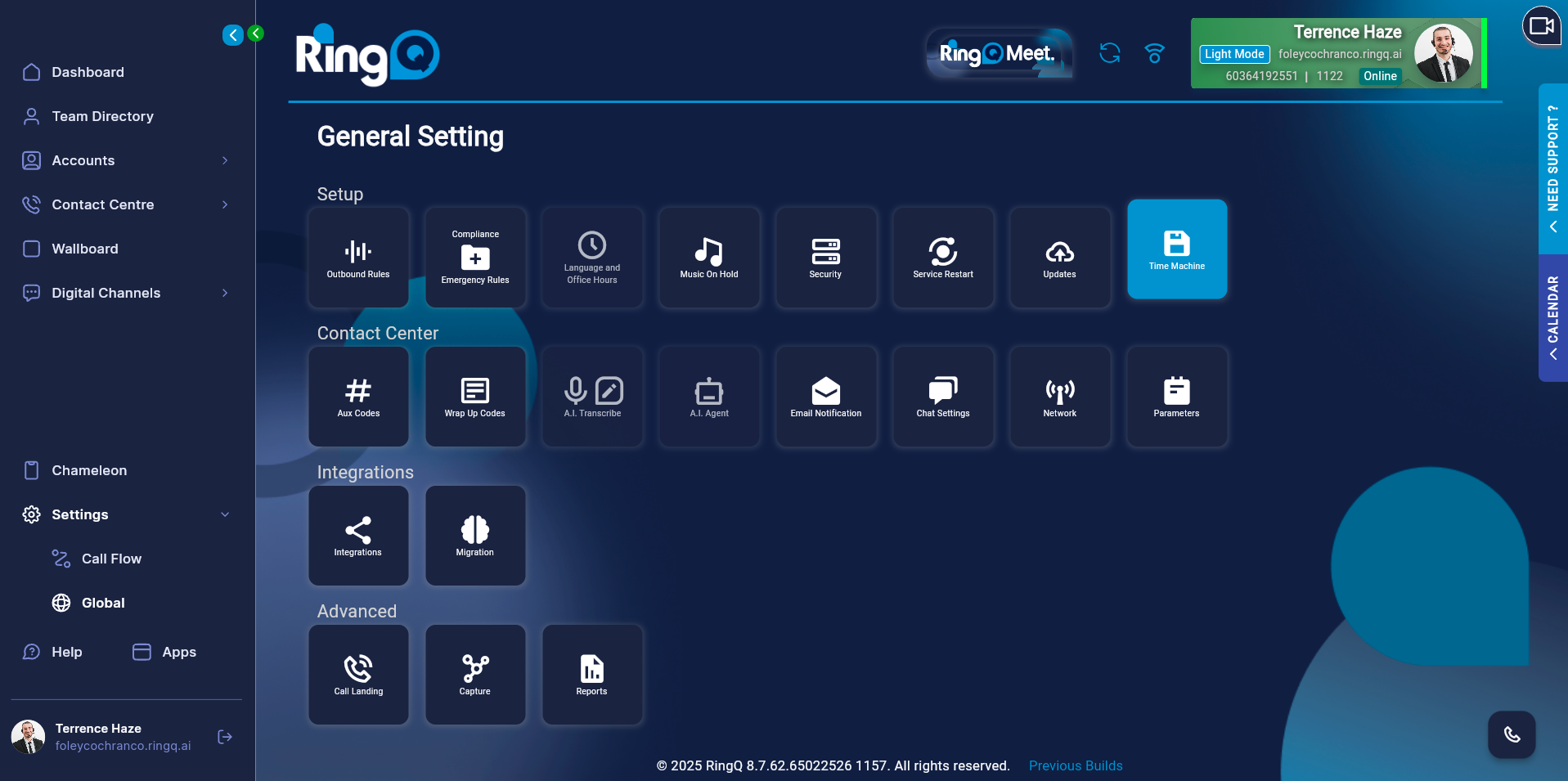
Log in to your RingQ Admin Dashboard.
Navigate to Settings → Global → Time Machine.
Go to Settings.
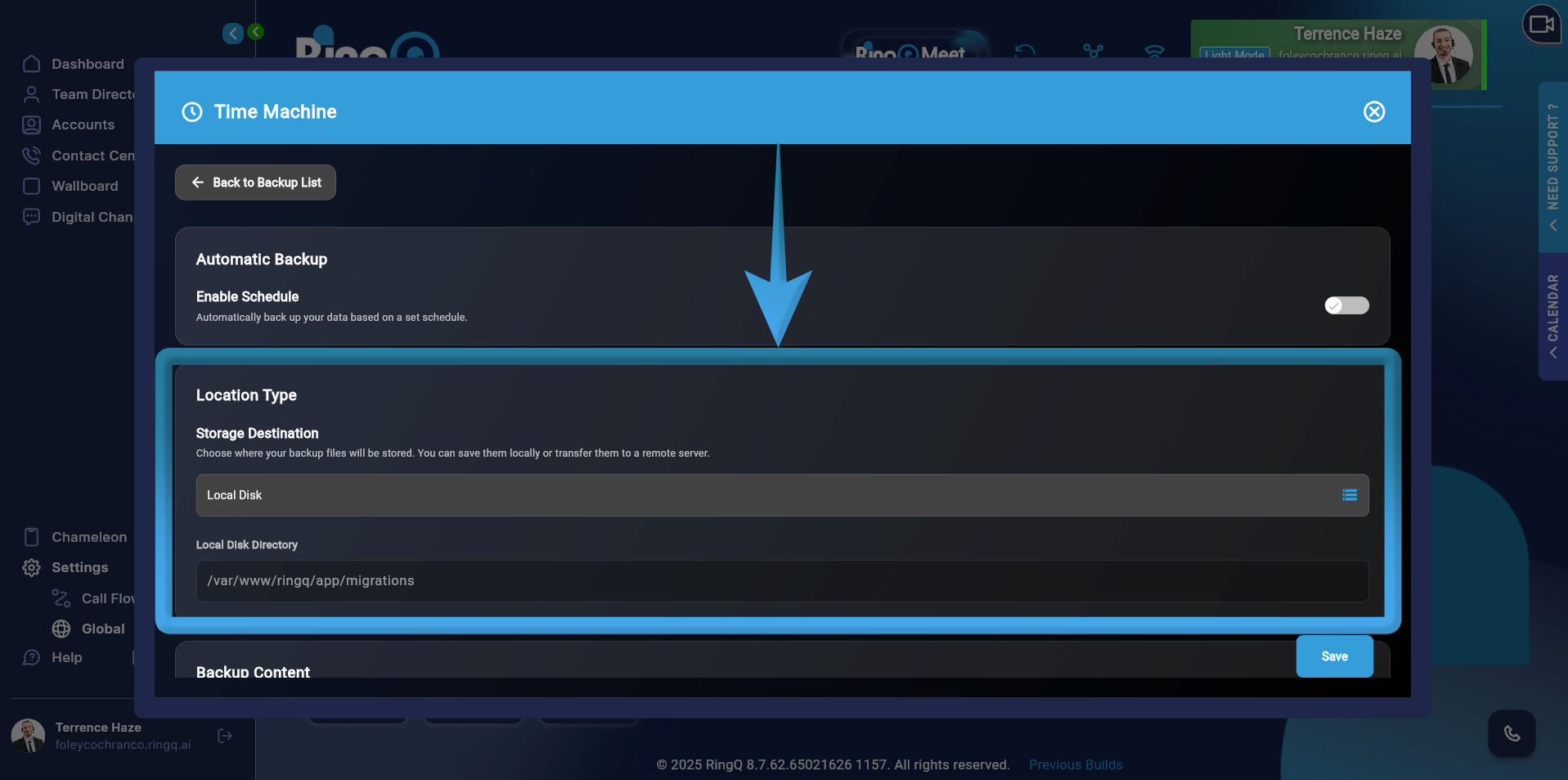
Scroll down to Location Type.
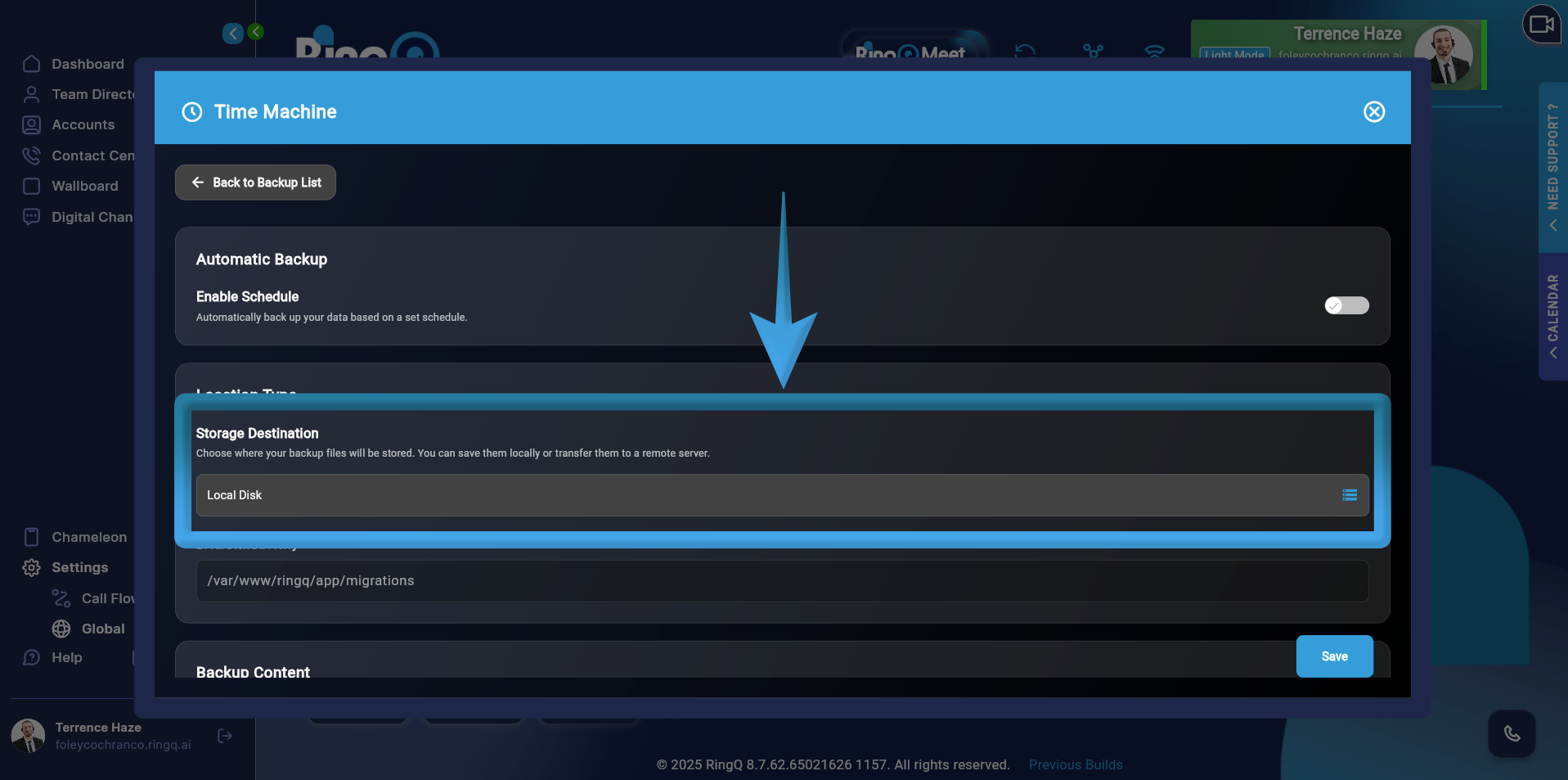
Click Storage Destination.
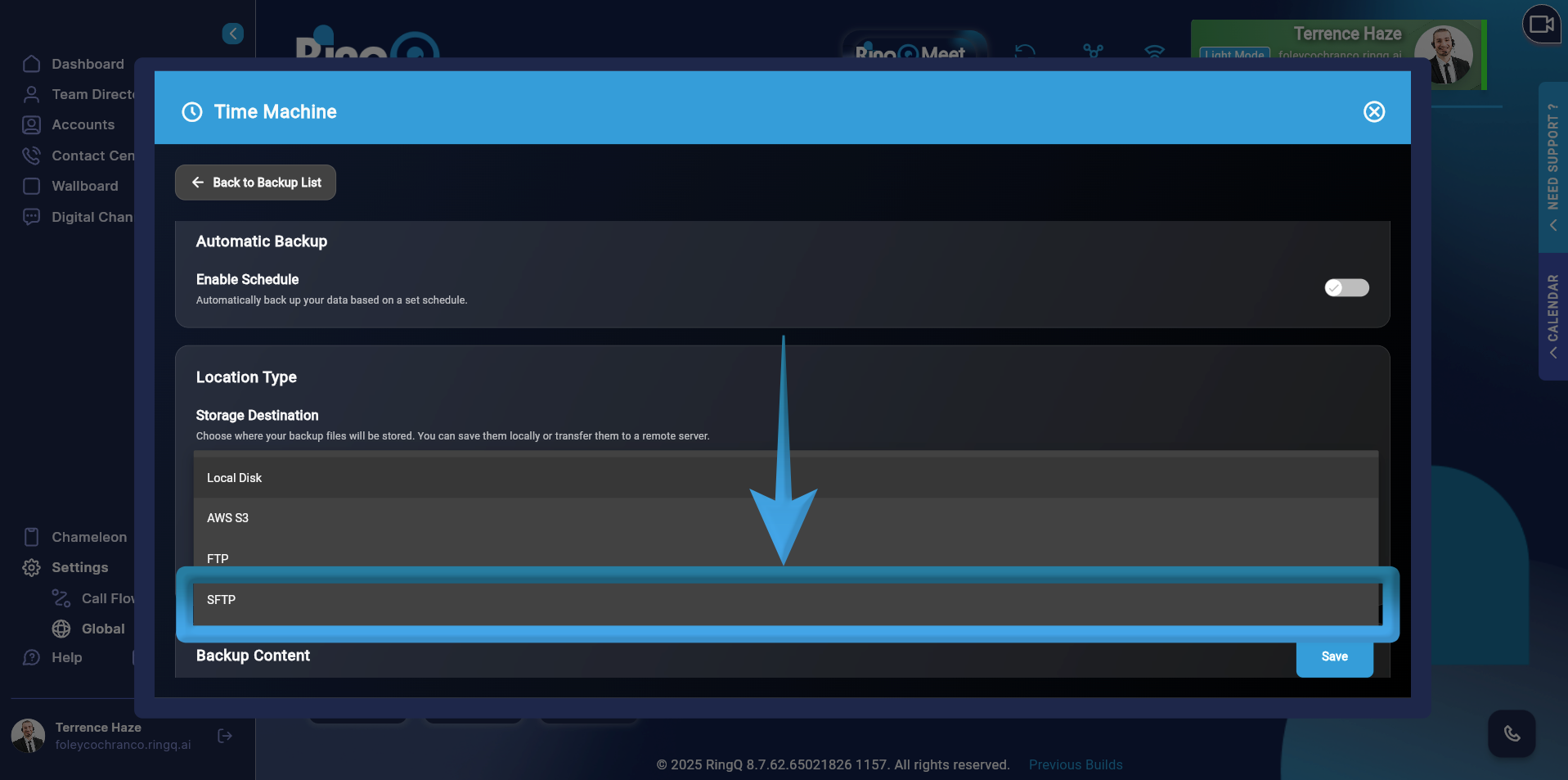
Select SFTP.
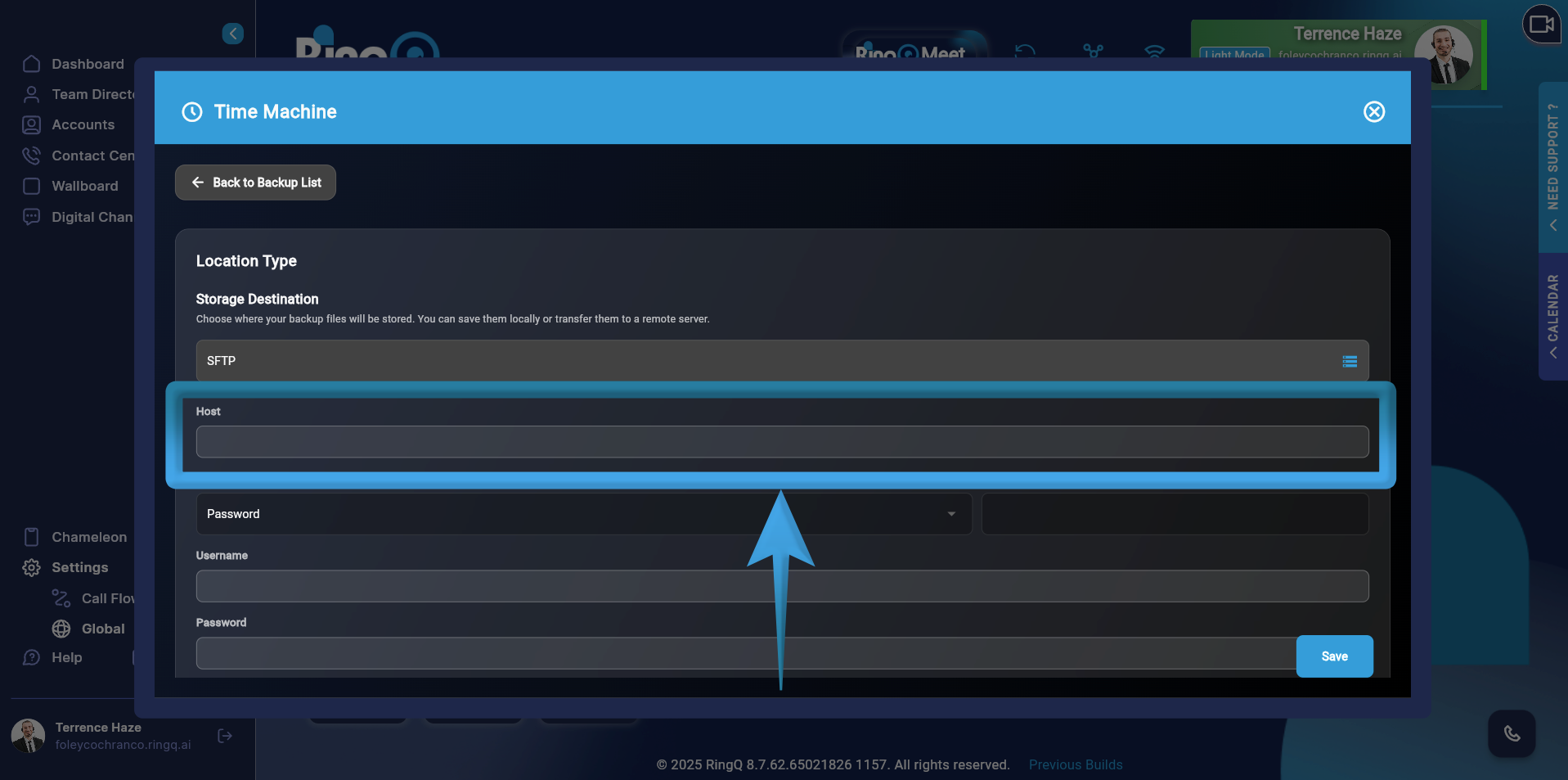
Fill out the required fields. If Password Method is required:
