
Get Started With RingQ Today
On-Premise
Use the RingQ ISO to download the Debian-based ISO and install RingQ on your own server - keeping complete control of your data and instance.
Self-Hosted
Deploy RingQ in your own cloud account. Select from one of the available cloud providers to be directed to their marketplace.




Note: AWS Lightsail is also supported for a lightweight virtual server setup.
Hosted by RingQ

Hosted by RingQ on Oracle Cloud Infrastructure and DigitalOcean - have RingQ host your instance for you. No stress and no ongoing maintenance - we take care of updates and management.
PBX Appliance
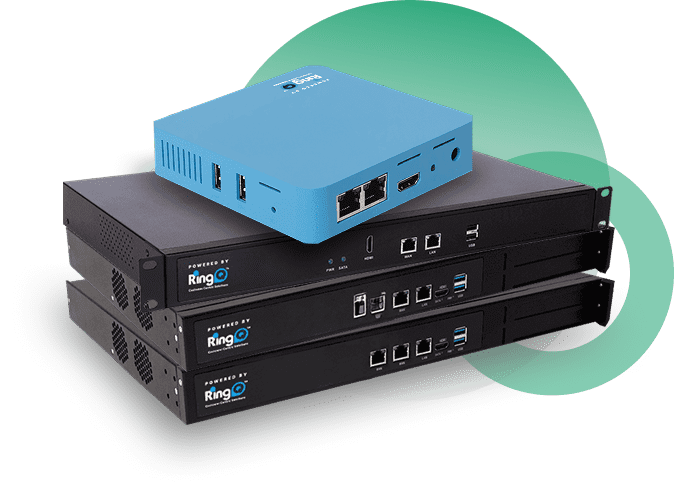
Run RingQ on a dedicated appliance - powerful, compact, and ready out of the box. Pre-loaded with the latest versions of RingQ and Debian, zero setup required.
Desktop App
Direct, versioned installers for the RingQ desktop app — no app store required.
Secure Tunnel Client
Connect sites behind NAT or firewalls back to RingQ without opening any inbound ports. Learn how Secure Tunnel works.
Windows Tunnel
v3.1.0
RingQ Secure Tunnel client for Windows — connects remote sites back to RingQ without exposing a public SIP endpoint.
Client Installation GuideLinux
v3.2.0
RingQ Secure Tunnel client for Linux — install via the official install script.
Linux GuideDeployment Guides
Step-by-step walkthroughs for every deployment path above.