
RingQ Version 8.7.62: More Control, Better Visibility, and a Smoother Experience
Version 8.7.62 introduces a range of enhancements across reporting, call management, security, integrations, performance, and user experience.

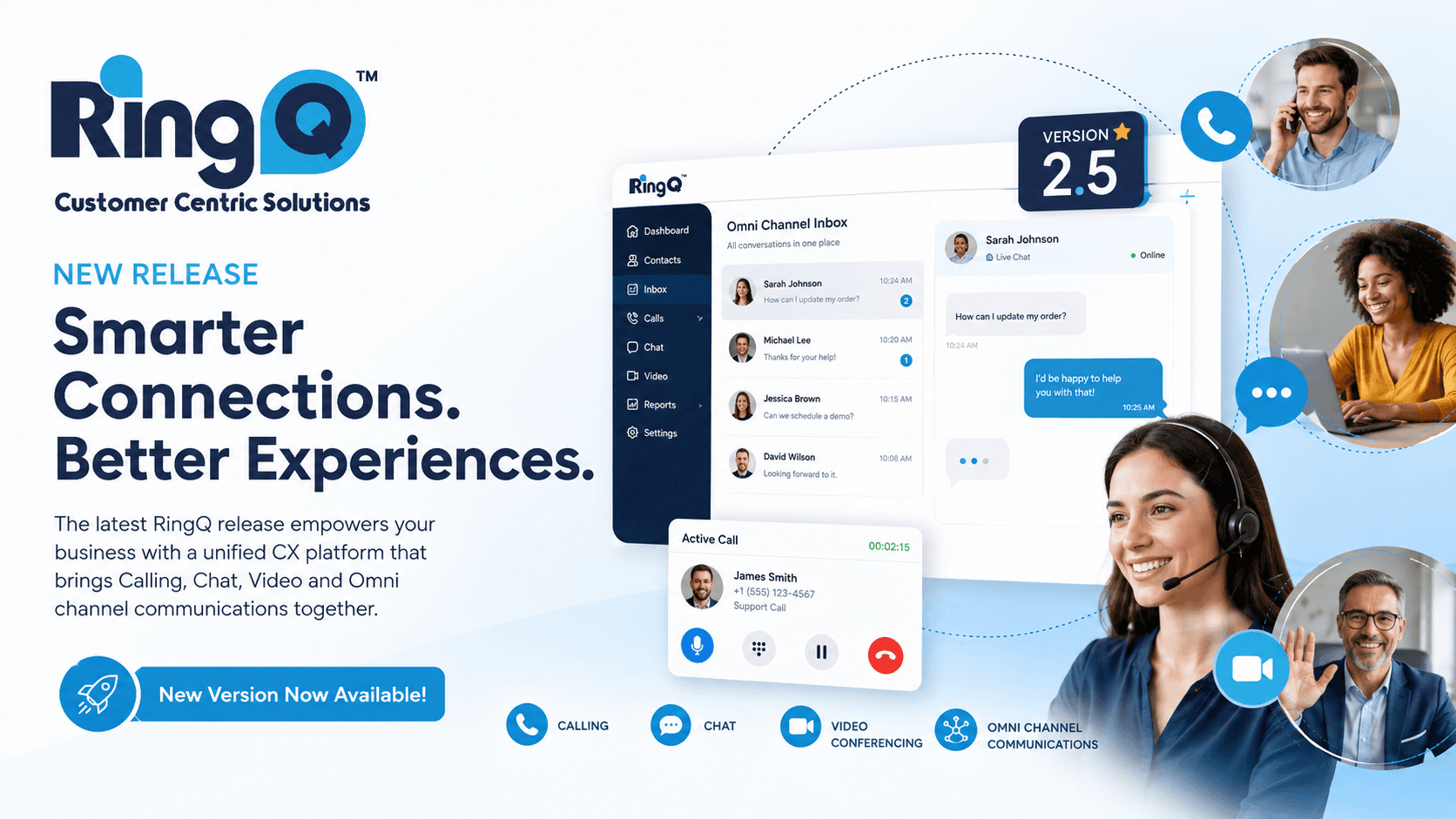
RingQ Version 8.7.62: More Control, Better Visibility, and a Smoother Experience
At RingQ, every update is designed to help businesses work more efficiently, manage communications more effectively, and provide a better experience for both administrators and users. With the release of Version 8.7.62, we’ve introduced a range of enhancements across reporting, call management, security, integrations, performance, and user experience.
Here’s a closer look at what’s new and how these improvements can benefit your organization.
Smarter Configuration with Enhanced Template Integration
Managing communication settings is now more streamlined with the integration of Advanced Inbound and Outbound Templates from the RingQ API. Administrators can now retrieve and apply advanced settings more accurately while taking advantage of the new Outbound Settings Template for more consistent configuration management.
- Faster and more consistent system setup
- Reduced risk of configuration errors
- Improved management of advanced calling settings
Greater Flexibility and Reliability for Outbound Calling
Version 8.7.62 introduces additional SIP configuration options within Outbound Rules, including SIP From User, SIP From Display Name, SIP From Host, and CID Type. Several issues affecting caller ID handling, extension settings, and dial plan behavior have also been resolved. This update gives you more control over outbound call presentation, along with improved caller ID accuracy — which translates into more reliable call routing and configuration management.
Improved Inbound Call Handling
We’ve expanded Inbound Advanced Settings and improved how inbound configurations are applied. Newly added DIDs now inherit configured inbound settings correctly, and DID Type Match using From User now functions more accurately.
- More predictable inbound call behavior
- Simplified DID configuration management
- Improved call routing accuracy
More Powerful, More Accurate Reporting
Scheduled Reports just got significantly more flexible and reliable. You can now send reports to multiple email recipients, review previously generated reports through the new Schedule History list, and temporarily disable reports without deleting their configuration. We’ve also improved the Call Logs Report interface for better readability and usability, and resolved a dialer call log accuracy issue to ensure consistency between Dialer Call Logs and Reports.
Supported report types include:
- Call Logs
- Call Ratings
- Wrap Up Reports
- Aux Codes
- Activity Reports
- Detail Queue Reports
- Overall Reports
Enhanced Security, Monitoring, and Troubleshooting
This release introduces several valuable administrative and security-focused improvements. New additions include:
- Ports Scanner with RTP port verification
- SSL testing option in Global Settings
- Enhanced SIP Guard functionality
- IP search capabilities across multiple security modules
- Debug Mode toggle within Capture
- Public IP Address display on the Dashboard
Expanded Language and Translation Support
Language management has been refined to provide clearer control between global and user-level language preferences. Translation support has also been expanded across more than 35 Web App modules, including Dashboard, Reports, CRM, AI Transcribe, Teams, Wallboard, Global Settings, and more.
- Improved multilingual user experience
- Easier adoption across diverse teams
- Greater accessibility throughout the platform
Microsoft SSO Integration and Improved Organization
Microsoft Single Sign-On (SSO) has been added and integrated within the Address Book section, while CTI Integration has been renamed and reorganized for easier access.
- Simplified user authentication workflows
- Better organization of integration settings
- Easier access to key administrative tools
Better Visibility into SIP Connectivity
Administrators can now view real-time SIP Trunk registration and unregistration status. Additionally, localnet.auto has been added to ACL configuration to support automatic local network detection.
Faster and Smoother Web App Experience
Ongoing performance optimizations continue to improve the overall Web App experience. Several interface and usability issues have also been resolved, including:
- Outbound Caller ID configuration UI improvements
- Dialer usability improvements after minimizing
- Correct display of filtered data in Advanced Wallboard
More Improvements
- Emergency Rules now include a dedicated Emergency Setting, and dial plan priority handling has been enhanced.
- Improved Wrap-Up Call experience — an issue affecting Wrap-Up Call functionality for Local Contacts has been resolved.
- Improved Real-Time Chat Notifications.
- Stronger Access Controls to restrict logging in simultaneously across multiple tabs or browsers.
- Improvements to Queue and Agent Management to accurately assign agents to queues.
- Cyprus has been added as an available country option within the DID section.
Delivering More Value Across the Platform
Version 8.7.62 focuses on what matters most to customers: reliability, visibility, usability, security, and performance. From enhanced reporting and smarter call routing to expanded language support and improved system monitoring, these updates help organizations manage communications more effectively while providing a smoother experience for administrators and users alike.
Upgrade to RingQ Version 8.7.62 and take advantage of the latest improvements designed to help your team work smarter, stay informed, and maintain greater control over your communications environment.