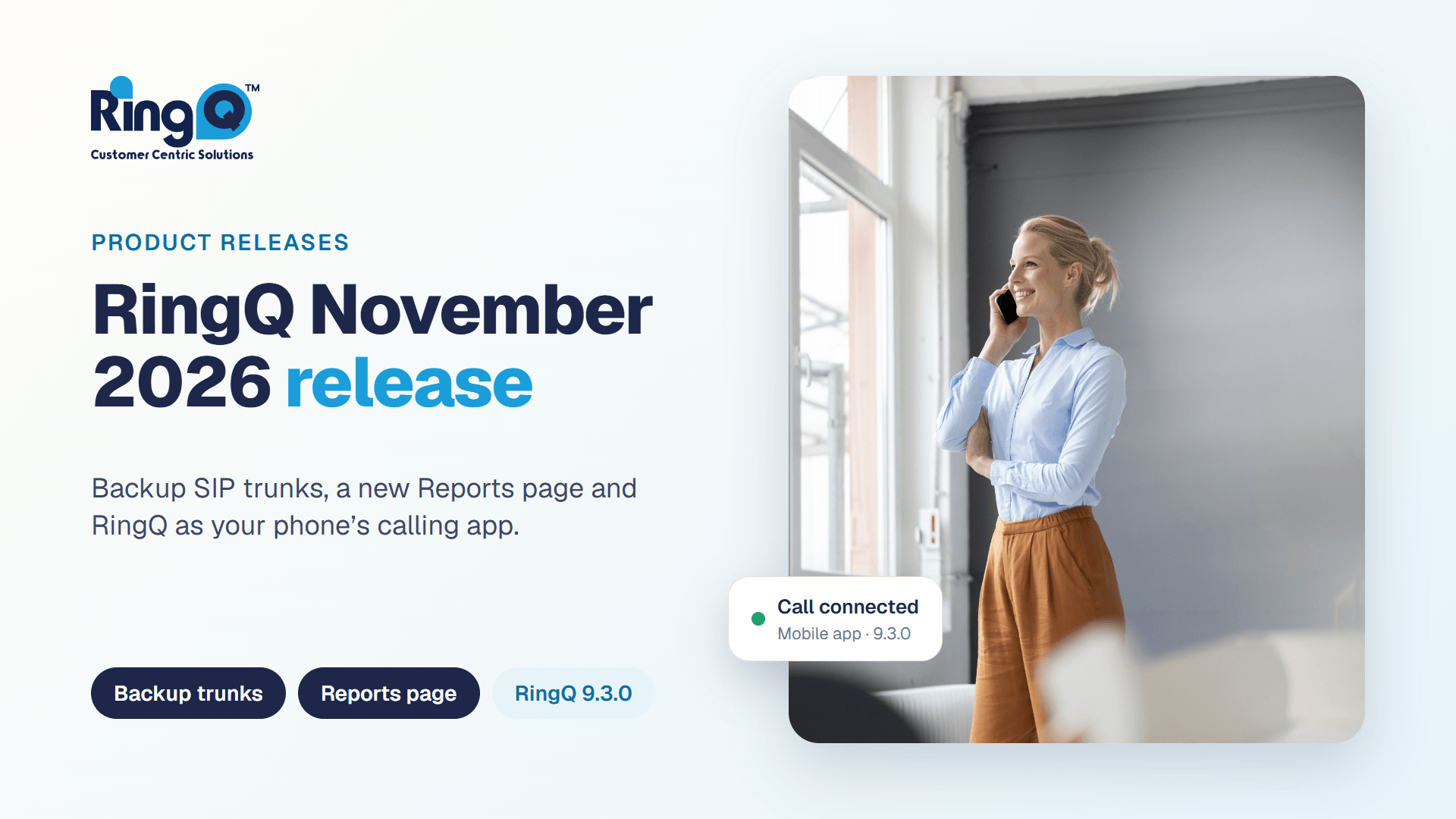
RingQ now speaks Hebrew: web and mobile, right to left
RingQ now works fully in Hebrew on the web app and the iPhone and Android apps, with the whole layout mirrored to read right to left. Here is what changes and how to switch.

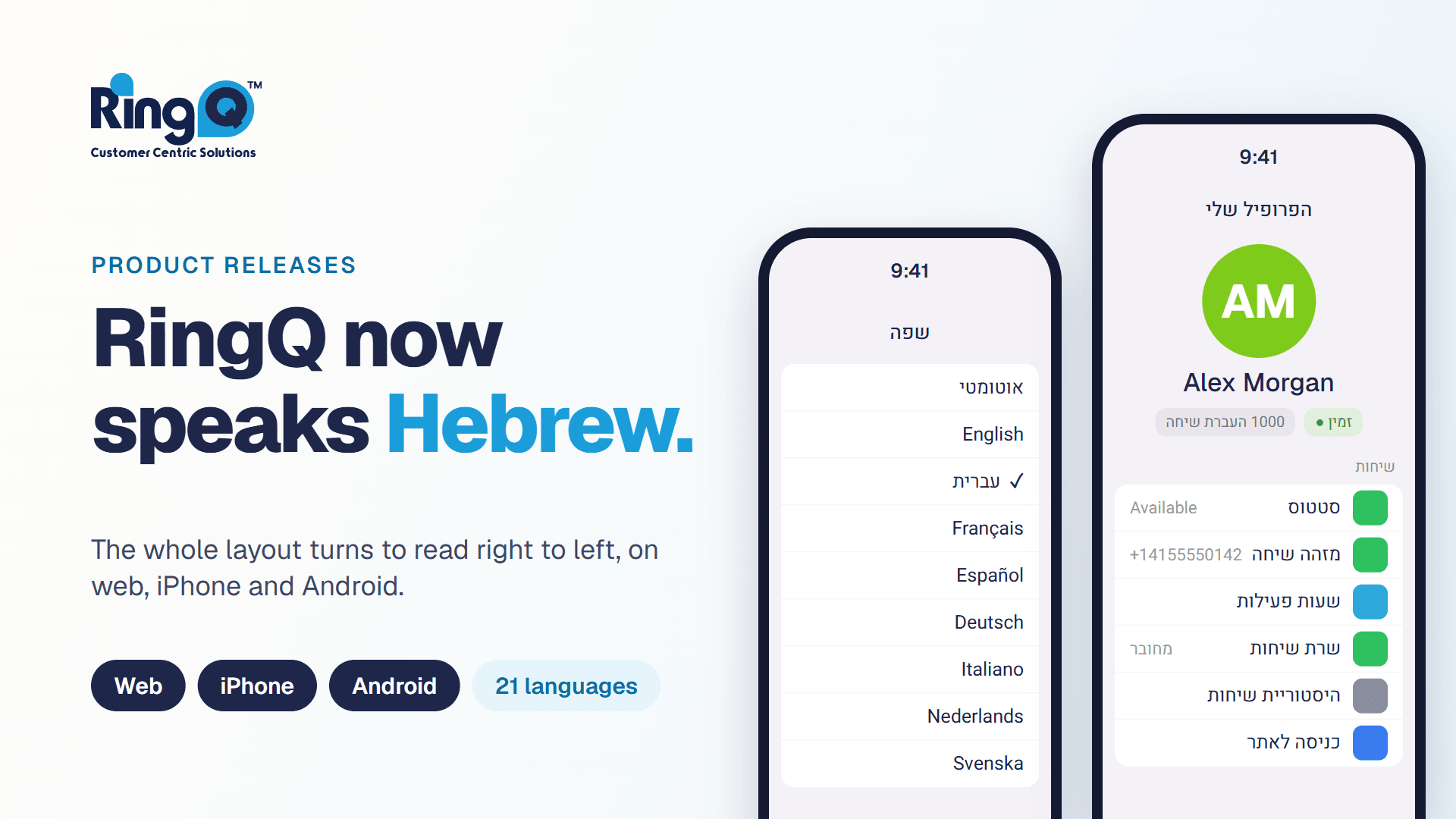
Hebrew reads from right to left. An app that only translates the words, but keeps everything laid out from left to right, still feels foreign to a Hebrew reader. RingQ now does both: the text is in Hebrew, and the whole layout turns around to read the way you do.
RingQ now has full Hebrew support, including a mirrored right-to-left layout, on the web app, iPhone and Android. Hebrew is our 21st language.
More than a translation
When you switch to Hebrew, the screen is mirrored, not just translated. Menus, lists, tabs and the back button all move to the side a Hebrew reader expects, and text lines up from the right. The dial pad keeps its usual order, so numbers are typed the way everyone knows.
Emails from RingQ, such as voicemail and reports, follow your language too, so a voicemail email arrives in Hebrew and reads right to left.
How to switch to Hebrew
- On the web: open the Language menu in the top bar and choose עברית.
- On your phone: on the Home screen, tap your avatar to open My Profile, tap Language and choose עברית. Every language is shown in its own writing, so you can find Hebrew even if the app is set to a language you do not read.
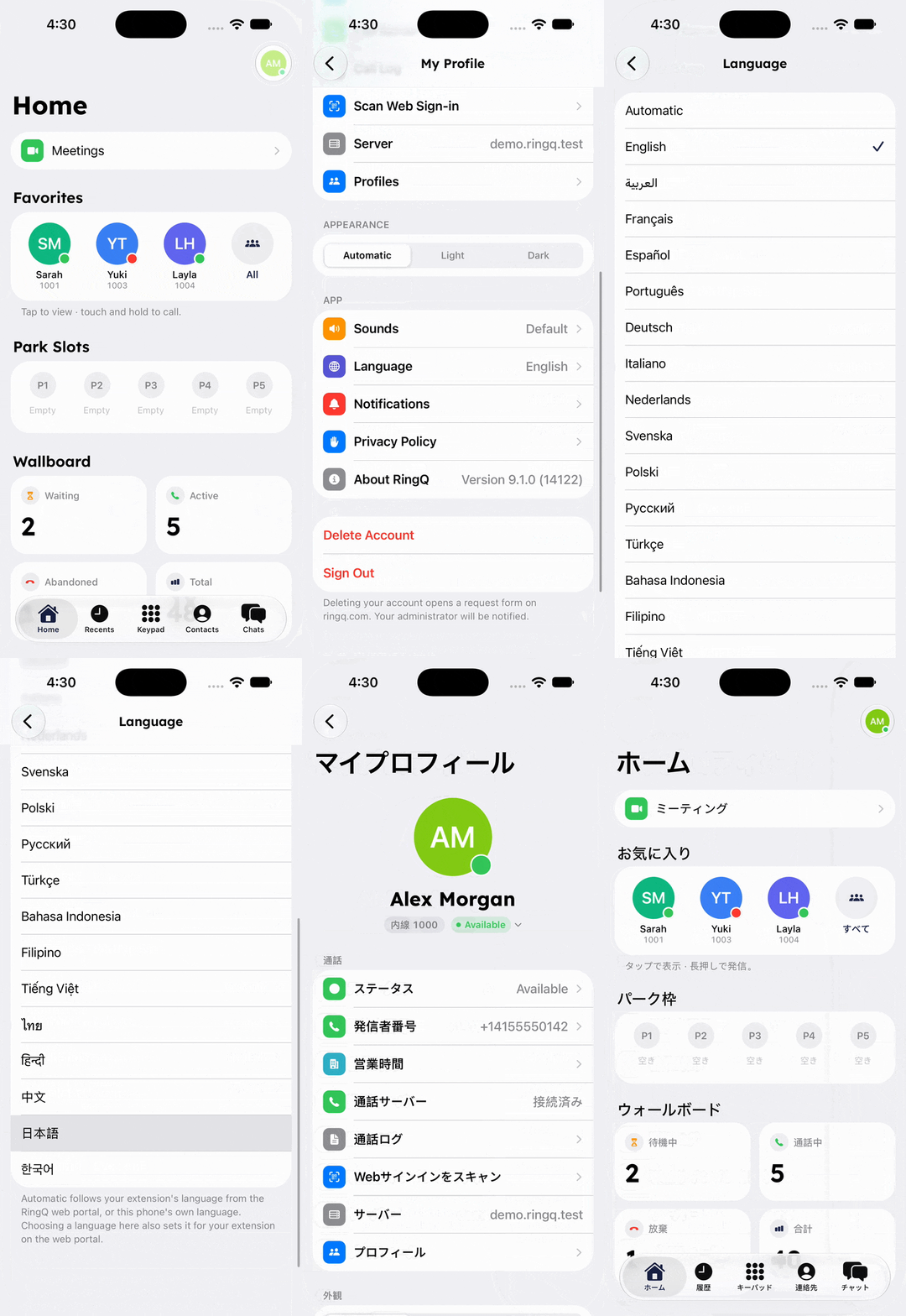
The first time you switch to or from Hebrew on your phone, RingQ restarts once to apply the new reading direction. It takes a moment, and the app comes back mirrored.
Hebrew next to English names and numbers
Real contact lists mix scripts. Names saved in English letters, phone numbers and times appear next to Hebrew labels without breaking the layout, so a screen full of both stays easy to read.
One of 21 languages
Hebrew is one of 21 languages in RingQ, so a team can mix them. A language can be set for the whole company in the web portal, and every person can still choose their own. Your choice is saved to your RingQ account, so the web portal and your phone show the same language.
Get started
Update the RingQ app, open Language and choose עברית. If your language is not on the list yet, tell us which one you would like next.
See RingQ in action
Talk to our team and find the right cloud PBX and contact center setup for your business.
Book a demo