RingQ November 2026 release: backup trunks, a new Reports page and RingQ as your phone’s calling app
RingQ’s November 2026 release: backup SIP trunks, a new Reports page, call cost billing, more SMS providers, and RingQ 9.3.0 for iPhone and Android.


What’s new in the RingQ web app 9.2.0.72 and the RingQ mobile app 9.3.0 for iPhone and Android
Versions: Web 9.2.0.72 · iPhone 9.3.0 · Android 9.3.0
A week of work from the whole RingQ group, now live for your business.
What happens to your calls when your phone provider has a bad day? Until now, the honest answer was: they stop. Not any more. This release keeps calls going when a provider fails, gives you a brand-new Reports page, adds call cost billing and more SMS providers, makes RingQ Meet better, tightens security, and brings dozens of everyday improvements.
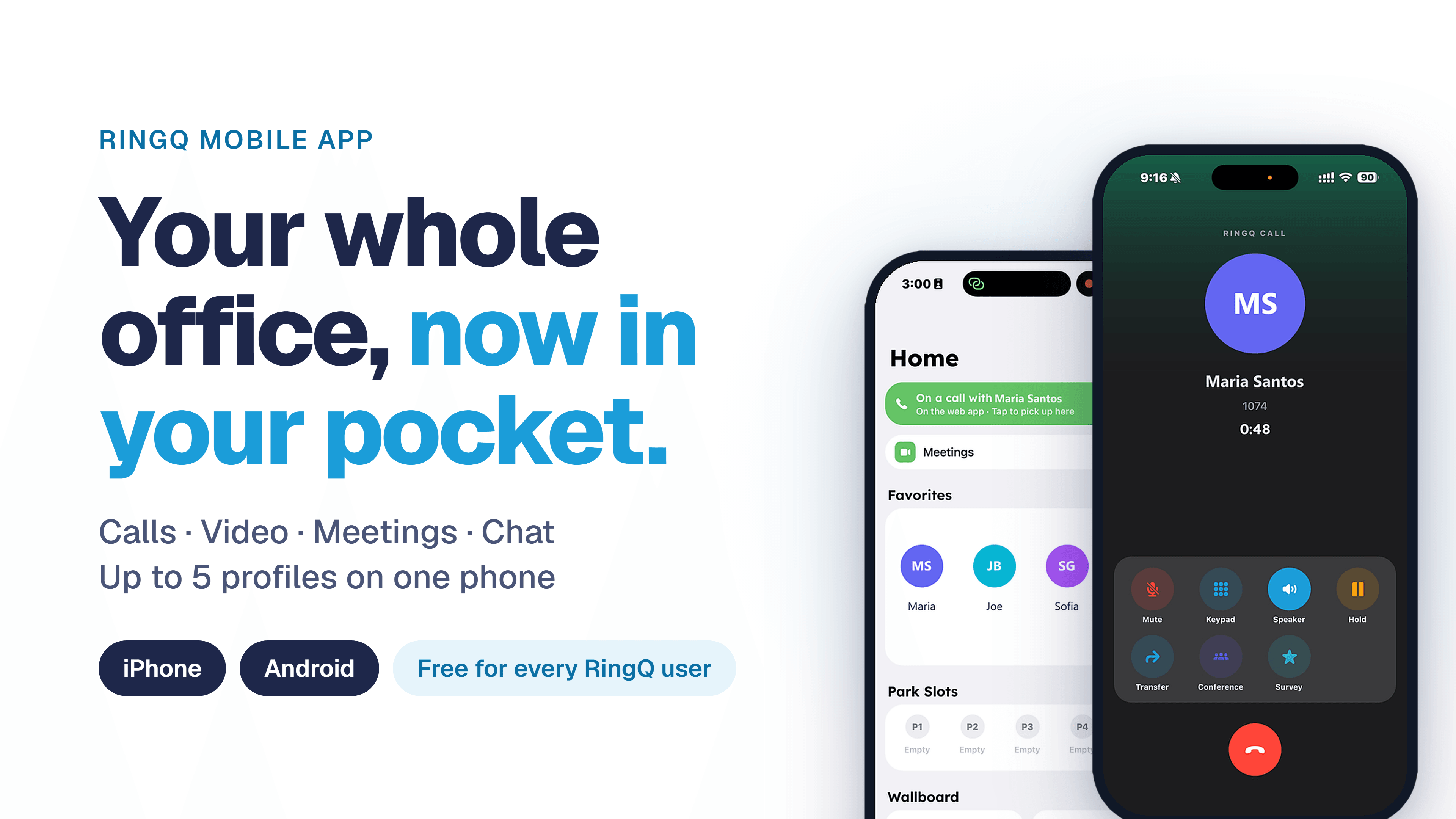
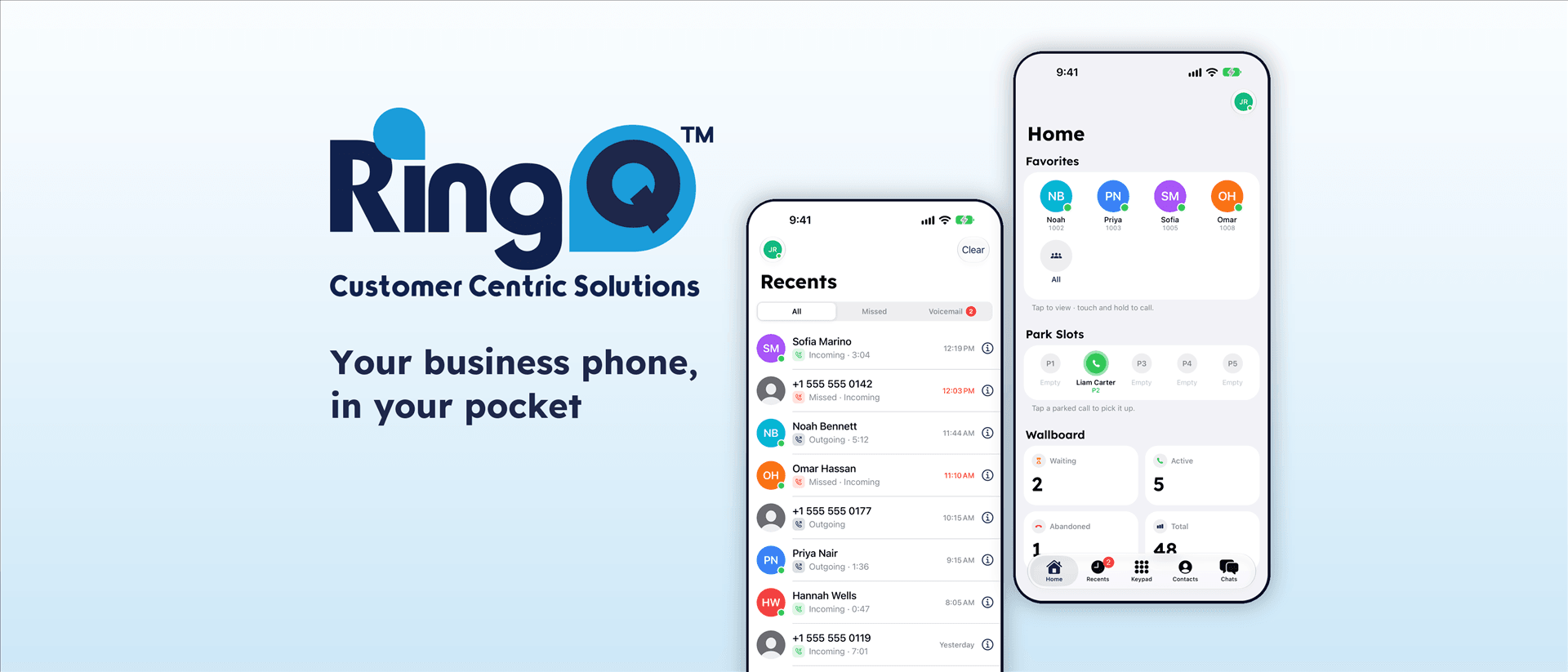
And on your phone, RingQ 9.3.0 makes RingQ feel like your phone’s own calling app: saved contact names on calls, quicker help from RingQ Support, and faster call connection.
At a glance
Backup trunks: up to two backup SIP trunks per outbound rule, so callers stay on the line.
New Reports page: every report on one page, with export to CSV, Excel and PDF.
Call cost: set tariffs per trunk and see the new Call cost report.
More SMS providers: Commio, Twilio, Telnyx, Australian Phone and Generic, plus a Simulator switch.
RingQ Meet: remote help from RingQ Desktop, co-host recording and emailed meeting reports.
Security: blocked attackers shared across RingQ servers straight away.
Mobile 9.3.0: RingQ as your calling app, contact names on calls, and Send to Support in one tap.
Calls that keep going, even when a provider fails

Backup trunks keep the caller on the line while RingQ tries the next route.
Every outbound call travels through a SIP trunk from your phone provider. If that trunk goes down, calls used to fail. Now RingQ simply tries the next one.
- Backup trunks for outbound calls. Each outbound rule can now have up to two backup SIP trunks. If the main trunk is down or refuses the call, RingQ tries the next one and keeps the caller on the line.
- Backup trunks for emergency numbers. Emergency rules use backup trunks too. The top row is always tried first, and each emergency number has one clear rule.
- Trunks stay reachable. RingQ keeps SIP trunks awake so incoming calls arrive reliably, and the Trunks page shows a live health dot and how many calls each trunk is carrying.
- Which trunk carried the call. Every call record now saves the trunk it used, and Inbound Calls can be filtered by trunk.
- Caller ID made clear. The dialer only lets you pick a caller ID when an outbound rule actually sends it, and the Outbound Caller ID page explains why when it does not.
- Rules follow your groups. Pick whole groups in outbound and emergency rules, with search. When people join or leave a group, the rules follow automatically.
- Group pickup and voicemail. Picking up a group call never grabs a call someone already answered, *88 reaches the group voicemail, and the message key always opens your own mailbox.
Why it matters
A failed provider no longer means a lost customer. The caller hears the call carry on, and you see exactly which trunk carried it.
Queues and transfers
- Agents no longer stuck on Idle. Queue agents go back to Ready correctly after a short call.
- Full queues handled. When a queue reaches its maximum callers, new callers go straight to the queue’s timeout action instead of waiting.
- Sequential queues move on. In top-down queues, an unanswered call moves to the next agent after a short delay.
- Attended transfer. If the person you transfer to declines quickly, the caller comes back to you. Transfers to people who only use the mobile app now ring their phone.
- Mobile ringing. Callers to an Android phone with the app closed no longer drop to voicemail while the phone wakes up.
A brand-new Reports page

Every report in one place, with a filter bar and one-click export.
Reports now have their own menu item, with every report grouped on one page, a filter bar, and export to CSV, Excel and PDF.
- New reports: SLA statistics and breaches, answered by waiting time, abandoned queue calls, Queue Performance Overview, Detailed Queue Statistics, AI, extension, ring group, chat, audit and inbound rule reports.
- Easier to use: totals and queue summary, rows per page, Today as the default date, more filters (agent, direction, queue calls, serviced after), and a fixed date picker for earlier months.
- Faster and scheduled: Generate runs without the wait, queue reports load faster, scheduled reports were fixed, and emailed report links open the right report.
- Privacy: users with the User role only see the reports and pages meant for them.
Call cost billing
A new Billing (Call Cost) area in Global Settings lets you set tariffs, choose a tariff per trunk, and see the new Call cost report.
Tip
Schedule the reports your managers read every week. The emailed link opens the right report straight away.
More SMS providers and smoother chat

SMS, RCS and chat, set up in one simple screen.
- More SMS providers. SMS numbers now have one simple setup for Commio (SMS and RCS), Twilio, Telnyx, Australian Phone and a Generic provider, with clear errors on required fields and a Send test button.
- Test without sending. A Simulator switch lets you try an SMS number and see how replies would arrive, without reaching the provider.
- Safer chat files. Files in chat are scanned for viruses on arrival; a removed file says so. Files show as tidy cards and photos open in a viewer.
- Smoother chat. Older messages load as you scroll up, search finds short words, customers’ display names stay put, SMS chats from one customer stay apart, and a transferred chat leaves My chats and notifies the new agent.
- Your choice. You can turn RingQ news in chat on or off.
Tip
Switch on Simulator before you go live with a new SMS number. You can see exactly how replies will arrive, without sending a single real message.
RingQ Meet: help, co-hosts and meeting reports

Help someone on screen with a simple typed code, no sign-in needed.
- Help from RingQ Desktop. Someone can control a screen you share from the browser, using a simple typed code, no sign-in needed.
- Co-hosts. Co-hosts can start and stop recording and transcription.
- After the meeting. The host gets an emailed meeting report when a meeting ends, and the emailed link can reopen it.
- In the meeting. Rejoin without waiting after you leave, a sound for incoming chat, and change the transcription language while it runs.
- Calendar. Invited meetings show in the calendar, and schedules always stay with the person who created them.
“Someone can take control of your shared screen with a simple typed code. No sign-in, no extra app.”
Multi-tenant and white label: your brand everywhere

Every tenant keeps its own brand, even on shared RingQ servers.
- Manage your tenants. Multi-tenant owners can manage their own tenants: end dates, pause and resume, and turn a free trial into a paid account. Paused or expired tenants cannot start new calls.
- Your brand everywhere. Each tenant’s logo shows in the sidebar, softphone and browser tab. A tenant without a logo uses its server’s logo, and the RingQ copyright is hidden on white-label sign-in pages.
- Branded emails. Welcome, code and meeting emails follow your white label and your own email server (SMTP).
- Add extensions. The Add extensions page shows exactly how many seats are available.
Why it matters
Partners can run their customers’ accounts end to end, under their own brand, without asking us.
Stronger security and reliability

Blocked attackers are now shared across RingQ servers straight away.
- Anti-hacking. Blocked attackers are shared across RingQ servers straight away, with Denied and Allowed lists, a Sync now button and a layout that works on phones.
- Self-healing call services. RingQ Call Services repair themselves after damage, restart safely, and logs can no longer fill up the server’s disk.
- Phones sign in first time. Phones and apps are no longer refused when they sign in right after an update.
- Safer updates. Automatic updates check every 15 minutes and wait for calls to finish before installing.
- Tested every time. Every release now passes automated test calls (transfers, conference, queues, IVR, voicemail and mobile ringing) before it goes live.
- Who can change things. Only the server’s Owner or RingQ Support can switch between Live and Beta updates, and support staff can no longer see provider secret keys.
“Every release now passes automated test calls before it reaches your server.”
Everyday improvements
- All 19 languages. The rest of the web app is now translated into all 19 languages.
- Accessibility. A new Accessibility panel in the user menu (larger text, contrast and more), saved to your profile.
- On a call. The yellow on-call dot now also shows on the header and softphone.
- Your profile. Remove your profile photo, and Users can save their own Call Control settings.
- Support. Support chat takes photos and attachments, ticket times show in your time zone, and a reported date cannot be in the future.
- Monitoring. Your own monitoring tool (SNMP) can watch your RingQ server, and a Capacity Test page shows how many calls and meeting people the server can carry, next to your licence.
- Desk phones. Snom phones get secure remote access (SecureTunnel) settings automatically.
- Microsoft Teams. A RingQ tab inside Microsoft Teams, with ring alerts and Teams sign-in.
- Wording and tidy-ups. We now say “group” everywhere, office hours check the end time is after the start time, and many small layout fixes.
Partner portal (CAP) and emails
- New side menu. A cleaner icon menu with the RingQ logo and an Accessibility panel on every page.
- Re-Brand. Logos and banners are shaped automatically, and multi-tenant (including NFR) licences can be white-labelled.
- Emails and invoices. Every RingQ email has a modern design and footer. Invoices show our current address and no longer show Reg/GST numbers or the invoice period.
- Licence activation. A simpler new licence activation, and the system requirements link opens the server size calculator.
RingQ 9.3.0 for iPhone and Android

RingQ 9.3.0 feels like your phone’s own calling app.
RingQ 9.3.0 makes RingQ feel like your phone’s own calling app: saved contact names on calls, quicker help from RingQ Support, and faster call connection.
Only on iPhone
- RingQ as your calling app. On iOS 18.2 and later you can make RingQ your default calling app, so tapping a phone number anywhere calls through RingQ.
- Sign-in fix. Signing in no longer leaves you half signed in when the app was in the background.
Only on Android
- RingQ in your Phone app. RingQ appears as a calling account in Android’s own Phone app, so you can choose to call through RingQ from there.
- Android Auto. RingQ calls work with Android Auto, and group chat messages are read aloud in the car with a spoken reply.

In the car, calls show the caller’s name and extension.
On both
- Know who is calling. Incoming calls show the name saved in your phone’s contacts, and Recents names calls from your contacts too.
- Tidier queue calls. Queue calls in Recents are easier to read, and calling back a queue caller dials the caller, not the queue number.
- Send to Support. Send your call log and phone settings to RingQ Support from the Call Log in one tap. They go straight onto your open support ticket.
- Support chat. Chat with RingQ Support with photos and attachments, in the right order, and file uploads are more reliable.
- Calls in the car. Calls in your car show the caller’s name and extension.
- Your brand. Multi-tenant white-label logos show on the Home screen and the Scan QR Code screen, and tapping the logo opens your website.
- Caller ID made clear. The caller ID picker locks when your outbound rules don’t use your own caller ID, so you always know which number is shown.
- Better connections. The app checks every network at once before answering, so calls connect faster and more reliably.
- Every language. The last English texts in the app are now translated.
Tip
Something not right with calls on your phone? Open the Call Log and tap Send to Support. Our support group gets your call log and settings on your open ticket straight away.
How to get it
Web 9.2.0.72: RingQ servers on Live updates install 9.2.0.72 automatically, after calls finish. To install now, open the Update page and press the Update button.
iPhone 9.3.0: Update RingQ from the App Store.
Android 9.3.0: Update RingQ from Google Play.
See every change for every version at ringq.com/changelogs.
Questions? We’re here to help
Open a ticket or chat with RingQ Support at helpdesk.guru, or visit ringq.com to book a demo.
See RingQ in action
Talk to our team and find the right cloud PBX and contact center setup for your business.
Book a demo