
Apple CarPlay
Your Business Phone on the Car Screen with Apple CarPlay
RingQ for Apple CarPlay puts your team, contacts, recent calls, voicemail and team chats on your car's screen. Make and take business calls hands-free, on your RingQ number.
RingQ in Your Car
Connect your iPhone to a CarPlay car, by cable or wirelessly, and RingQ appears on the car's screen next to your other apps. You need the RingQ iPhone app version 9.3.7 or later, signed in to your RingQ account.
Your Team, Live
See who is available, on a call or away before you call. Favourites come first.
Business Calls, Not Personal
Calls go out on your RingQ extension and company number, not your mobile number.
Voicemail on the Road
New voicemails show on the RingQ icon. Play them or call back with one tap.
Team Chats by Voice
Siri reads new team chat messages aloud and sends your spoken reply.
Hands-Free with Siri
Say "Call Sarah with RingQ" and Siri places the call on your RingQ line.
Works When RingQ Is Closed
Open RingQ on the car screen and call. There is no need to open the app on the iPhone first.
- 01Team
Call a Colleague by Name, with Their Status Next to It
The Team tab lists your colleagues with their extension and live status, so you know who can pick up before you call. Favourites come first, then the people who are available. Tap a name to call their extension.
- 02Recents
Return a Missed Call Without Looking at Your Phone
Recents shows your latest RingQ calls with missed, incoming and outgoing icons, the same history as the app. Tap a call to dial the number back on your business line.
- 03Voicemail
Play Voicemail and Call Back in One Tap
New voicemails are marked and counted on the RingQ icon in the car. Tap one to play it through the car's speakers, then call the person back straight from the message.
- 04Chat
Hear Team Chats and Reply by Voice
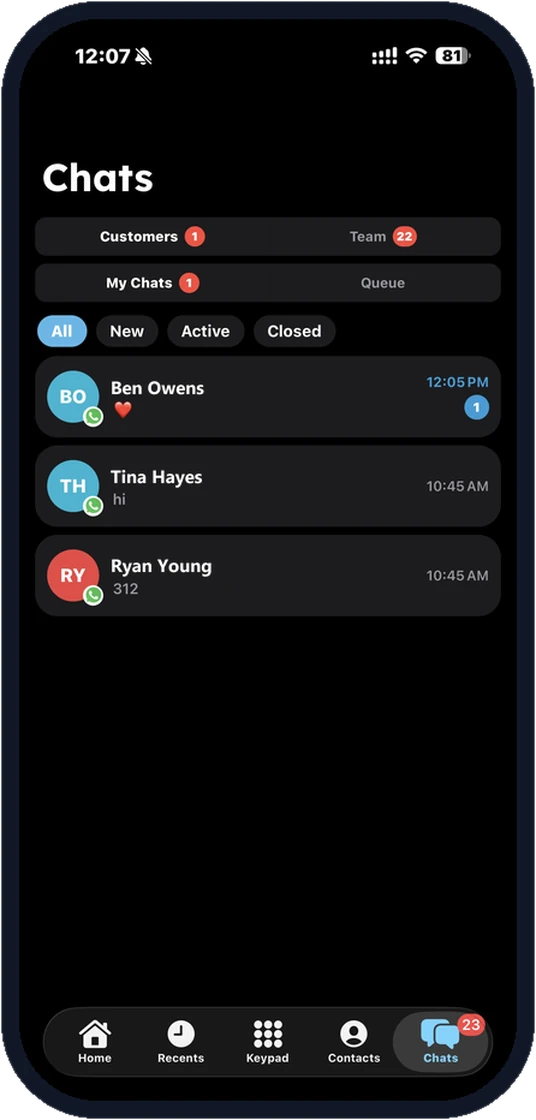
Team chats show with their unread count. Apple doesn't allow message text on the car screen, so Siri reads new messages aloud and sends your spoken reply to the group.
- 05Calls
A Familiar Call Screen in the Car
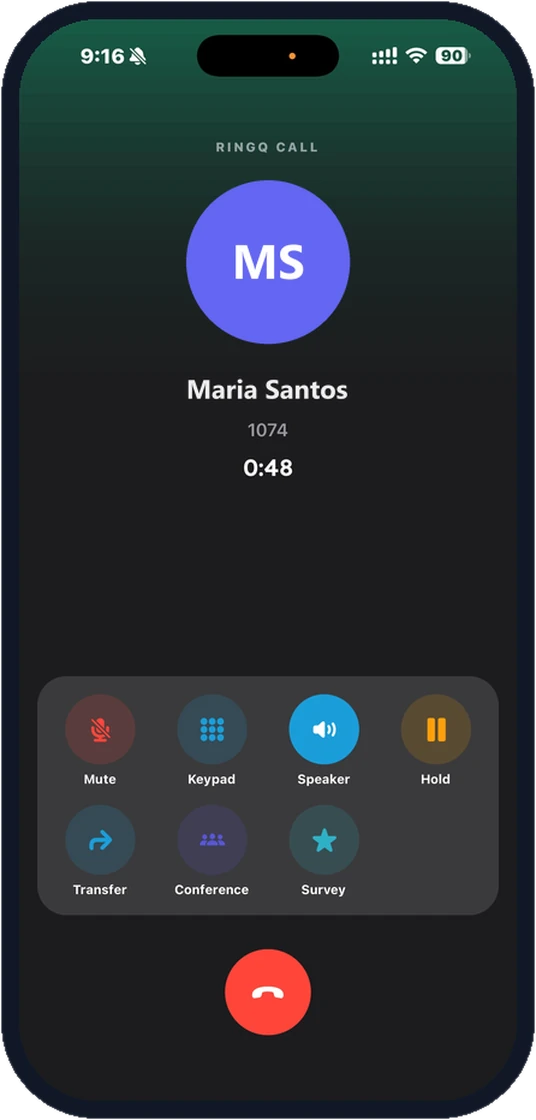
Calls use the car's own call screen, with mute, keypad and end call, and the car's microphone and speakers. Incoming RingQ calls ring on the car screen like any other call.
Why Use RingQ with Apple CarPlay?
Big buttons on the car screen, Siri for chats, and the car's own call screen keep your eyes on the road while you stay reachable on your business number.