Voicemail settings in RingQ offer a range of customizable options to help you manage missed calls efficiently. In this guide, we’ll walk you through each option on the voicemail settings page—explaining what they do and how to configure them to match your communication needs.
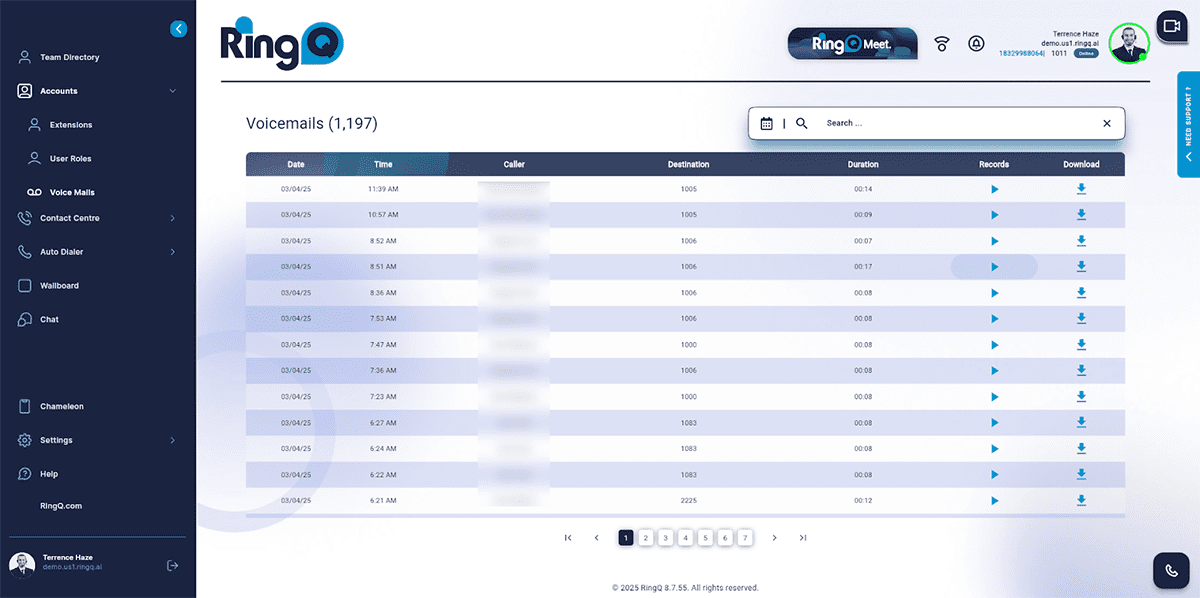
Users can easily search for specific voicemails by entering Direct Inward Dialing (DID) numbers for external calls or extension numbers for internal calls. Filtering options by date or date range are also available to narrow down search results.
