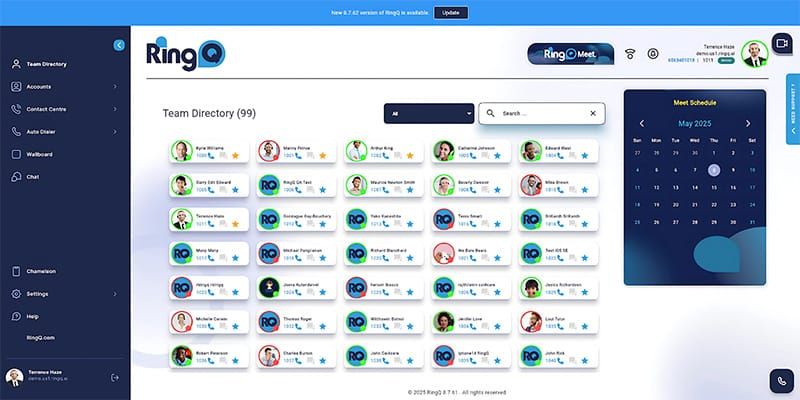
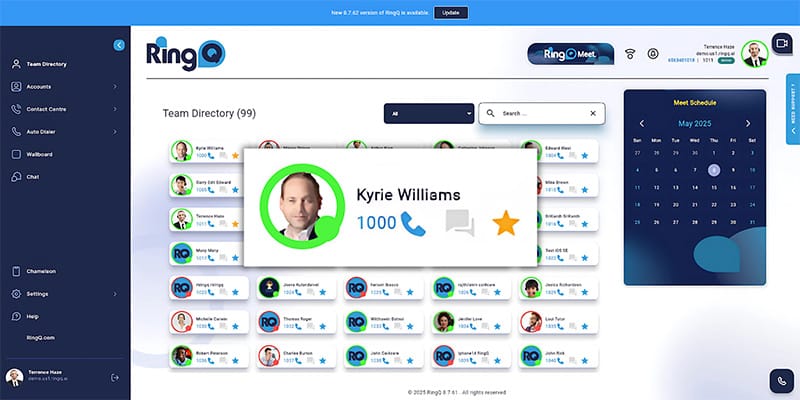
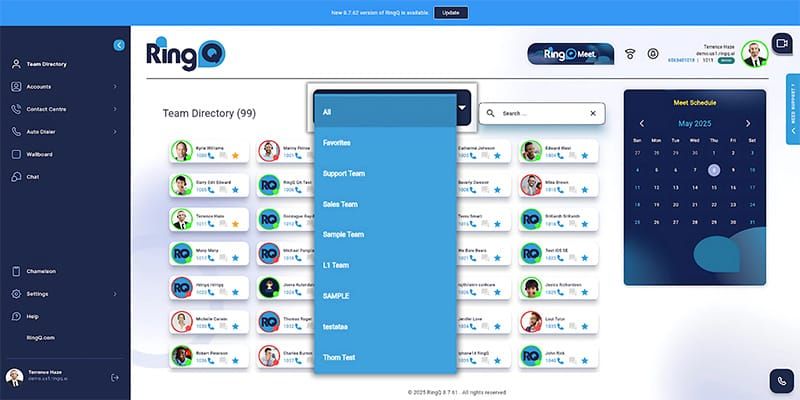
The Team Directory feature helps you manage and navigate your call center staff efficiently. It enables users to view contact information, mark favorites, initiate calls, chats, and video calls, and check the statuses of team members. Here’s how to use and manage the Team Directory effectively.
There are different types of Status a user can choose from to let their colleagues know whether they are able to take a call.
