An extension is a unique internal number assigned to a user within your RingQ system, allowing quick and direct communication between team members without dialing full phone numbers. Setting up extensions is a fundamental step in configuring your system, ensuring each user can make and receive calls, transfer calls internally, and be part of ring groups or teams. This section covers how to create and assign extensions to users in RingQ.
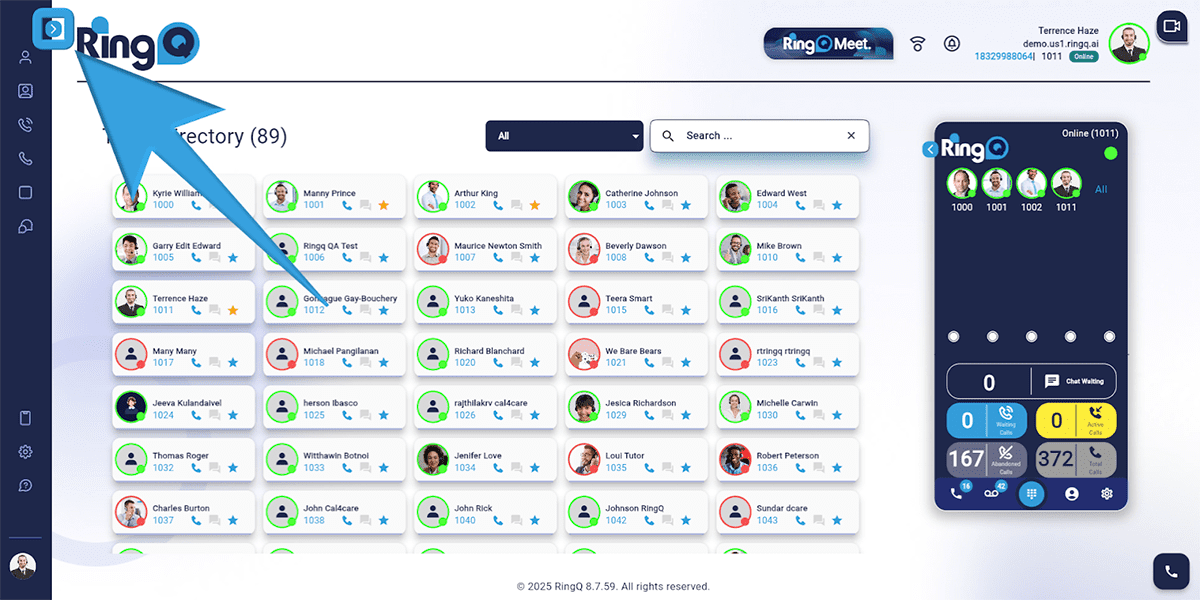
Click the Show Side Menu button (shown above) to reveal the menu.
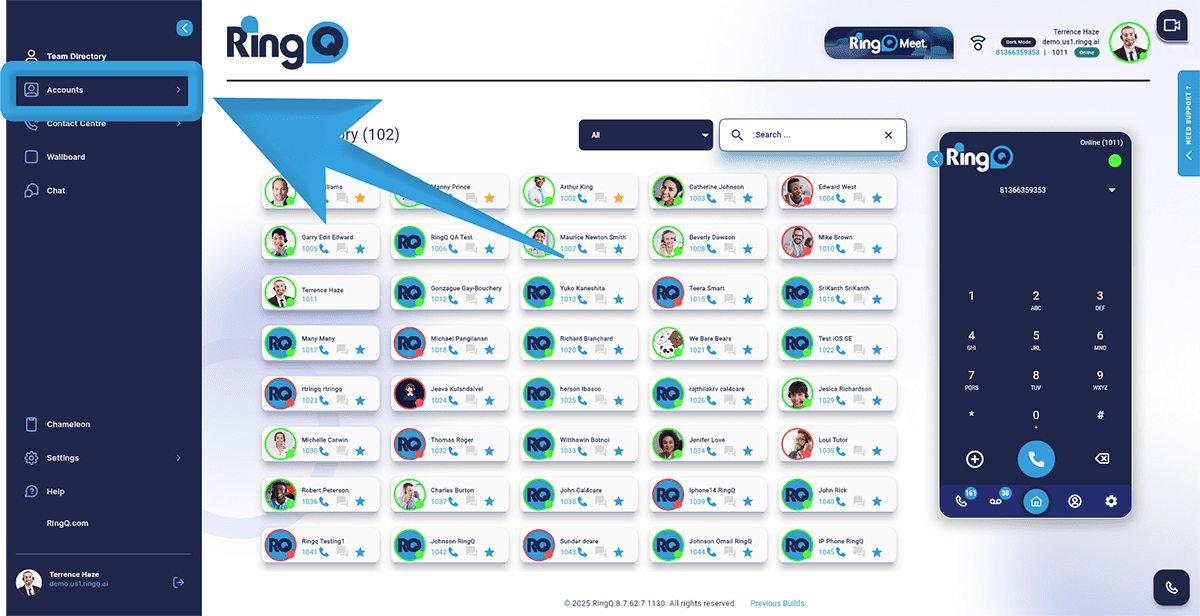
Navigate to the Accounts menu and click the Dropdown button to reveal the Accounts options.
Select Extensions.
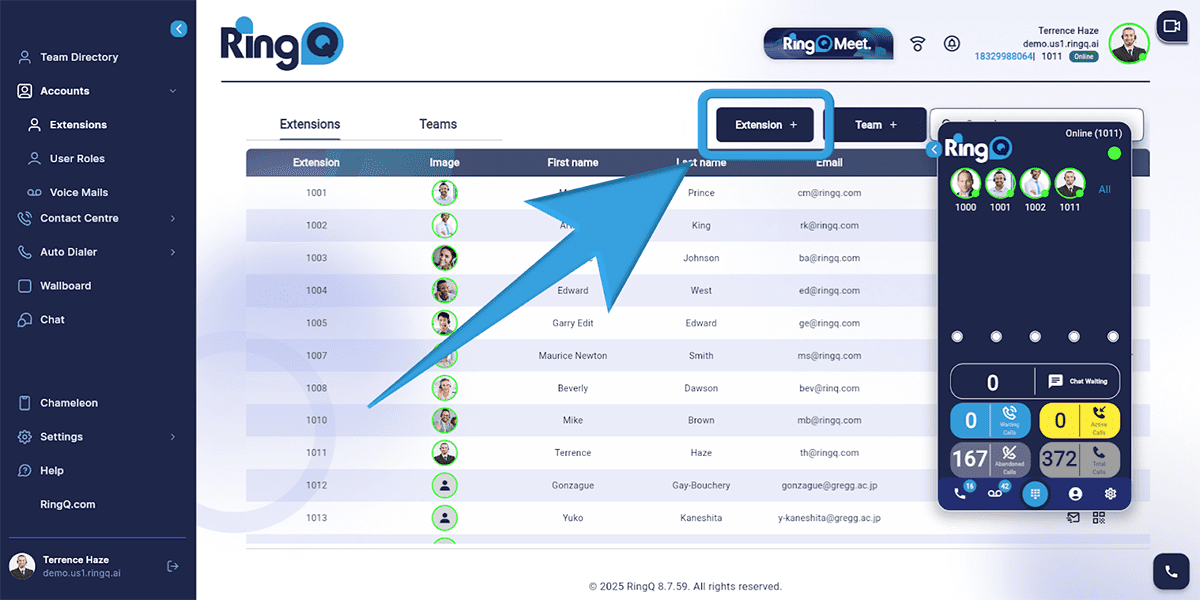
Click the Extension + button and fill out the required fields:
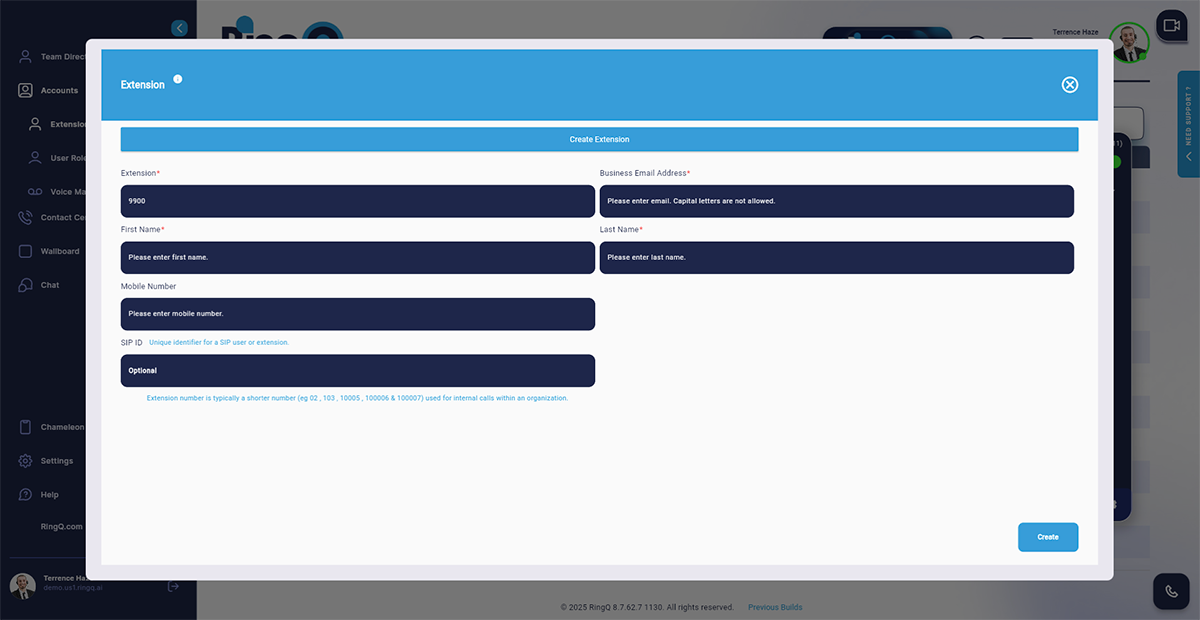
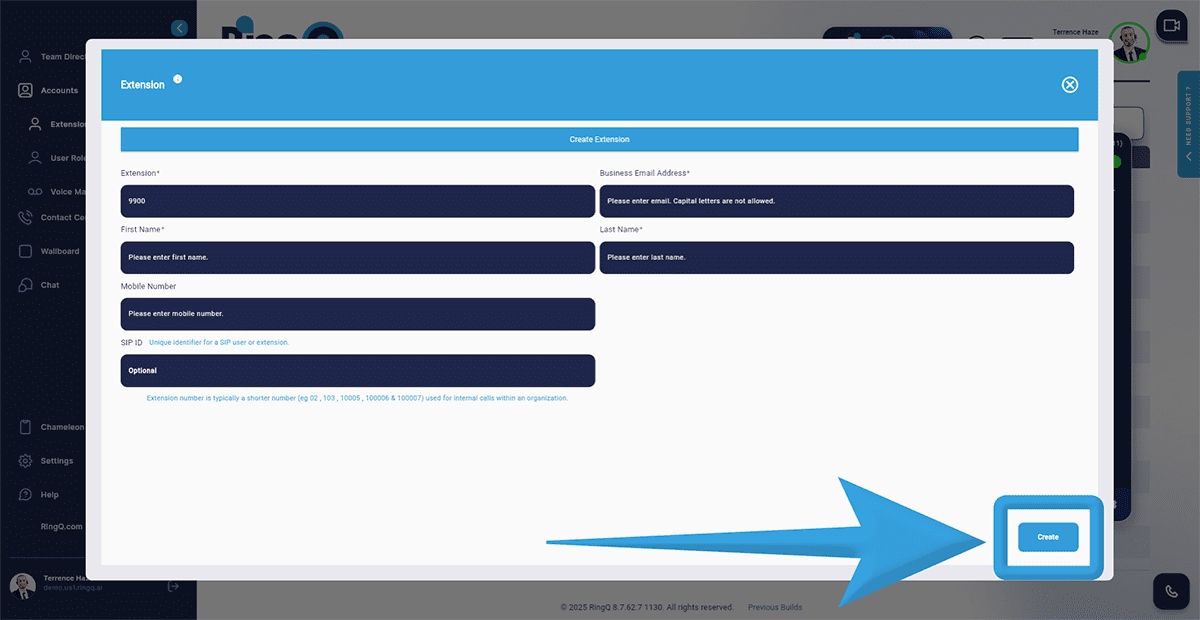
Click the Create button to save the new extension.