
Configuring Call Landing in RingQ Global Settings
Introduction
The Call Landing feature in RingQ allows agents to automatically access contact information or an external CRM page when making or receiving calls. This feature helps agents quickly identify callers, view relevant customer details, and manage calls more efficiently.
This guide explains how to configure Call Landing through Global Settings.
Accessing Call Landing Settings
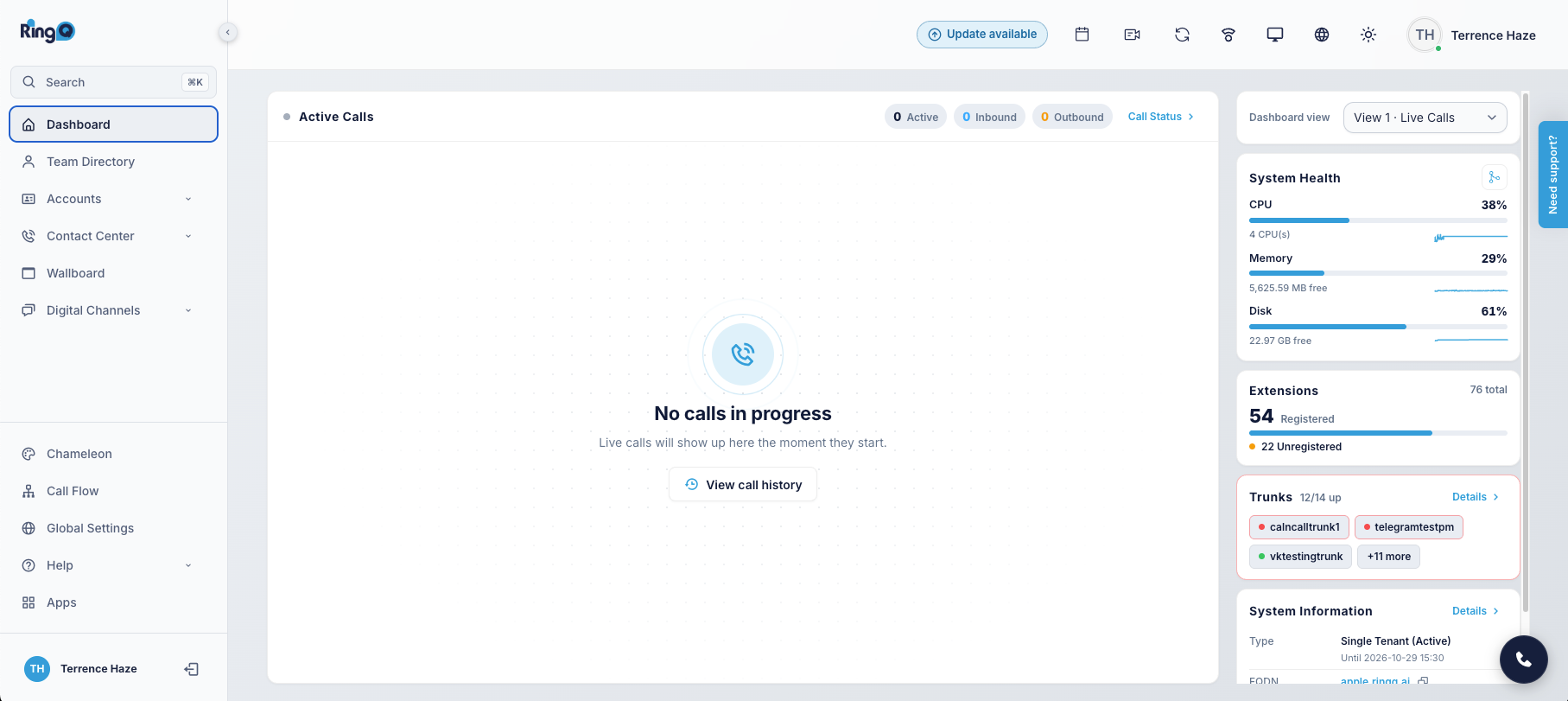
- Log in to your RingQ Admin Dashboard.
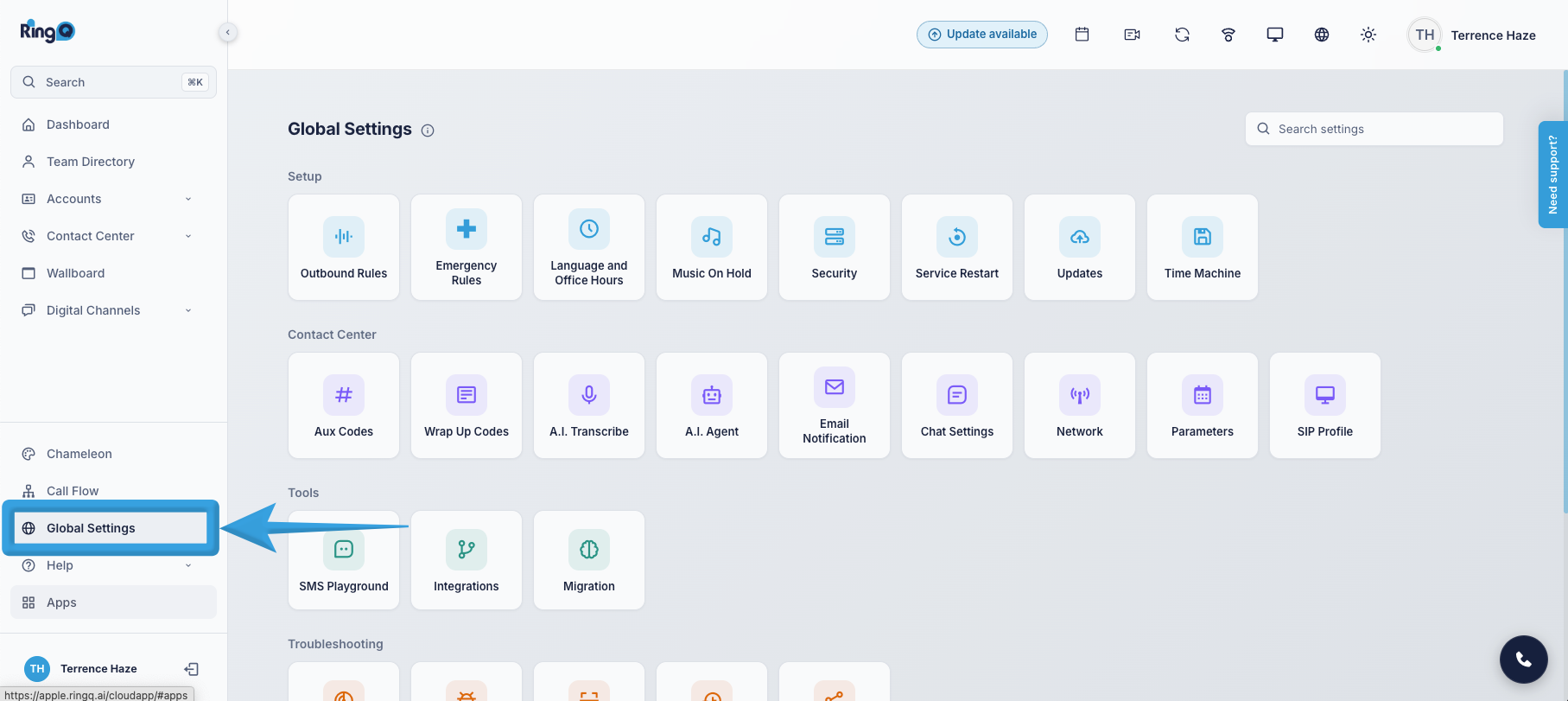
- Navigate to Global Settings.
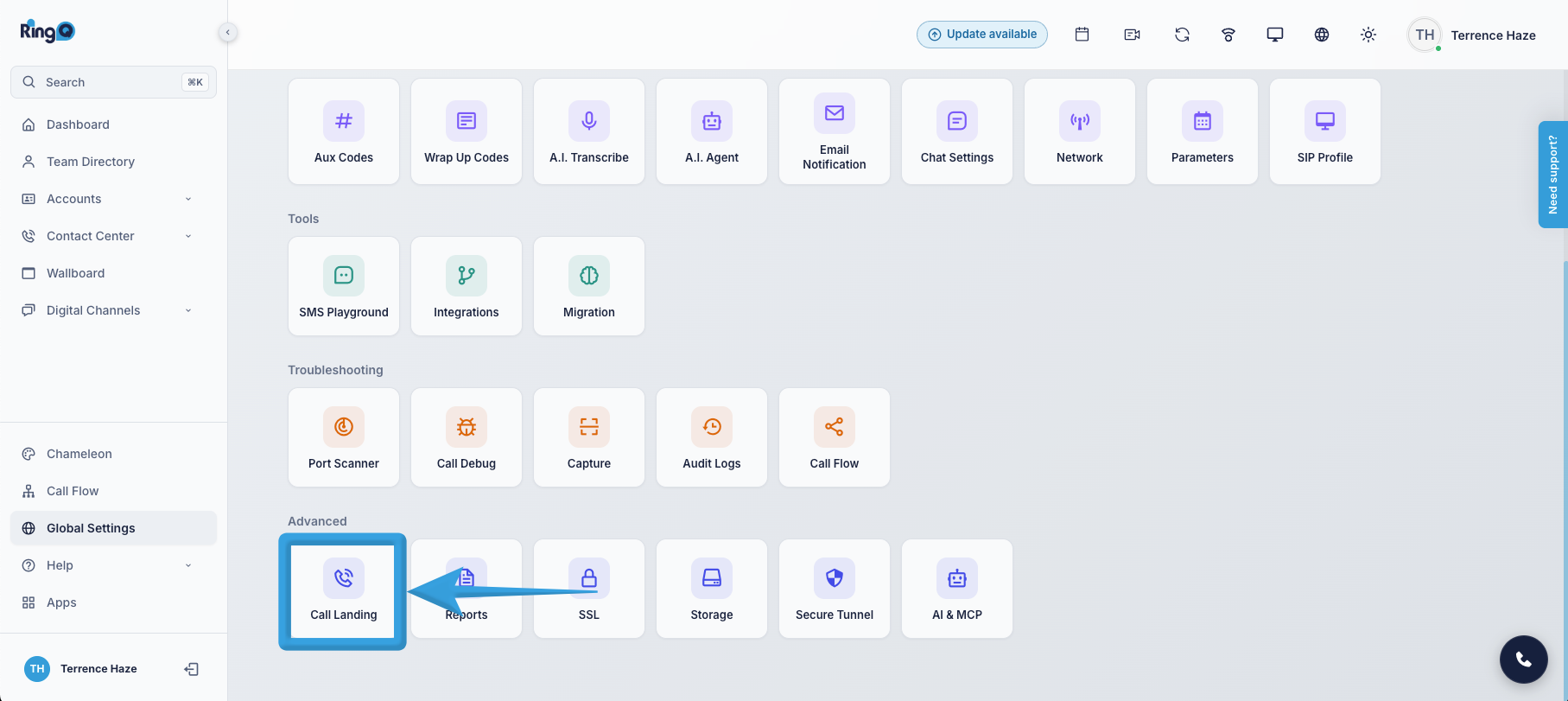
- Locate the Advanced section and select Call Landing.
Contact Page Access
The Contact Page Access section allows administrators to control contact visibility and caller information displayed to agents.
Enable or disable the following options:
- Enable Contact Page – Allows all agents to access and open the contact page.
- Hide Contact Number (*) – Masks the caller's phone number during calls to protect contact information.
- Show Caller Info Before Accepting Calls – Displays the caller's contact details while the incoming call is still ringing, before the agent answers.
Landing Behavior
The Landing Behavior section determines which page or contact information will automatically open when an agent makes or receives a call.
The following options are available:
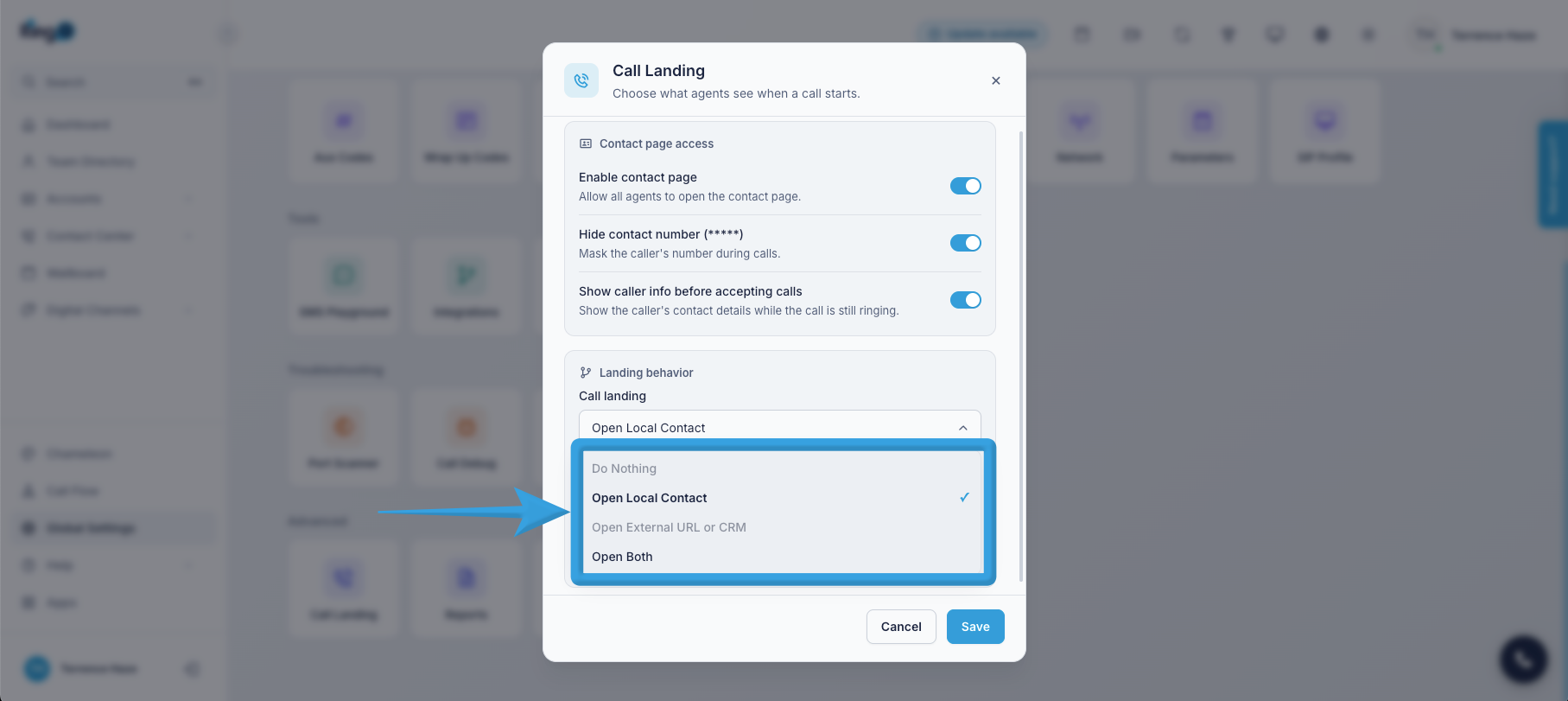
- Do Nothing – No additional page or contact information will automatically open when receiving or making an outgoing call.
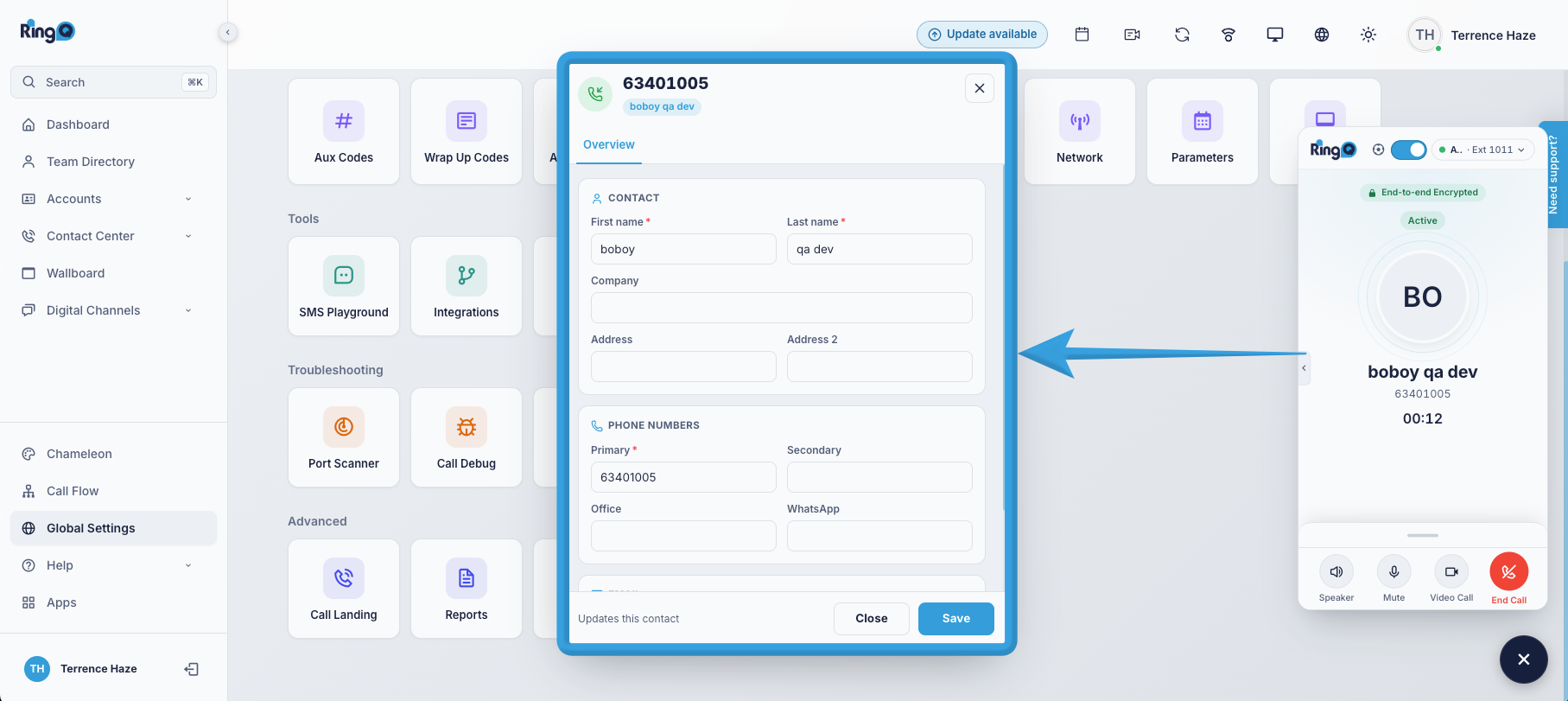
- Open Local Contact – Automatically opens the matching contact details from the local contact directory during incoming or outgoing calls.
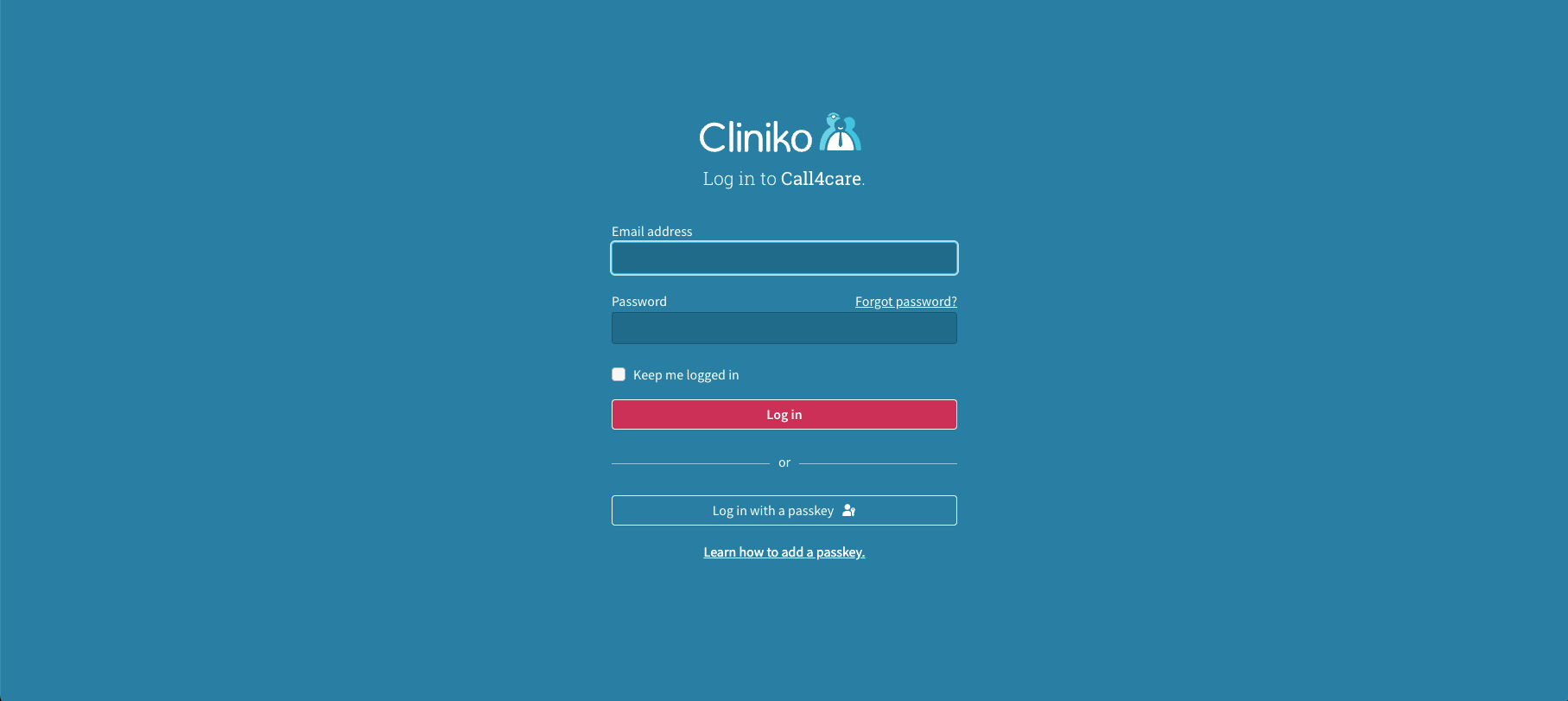
- Open External URL or CRM – Automatically opens the configured external URL or CRM page to display relevant contact information during incoming or outgoing calls.
Options Available:
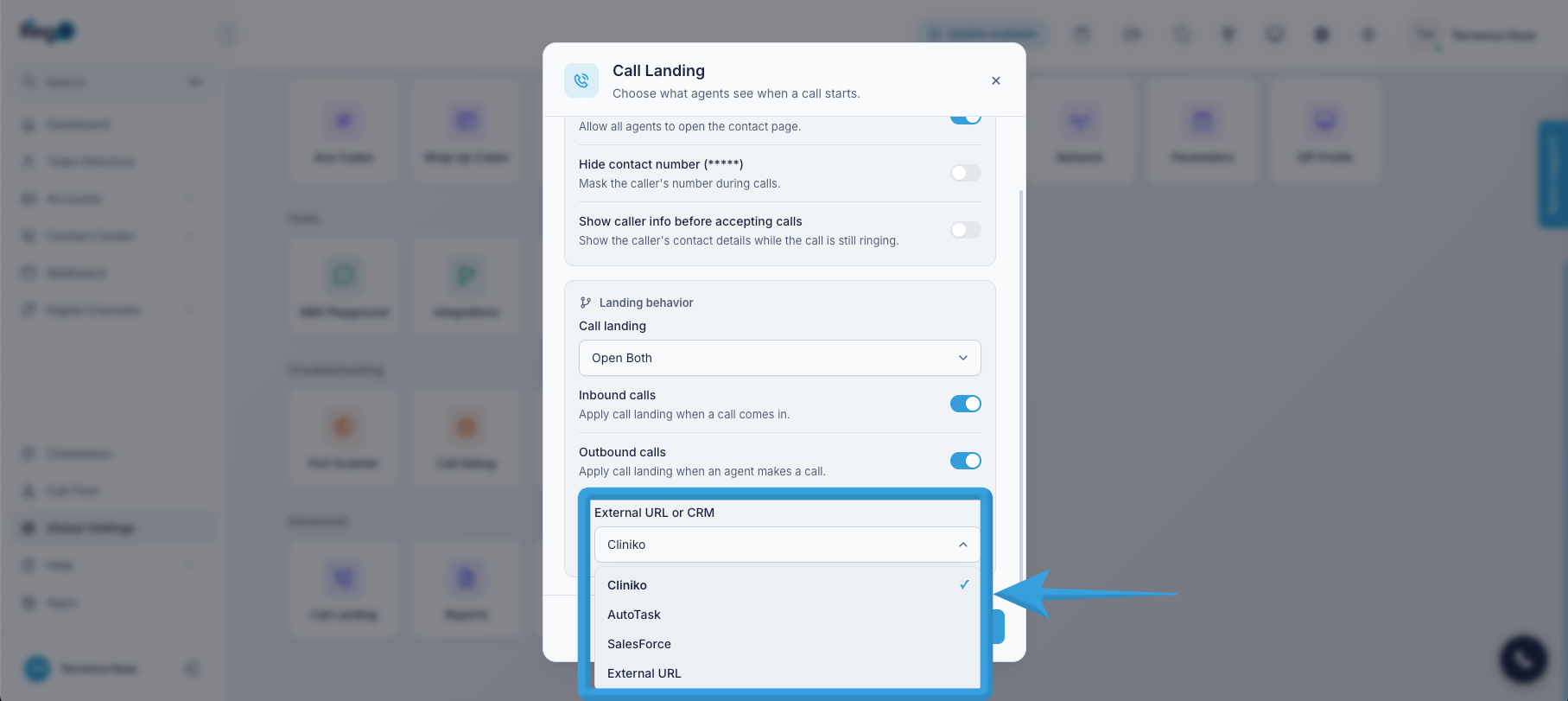
- For External Url and CRM
- Open Both – Automatically opens both the local contact details and the configured external URL or CRM page during incoming or outgoing calls.
Call Direction Settings
Enable or disable the following options to determine when Call Landing behavior should be applied:
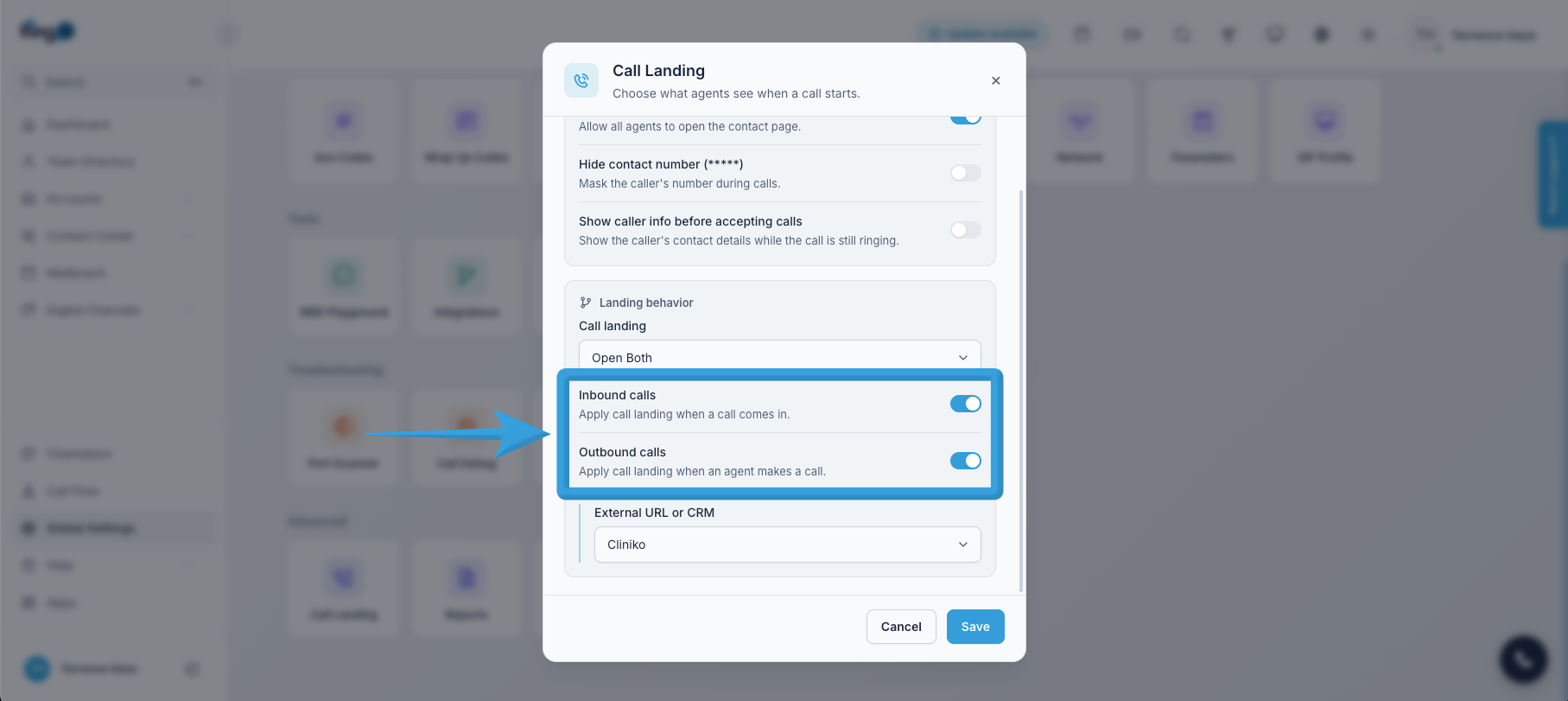
- Inbound Calls – Applies the selected Call Landing behavior when an agent receives an incoming call.
- Outbound Calls – Applies the selected Call Landing behavior when an agent makes an outgoing call.