RingQ offers a comprehensive troubleshooting toolkit for both partners and customers, streamlining the process of identifying and resolving issues. This article provides an overview of the built-in diagnostic tools available within the RingQ platform. All troubleshooting tools are accessible from your web app under Settings > Global.
RingQ provides full visibility into both inbound and outbound calls.
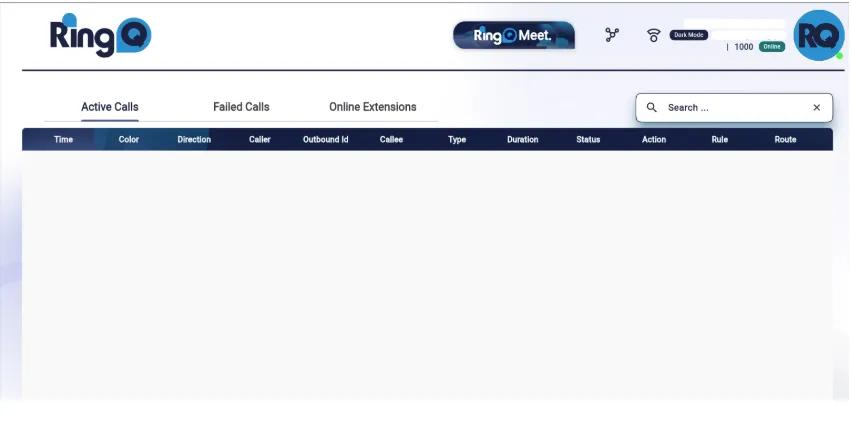
Use Case: Check whether a customer’s outbound call is correctly routed through the assigned trunk.
For advanced troubleshooting, RingQ integrates packet capture and SIP analysis tools:
Use Case: Identify registration failures or one-way audio by analyzing SIP signaling and RTP flow.
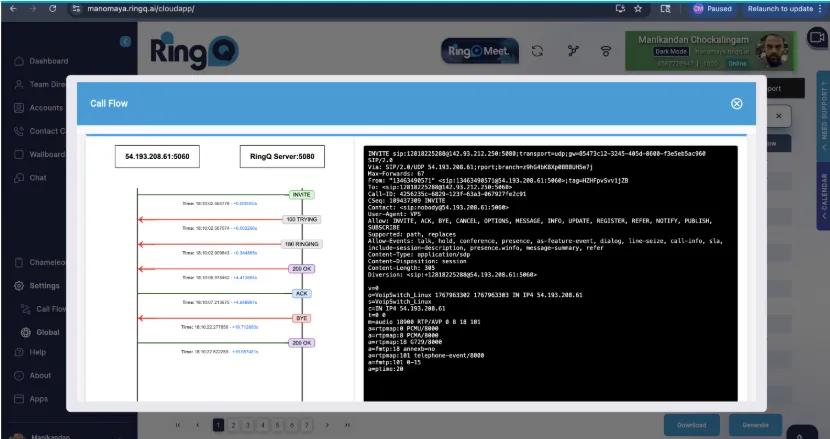
The end-of-call report offers unique insights into specific calls:
Use Case: Quickly determine why a call dropped (e.g., SIP error 486 Busy Here or 503 Service Unavailable).
RingQ includes a web-based terminal for system-level diagnostics without requiring SSH access. Supported commands include:
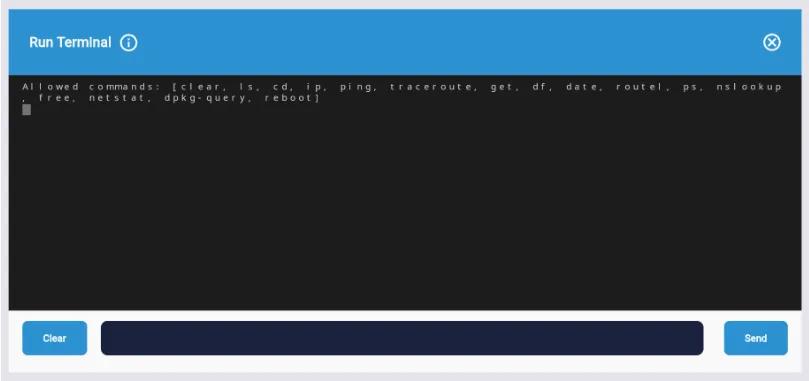
clear, ls, cd, ip, ping, traceroute, df, date, ps, nslookup, free, netstatdpkg-query — check installed packagesreboot — restart the systemfs_cli -x "reloadxml" — reload dialplan and configurationfs_cli -x "sofia profile external restart" — restart external SIP profilefs_cli -x "sofia profile internal restart" — restart internal SIP profileUse Case: Run ping or traceroute from the Web UI to check connectivity with the SIP provider.
With these tools, RingQ enables partners and customers to:
This end-to-end troubleshooting suite reduces downtime, minimizes dependency on external tools, and accelerates resolution for all users.
