This guide explains how to configure Twilio SMS using the Generic API in RingQ, enabling you to send and receive SMS messages through the platform.
Log in to your RingQ Admin Dashboard.
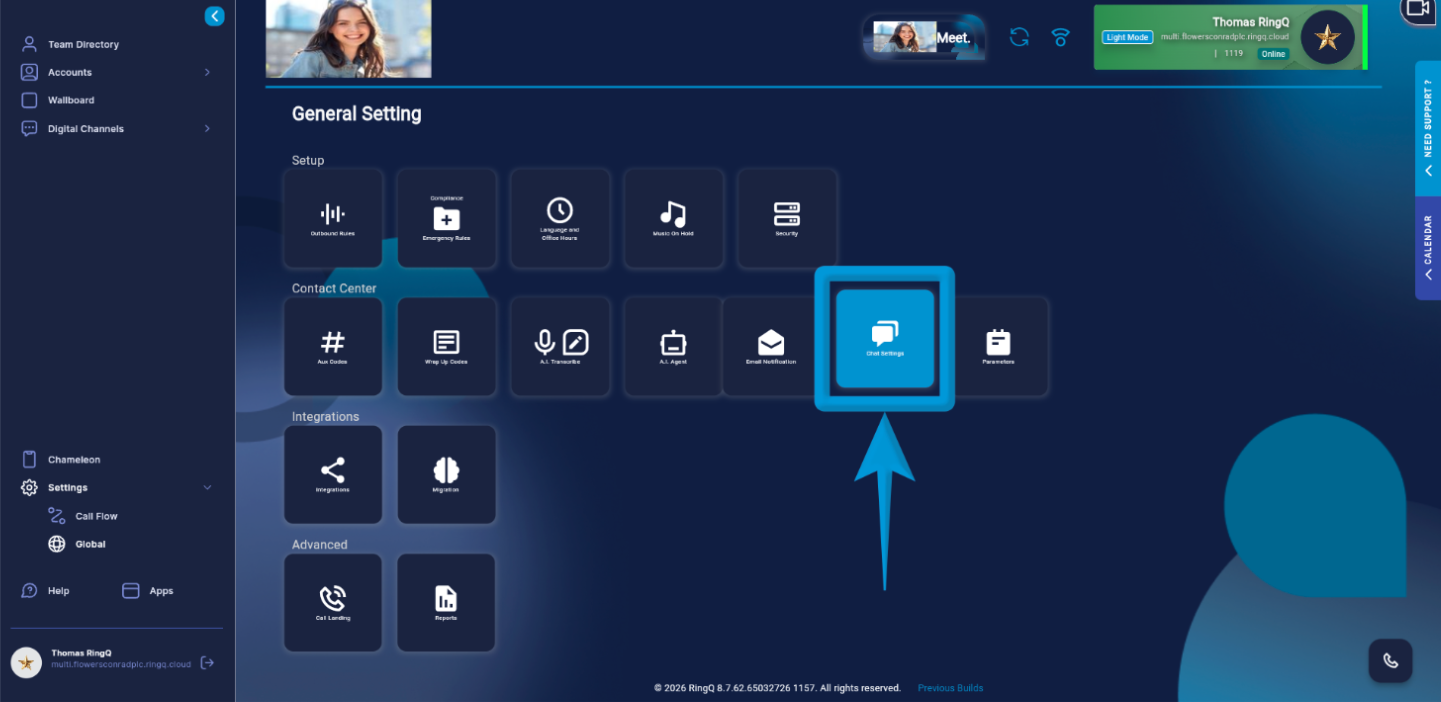
Go to Settings > Global > Chat.
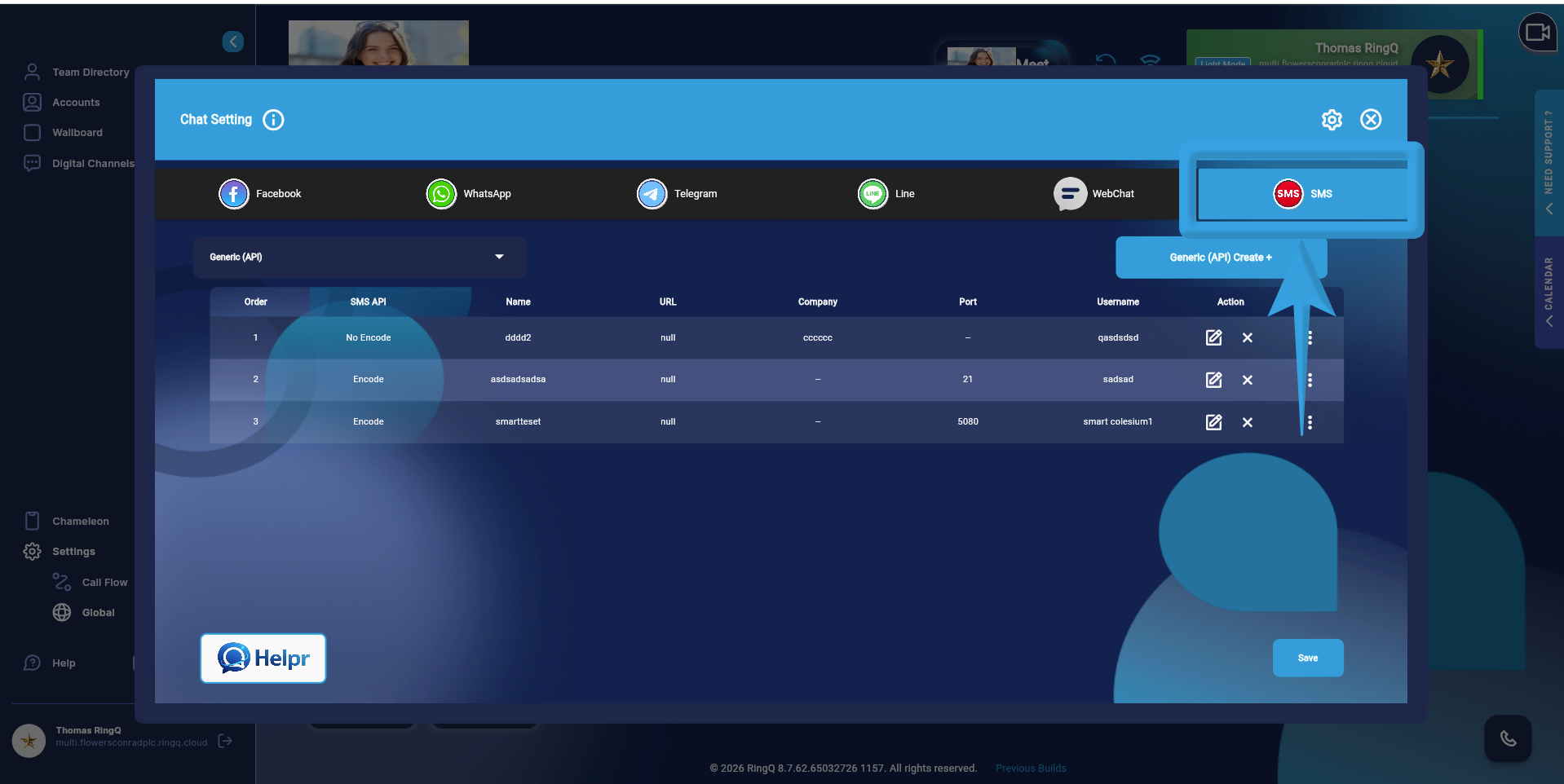
Open the SMS tab.
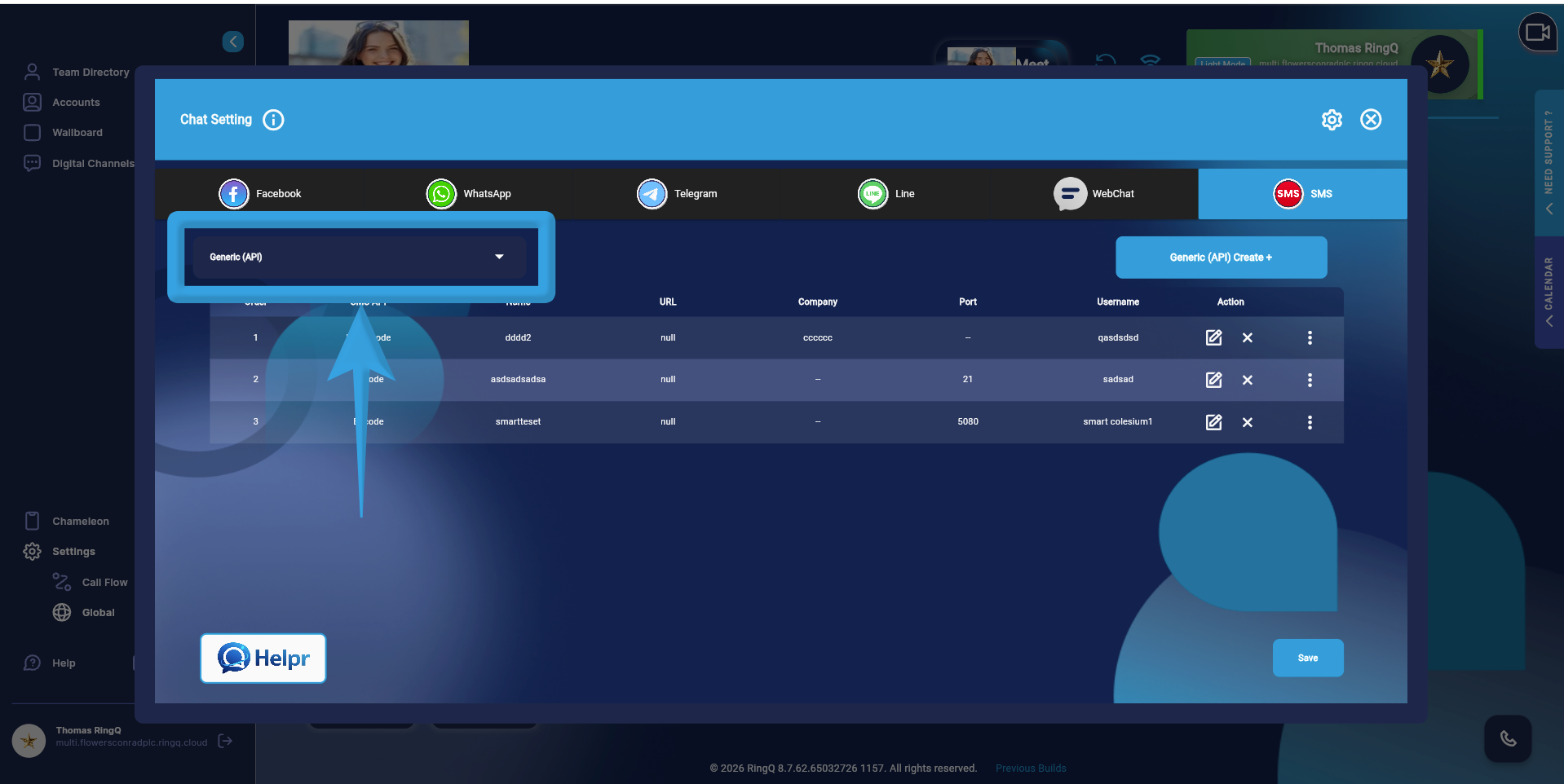
On the left panel, click the Generic API dropdown and select Twilio.
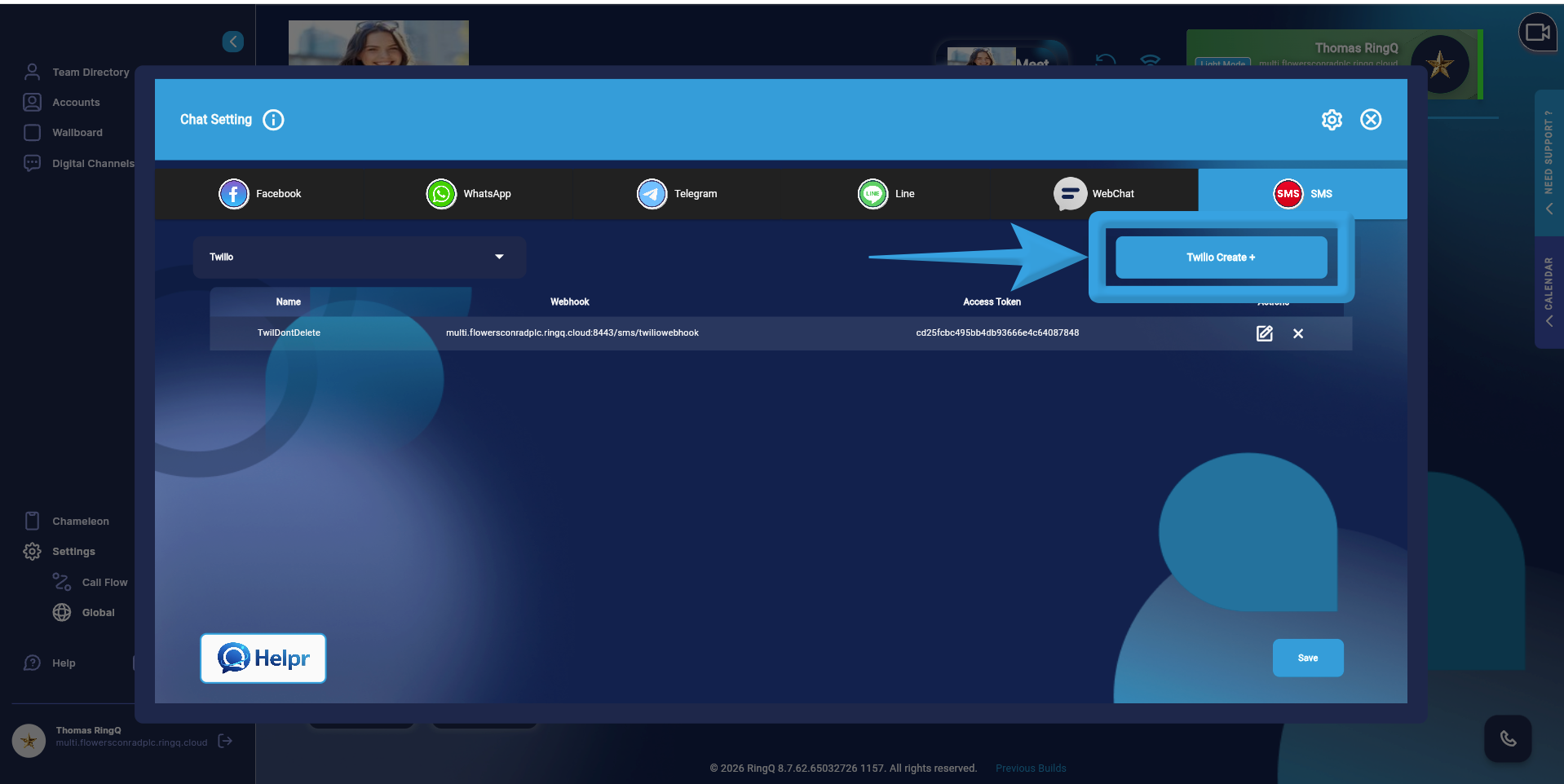
Click the Create Twilio button.
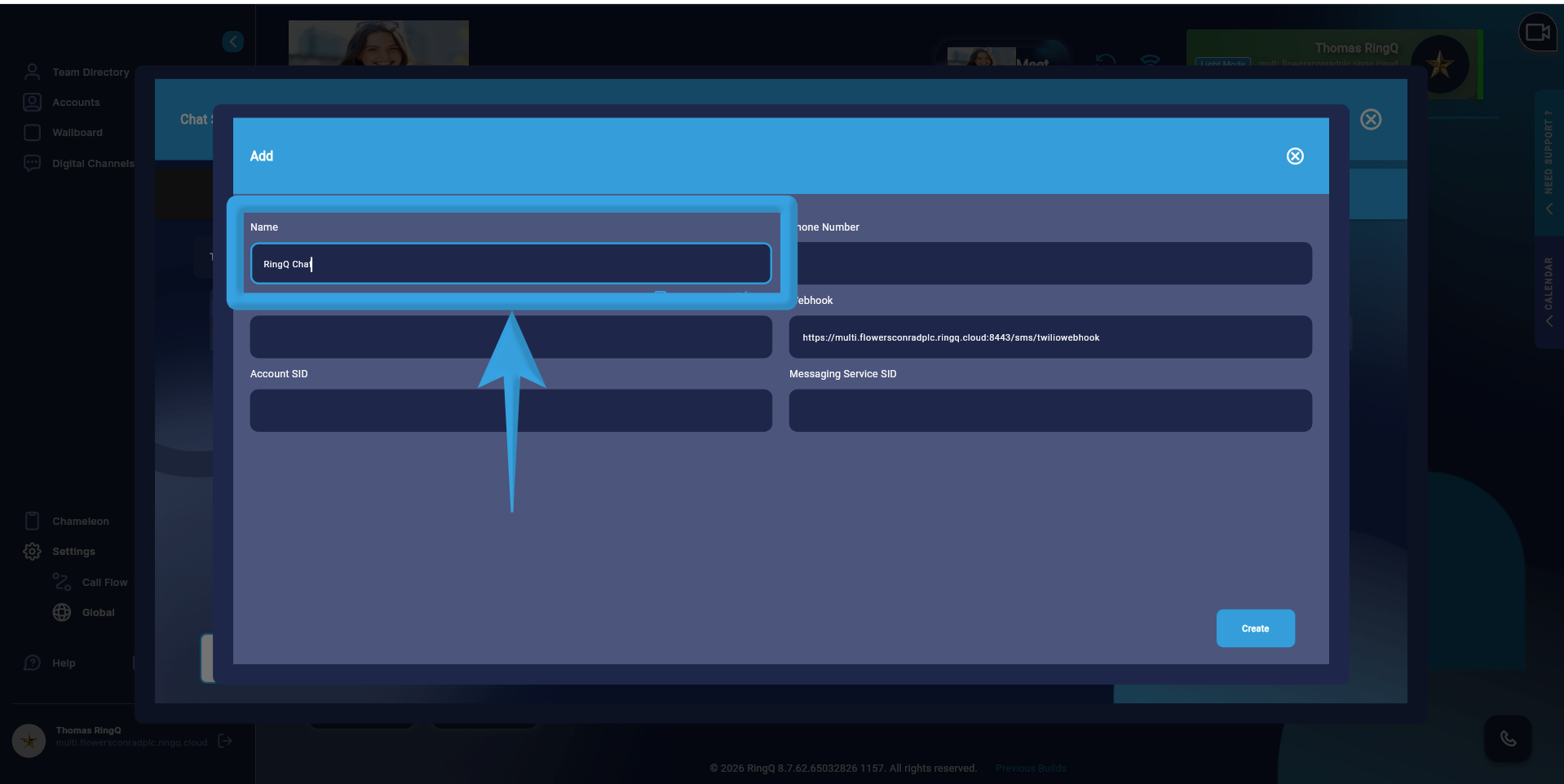
Enter a name for the setup.
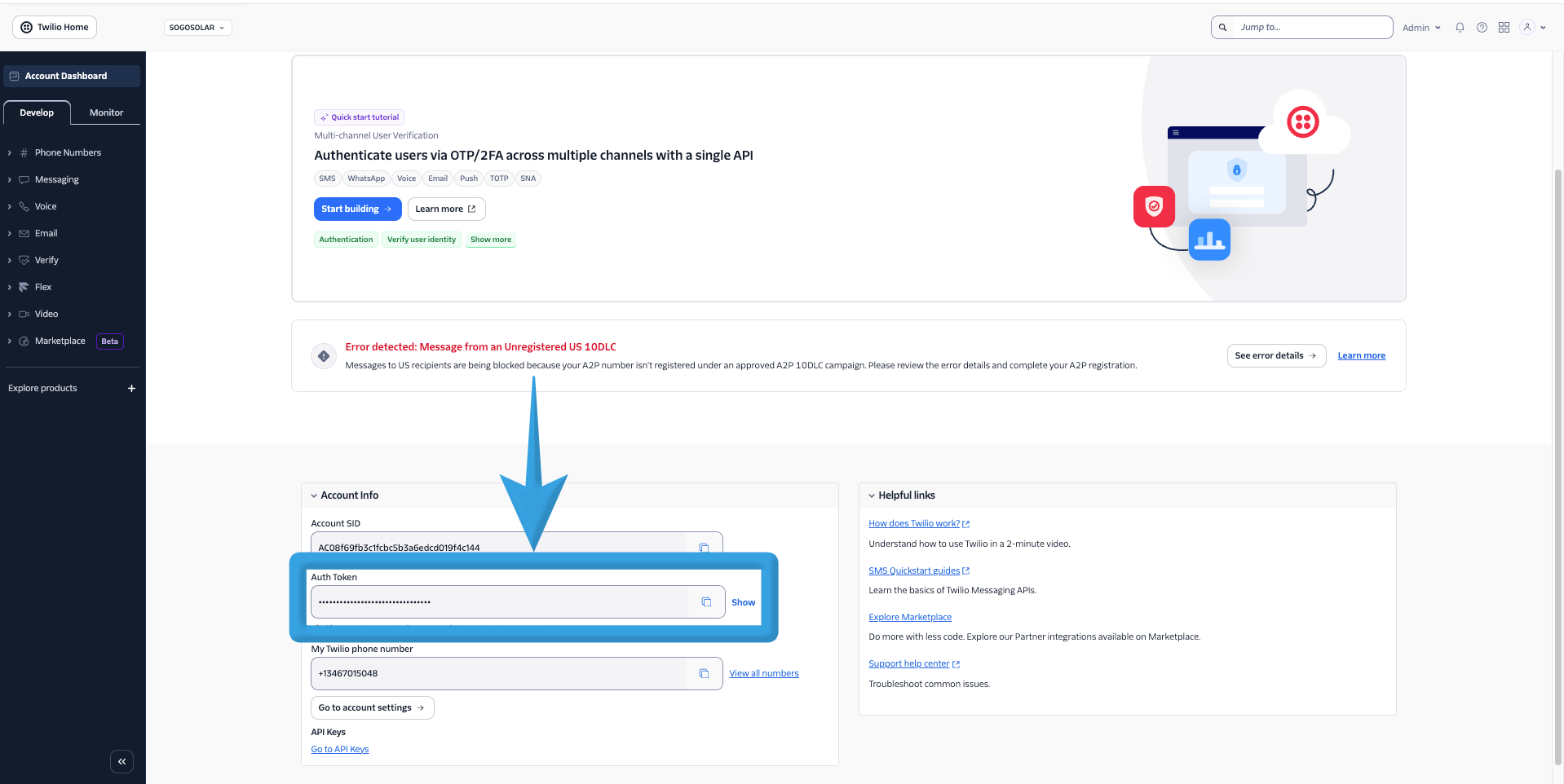
Copy the Auth Token or Access Token from the Twilio console and paste it into the Access Token field in RingQ.
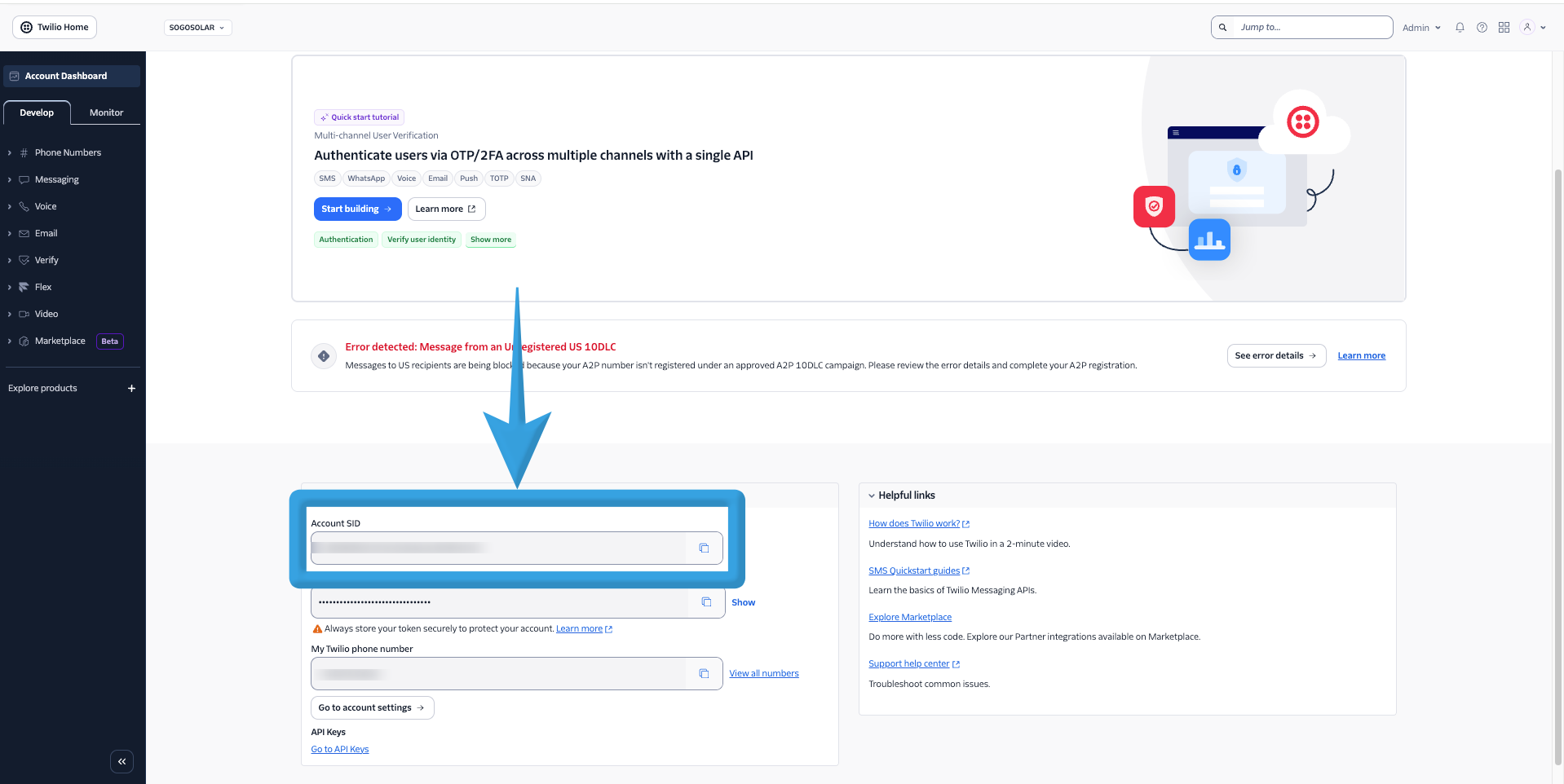
Copy the Account SID from your Twilio console and paste it into the Account SID field in RingQ.
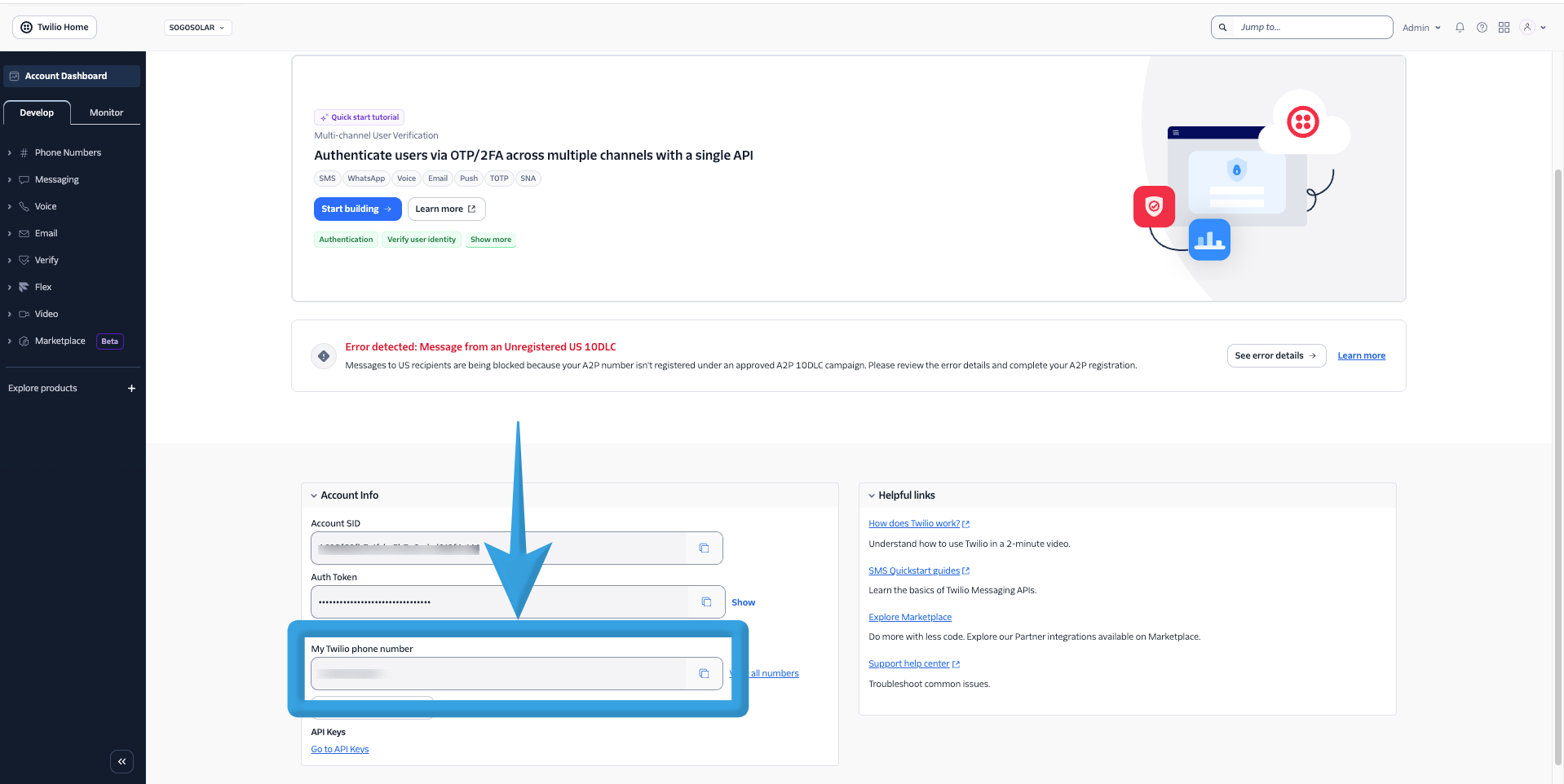
Copy the Phone Number from Twilio and paste it into the Phone Number field in RingQ.
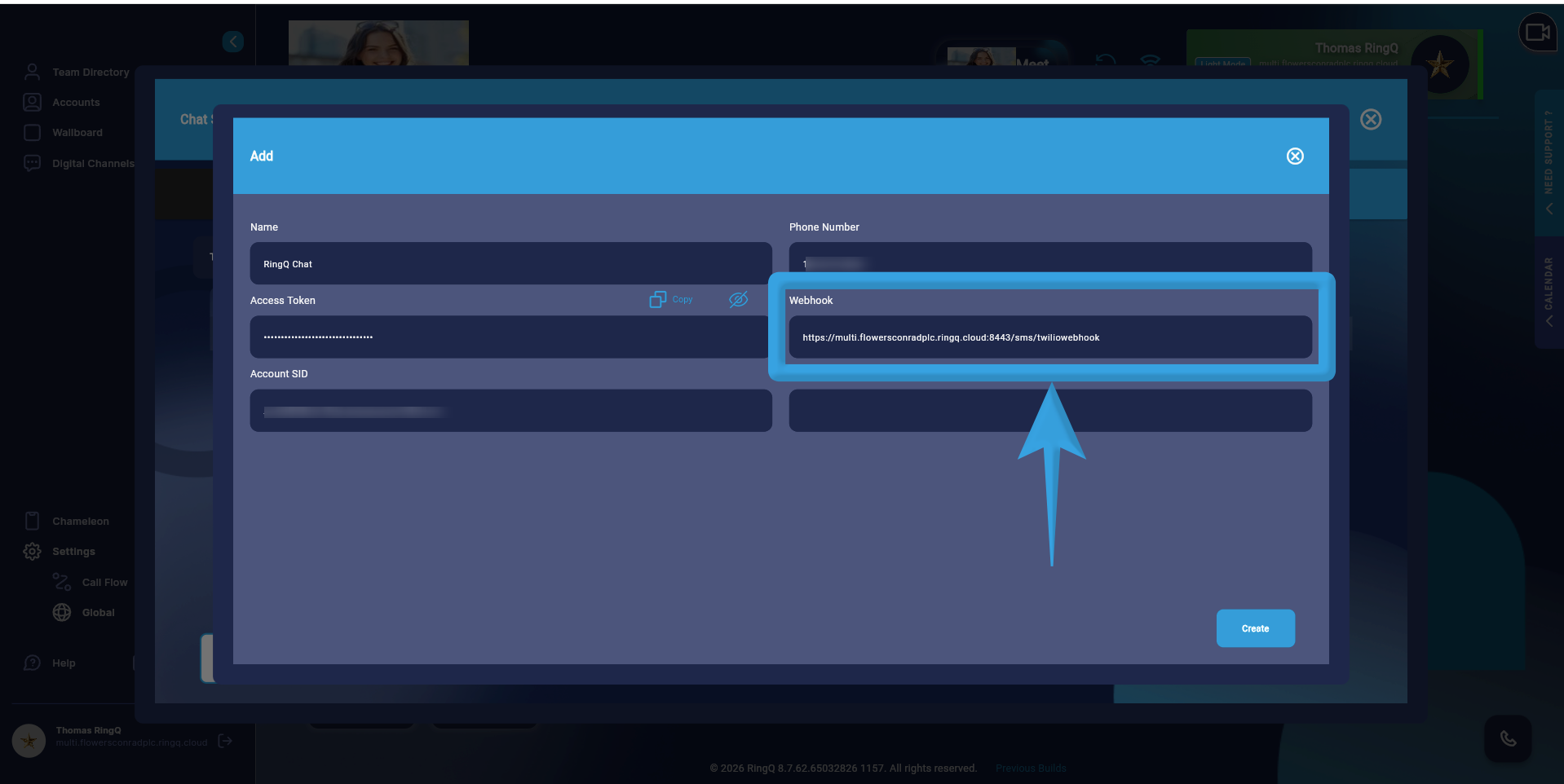
The Webhook field is automatically generated by the system.
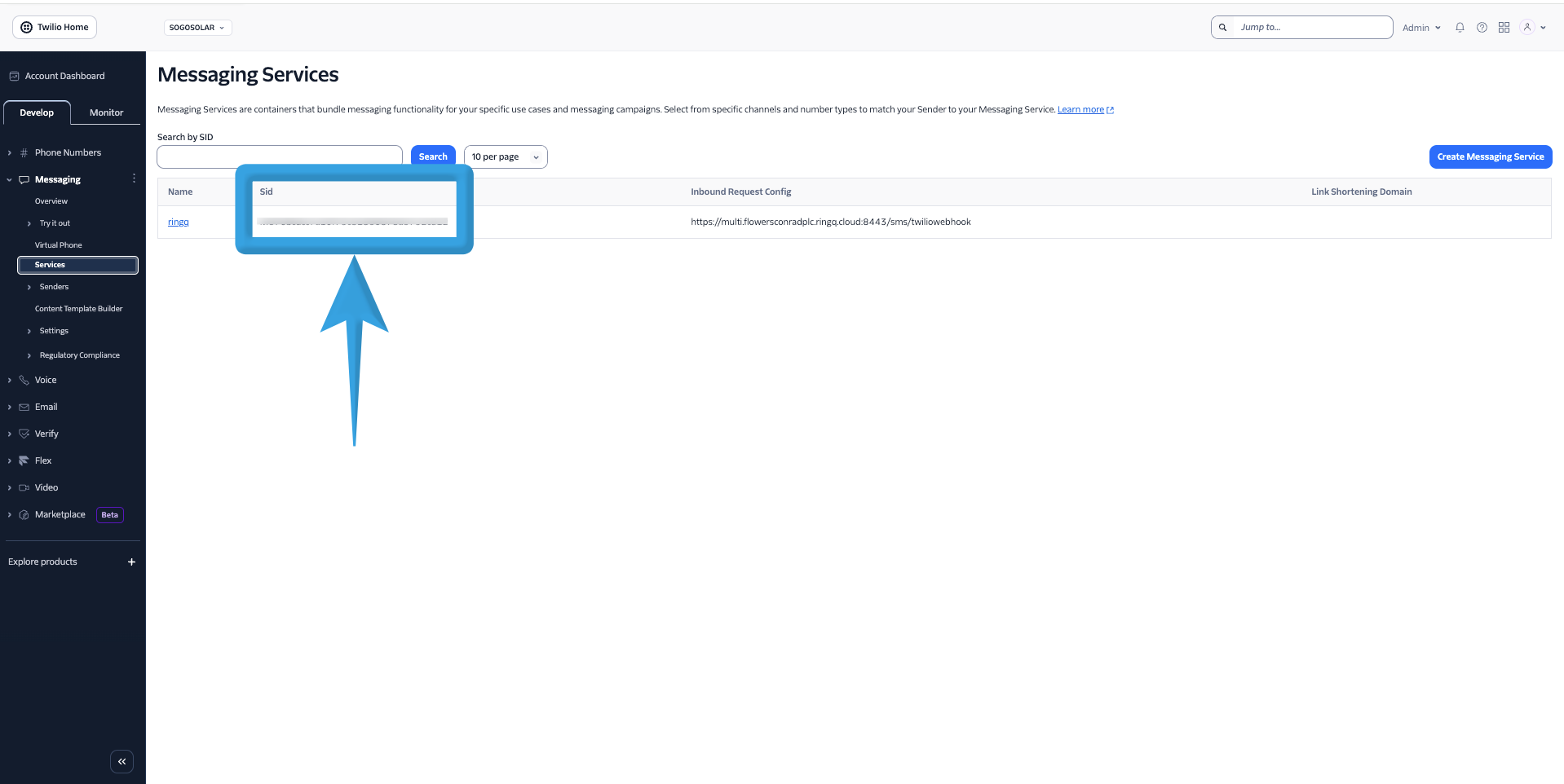
Copy the Messaging Service SID from your Twilio Messaging Services and paste it into the Messaging Services SID field in RingQ. 12. Click Create.
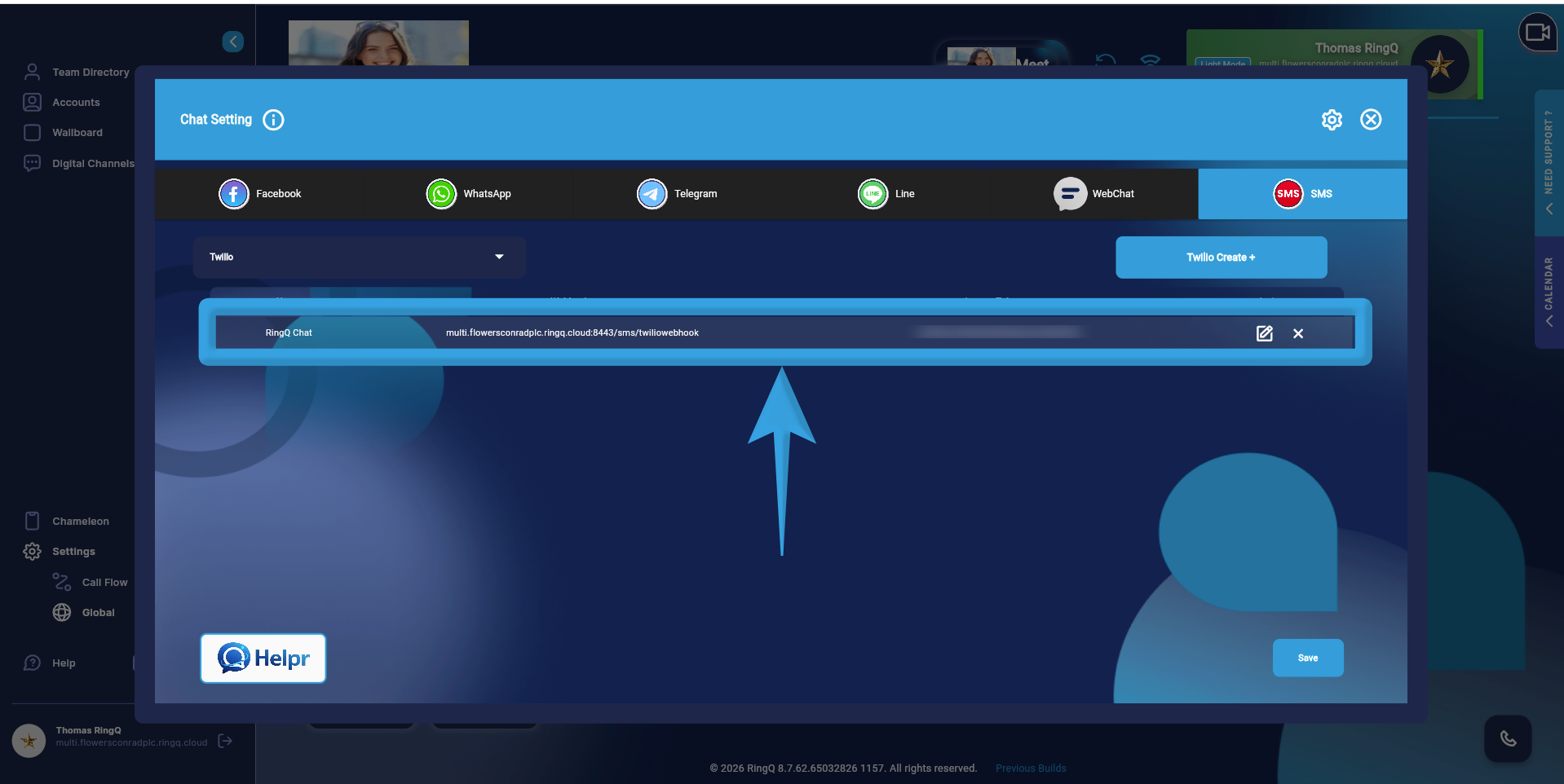
Your Twilio SMS setup will appear in the SMS page list within RingQ.
