This guide explains how to set up Telnyx as your SMS provider within the RingQ platform. This integration enables you to send and receive SMS messages directly from RingQ.
Log in to your RingQ Admin Dashboard.
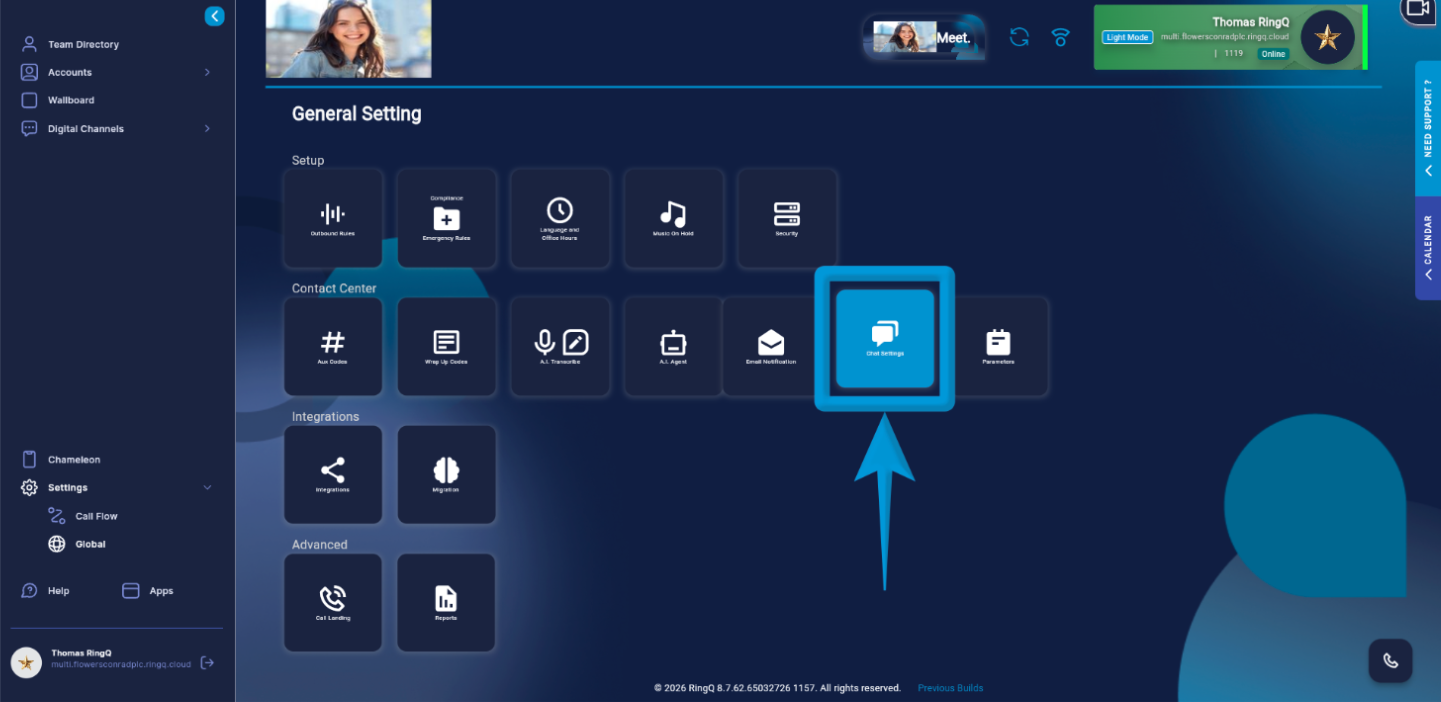
Go to Settings > Global > Chat Settings.
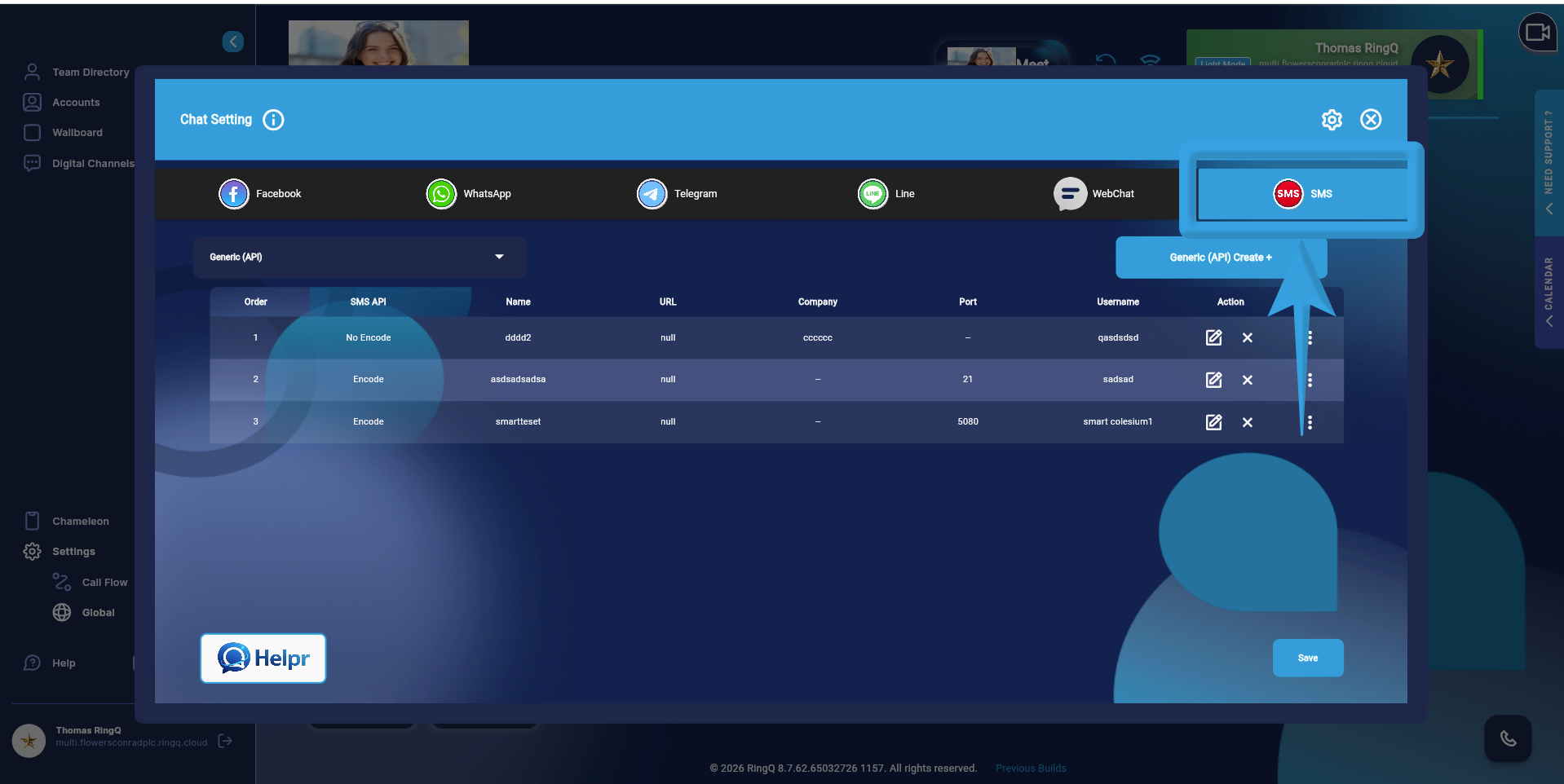
Click the SMS tab.
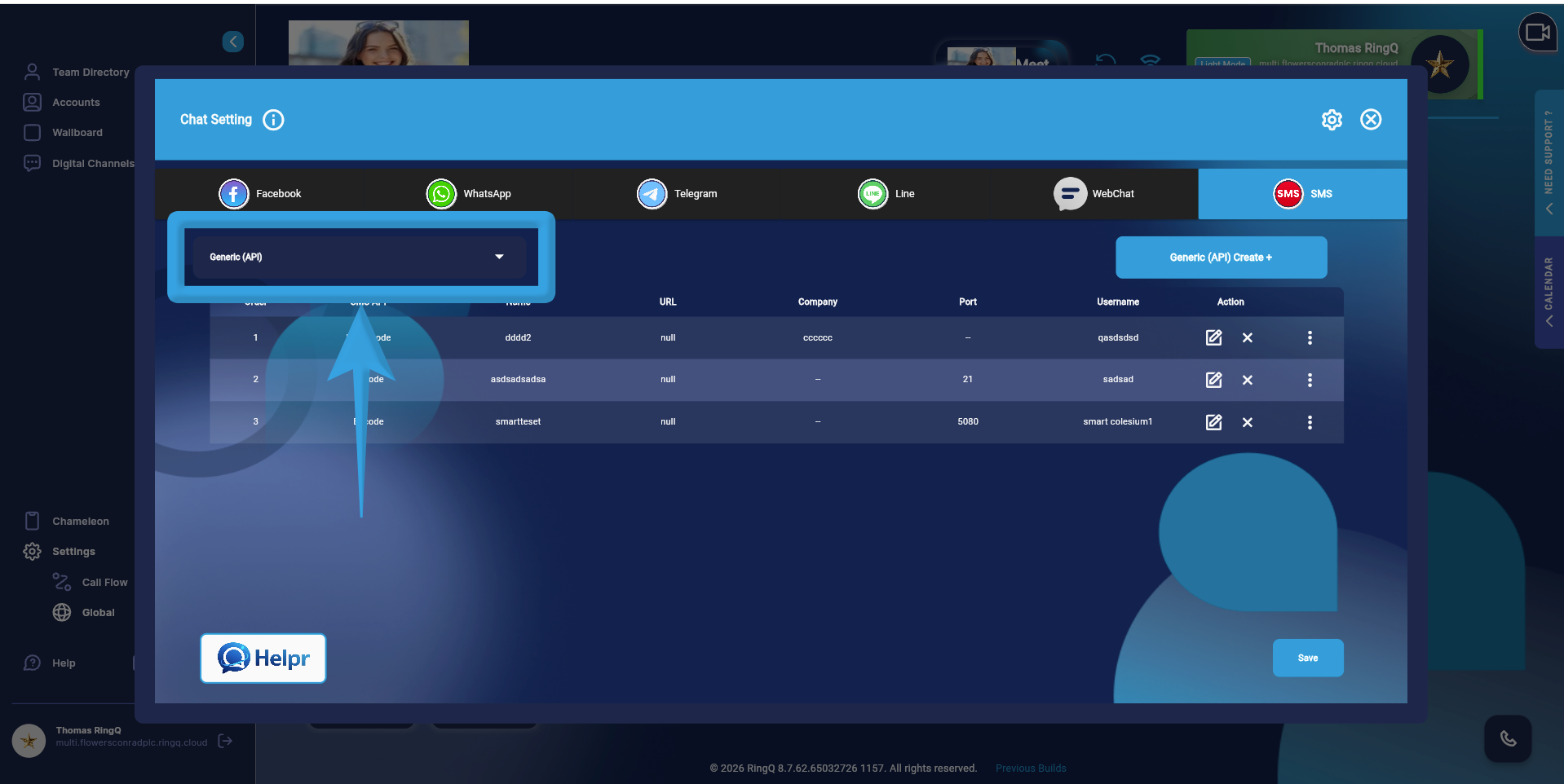
On the left panel, click the Generic API dropdown.
Select Telnyx.
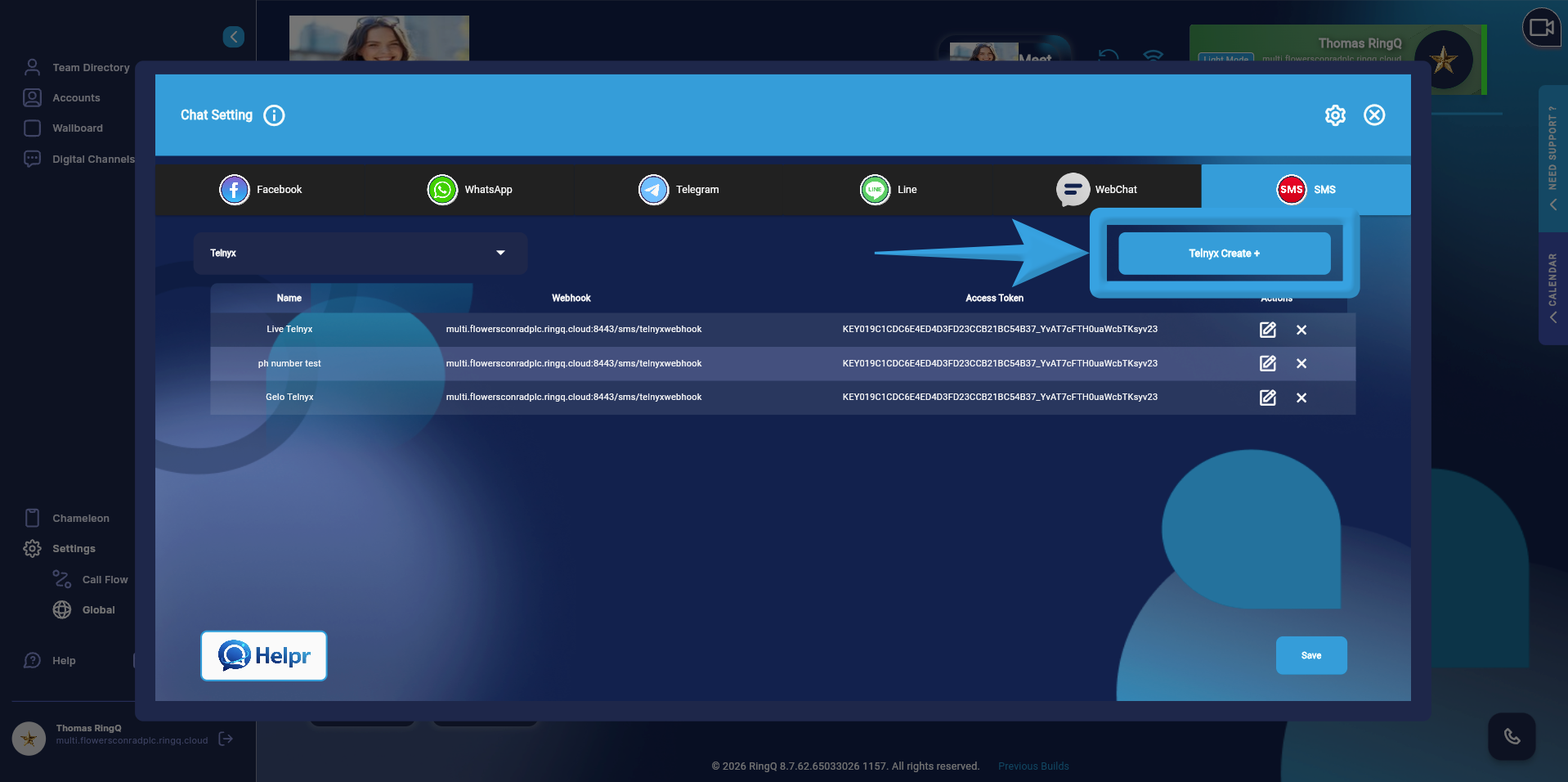
Click the Telnyx Create + button.
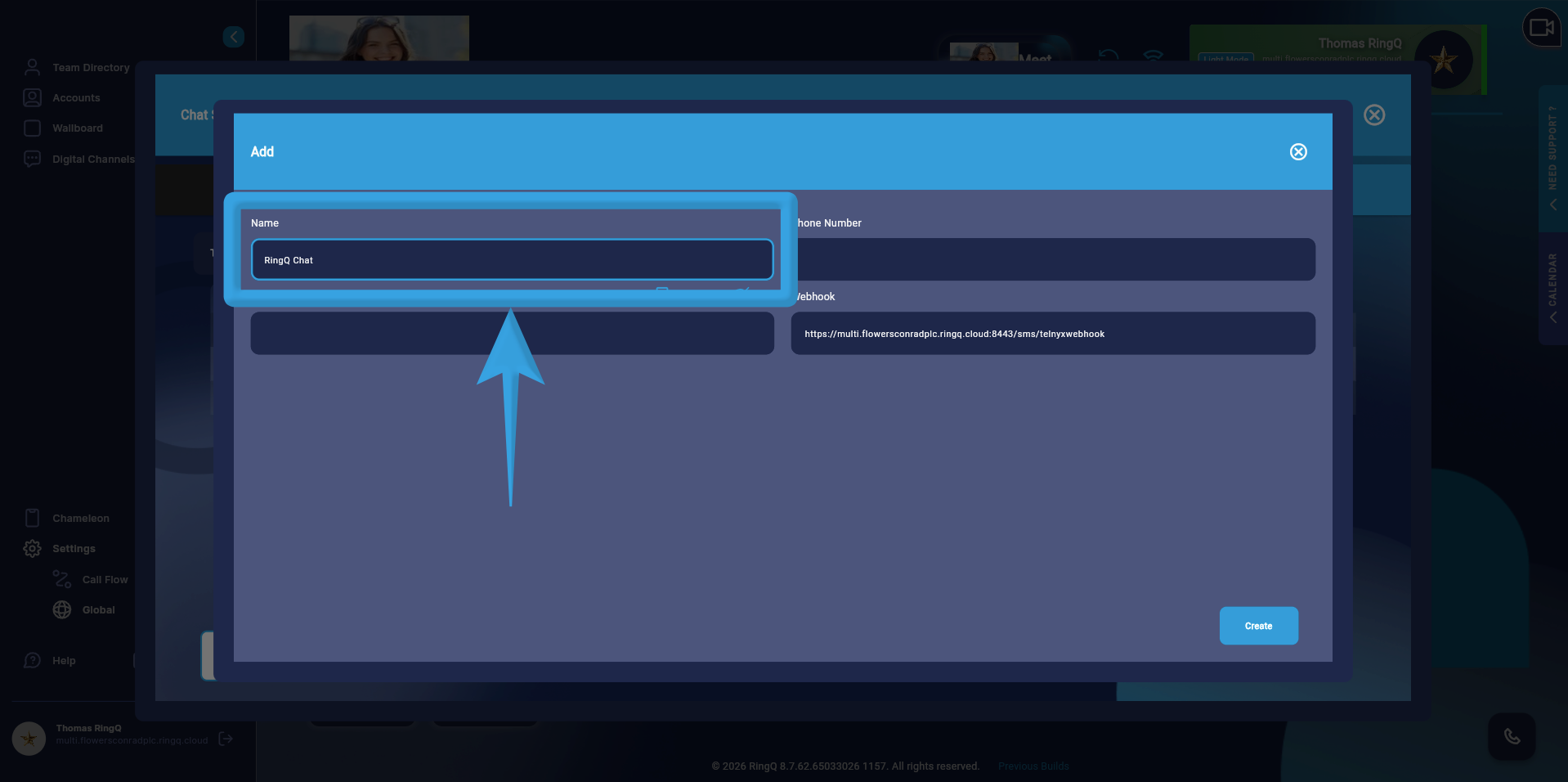
Enter a name for the configuration.
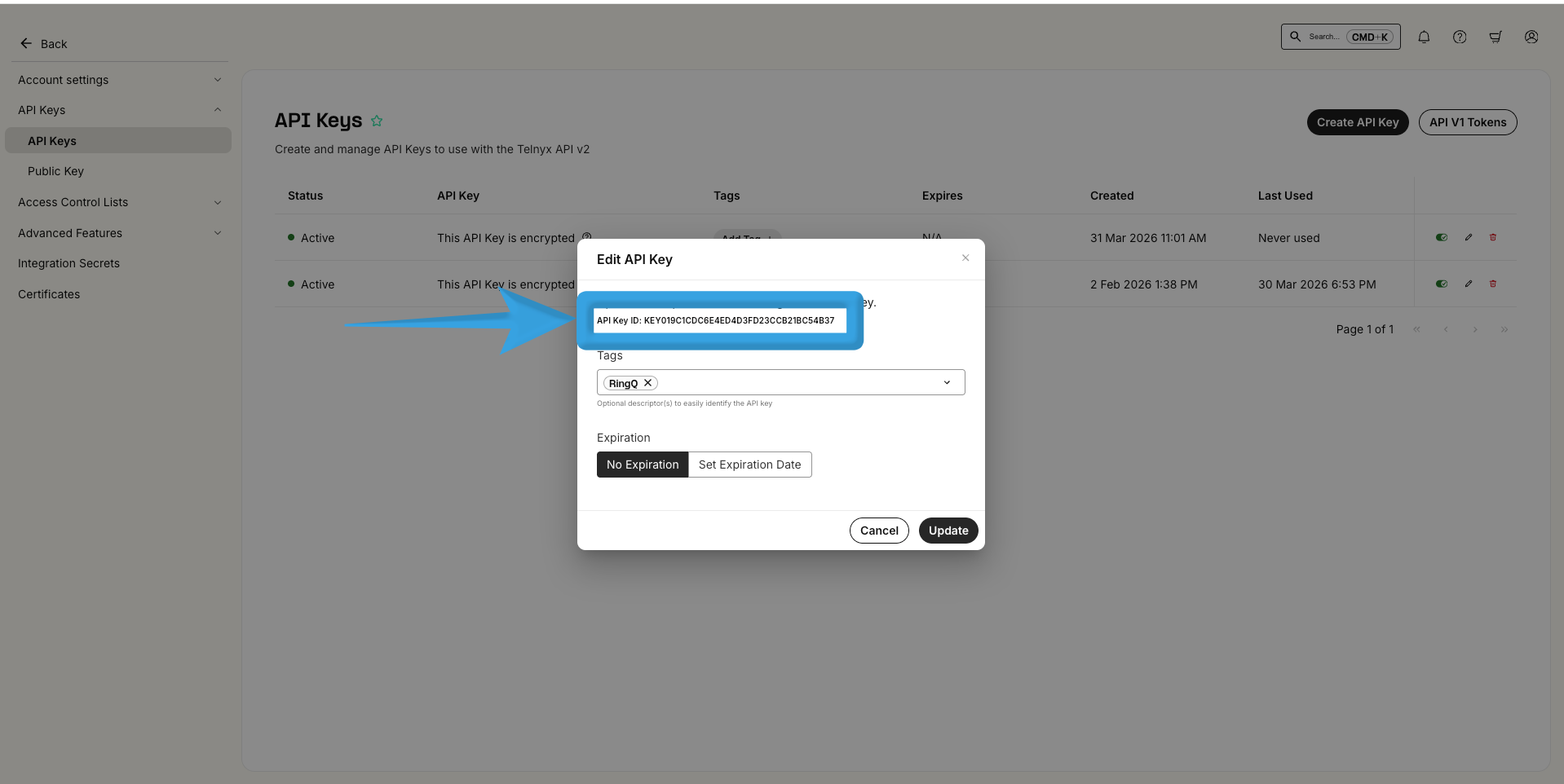
Copy the API Key from your Telnyx dashboard and paste it into the Access Token field in RingQ.
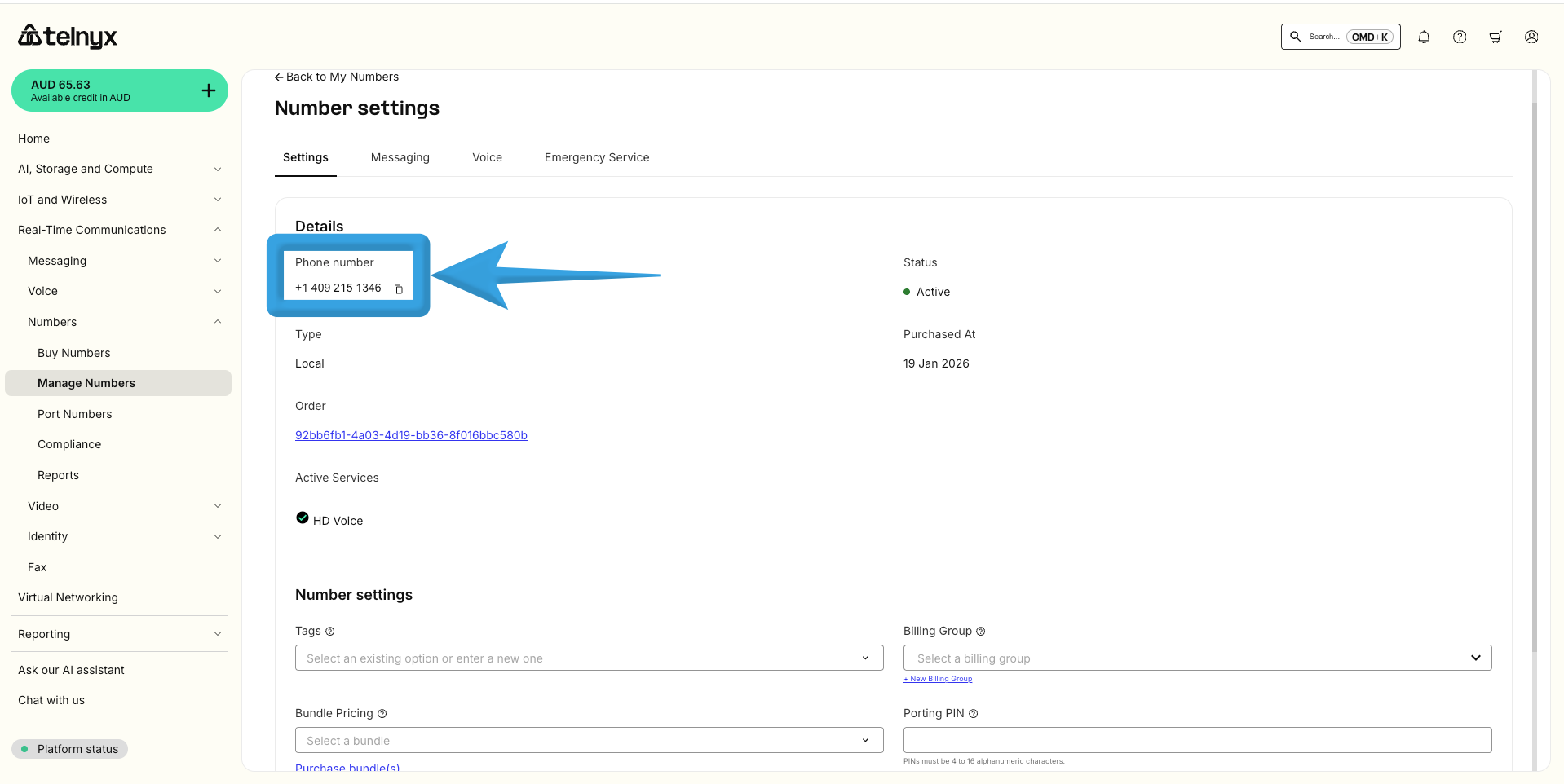
Copy the Phone Number from the Telnyx Number Settings and paste it into the Phone Number field in RingQ.
The Webhook is automatically generated by the system.
Click Create.
Once you complete the configuration, your Telnyx SMS setup will appear in the SMS page list within RingQ.
