Configuring Agent Status & BLF
Setting an agent’s status and BLF (busy lamp field) enables colleagues to know whether or not an agent is busy or available by simply glancing at their name. It enables efficient call routing and traffic management as well as faster customer service.
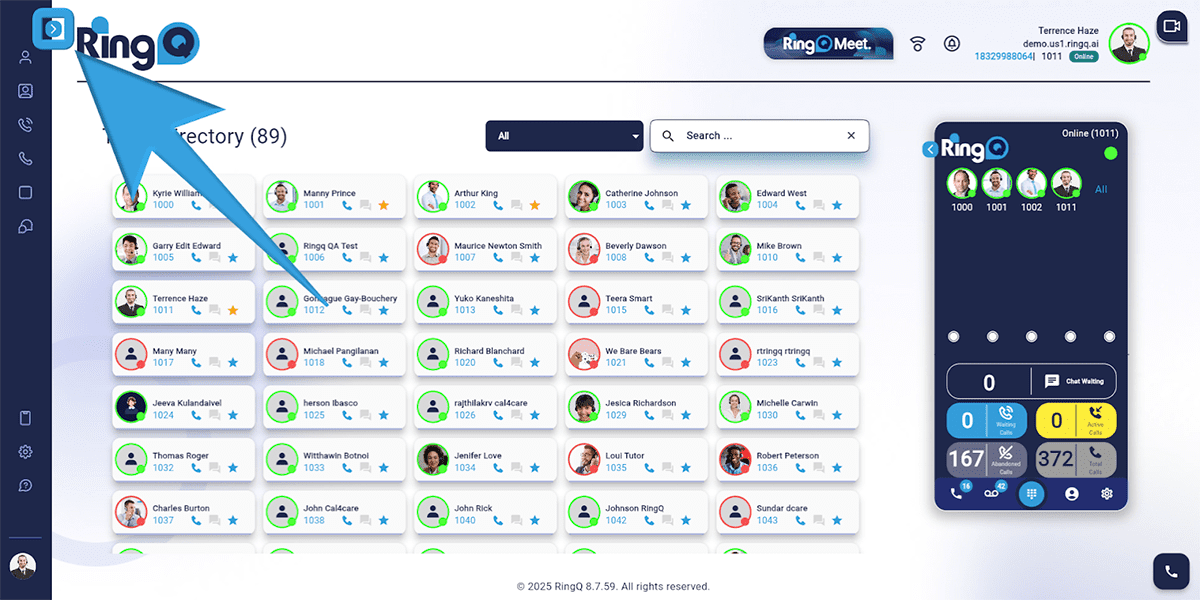
Click the Show Side Menu button to reveal the side menu bar.
Navigate to the Accounts menu and click the Dropdown button to reveal the Accounts options.
Select Extensions.
Choose the specific extension for which you want to configure the BLF.
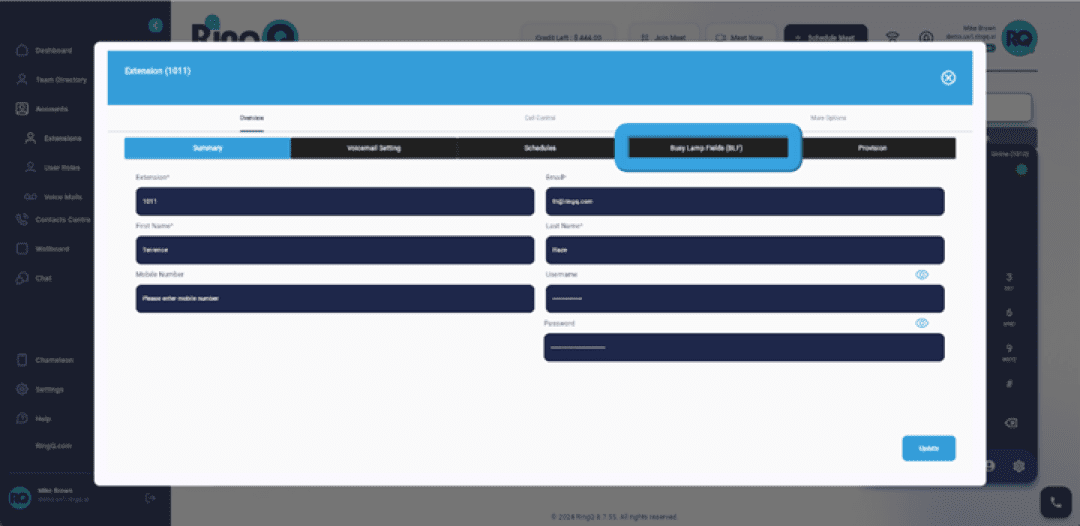
Within the extension settings, find and click Busy Lamp Field (BLF).
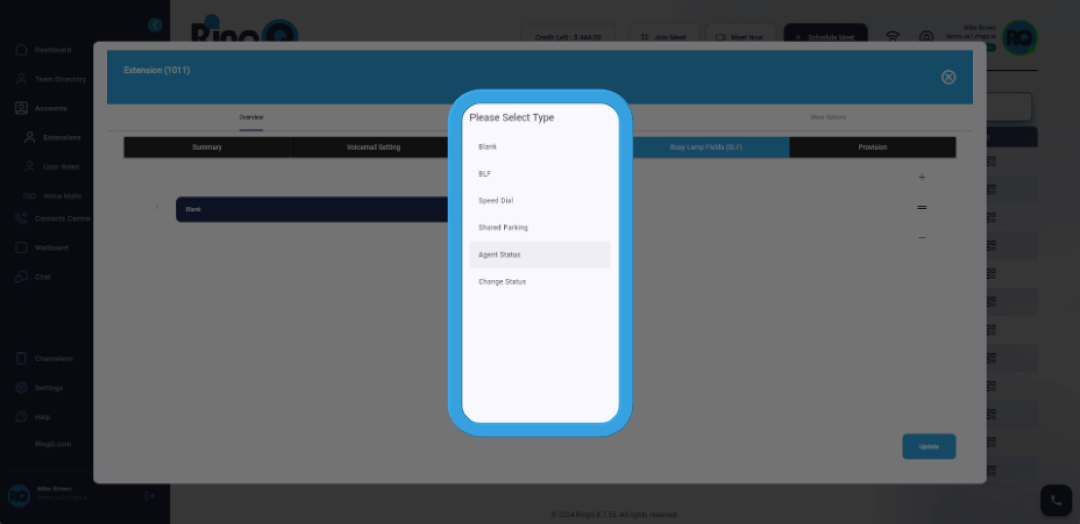
Click the field where you want to set up the Agent Status.
Click the Dropdown button next to the selection field.
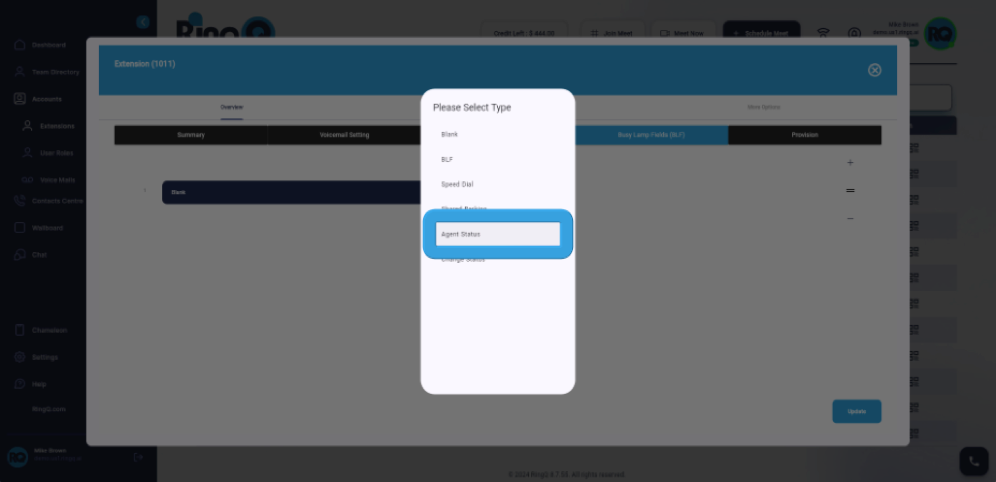
Choose Agent Status from the options in the dropdown menu.
Click the Dropdown button again to see the Agent Status options.
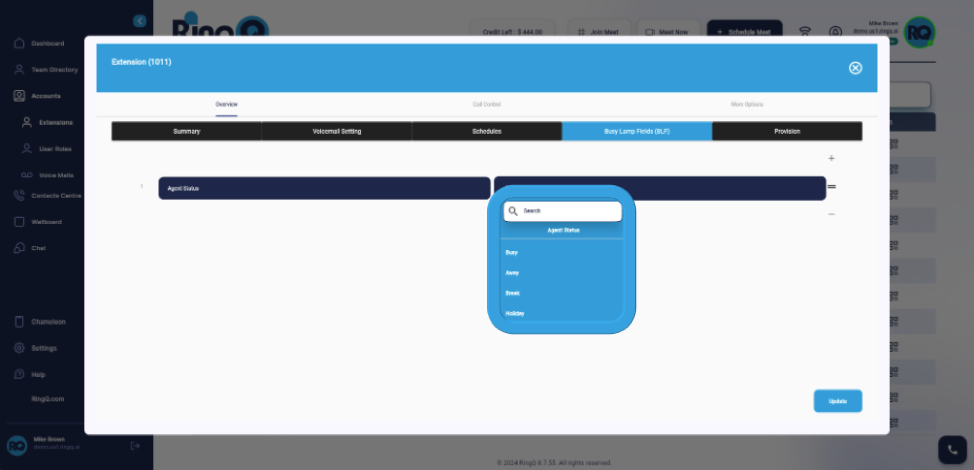
Select the desired Agent Status option (e.g., Busy, Away, Break, or Holiday) that reflects your current availability or state.
Click the Update button.
