Call Landing in RingQ makes handling non-queue calls faster and more intuitive by automatically surfacing the information that matters the moment the phone rings. When a direct call comes in — whether to an extension, a ring group, or a personal line — Call Landing can open a linked CRM page, trigger an external URL, or display a local contact record instantly. Instead of searching for details mid-conversation, users get immediate context, helping them respond confidently, reduce handling time, and deliver a smoother caller experience.
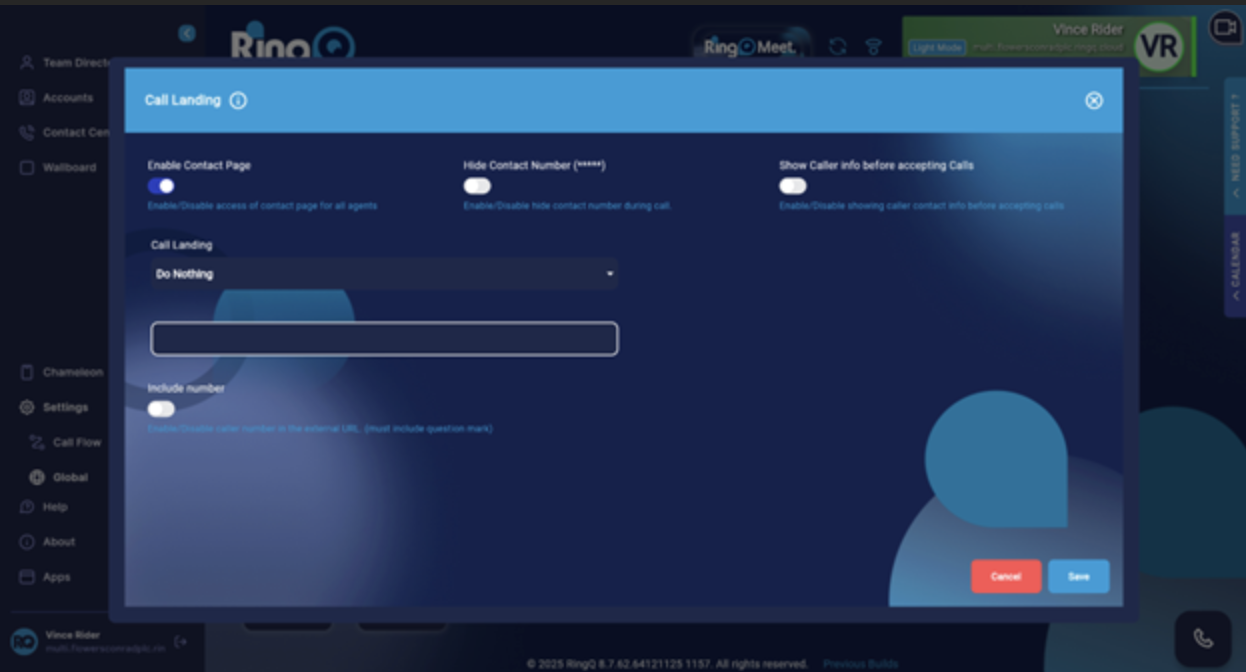
Log in to your RingQ Admin Dashboard, then go to Settings → Global → Call Landing.
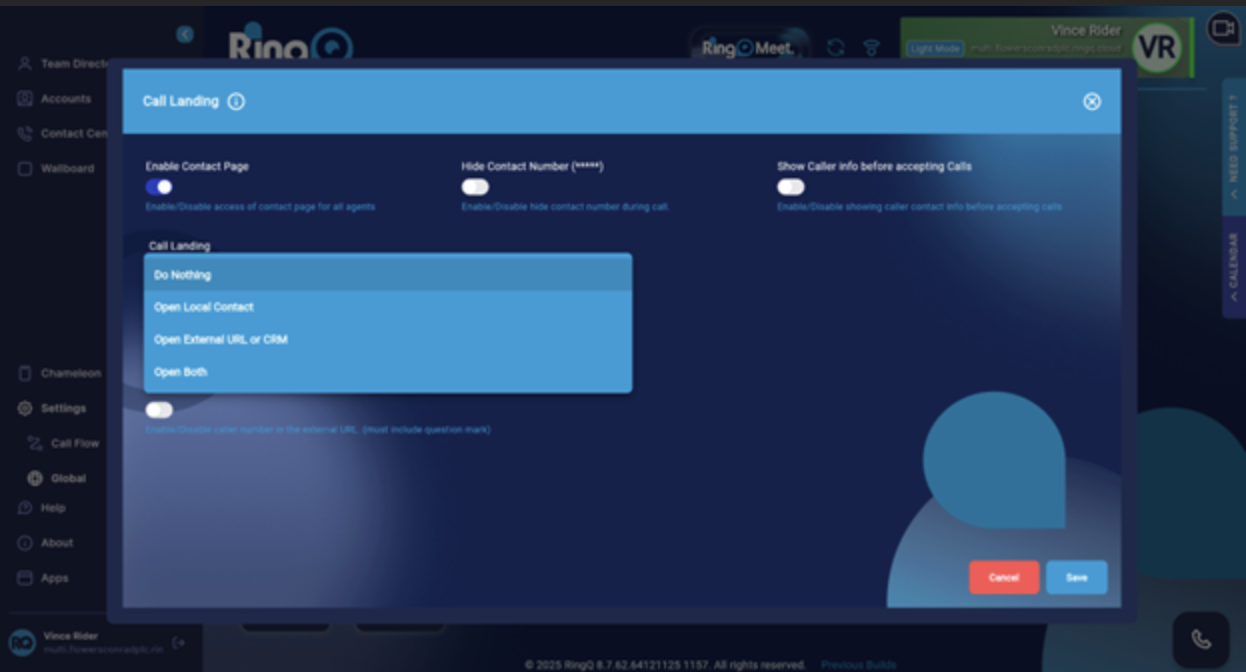
In the Call Landing window, find the Call Landing option and click it to open the dropdown:
