
Cloud PBX vs On-Premise PBX: Which Phone System Is Right for You?
Cloud PBX or on-premise PBX? Compare cost, control, security, features and maintenance, and see why many businesses now choose a hybrid you can host anywhere.

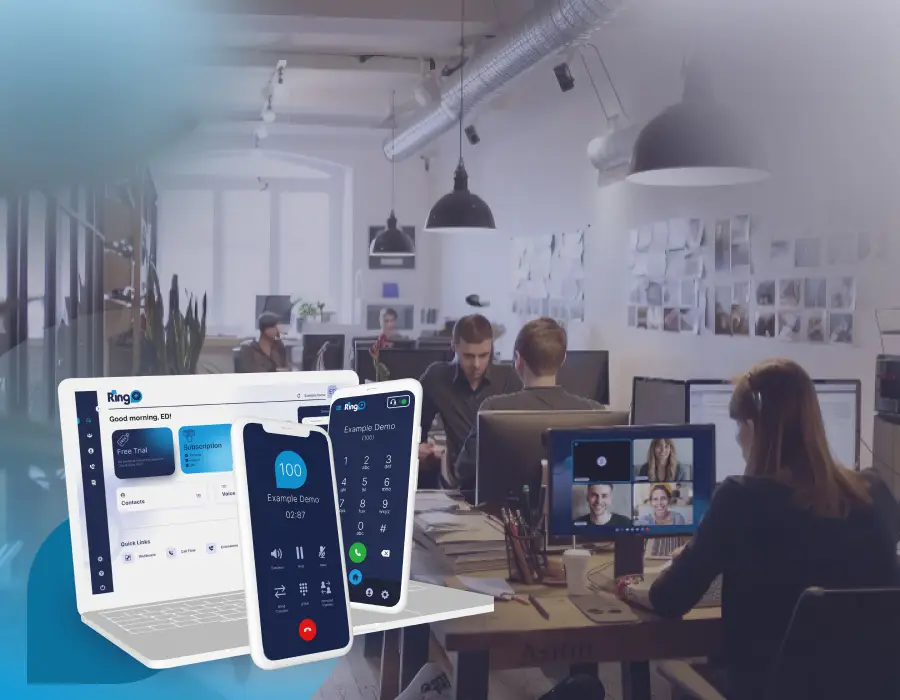
Choosing a business phone system usually starts with one question: cloud PBX or on-premise PBX? A cloud PBX runs on servers in a data center and you reach it over the internet. An on-premise PBX runs on a server or appliance in your own building. Both give you extensions, call routing, voicemail and call queues. The difference is where the system lives, who looks after it and how you pay for it.
Cloud PBX vs on-premise PBX at a glance
- Upfront cost: cloud PBX is low, with no hardware to buy. On-premise PBX needs a server or appliance.
- Running cost: cloud PBX is usually a monthly fee per user. On-premise PBX is mostly licenses, power and IT time.
- Remote work: cloud PBX works anywhere with mobile and desktop apps. On-premise PBX needs VPNs or port forwarding for remote users.
- Control and data: on-premise PBX keeps everything in your building. A cloud PBX keeps data with the provider unless you self-host it in your own cloud account.
- Maintenance: the cloud provider patches and updates a hosted PBX. With on-premise you, or your IT partner, do it.
- Reliability: cloud data centers have redundant power and internet. An on-premise PBX depends on your office connection, but keeps internal calls working if the internet goes down.
When a cloud PBX makes sense
- Your team works from home, on the road or in several offices.
- You want to add and remove users quickly without buying hardware.
- You do not have in-house VoIP or Linux skills.
When an on-premise PBX makes sense
- Rules require call recordings and data to stay on your own premises.
- You have many desk phones in one building and a reliable local network.
- You already have server hardware and an IT team.
The third option: a PBX you can host anywhere
You do not have to choose one model forever. RingQ runs the same platform as a hosted cloud PBX, in your own account on AWS, Azure, Google Cloud or DigitalOcean, or on your own hardware on site. Your users get the same mobile, desktop and web apps either way, and you can back up and restore to move between them later.
For branch offices, the RingQ Secure Tunnel connects a whole site's phones to a cloud PBX over one outbound connection, so you get cloud flexibility without opening inbound firewall ports.
Frequently asked questions
Is a cloud PBX better than an on-premise PBX?
For most small and mid-sized businesses with remote staff, a cloud PBX is easier and cheaper to start. On-premise is better when data must stay on site or you have a large office full of desk phones.
What is a hybrid PBX?
A hybrid PBX combines cloud and on-premise: for example, the PBX runs in the cloud while desk phones in the office connect through a secure tunnel, or the PBX runs on site with mobile apps for remote users.
Can I move from on-premise to cloud later?
Yes. With RingQ you can take a full instance backup and restore it on a new server in the cloud, or import extensions, DIDs and trunks with the migration tool.
Do I need new desk phones for a cloud PBX?
Usually not. Most SIP desk phones from Yealink, Snom, Fanvil and Grandstream work with RingQ and can be auto provisioned.