
RingQ – New Release 9.2: New Features for Smarter Business Communications
RingQ Version 9.2 delivers a powerful collection of new features designed to help businesses communicate, collaborate, and manage customer interactions more effectively.

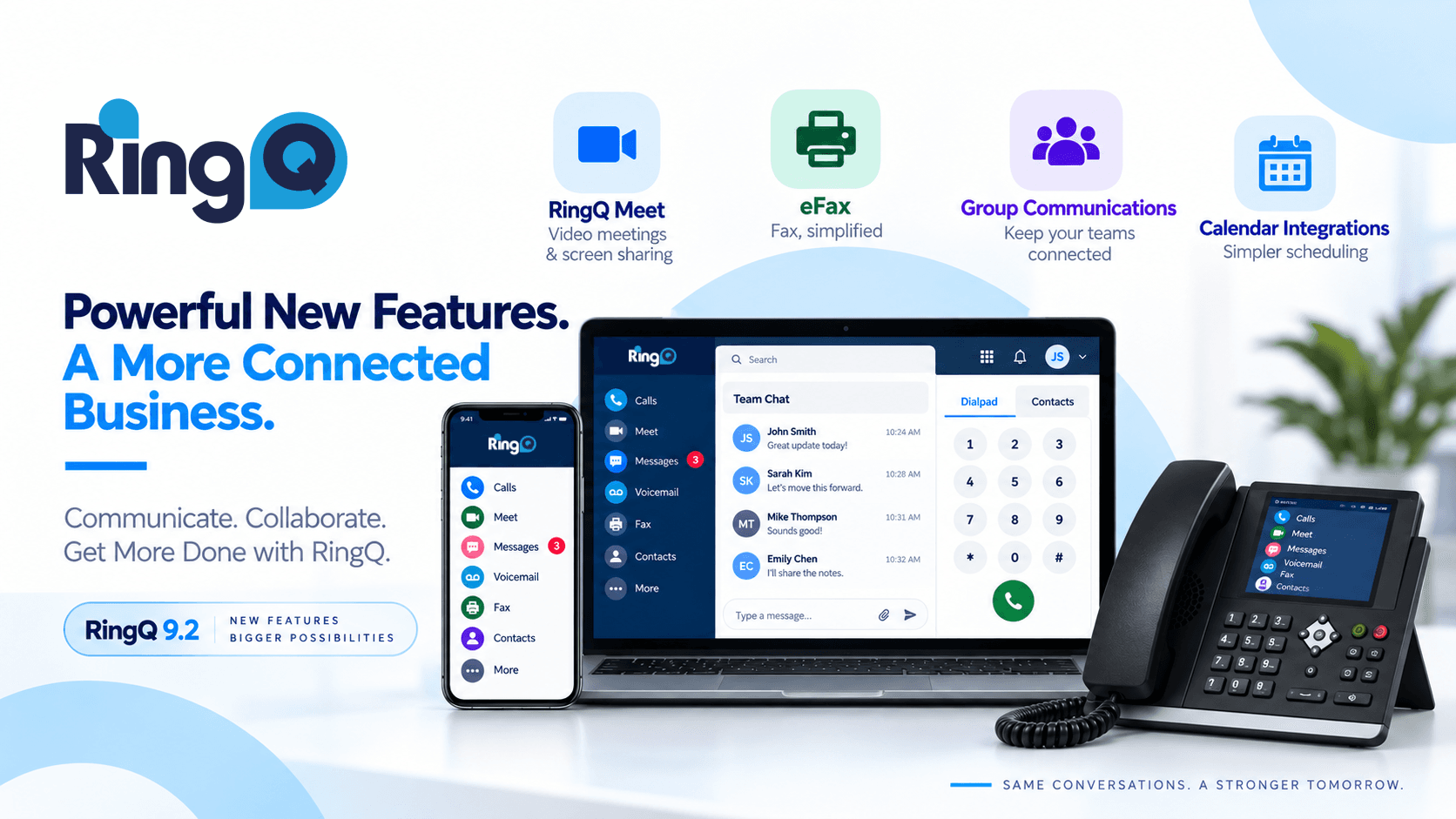
The latest RingQ releases introduce major enhancements across RingQ Meet, eFax, group communications, calendar integration, mobile applications, security, and administration.
These updates bring more functionality into a single communications platform and empower partners with new ways to deliver value, address customer requirements, and expand the role of RingQ within a business.
Here are three of the most significant developments in the latest RingQ update.
RingQ Meet Becomes a Complete Business Collaboration Platform
One of the biggest areas of development in RingQ Version 9.2 is RingQ Meet.
RingQ Meet now goes beyond traditional video conferencing with a broader set of collaboration capabilities. Participants can use persistent meeting chat, file sharing, document presentation, interactive whiteboards, meeting recording, live captions and transcripts, reactions, and post-meeting summaries and reviews.
Participants can present PDFs, PowerPoint, Excel and image files directly during meetings, while the interactive whiteboard provides tools for drawing, writing, adding shapes, resizing objects, erasing, zooming, and collaborating visually.
More control for meeting hosts
RingQ Meet also gives hosts greater control over meetings.
Hosts can manage participant cameras and microphones, assign co-hosts, control meeting chat, mute individual participants, remove participants, and manage meeting permissions through a centralized Host Control panel.
RingQ has also enhanced the scheduling experience with a unified meeting calendar, configurable host settings, automatic time-zone handling, and non-expiring meeting links.
Google Calendar synchronization and .ics file support further simplify the process of scheduling and managing meetings.
Why it matters for customers and partners
For customers, the benefit is a more comprehensive business collaboration platform that brings meetings, chat, content sharing, and collaboration together.
For partners, RingQ Meet creates an opportunity to position RingQ as more than a business phone system. It provides additional functionality that can help customers consolidate communication and collaboration requirements within their RingQ environment.
The result: more ways to collaborate, more control for administrators, and a richer meeting experience for users.
Integrated eFax Brings Fax Into the Digital Communications Workflow
While many business processes have moved online, fax still remains an important communication method for many organizations.
RingQ Version 9.2 introduces and expands eFax functionality, allowing businesses to send and receive faxes through Digital Channels while also providing eFax job management for monitoring and managing fax activity.
eFax functionality has also been integrated into Call Flow, allowing administrators to create, edit, and delete eFax configurations and assign DID numbers through drag and drop.
Additional updates allow extension email addresses and DIDs to be assigned for eFax.
Why integrated eFax matters
For businesses that still depend on fax, bringing the capability into the communications platform can simplify administration and reduce the need for separate fax infrastructure.
Customers can benefit from:
- Digital fax workflows
- Centralized management
- Flexible DID and extension assignment
- Integrated Call Flow configuration
- eFax activity management
For RingQ partners, eFax also expands the range of business communication requirements that can be addressed through the platform.
Rather than introducing another standalone solution, partners can incorporate fax into a broader RingQ communications strategy.
One platform. More communication options. Less complexity.
How to configure configure eFax here.
Group Communications Make Team Collaboration More Flexible
Business communication isn't always one-to-one.
Teams need to communicate with departments, queues, groups, and multiple colleagues at the same time. RingQ Version 9.2 introduces several new capabilities designed around these requirements, including Group Paging, Group Call, and Group Chat.
Group Paging and Group Call
Group Paging allows users to send paging announcements to multiple extensions within a configured group, while Group Call provides a dedicated group calling capability.
These features can provide businesses with additional ways to communicate quickly across teams and departments.
Group Chat
RingQ has also added Group Chat functionality to Digital Channel conversations.
Group Chat activity and status messages can identify who created the conversation, who added an extension, and who left the group. RingQ has also expanded agent selection so that agents can be added even when they aren't assigned to the selected queue.
Why group communications matter
These capabilities provide more flexibility in how teams communicate and collaborate. They also provide additional tools for designing communications around the actual organizational structure — whether that means departments, teams, queues or operational groups.
This helps move the conversation beyond individual extensions and toward a broader unified communications strategy.
More New Features in RingQ Version 9.2
The three major developments above are part of a much broader set of improvements across the RingQ platform.
RingQ Hotel Front Desk
RingQ's development team is working on a state-of-the-art hotel PMS integration with Opera PMS. In the meantime, this release adds a built-in front desk feature for managing hotel operations directly within RingQ:
- Manage guest check-in and check-out
- Set wake-up calls manually
- Included in all licensing models at no additional charge
This makes it easy for smaller boutique hotels — who may not have the budget for a full PMS system — to manage rooms and guests within the RingQ interface, saving time and money.
Check How to configure Hotel Front here.
Calendar and Scheduling
- Google Calendar synchronization
- ICS calendar support
- Automatic ICS invitations for scheduled meetings, bookings and webinars
- Schedule External API
- Unified meeting calendar
- Improved invitation emails and time-zone handling
Calling and Voicemail
- Play voicemail from another extension – dial 7878
- Extension Pickup Call
- Conference, Group and eFax DID assignment
- Real-time updates when extensions are assigned or unassigned in Chat
Mobile Apps
- Switch Account functionality on Android and iOS
- New iOS permissions management page
- Additional push notification functionality
- Improvements to attended transfer handling
Backup and Security
- Real-time progress indicators for backup, restore and import operations
- Improved background processing
- Email OTP verification for public IP address changes
- Persistent anti-hacking rules across system changes and restarts
User Experience
- Improved Extension and Group interfaces
- Enhanced Meet controls and annotation tools
- Camera preview and background selection
- Picture-in-Picture support
- Expanded file and presentation support
- Improved participant-name privacy
The Next Step in Unified Business Communications
The latest RingQ Version 9.2 features demonstrate the continued expansion of the RingQ platform across communications and collaboration.
With enhanced video conferencing, eFax, group communications, calendar integration, mobile capabilities, and security, RingQ gives businesses more functionality and more opportunities to deliver value.
That means a communications environment designed to support more of the way their teams work. It also translates into a broader platform with more capabilities to demonstrate, deploy, and build into customer solutions.
Ready to explore what's possible with RingQ?
Discover how RingQ can help your customers bring business communications and collaboration together on one powerful platform.
- New Deployments: Use the Get Started page: RingQ Download / Get Started
- Existing Customers: Update directly from Global Settings → Update.
- Permission Requirement: The update can only be performed by a user with Owner permission.