Security update: RingQ is patched against the critical PHP vulnerabilities. Update your servers today.
Read nowThe RingQ ring group statistics report shows how calls to each ring group are answered.
In the RingQ web app, click Reports, then Ring Group Statistics, then the report you want. Pick a date range and filters, and the report shows straight away.
| Report | What it shows | Filters |
|---|---|---|
| Ring Group Statistics | Answered and missed calls, talk time and waiting time for each ring group. | Date range |
Answered and missed calls, talk time and waiting time for each ring group.
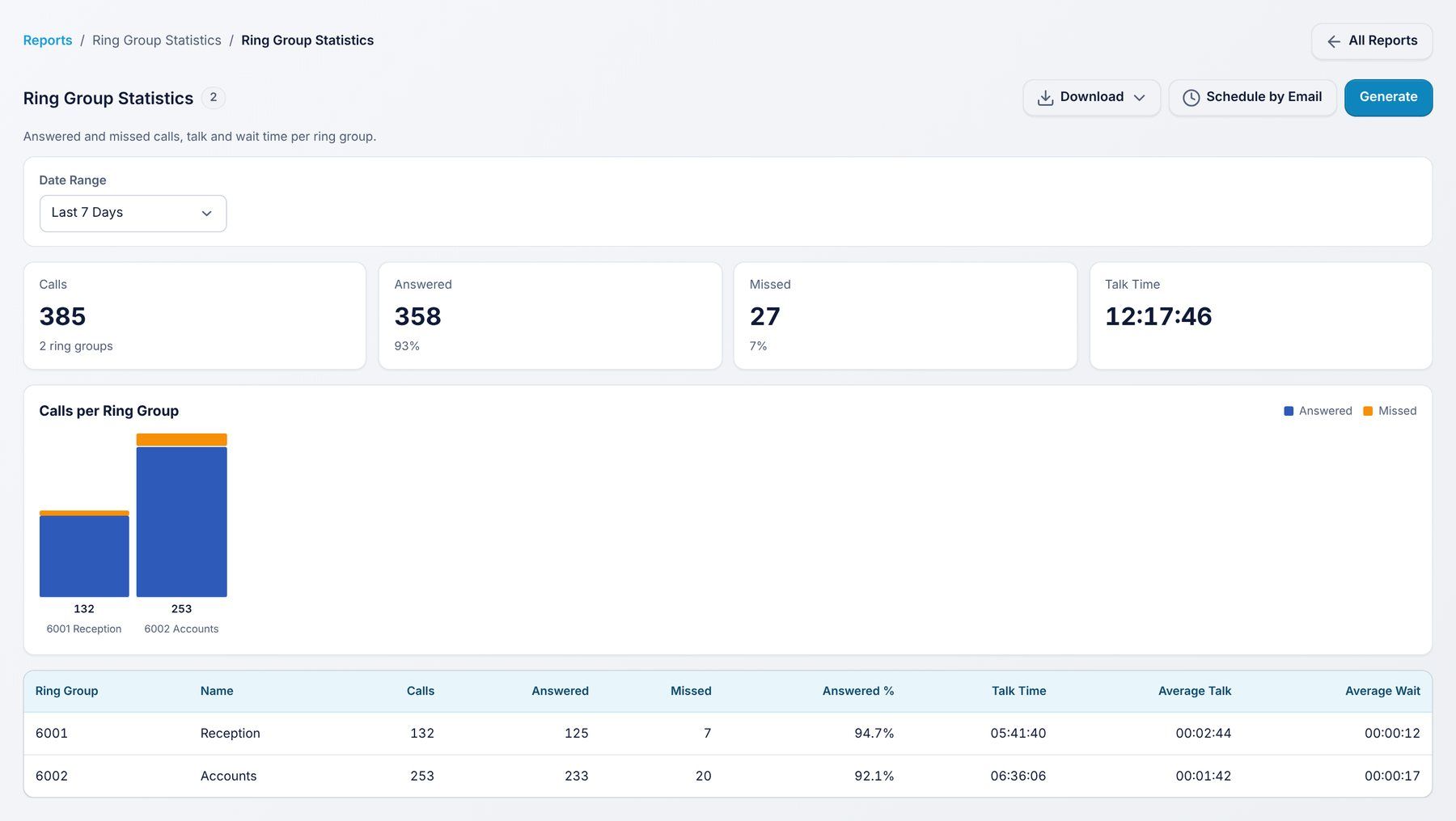
Use it to: check that ring group calls are picked up.
Filters: Date range.
Every report has the same buttons:
