
Business Number Porting Guide for IT Teams
This business number porting guide helps IT and operations teams plan timelines, avoid downtime, validate records, and protect vital customer call flows.
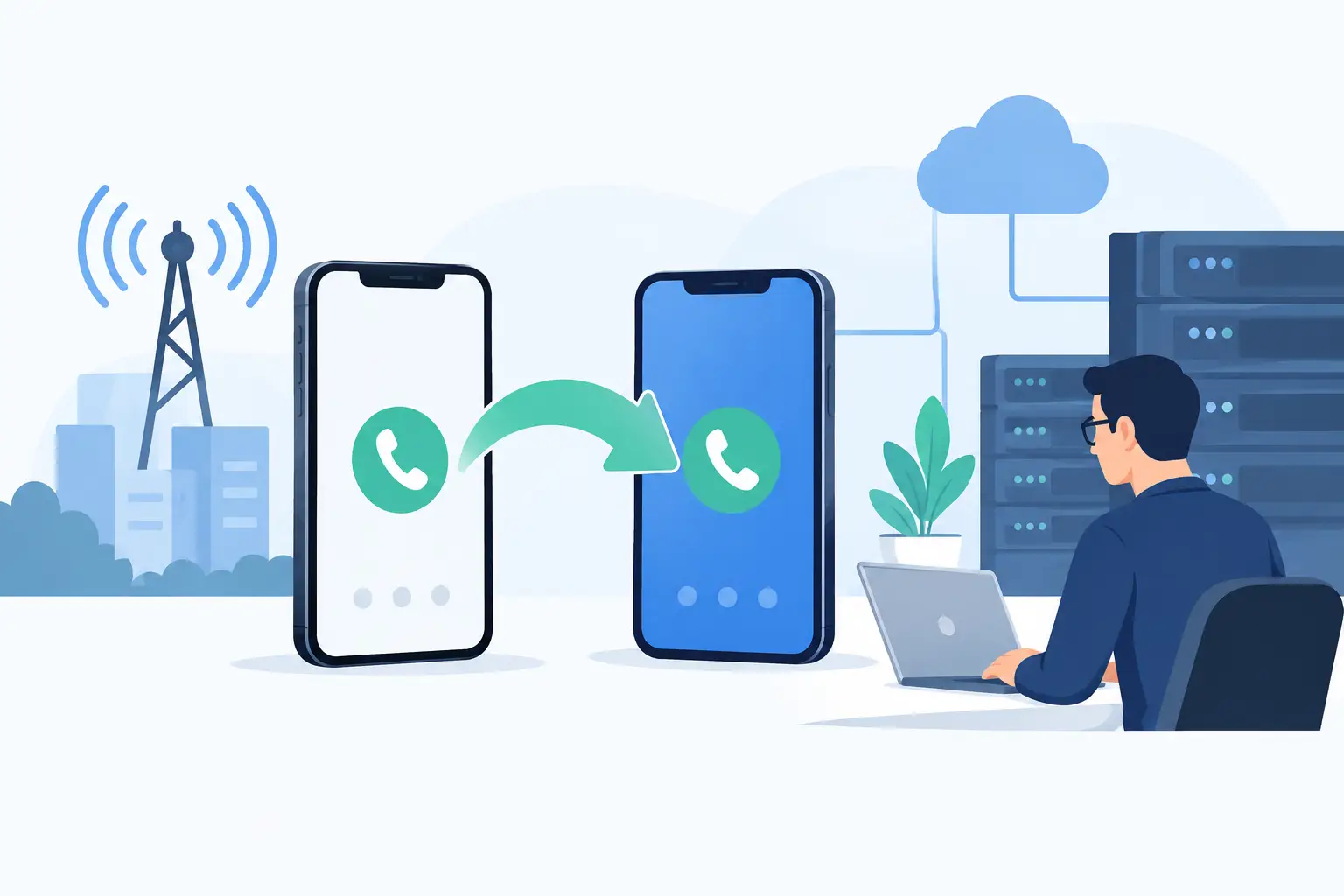
A phone number is more than a routing destination. It is embedded in customer records, sales collateral, IVR menus, emergency-response workflows, vendor accounts, and years of brand recognition. This business number porting guide explains how to move those numbers to a new communications platform without creating avoidable disruption for customers, agents, or IT.
Number porting is a regulated carrier process, not a simple feature toggle. The new provider submits a request to transfer ownership and routing authority from the current carrier. Success depends on accurate account data, a realistic timeline, tested call routing, and clear ownership across telecom, IT, operations, and customer experience teams.
When porting business numbers makes sense
Organizations usually port numbers during a Cloud PBX replacement, contact center modernization, merger, office consolidation, or carrier-cost review. Keeping established numbers protects customer accessibility and avoids the expense of updating every public-facing asset.
Porting is also an opportunity to correct architectural weaknesses. A legacy system may tie local numbers to one office, lack failover logic, or make it difficult to support remote agents. Moving numbers into a cloud-native communications environment can centralize administration, improve routing control, and connect voice activity with CRM, chat, email, and reporting workflows.
The trade-off is that porting requires coordination. If a business needs immediate service, temporary numbers or call forwarding may be necessary while the transfer is processed. For highly regulated organizations, the migration plan may also require security, compliance, and emergency-services review before a port date is approved.
What can delay a port request
Most rejected port requests are caused by data mismatches, not technical failures. The information on the request must match the losing carrier's customer service record exactly. A familiar business name may not be sufficient if the account is registered to a legal entity, a parent company, or a previous office address.
Before submitting a request, verify the billing telephone number, authorized contact, service address, account number, and any porting PIN or passcode. Confirm whether the numbers are on a single account or split across multiple bills. Toll-free numbers, local direct inward dial numbers, fax lines, and wireless numbers can follow different validation and timing rules.
A port can also be delayed by an active order on the existing account. Recent address changes, feature updates, disconnect requests, or carrier migrations can place a number in a status that prevents transfer. Freeze nonessential changes until the port is complete.
Common causes of delay include:
- A letter of authorization signed by someone who is not an account-authorized user.
- An account number, PIN, service address, or company name that does not match carrier records.
- A pending disconnect, billing change, or service order on the affected number.
- A number type or rate-center requirement that needs additional carrier validation.
- A request submitted too close to a holiday, contract deadline, or major business event.
Build a business number porting plan before submitting
Treat a number port as a controlled cutover, particularly when it affects a contact center, executive lines, emergency calling, or revenue-generating queues. Assign a business owner who can make decisions, a technical owner who understands routing and platform configuration, and an operations owner who can validate real-world call handling.
Start with a complete inventory. Document every number, its current carrier, number type, purpose, destination, business owner, and required calling features. Include numbers that are easily missed: alarm panels, elevator lines, conference bridges, analog devices, fax services, campaign tracking numbers, and after-hours lines.
Next, map the target-state call flow. Determine which numbers should reach an auto attendant, ring group, queue, individual user, external destination, or AI-powered IVR. For contact centers, define business hours, holiday schedules, overflow rules, callback options, recording requirements, and escalation paths before the port date. Porting a number into an unfinished routing design creates a customer experience problem even if the carrier transfer itself succeeds.
Emergency calling deserves separate attention. Verify each physical location associated with emergency services, including remote offices and any fixed devices. A number’s caller ID and its emergency service address are related but not interchangeable. Ensure the new platform has the right address data and that internal teams understand how emergency routing will work after cutover.
Choose a timeline that protects operations
Simple local-number ports may complete quickly once records are validated, while complex enterprise projects can take several weeks or longer. The exact timing depends on the current carrier, number type, account complexity, geography, and whether multiple losing carriers are involved. Do not promise a go-live date based only on a vendor estimate.
Schedule the cutover outside of peak call periods whenever possible. For a sales organization, that may mean an evening or weekend. For a 24/7 support operation, it may require phased ports, redundant routing, and a staffed validation window. The right approach depends on the cost of missed calls and the organization’s ability to temporarily reroute traffic.
Avoid canceling the old service before the port is confirmed complete. In many cases, disconnecting the account early can cause the number to be released or make recovery significantly more difficult. Keep billing and service active until the gaining provider confirms successful completion and your team has tested inbound and outbound calling.
Prepare the new platform for day-one performance
A successful port is only the midpoint of the project. The new communications environment must be configured, secured, and tested before customers begin reaching it.
Provision users, queues, permissions, call recordings, voicemail, business hours, and integrations in advance. If agents depend on CRM screen pops or disposition codes, test those workflows with temporary numbers before the production numbers move. If a number will support SMS, confirm messaging registration and carrier requirements separately, because voice-port completion does not automatically establish business texting capabilities.
For enterprise deployments, validate network readiness as well. Review bandwidth, quality-of-service policies, firewall rules, session border controller configuration where applicable, device provisioning, and failover options. Cloud PBX and Cloud CX platforms can provide substantial flexibility, but poor local network conditions still affect voice quality.
This is where deployment choice matters. A multi-tenant cloud service may be the fastest path for a distributed team, while a single-tenant, self-hosted, or dedicated deployment may better suit organizations with strict data controls, custom integrations, or infrastructure requirements. RingQ supports flexible deployment models so communications architecture can align with operational and regulatory needs rather than forcing a one-size-fits-all migration.
Run a cutover checklist, not a single test call
Once the port completion window begins, test the call paths that customers and employees actually use. Confirm inbound calls from mobile and landline carriers, outbound caller ID, voicemail, transfers, queue announcements, auto-attendant selections, recording behavior, and after-hours routing. Test emergency calling according to your organization’s approved procedures, not as an improvised production experiment.
Contact center leaders should also verify agent login, queue visibility, reporting, supervisor controls, CRM integrations, and overflow handling. An inbound call reaching the correct main number is not enough if it lands in the wrong queue or cannot be reported accurately.
Keep the right stakeholders available during the validation window: the new provider’s porting team, internal IT, network operations, contact center leadership, and a representative from the business unit that owns the number. Document every test result and any routing adjustment. This creates a clear record if carrier escalation is required.
After the port: stabilize, then optimize
Monitor call metrics closely for the first several business days. Look for abandoned-call spikes, unexpected destination patterns, caller ID issues, failed transfers, and reports of intermittent reachability. Some routing inconsistencies can appear only from particular carriers, so frontline feedback remains valuable after formal testing is complete.
Once service is stable, update operational documentation, carrier inventory, disaster-recovery procedures, and ownership records. Then use the new platform to improve what the old environment could not: refine IVR menus, reduce transfers, add intelligent routing, connect calls to customer context, and give supervisors clearer visibility into demand and performance.
The strongest porting projects do not treat a business number as a legacy asset to move unchanged. They use the transfer to make every customer call more intentional, measurable, and resilient.