RingQ now speaks Japanese: the mobile app in 日本語
The RingQ mobile app now works in Japanese: tabs, menus and settings in 日本語. Here is what changes and how to switch.

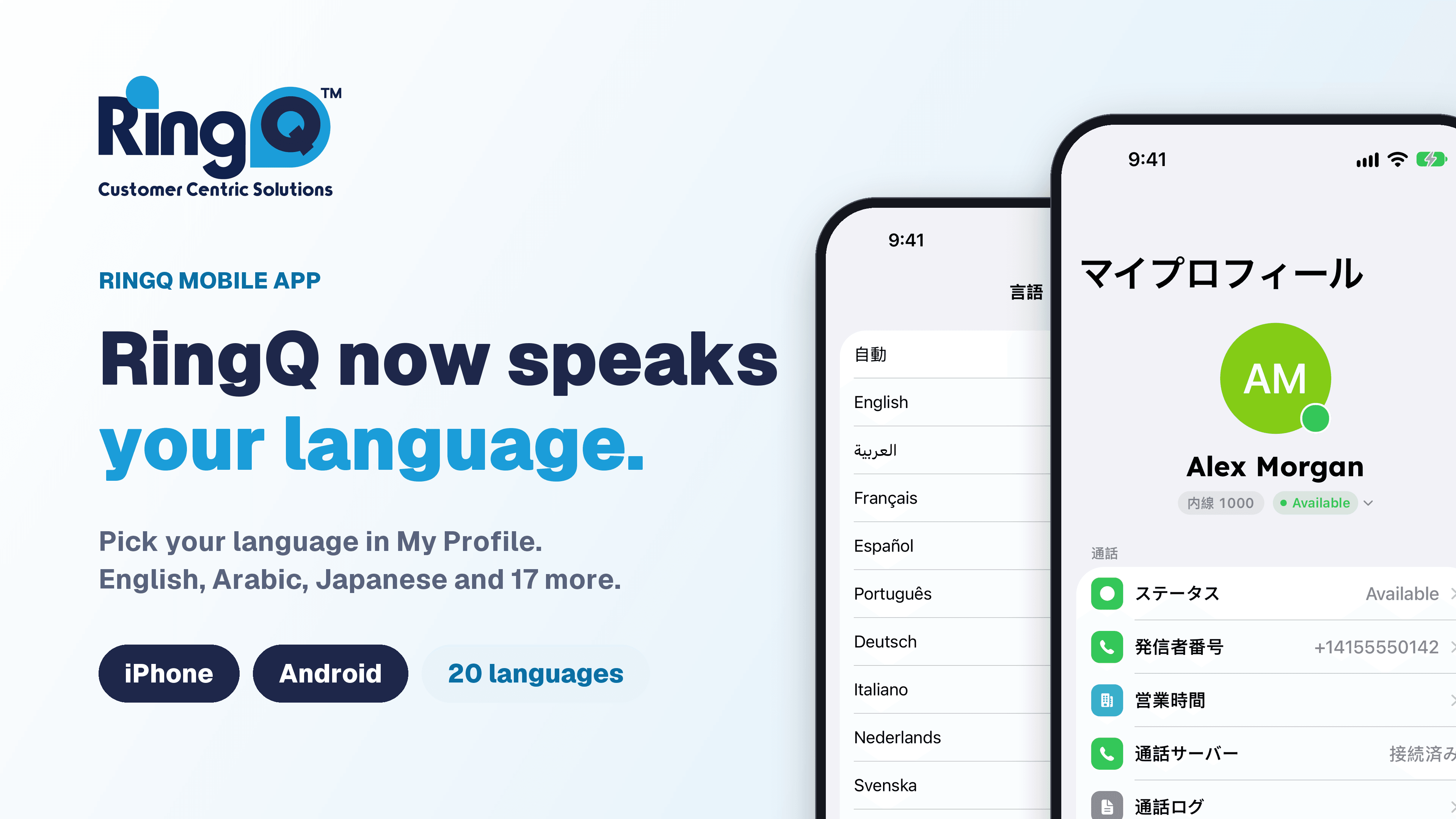
For a Japanese-speaking team, a business phone in English means translating in your head while a customer waits on the line. The RingQ mobile app now speaks Japanese, so the tabs, menus and settings appear in 日本語.
The RingQ mobile app now works in Japanese, on iPhone and Android.
What changes when you switch
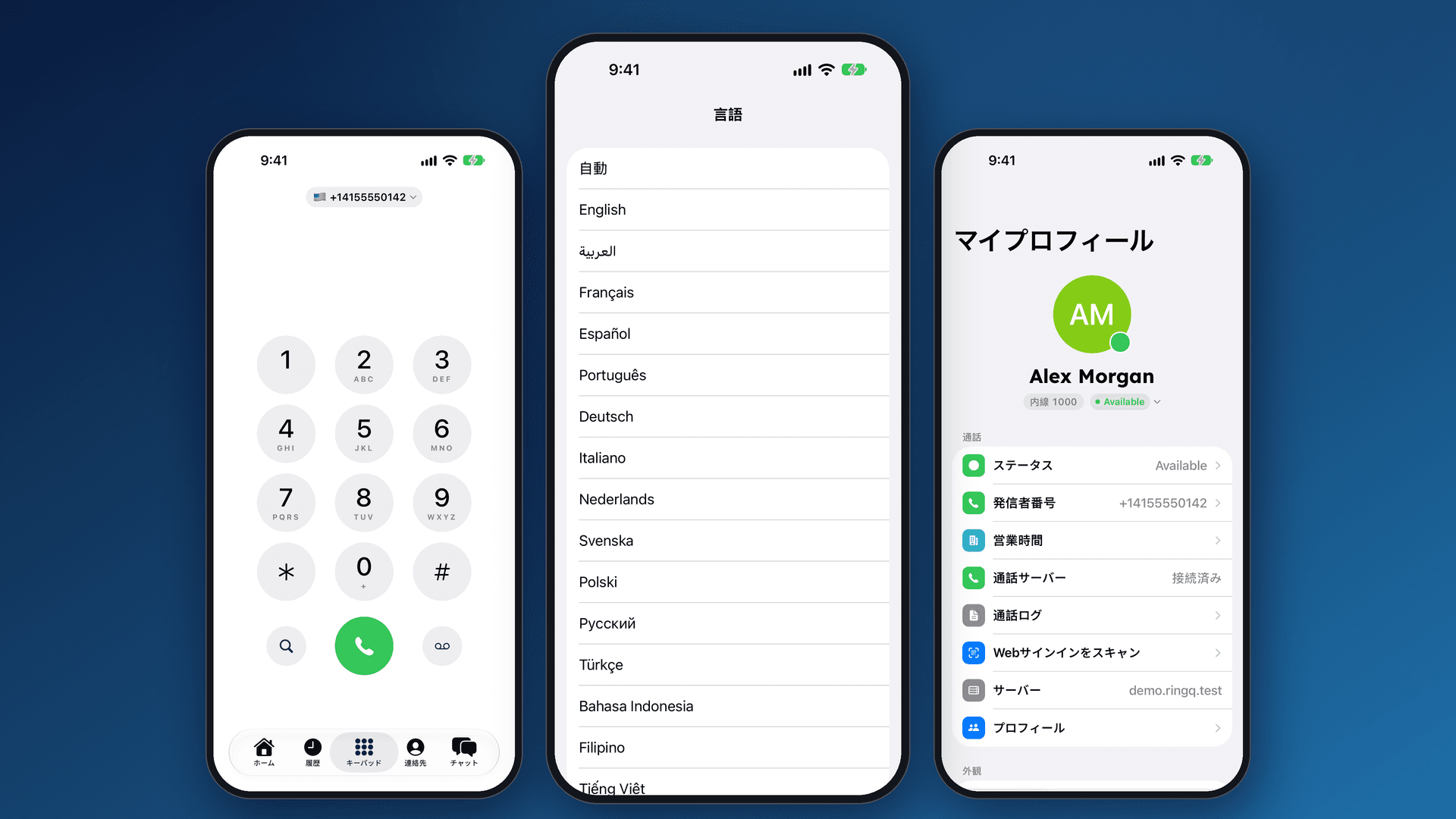
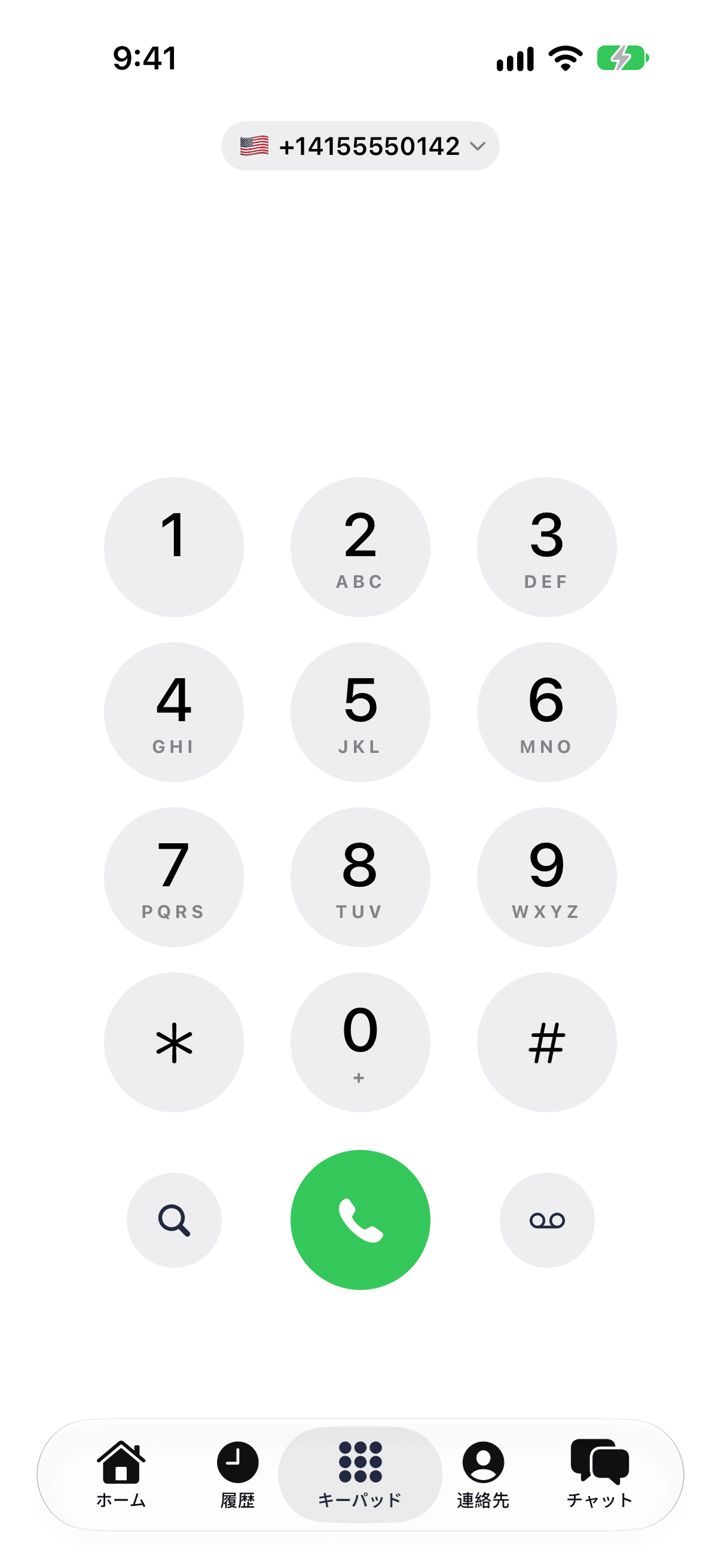
Once the app is in Japanese, the screens you use every day read like this:
- Home becomes ホーム
- Recents becomes 履歴
- Keypad becomes キーパッド
- Contacts becomes 連絡先
- Chats becomes チャット
- My Profile becomes マイプロフィール
How to switch to Japanese
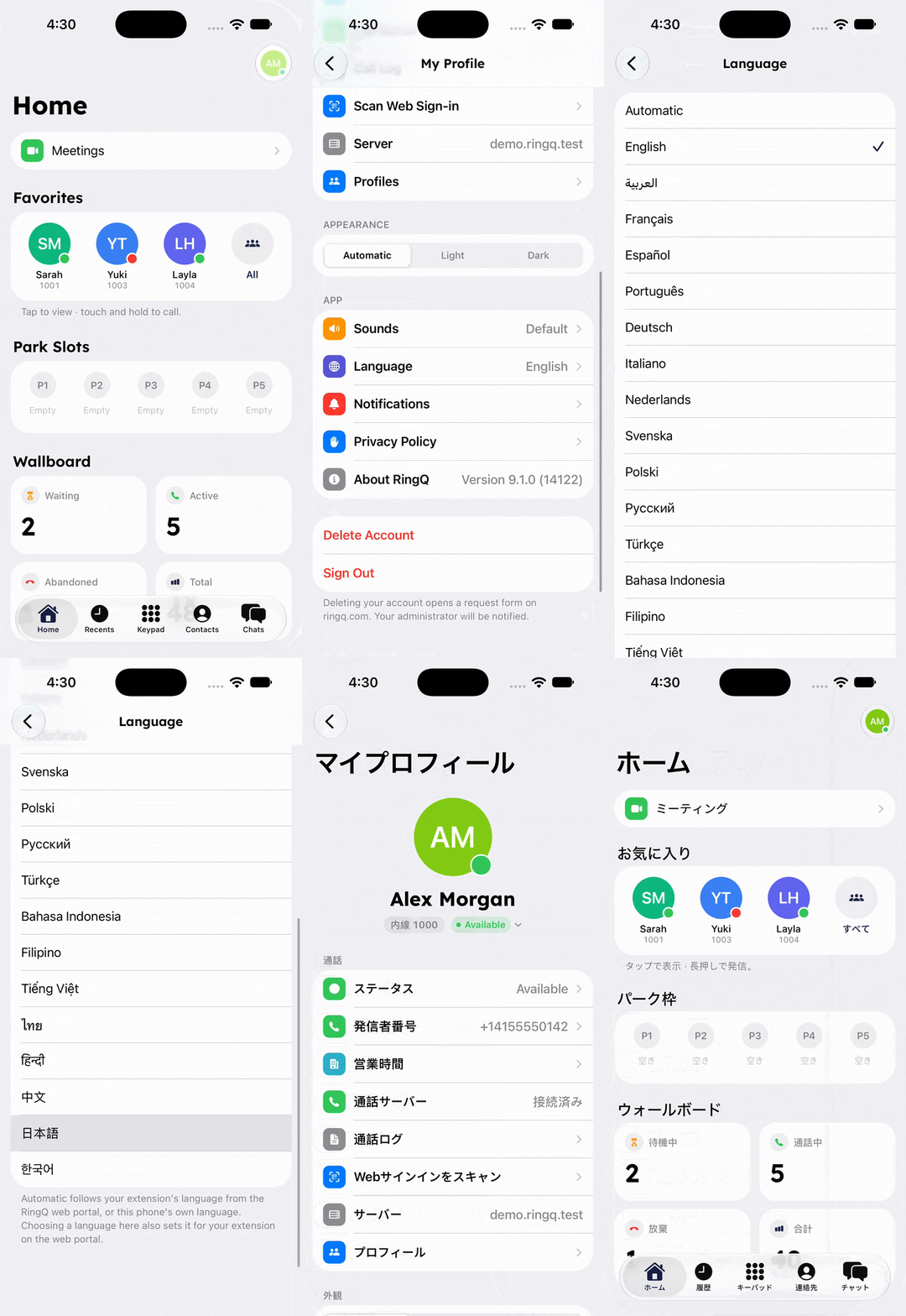
- On the Home screen, tap your avatar in the corner to open My Profile.
- Tap Language.
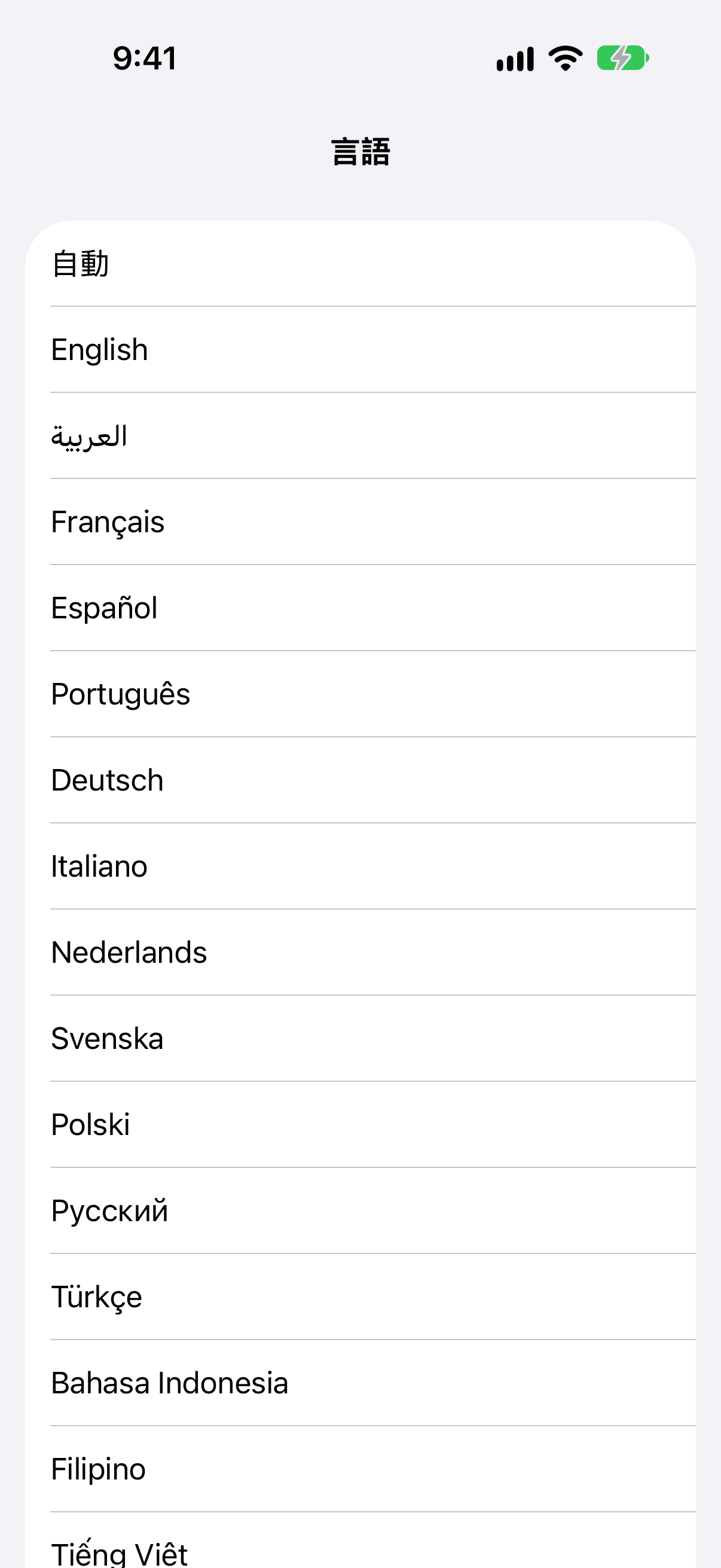
- Choose 日本語. It appears in Japanese writing in the list, so it is easy to find, and the app switches straight away.
Japanese and English together
Many teams work in both languages. Names, extension numbers and phone numbers are shown as they are saved, so a contact list with names in English letters still reads naturally next to Japanese labels.
Language is accessibility
Being able to use your tools in the language you think in is a basic accessibility feature. It means fewer mistakes, faster work and less stress during a live call.
One of 20 languages
Japanese is one of 20 languages in the RingQ app, so a team can mix them. A language can be set for the whole company in the web portal, and every person can still choose their own. One colleague can work in Japanese and the next in English, on the same phone system.
Prefer not to choose? Leave it on Automatic. RingQ then follows the language set for your extension in the RingQ web portal, or your phone's own language.
Your choice is saved to your RingQ account, so the web portal shows the same language. One setting, everywhere.
Get started
Update the RingQ app, open My Profile, tap Language and choose 日本語. If your language is not on the list yet, tell us which one you would like next.
See RingQ in action
Talk to our team and find the right cloud PBX and contact center setup for your business.
Book a demo