
RingQ 9.1.0.11: Greater Stability, Smoother Experiences, and Smarter Troubleshooting
RingQ 9.1.0.9 is here, bringing broad stability fixes, a simplified user experience, and the new RingQ Secure Tunnel for encrypted, single-port device connections. Administrators also get a unified Troubleshooting suite, including Call Debug, Port Scanner, and Call Flow visualization, plus new SIP toll fraud protection. Update today to get more from RingQ.

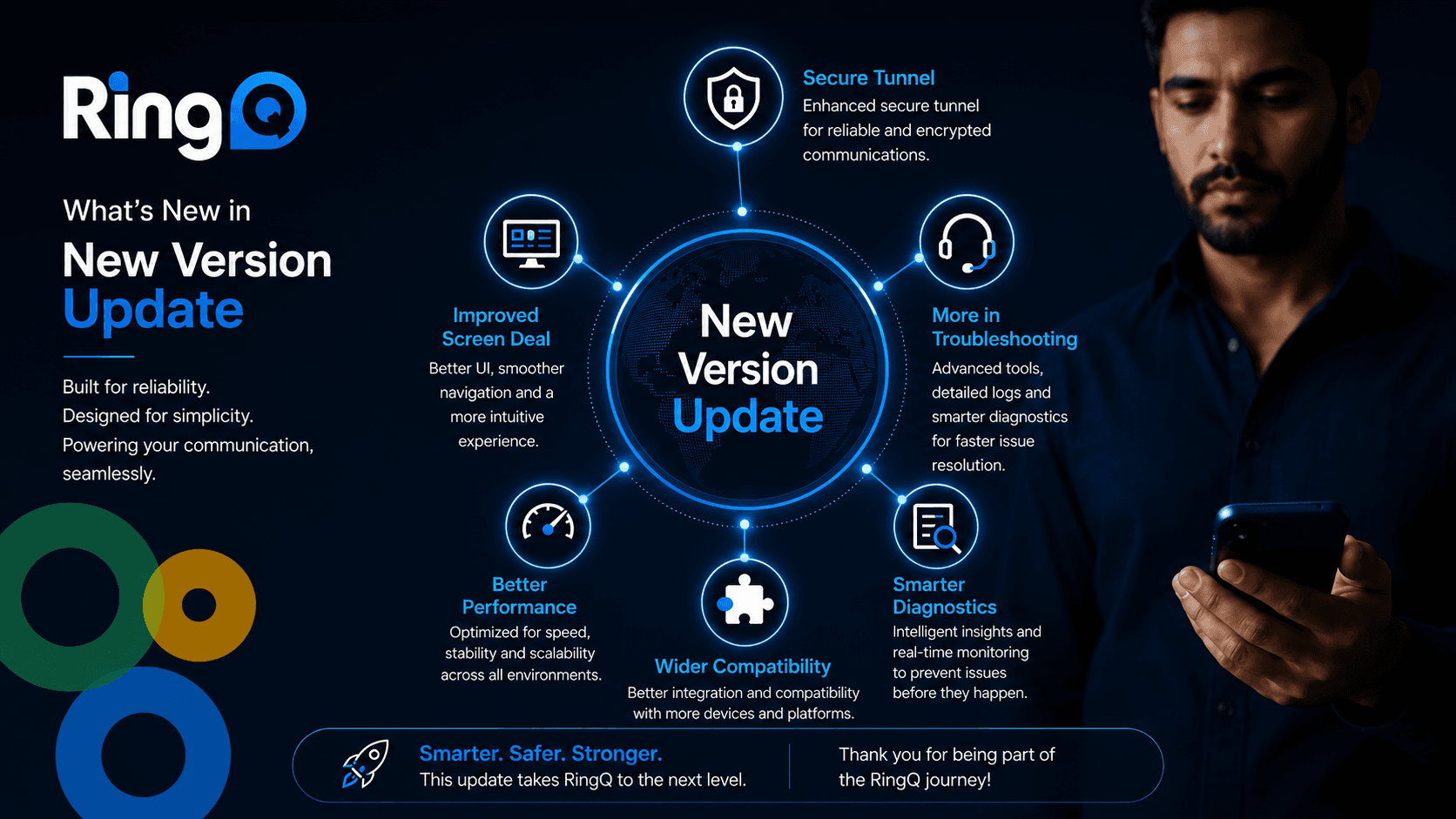
Technology should help your teams work more efficiently — not slow them down. That's the philosophy behind the latest RingQ release, which focuses on the things that matter most to businesses every day: keeping communications running reliably, making everyday tasks easier, and giving administrators better tools to identify and resolve issues fast.
Version 9.1.0.9 delivers meaningful improvements across the platform, helping organizations spend less time dealing with interruptions and more time focusing on customers and business outcomes.
Improved Stability: A More Reliable Platform for Everyday Operations
Reliable communications are essential to delivering great customer experiences, and this release includes a broad range of stability improvements and bug fixes designed to strengthen day-to-day performance.
Conference calling has been enhanced with fixes for external conference calls, improved ringback functionality, and a more intuitive conference dialer experience. Additional improvements address issues across the Web App Dialer, Call Landing, contact display, migration processes, IP phone templates, scheduled reports, Tunnel functionality, chat conversations, and update handling.
Together, these updates create a more dependable experience throughout the platform. For customers, that means fewer disruptions, smoother workflows, and greater confidence that RingQ keeps performing when it matters most.
Enhanced User Experience: Making Everyday Work Simpler
Small usability improvements can make a big difference over the course of a working day. This release introduces a range of interface enhancements and new capabilities designed to help users and administrators work more efficiently.
The Web App Dialer has been refined with improved conference call screens, better Auxcode usability, and automatic logout options for inactive users. Administrators also benefit from a more centralized Global Settings experience, improved layouts, cleaner navigation, and clearer terminology throughout the platform.
Real-time status banners for Capture and Call Debug provide immediate visibility into active sessions, while interface improvements across Version Updates, Feature Updates, the login page, and Troubleshooting create a cleaner, more consistent experience. Performance optimizations further improve overall page loading responsiveness — all in service of reducing friction in everyday tasks so teams can stay productive.
Introducing RingQ Secure Tunnel
One of the standout additions in this release is RingQ Secure Tunnel — a revolutionary new way to connect devices securely to your RingQ PBX.
Secure Tunnel provides an authenticated, encrypted TCP tunnel that allows client devices to connect using a single firewall port (TCP 6010), eliminating the need to expose separate SIP and media ports. Connections require both the RingQ server FQDN and a pre-shared authentication token, adding a strong layer of protection against unauthorized access.
The solution supports Windows, Linux, Raspberry Pi, and RingQ NX appliances, making secure remote access simple across a wide range of environments. No more wrestling with firewall rules or port forwarding — just a quick, secure way to connect your phones and keep them that way.
Ready to set it up? Check out our How-To Guide for full configuration details.
Better Troubleshooting: Faster Visibility, Better Diagnostics
As communication environments grow more complex, effective troubleshooting becomes more important than ever. This release significantly expands RingQ's diagnostic capabilities, giving administrators more visibility and greater control when investigating issues.
A new centralized Troubleshooting section brings diagnostic tools together in one place, including the new Call Debug feature for collecting and analyzing call-related logs. Administrators can now start, stop, monitor, and download debugging sessions directly through real-time status banners, making investigations far more straightforward.
The release also introduces configurable Call Flow Report controls, real-time Capture status indicators, and a five-minute capture limit to help optimize system resources while still supporting effective diagnostics.
Here's a closer look at the tools now available in one unified experience:
- Port Scanner — Takes the guesswork out of connectivity issues by identifying internal and external port problems, so you can get back up and running faster.
- Call Debug — Instantly clears current call logs and captures a fresh log while you reproduce an issue.
- Capture — A built-in tool to record traffic directly from the web app, helping admins troubleshoot registration failures, audio issues, RTP flow, and more.
- Audit Logs — Keeps you on top of system changes and who made them, providing the visibility needed to keep your system safe, secure, and running smoothly.
- Call Flow — A visual display of every leg of a call, providing the specific details needed to quickly determine why calls dropped.
By bringing these tools into a single, unified experience, RingQ helps administrators spend less time hunting for information and more time actually resolving issues.
Additional Enhancements Across the Platform
Alongside these headline improvements, Version 9.1.0.9 includes a wide range of enhancements across the platform, including:
- Expanded Global Settings configuration options for Single Tenant and Multi-Tenant environments
- Improvements to Storage Management and Audit Logs, including archive and export capabilities
- Expanded Tunnel configuration and management options
- New port scanning capabilities and additional SSL certificate information
- Chat enhancements, including file attachments and real-time settings updates
- New AI configuration options for transcription models and API key management
- Ongoing improvements to phone template management, migration tools, scheduled reporting, and general interface consistency
A Word on Security: Closing the Door on SIP Toll Fraud
Security is a moving target, and this release addresses a growing threat: hackers increasingly exploiting SIP INVITE requests over IP-authenticated SIP trunks to place fraudulent outbound calls without needing SIP credentials. By abusing IP-based trust relationships, attackers can originate unauthorized calls that appear to come from legitimate customer phone systems — resulting in toll fraud and real financial losses.
RingQ has addressed this vulnerability by introducing ACK authentication for IP-authenticated SIP trunks. RingQ now validates the source IP address or the SIP trunk provider's hostname during the SIP transaction, ensuring that only trusted and verified SIP providers can establish outbound calls. This additional verification layer prevents unauthorized SIP INVITE requests from being accepted, significantly reducing the risk of toll fraud while maintaining full compatibility with legitimate SIP trunk providers.
Update Today to Get More from RingQ
Version 9.1.0.9 is focused on delivering practical improvements that strengthen platform reliability, simplify daily administration, and provide better visibility when troubleshooting complex environments.
Whether your priority is improving operational stability, streamlining the user experience, or equipping administrators with stronger diagnostic capabilities, this release delivers enhancements that support more efficient day-to-day operations across your RingQ deployment.
How to Upgrade
Existing customers:
- Log in to the console
- Navigate to Global Settings > Update to Latest
New installs:
- Cloud: AWS, Google Cloud, Digital Ocean, Azure
- On-premise: Download the RingQ ISO and follow the RingQ Installation Guide