Security update: RingQ is patched against the critical PHP vulnerabilities. Update your servers today.
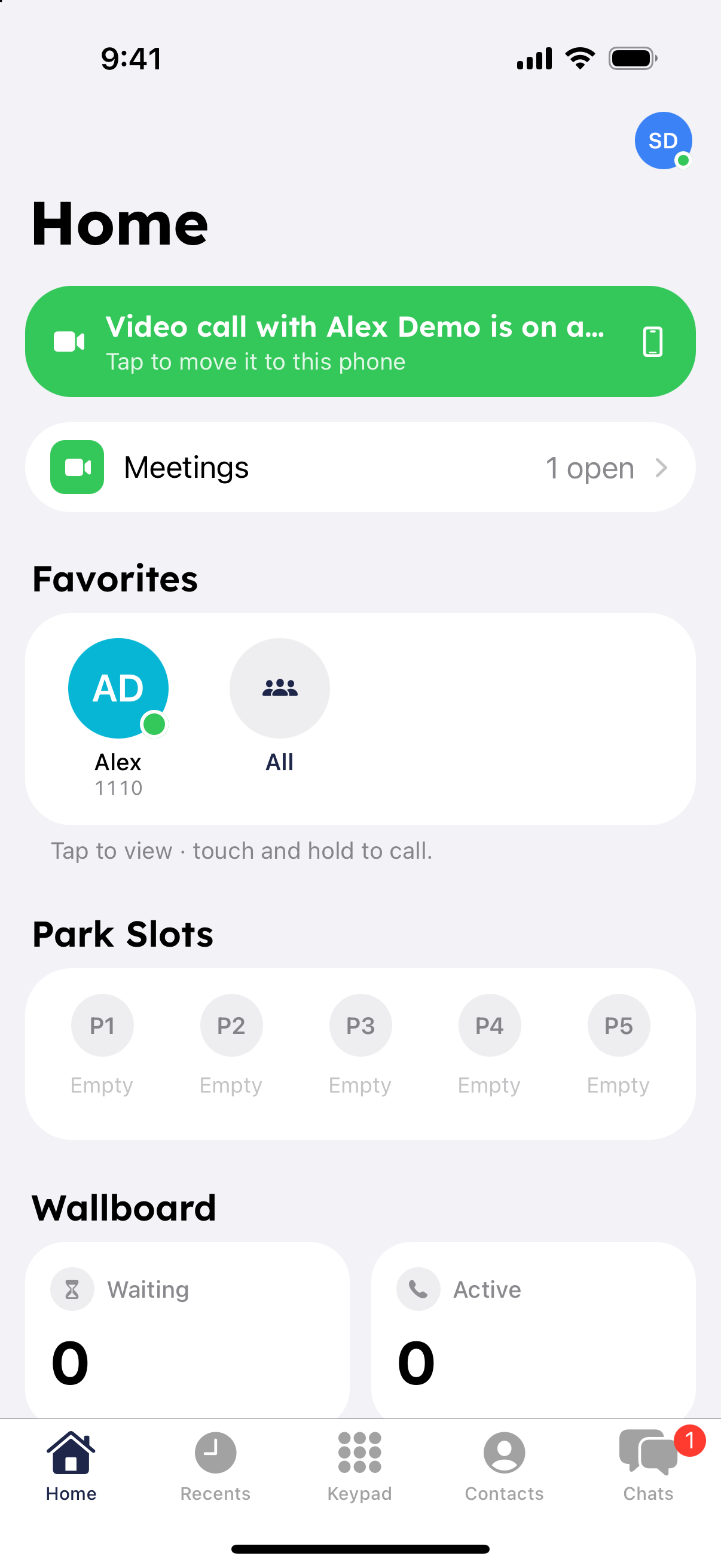
Read nowFavorites keep the colleagues you contact most on your Home screen. They are the same favorites as in the RingQ web portal.
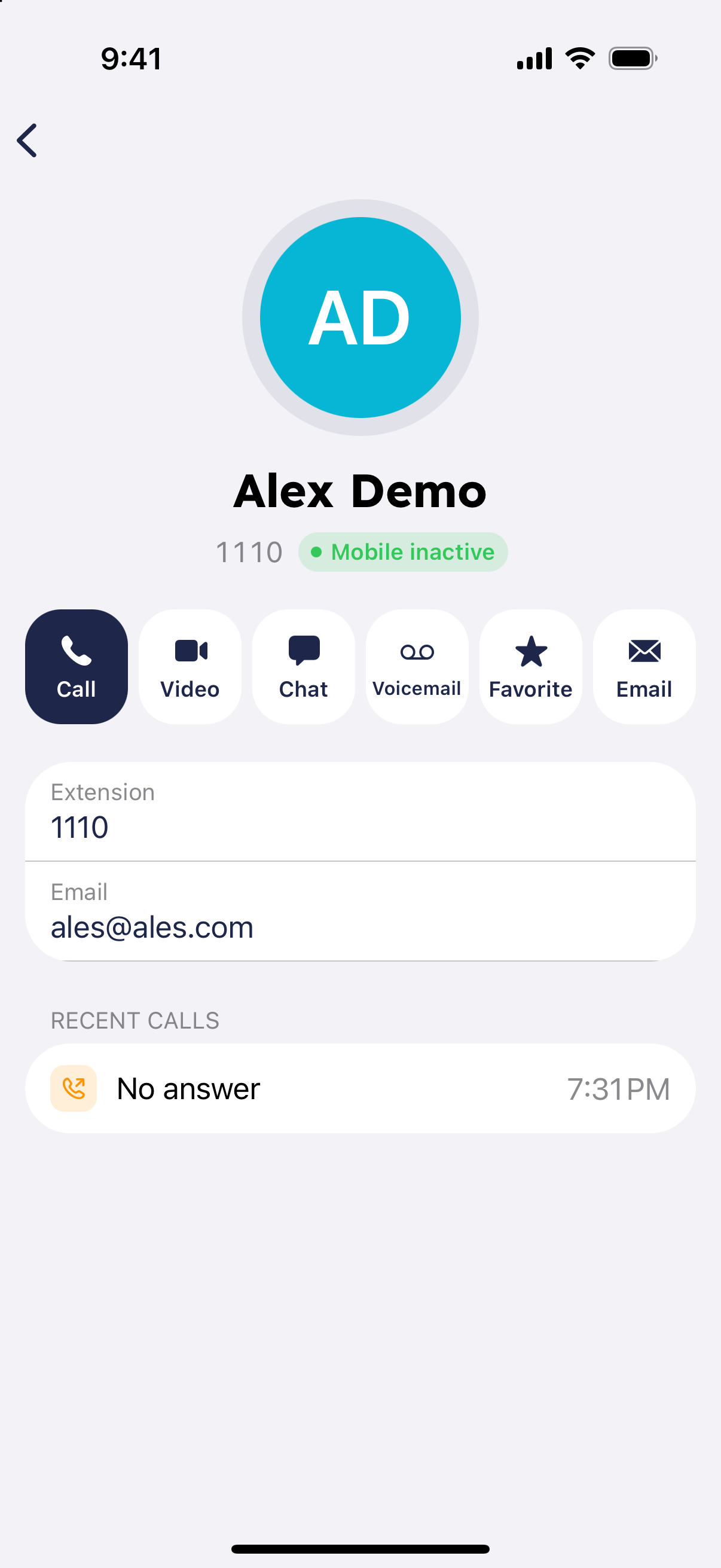
The Favorites card on the Home screen shows your starred colleagues and their status. Tap a person to view them, or touch and hold to call. Tap "Browse Team" to see everyone.