Security update: RingQ is patched against the critical PHP vulnerabilities. Update your servers today.
Read nowCalls made from the RingQ app come from your RingQ extension, so people see your business number, not your personal one.
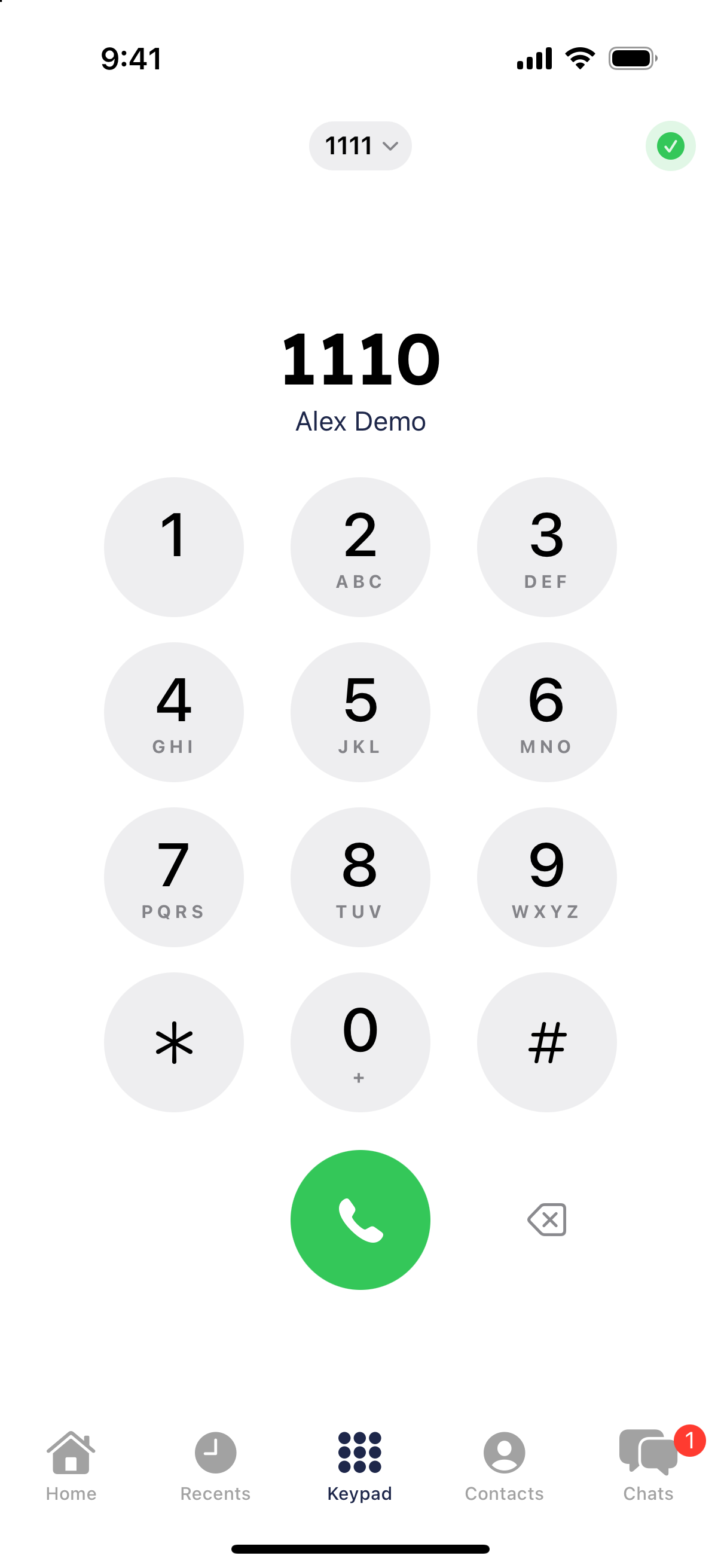
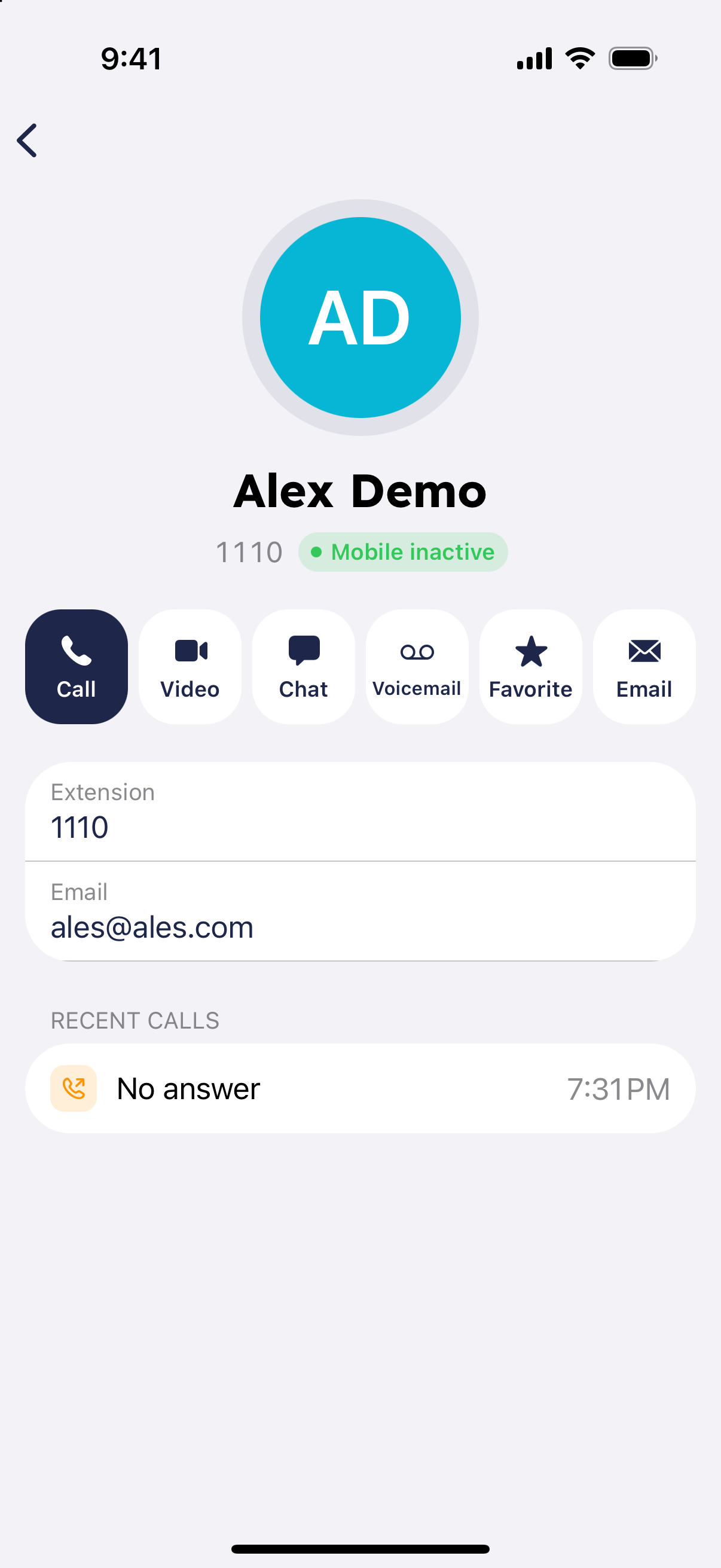
Calls ring your phone even when the RingQ app is closed or the screen is locked. On iPhone the call appears on the standard incoming call screen. On Android it appears as a full-screen call notification. Swipe or tap to answer, or decline it.
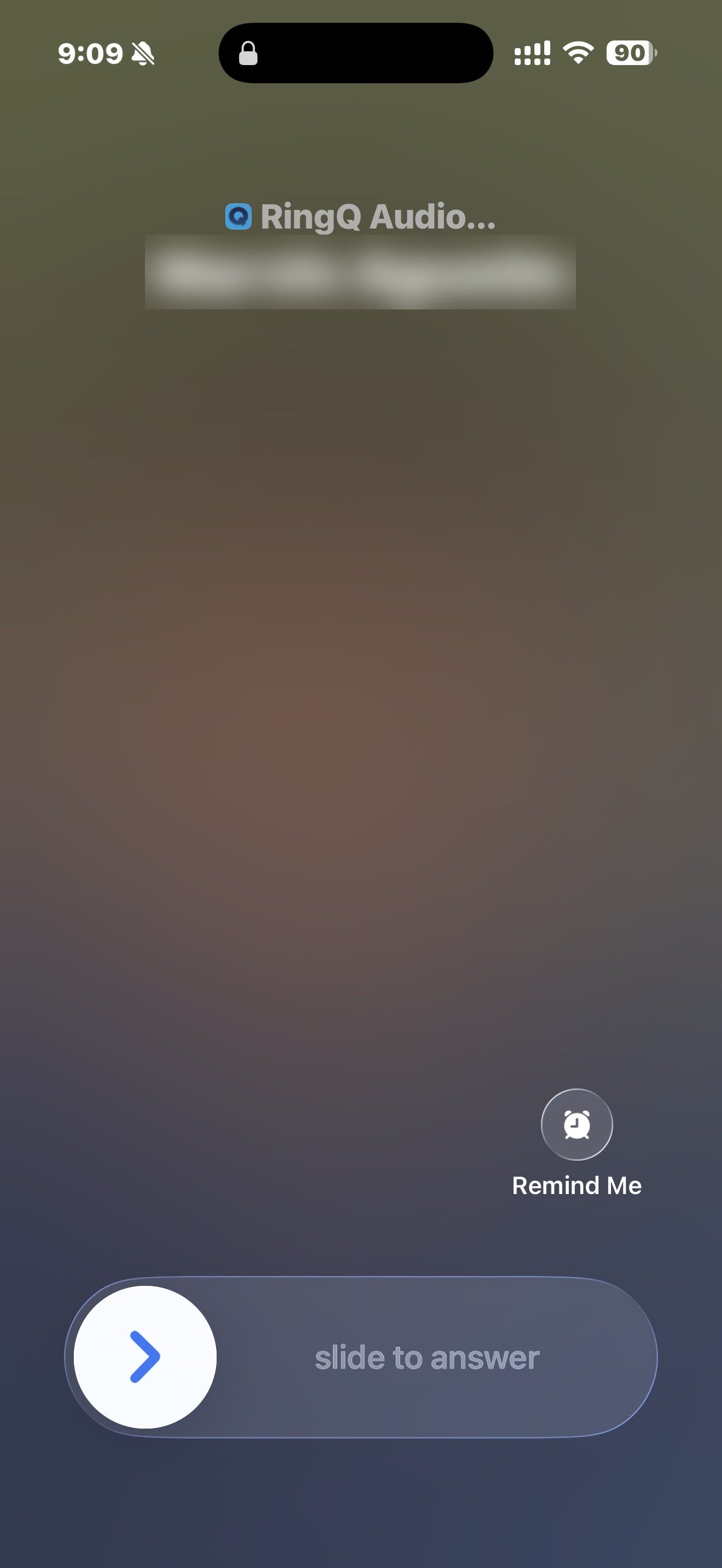
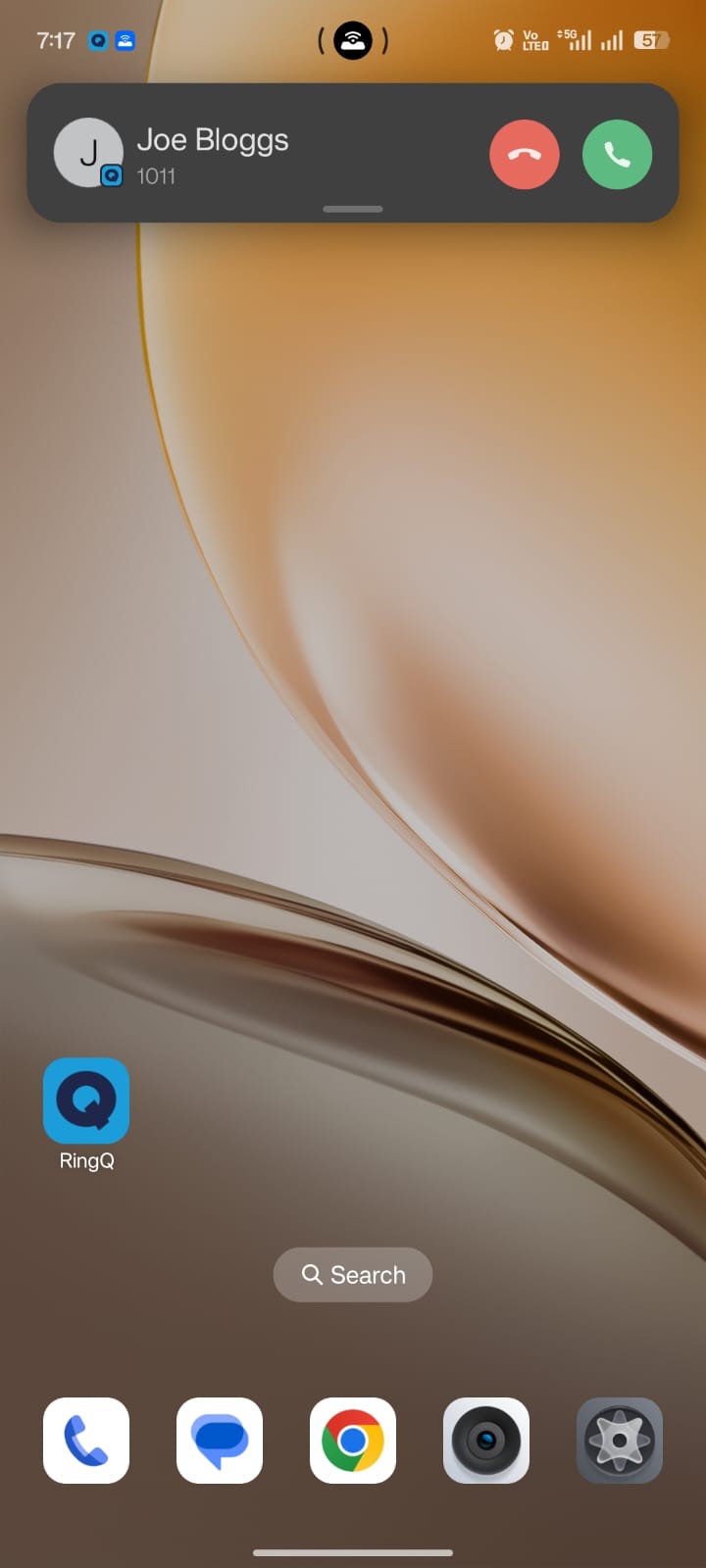
If calls don't ring when the app is closed, check that notifications are allowed for RingQ in your phone's settings.
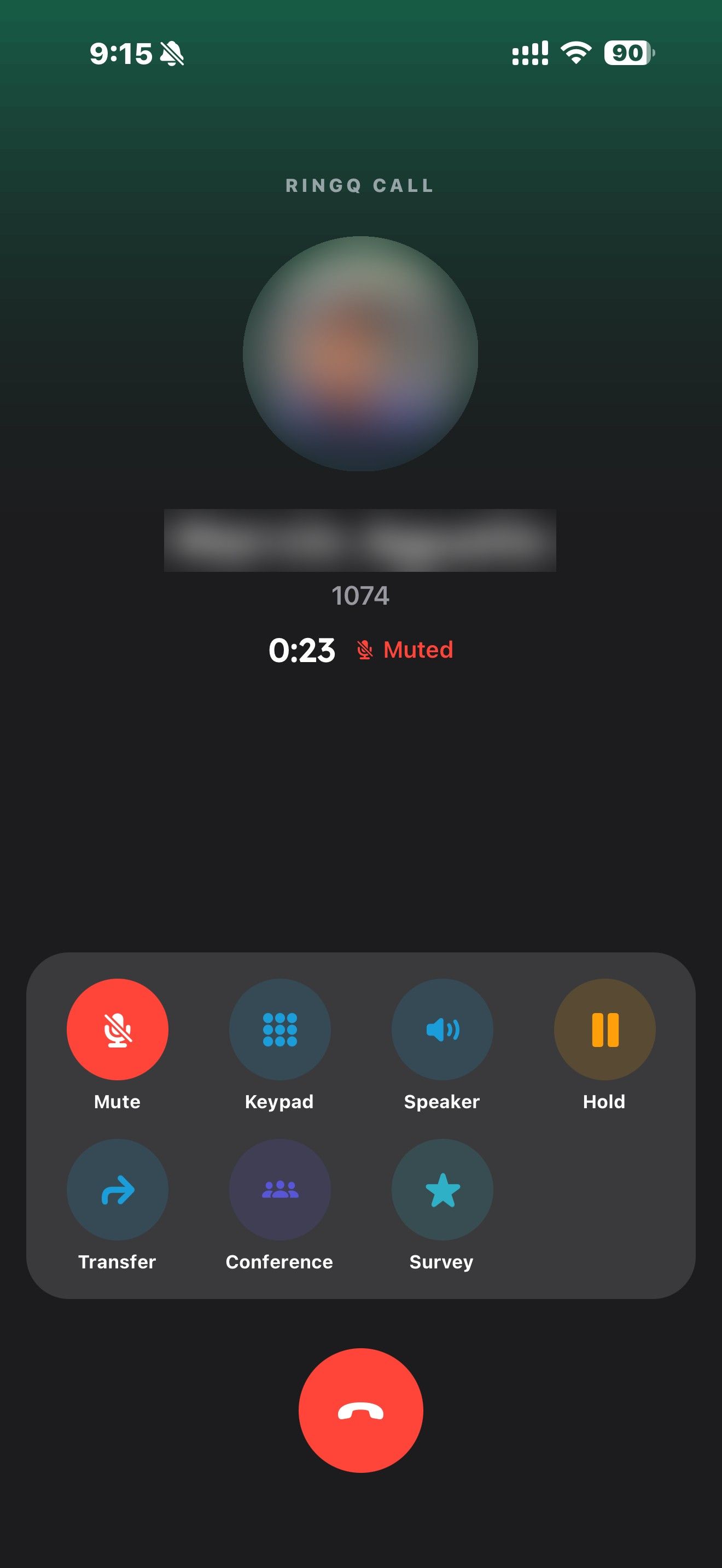
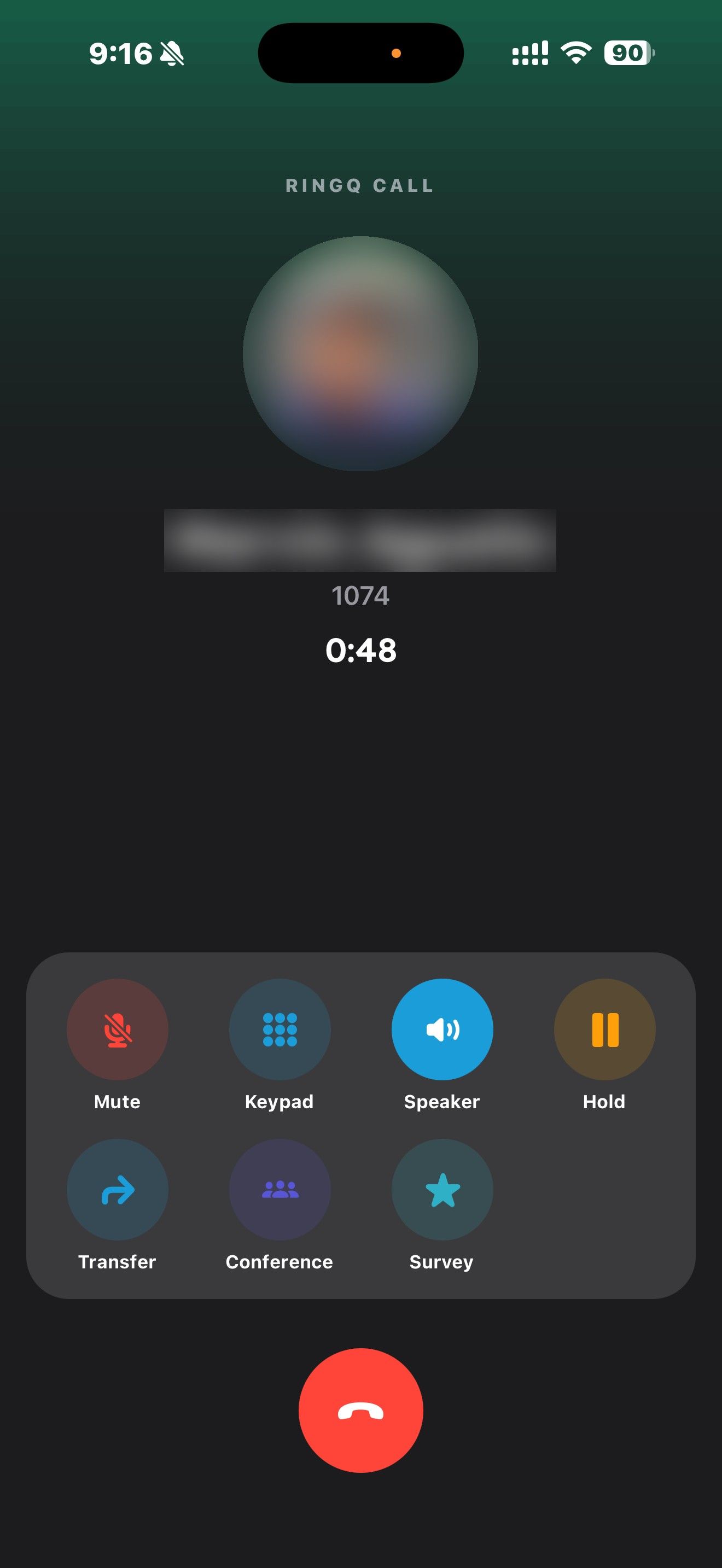
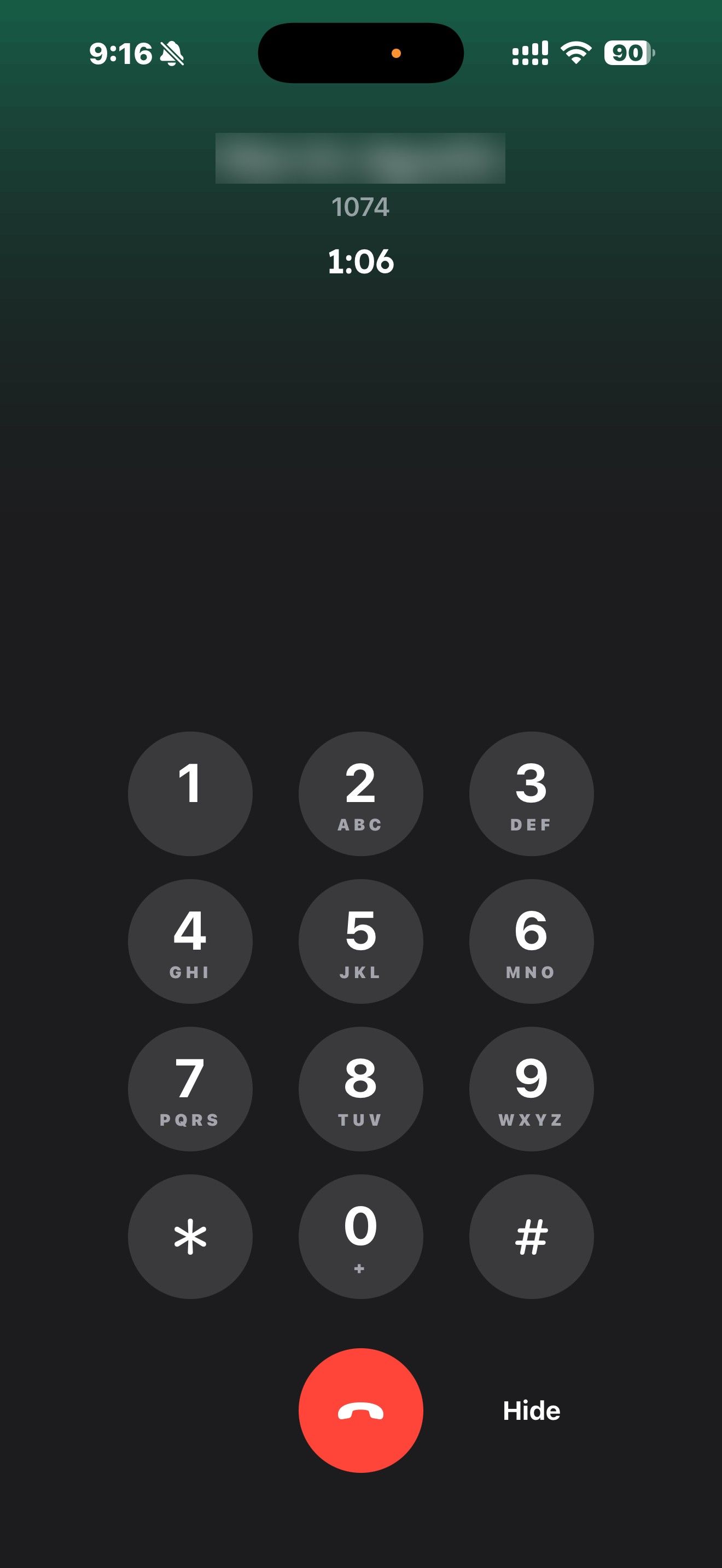
Use the call screen to mute, turn on the speaker, open the keypad, add a call or start a conference, or transfer the call (Blind or Attended). Missed and answered calls appear in Recents.
On a call on your computer or desk phone and need to leave? See "Pick Up Here: Move a Call to Your Phone".
