
What Data is Included in a Backup
What Data Is Included in a Backup
Introduction
This article explains the components included when performing a backup using the RingQ Backup Service (Time Machine module). RingQ backups are designed to ensure full system recoverability by capturing both configuration data and operational assets.
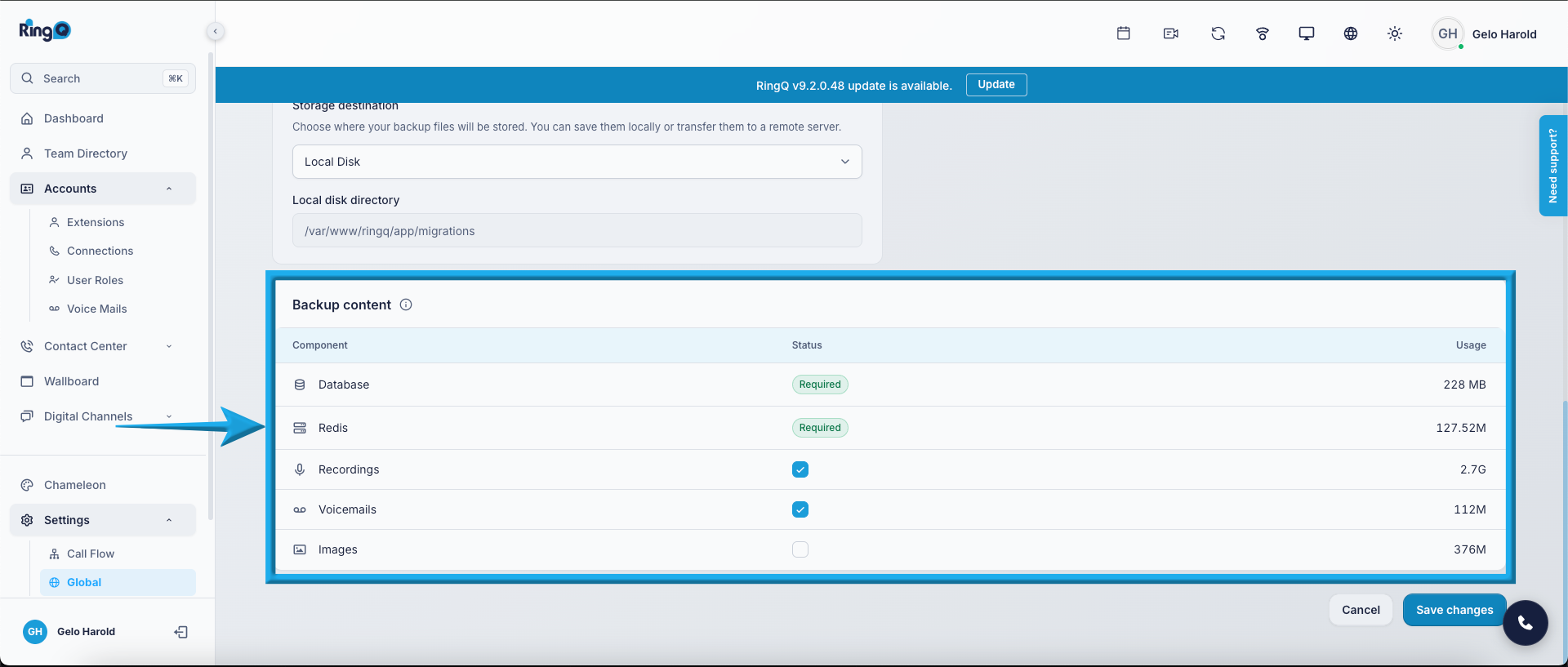
RingQ backup data
Database
The Database backup contains all system configuration and transactional records required to restore the RingQ environment.
The database backup ensures that the entire system configuration and operational logic can be restored to its previous state. Without the database backup, system settings and configurations cannot be recovered.
What’s Included in the Database Backup:
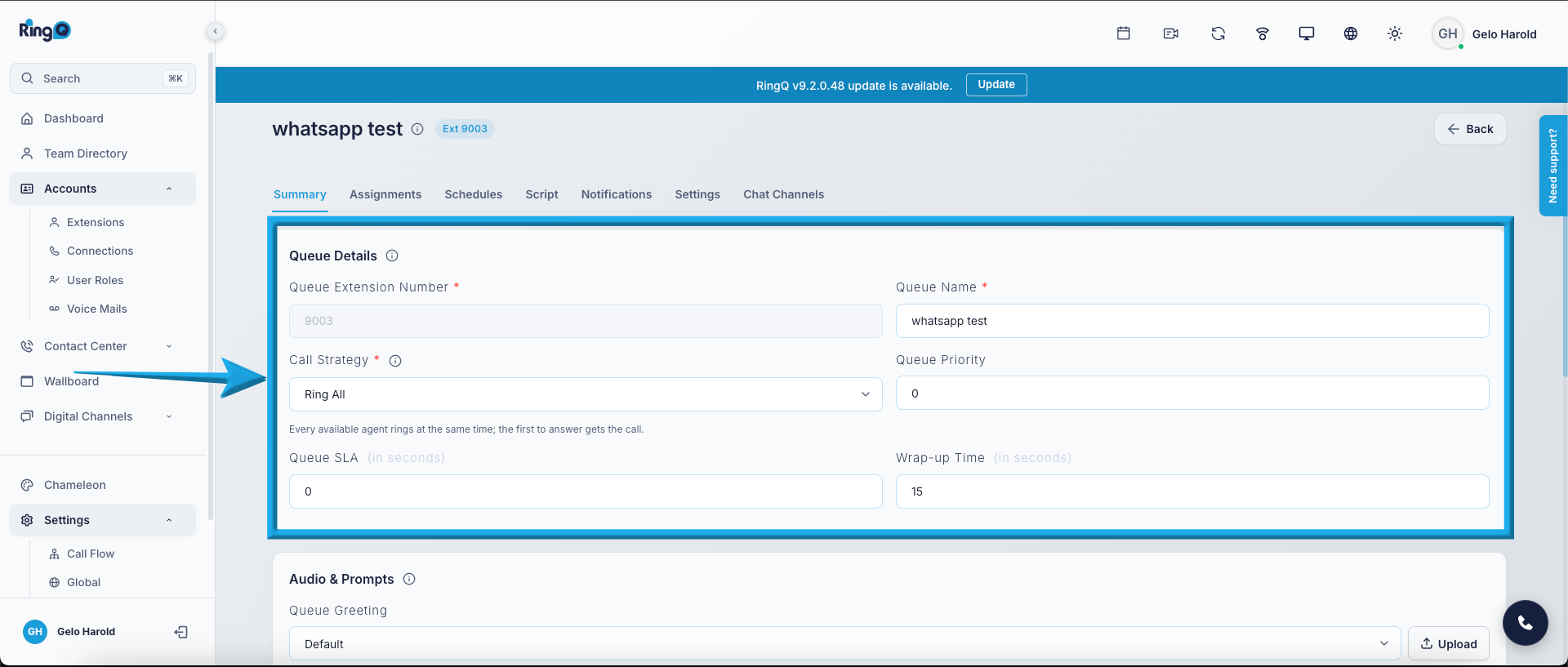
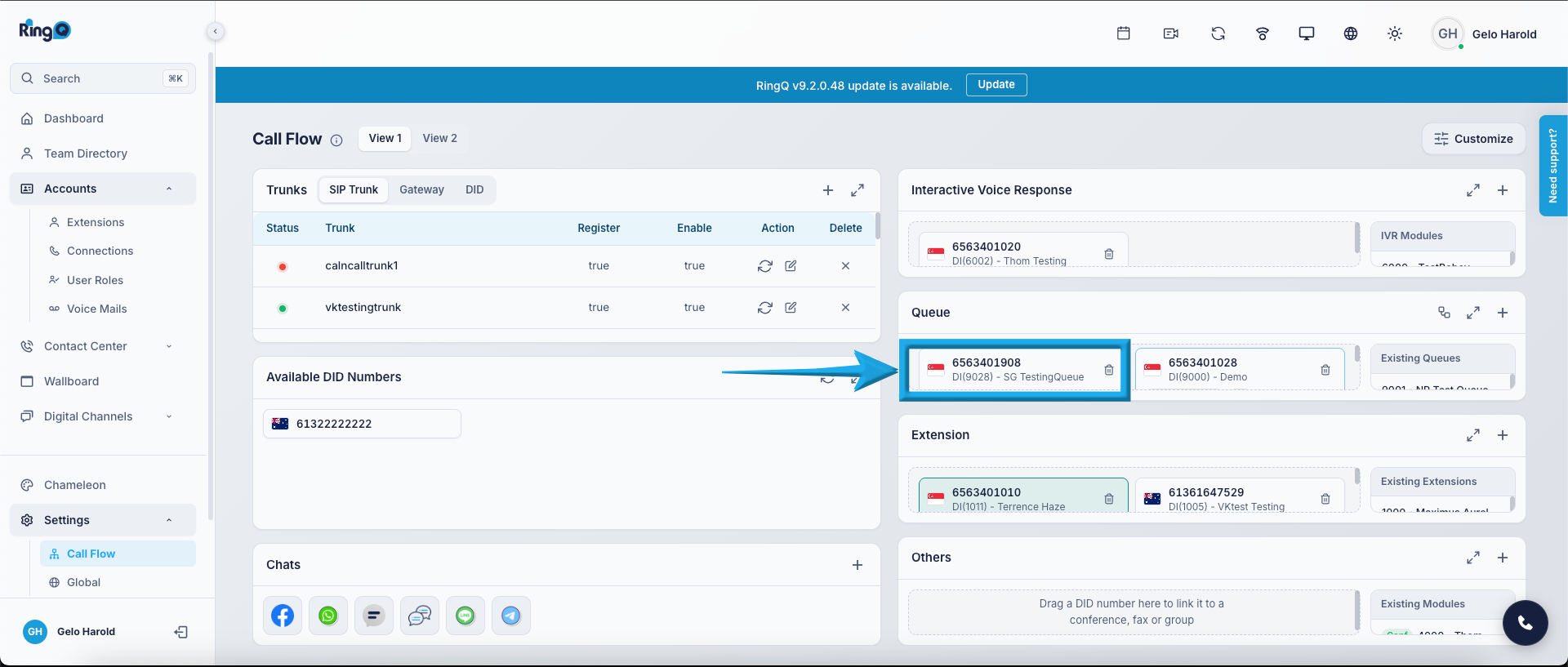
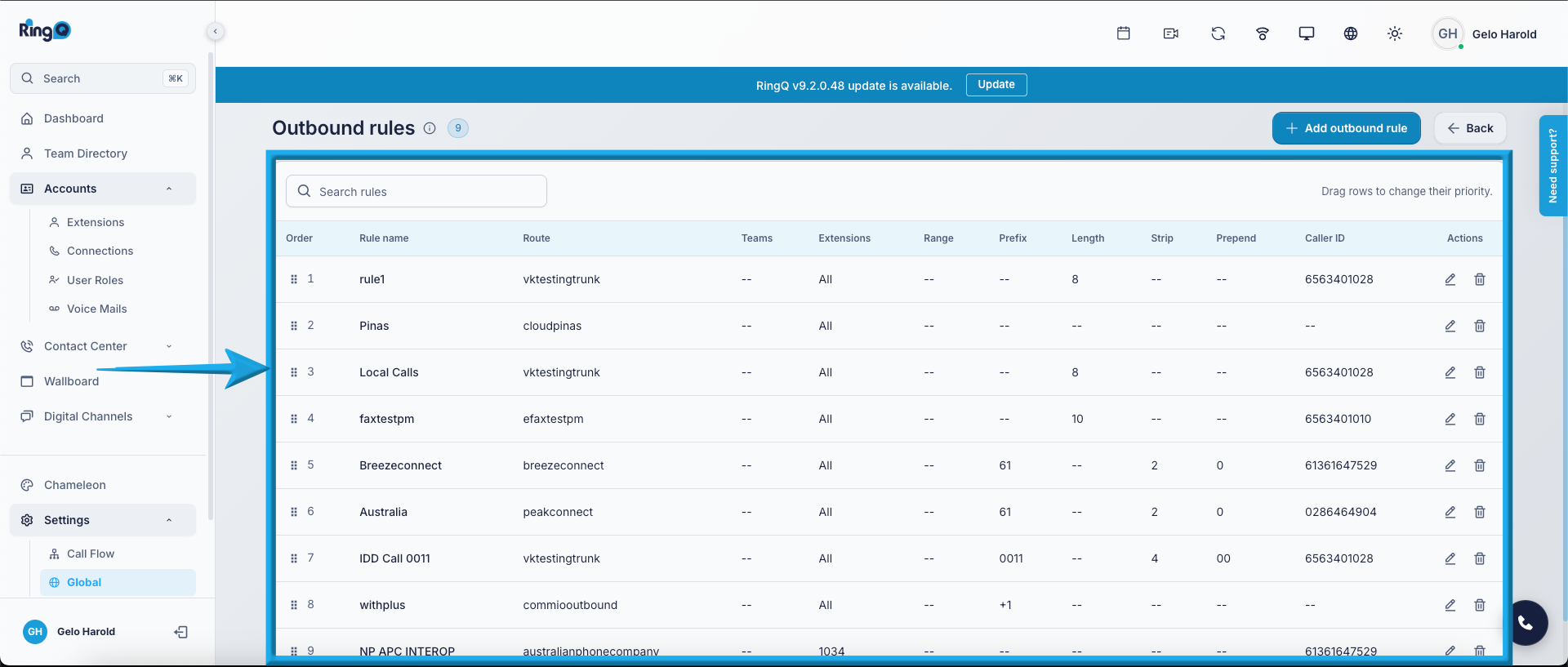
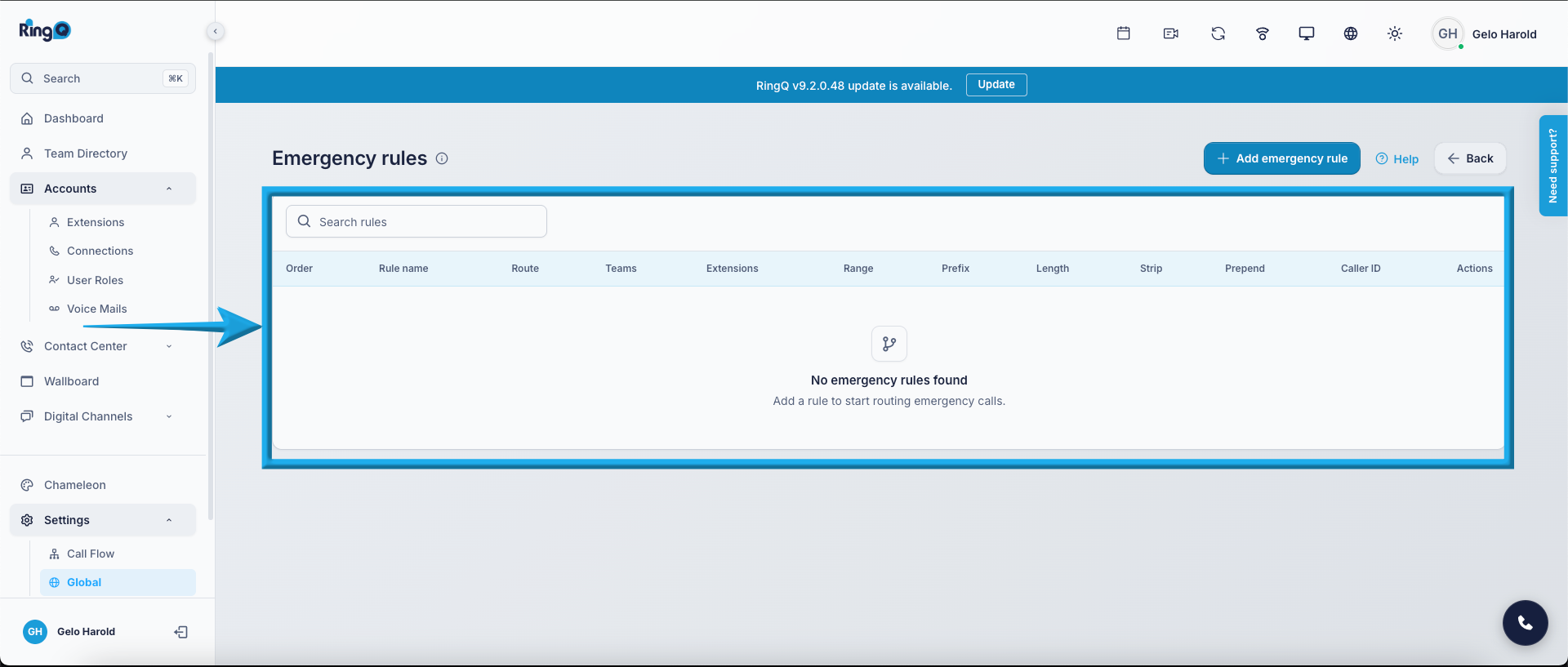
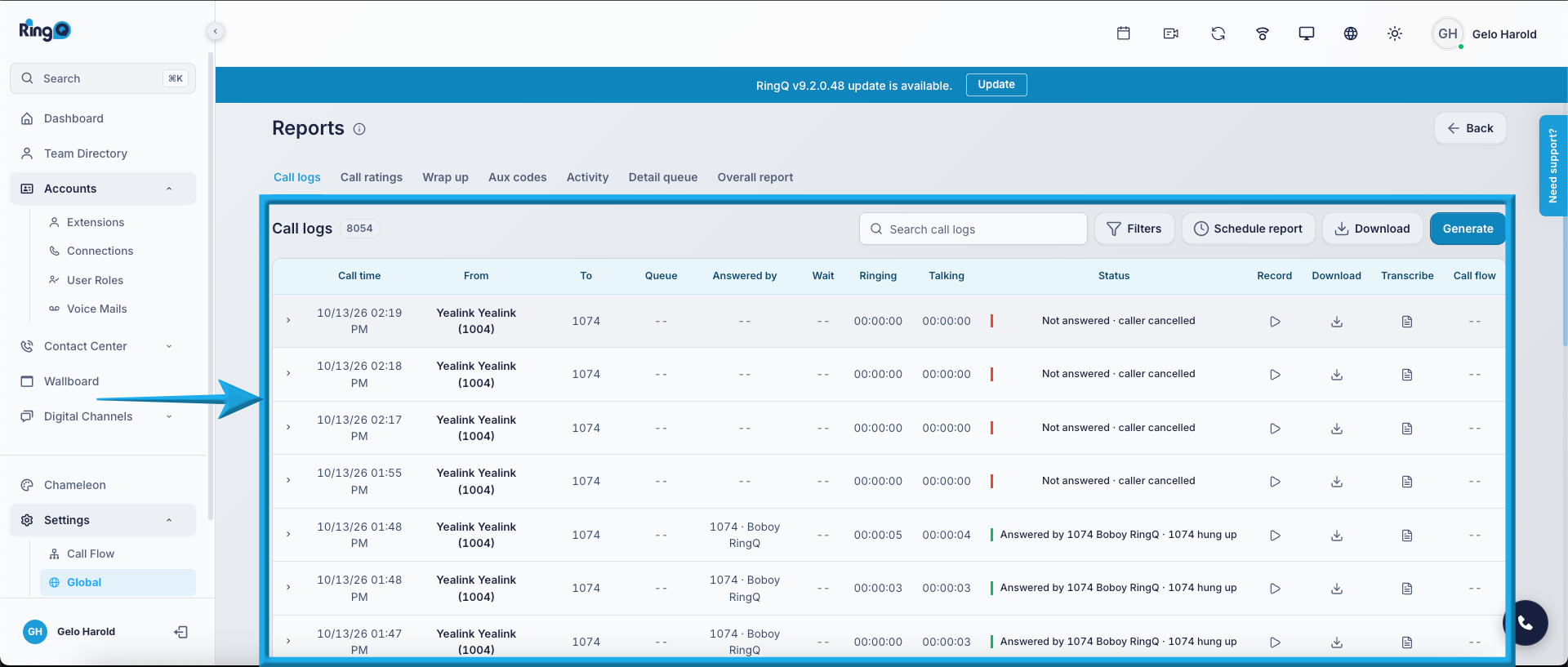
CDR (Call Detail Records) or Call Reports
Redis
- Active system state consistency
- Proper restoration of session-related data
- Minimal service disruption after recovery
Note: Redis primarily handles in-memory data. Including it in backups improves system state recovery accuracy.
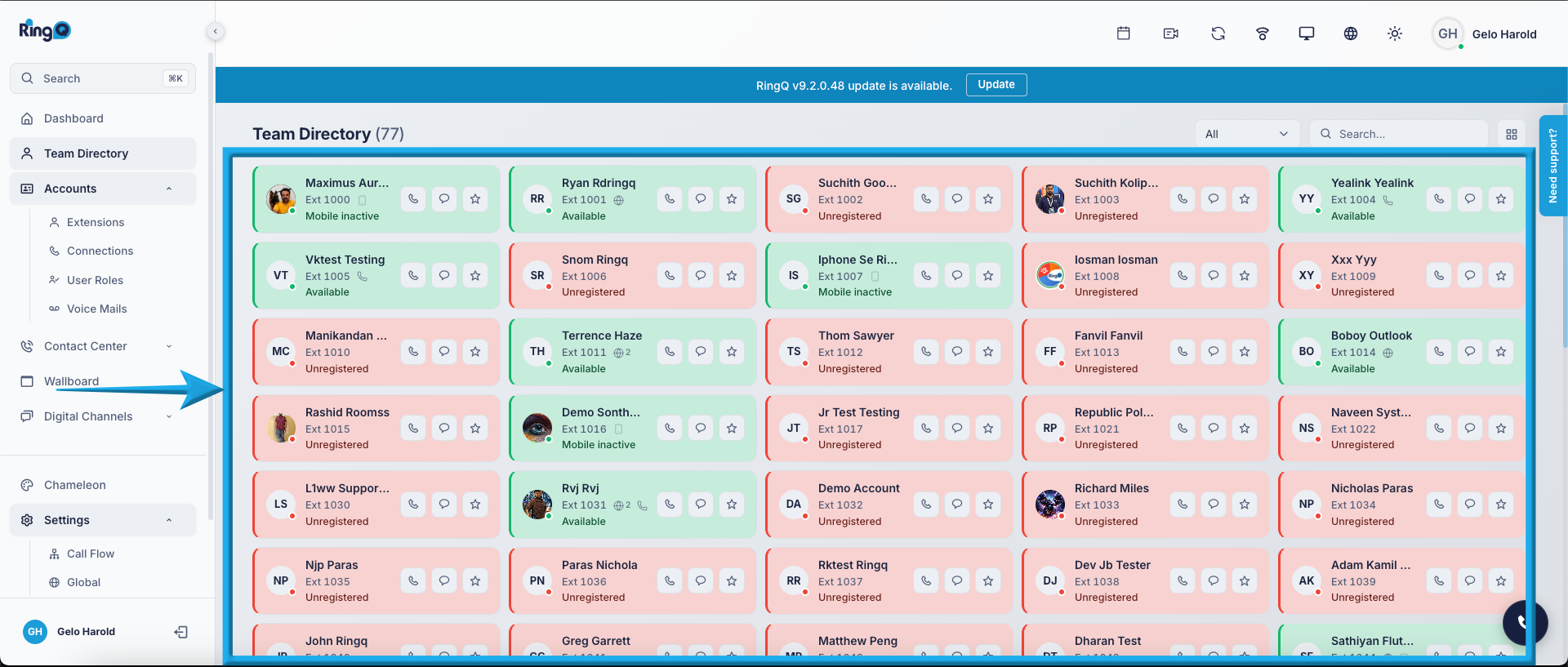
Redis Backup
What’s included:
- Active session information
- Real-time presence status
- Queue runtime states
- Cached system data
- Temporary system tokens
Recordings
This includes all stored call recordings generated by the system. File Format: .wav Preserves historical call data for:
- Compliance
- Quality assurance
- Training
- Audit requirements
Recording files may consume significant storage space. Ensure sufficient backup storage capacity.
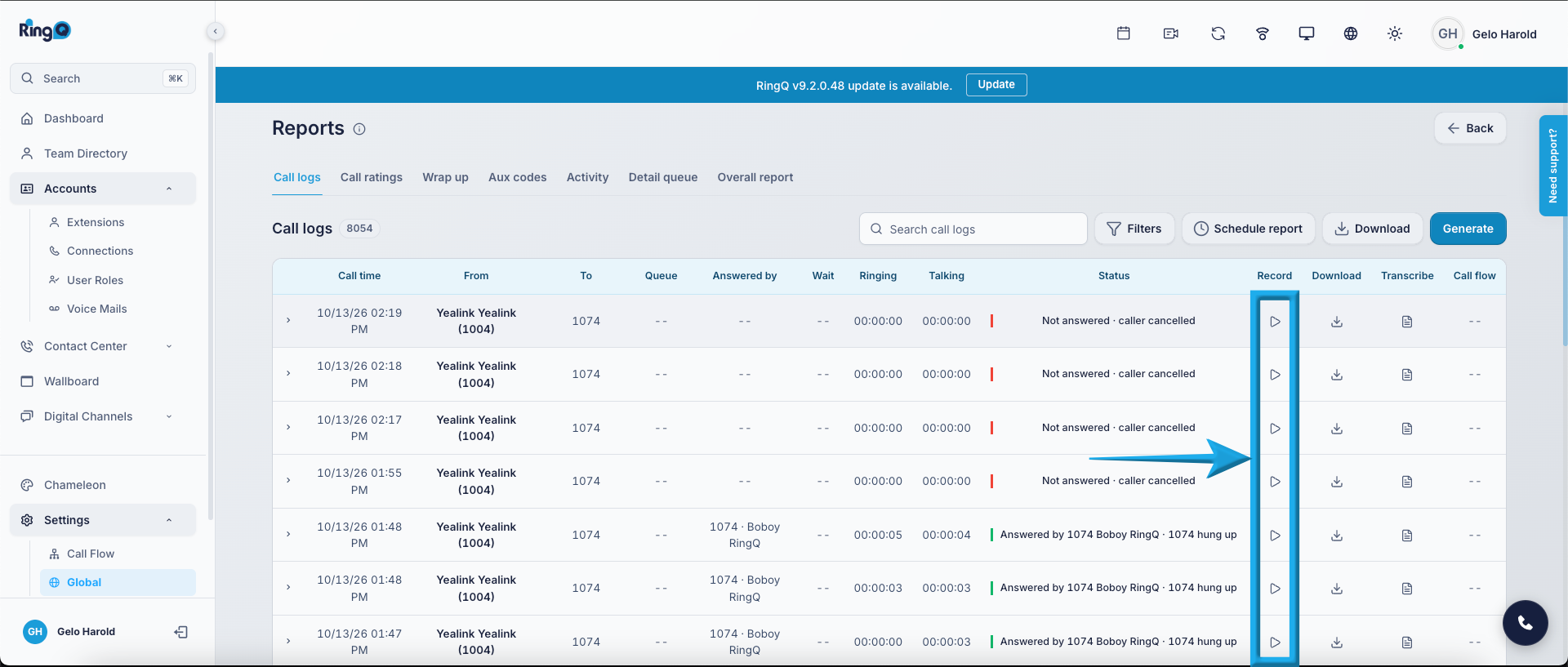
Recordings Backup
What’s included:
- Inbound call recordings
- Outbound call recordings
- Queue call recordings
- IVR interaction recordings (if enabled)
Voicemails
This includes voicemail messages left by callers. Allows restoration of:
- User voicemail inbox
- Historical voicemail records
- Voice message archives
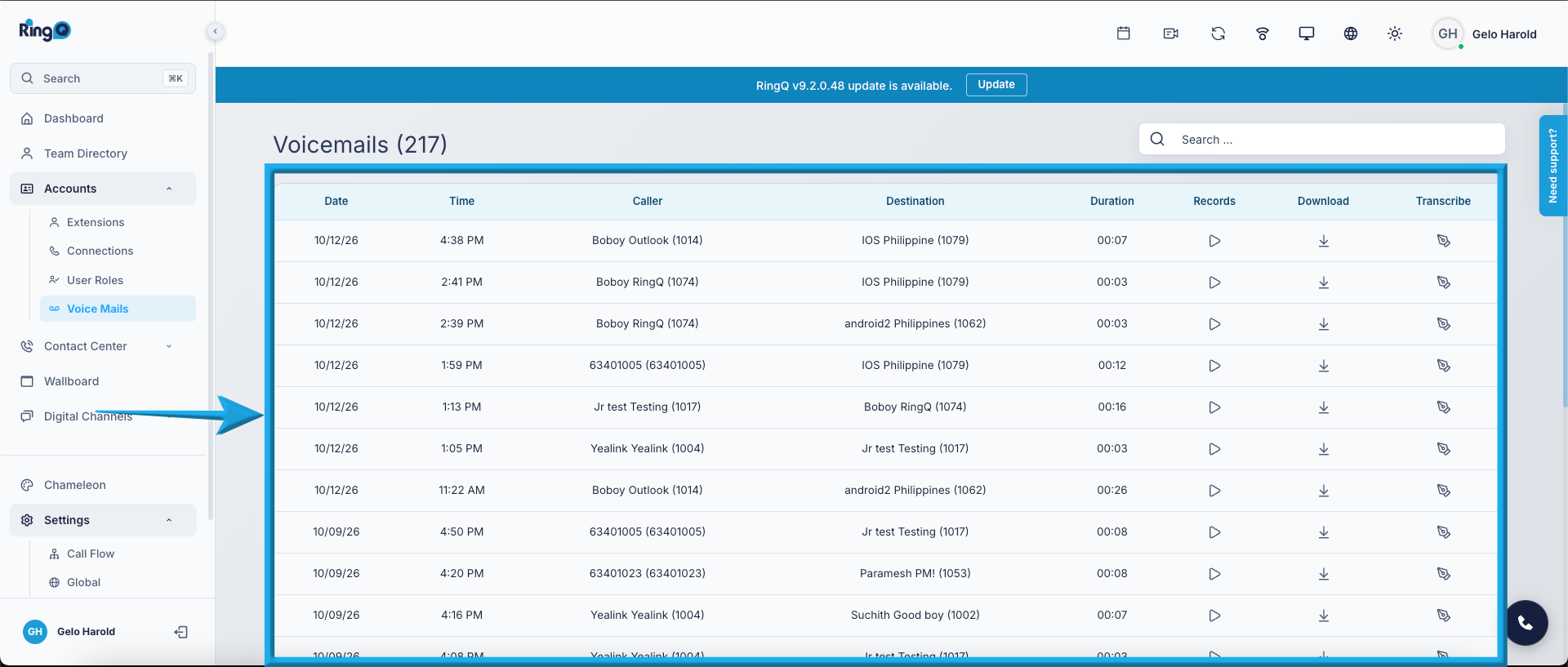
Voicemail Backup
What’s included:
- Voicemail audio files
- Voicemail metadata
- Voicemail box configuration
Backup Coverage Summary
| Component | Type of Data | Required for Full Restore |
|---|---|---|
| Database | System configuration & records | Yes |
| Redis | Real-time state & cache data | Recommended |
| Recordings | Audio call files | Optional (Based on storage policy) |
| Voicemails | Audio voicemail files | Optional (Based on retention policy) |
Important Notes
- A full system restoration requires at minimum the Database backup.
- For complete operational continuity, it is recommended to include:
- Database
- Redis
- Recordings
- Voicemails
- Backup size depends heavily on the volume of recordings and voicemails.
- Always verify available disk space or external storage before enabling full backup.