RingQ Customer Centric Communications

The AI Listener Feature


Introduction

This guide explains how to use the AI Listener feature in RingQ Meet. AI Listener provides real-time transcription of meeting audio and generates summaries to help capture and review key discussion points. You’ll learn how to enable AI Listener during a meeting and access transcripts and summaries after the meeting ends.
Activating the AI Listener tool

Activate the AI listener tool in RingQ Meet

Activate the AI listener tool in RingQ Meet

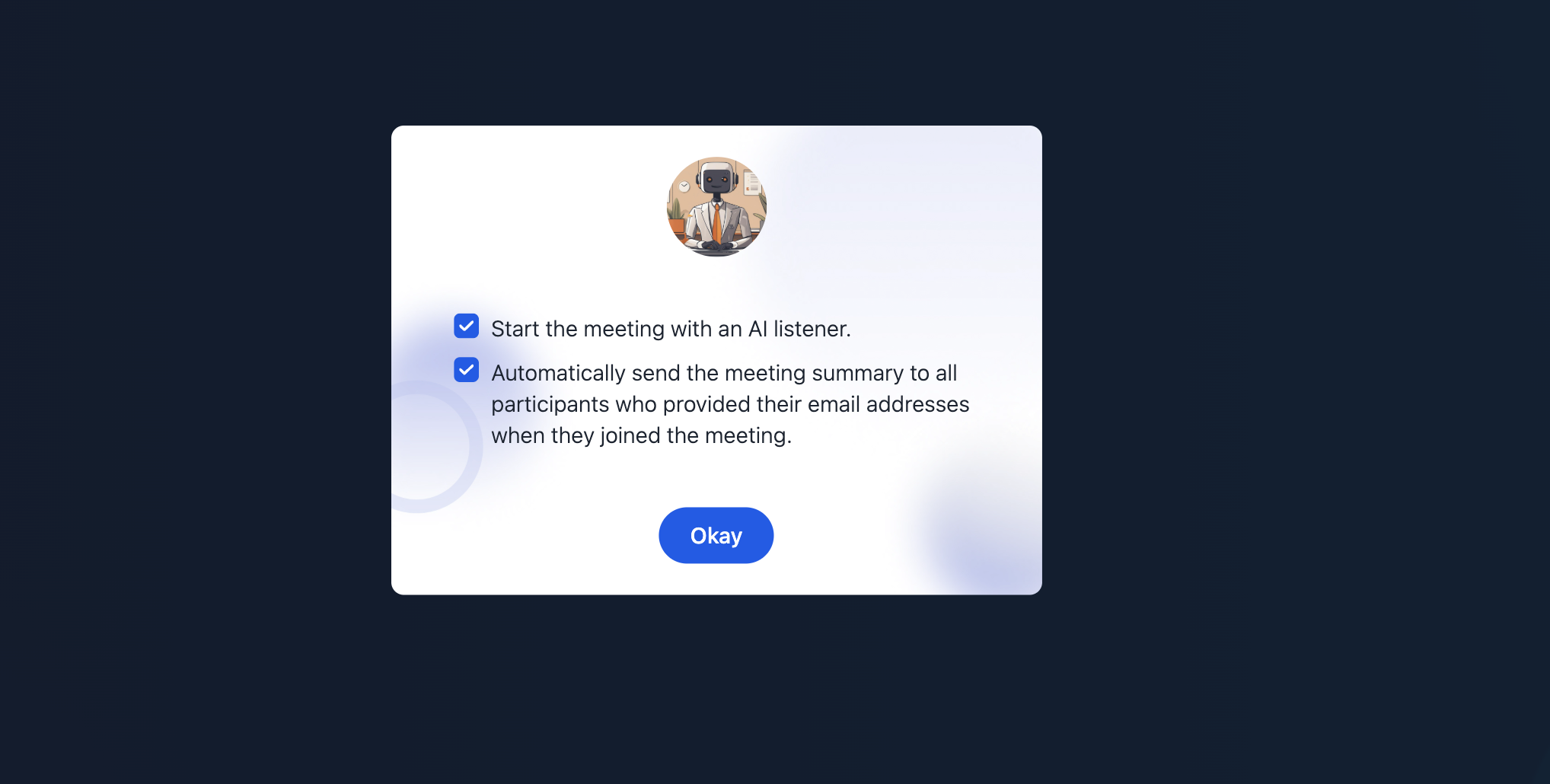
1. Before entering a meeting, a confirmation prompt will ask if the room owner wants to activate the AI Listener. Check the boxes to activate.
Activate AI Listener during a meeting

Activate AI Listener during a meeting

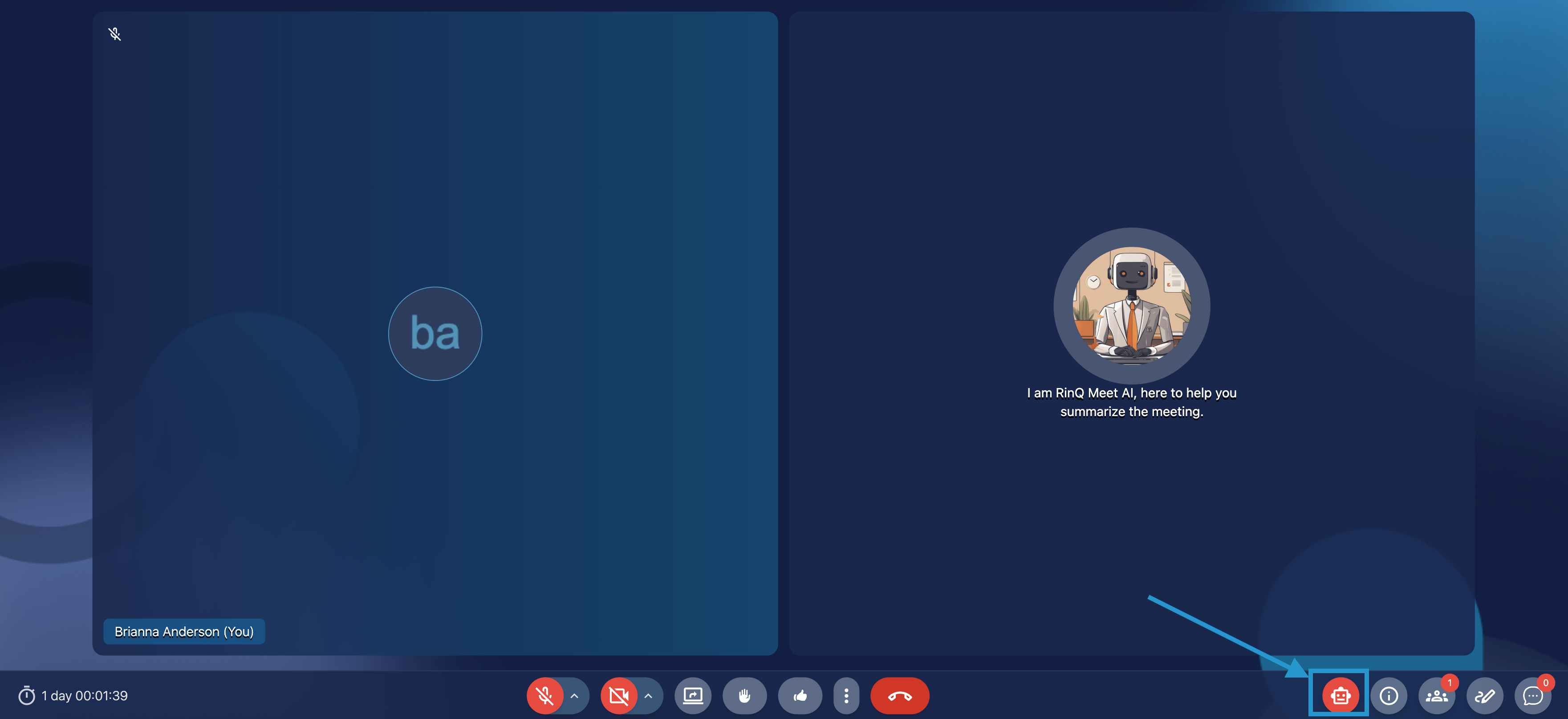
2. You can also enable the AI Listener during the meeting. Click on the AI Listener button in the meeting controls – bottom right corner – as shown above.

More Options

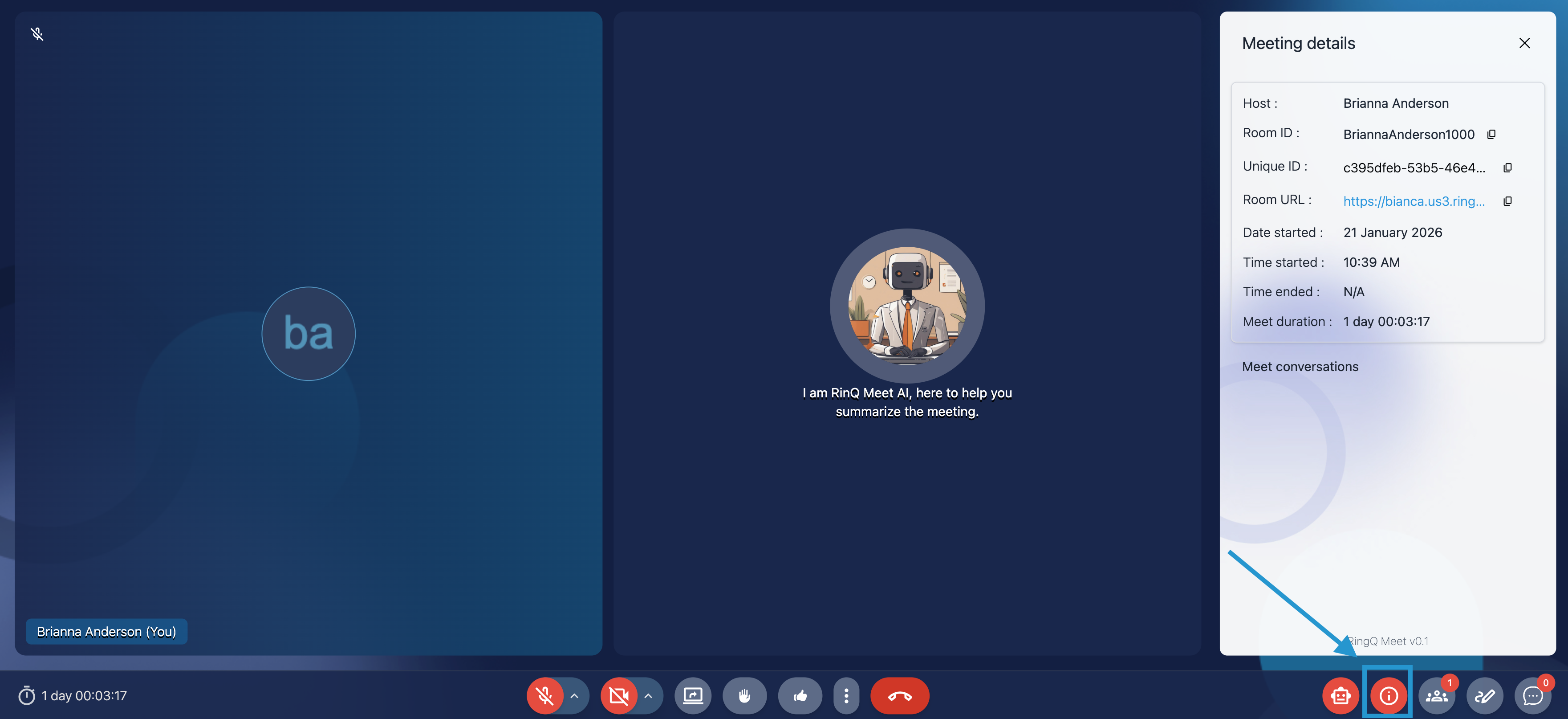
Access more meeting dteails in RingQ Meet
  • Access more meeting dteails in RingQ Meet
  • Meeting Details: provides information such as the date, time, and agenda of the meeting. It’s essential for understanding context before engaging with the AI Listener.
  • Live Captioning: transcribes spoken dialogue in real-time, displaying captions on screen. This helps participants follow discussions more easily, especially in noisy environments or for those with hearing impairments.
  • Summarize Meeting: this feature uses AI to generate a concise overview of key points discussed, action items, and decisions made during the meeting.