This guide walks you through configuring ChatGPT (OpenAI) with RingQ, enabling AI-powered conversations, smarter responses, and enhanced customer interactions within your RingQ environment.
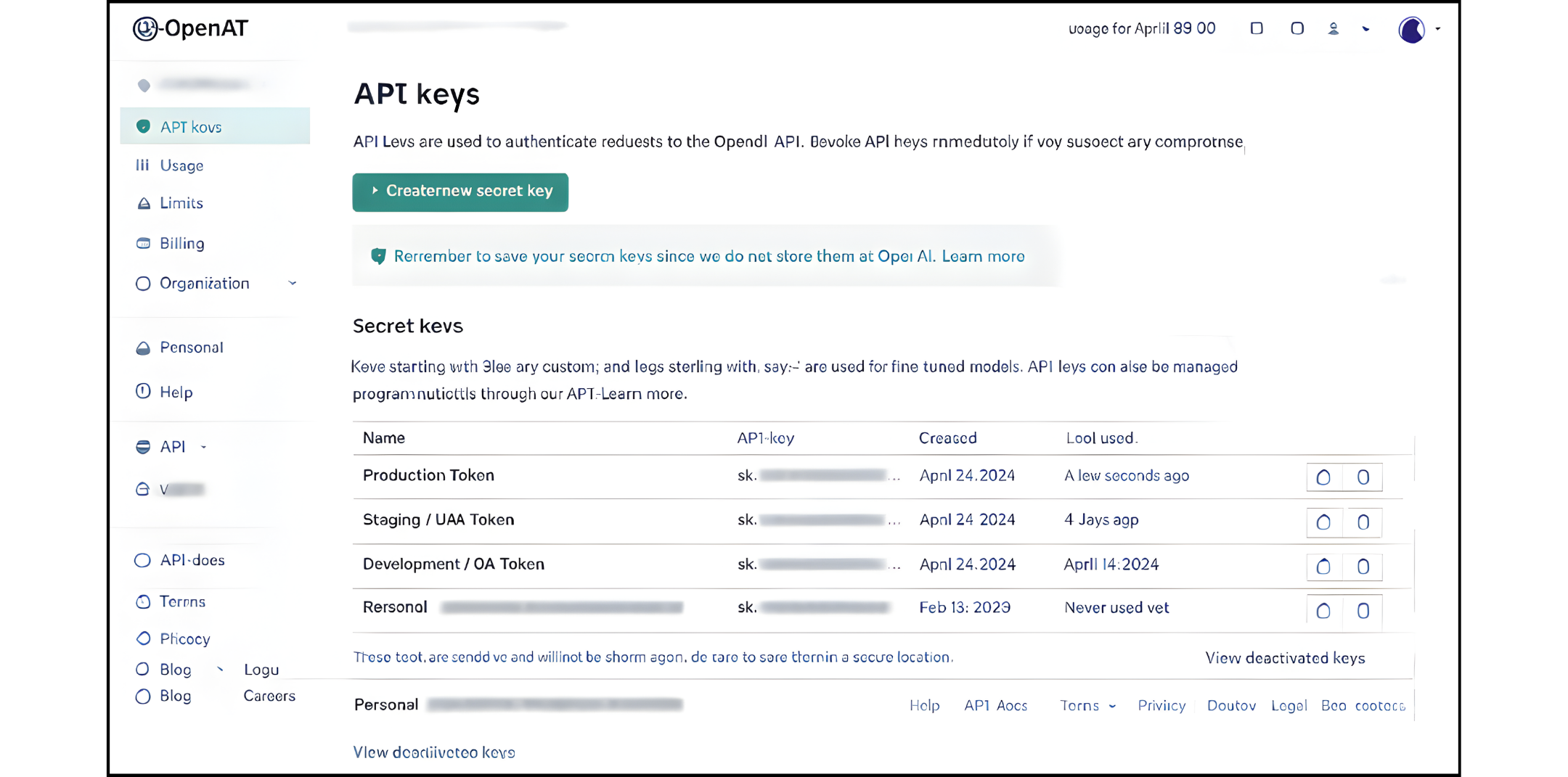
Select the AI Agent environment. Before selecting a token, determine the environment:
Each environment should use a separate OpenAI API key to avoid billing conflicts and quota issues.
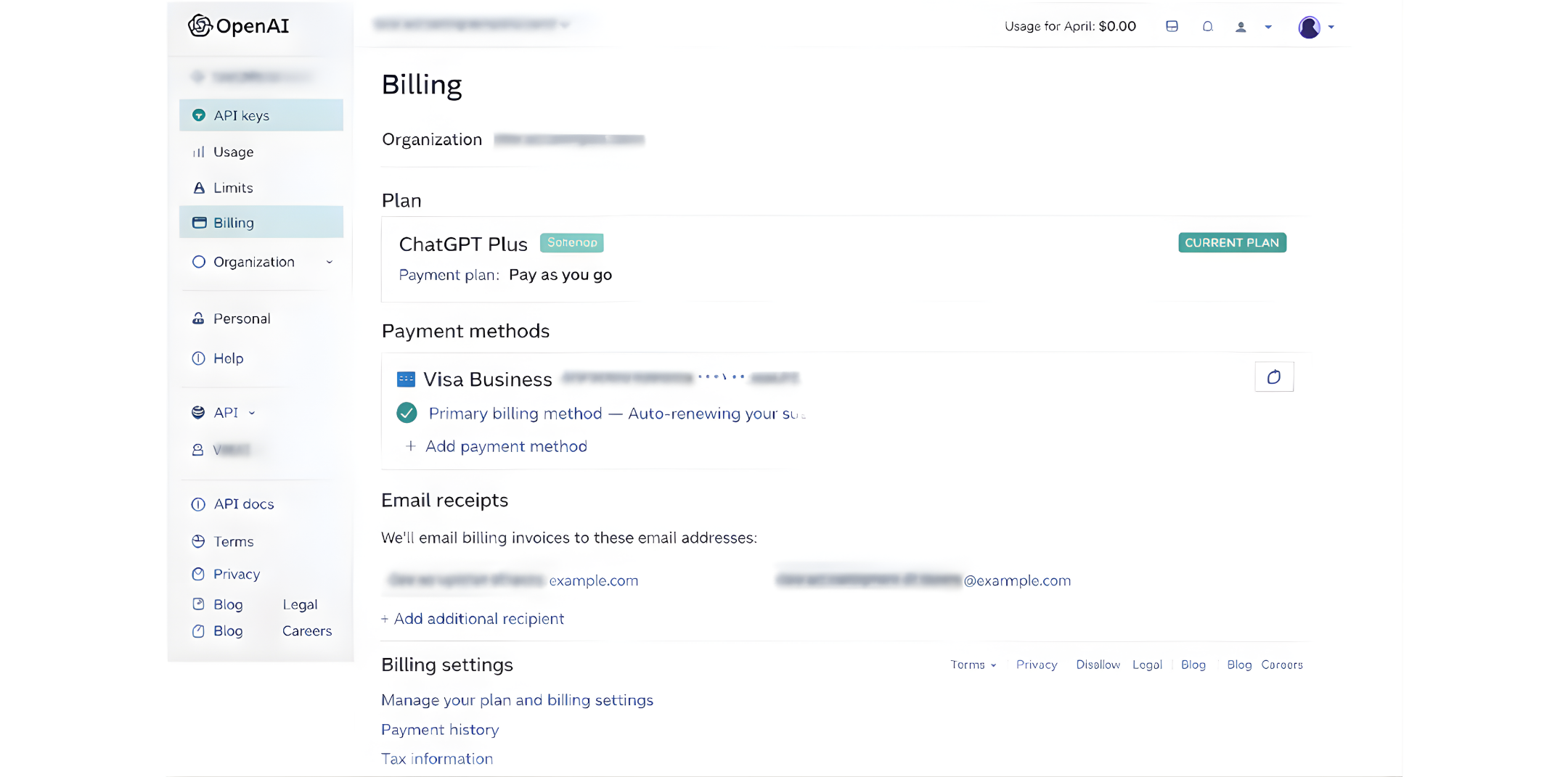
Choose the correct OpenAI account. Make sure to log in to the OpenAI account that should:
For RingQ production, this should always be a company-owned OpenAI account, not a personal developer account.
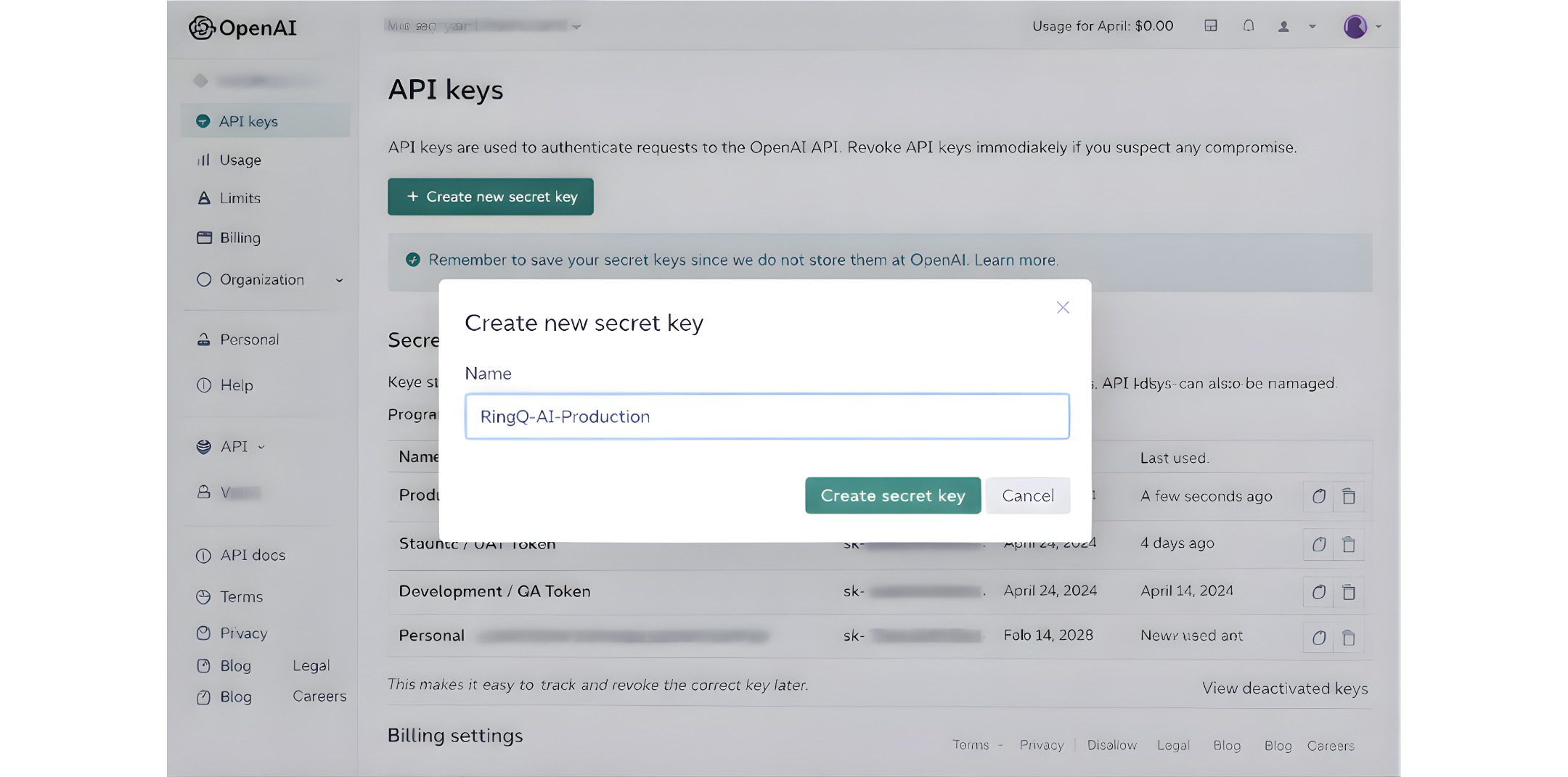
Create a dedicated API key. In OpenAI:
Go to API Keys
Click Create new secret key
Name it clearly, for example:
a. RingQ-AI-Production
b. RingQ-AI-Testing
This makes it easy to track and revoke the correct key later.
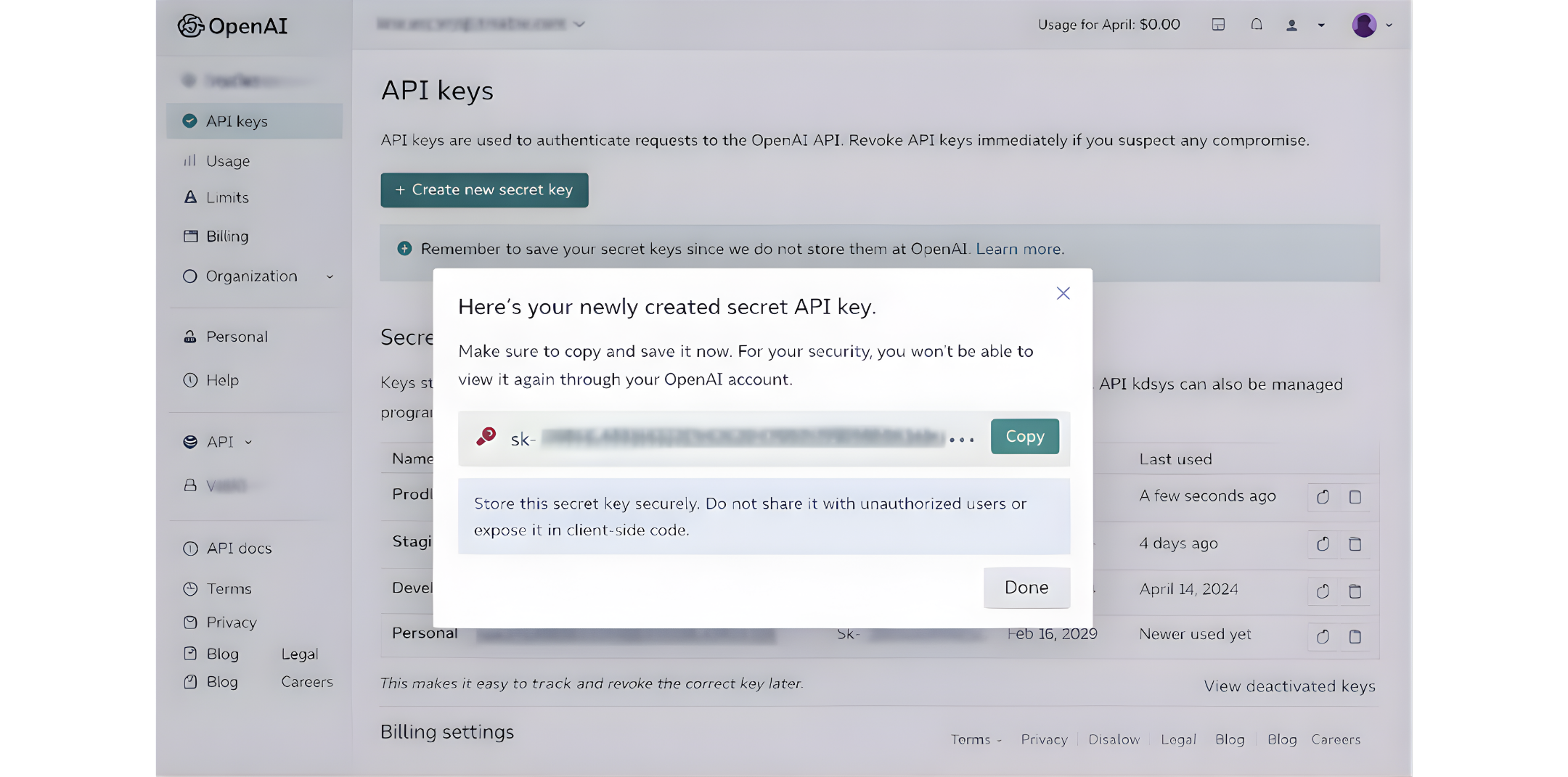
Secure the token. After the key is generated:
This token gives full API access to the OpenAI account.
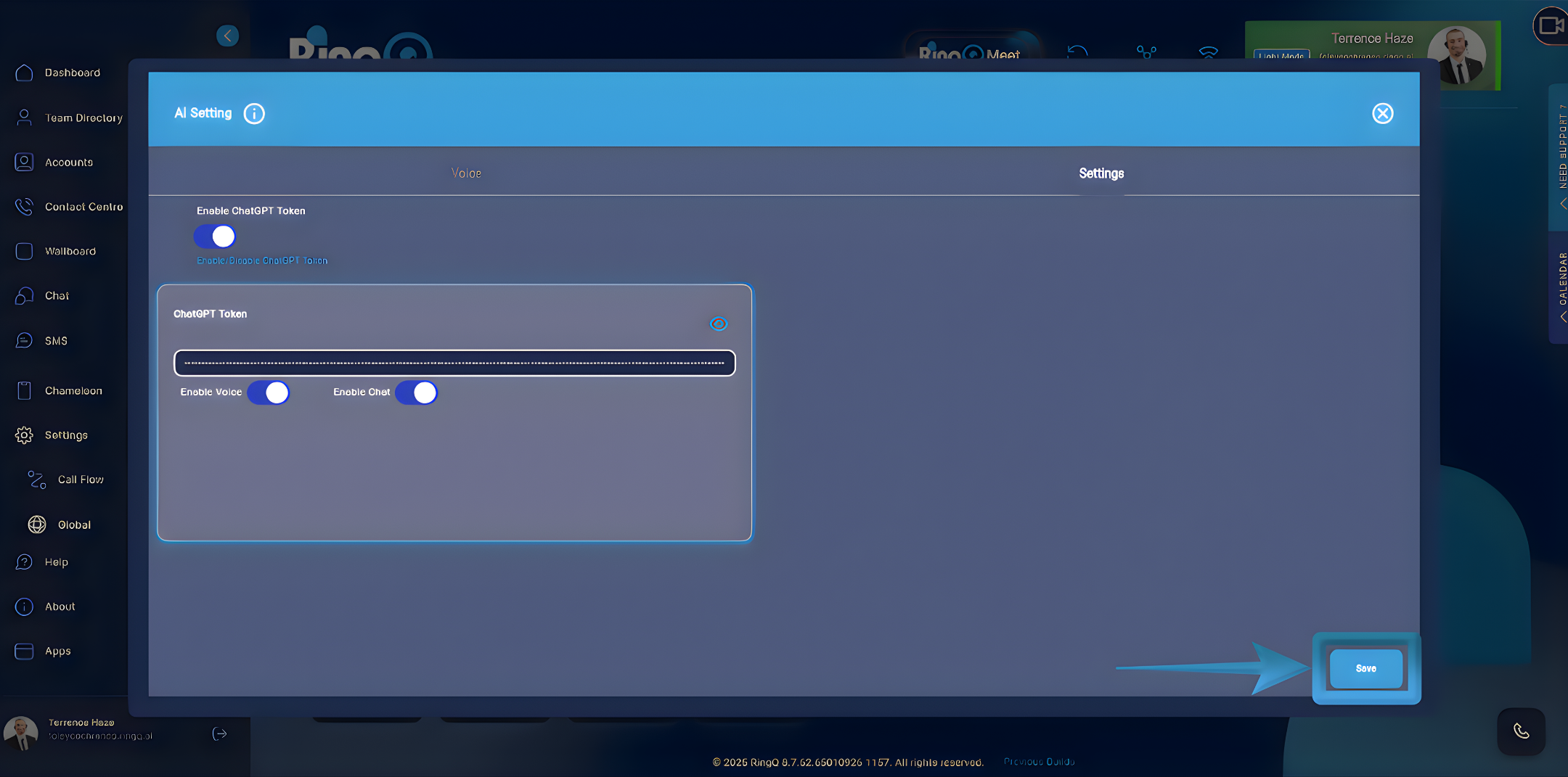
Enter the token into RingQ. In the RingQ web app:
RingQ will now authenticate OpenAI using this token.
Validate the connection. After saving:
If it fails, recheck that the token is correct and active
Apply best-practice token management. For stable operations:
This ensures secure, predictable, and auditable AI usage across RingQ.
