Configuring LINE to a Queue and Assigning Agents
This guide explains how to configure LINE in a queue and assign agents, enabling them to receive and respond to LINE chats from within the RingQ platform.
Log in to your RingQ Admin dashboard. 2. Navigate to Settings > Call Flow.
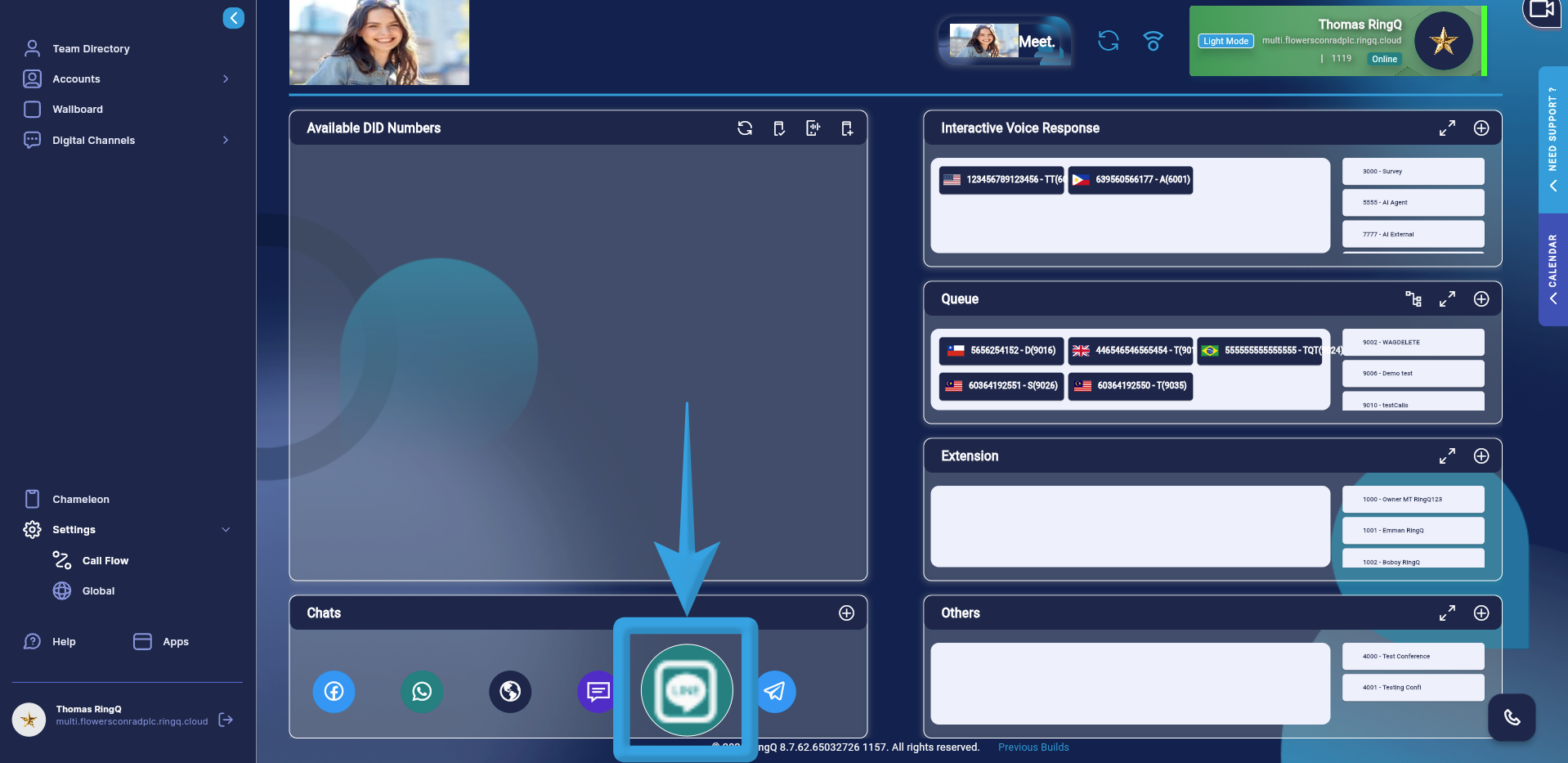
Navigate to the Chats section in the Call Flow and click and hold the LINE icon.
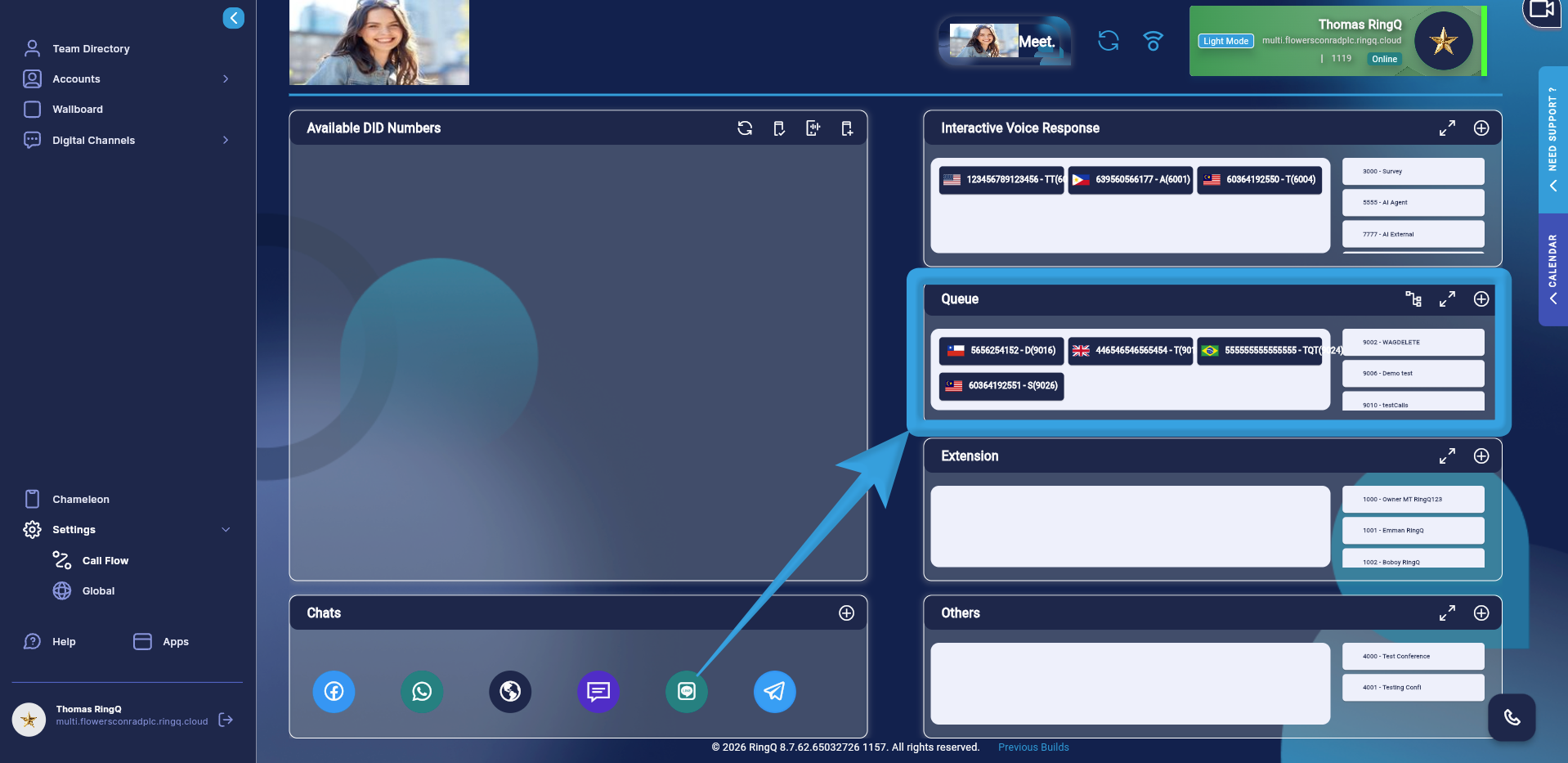
Drag and drop the icon into the Queue section.
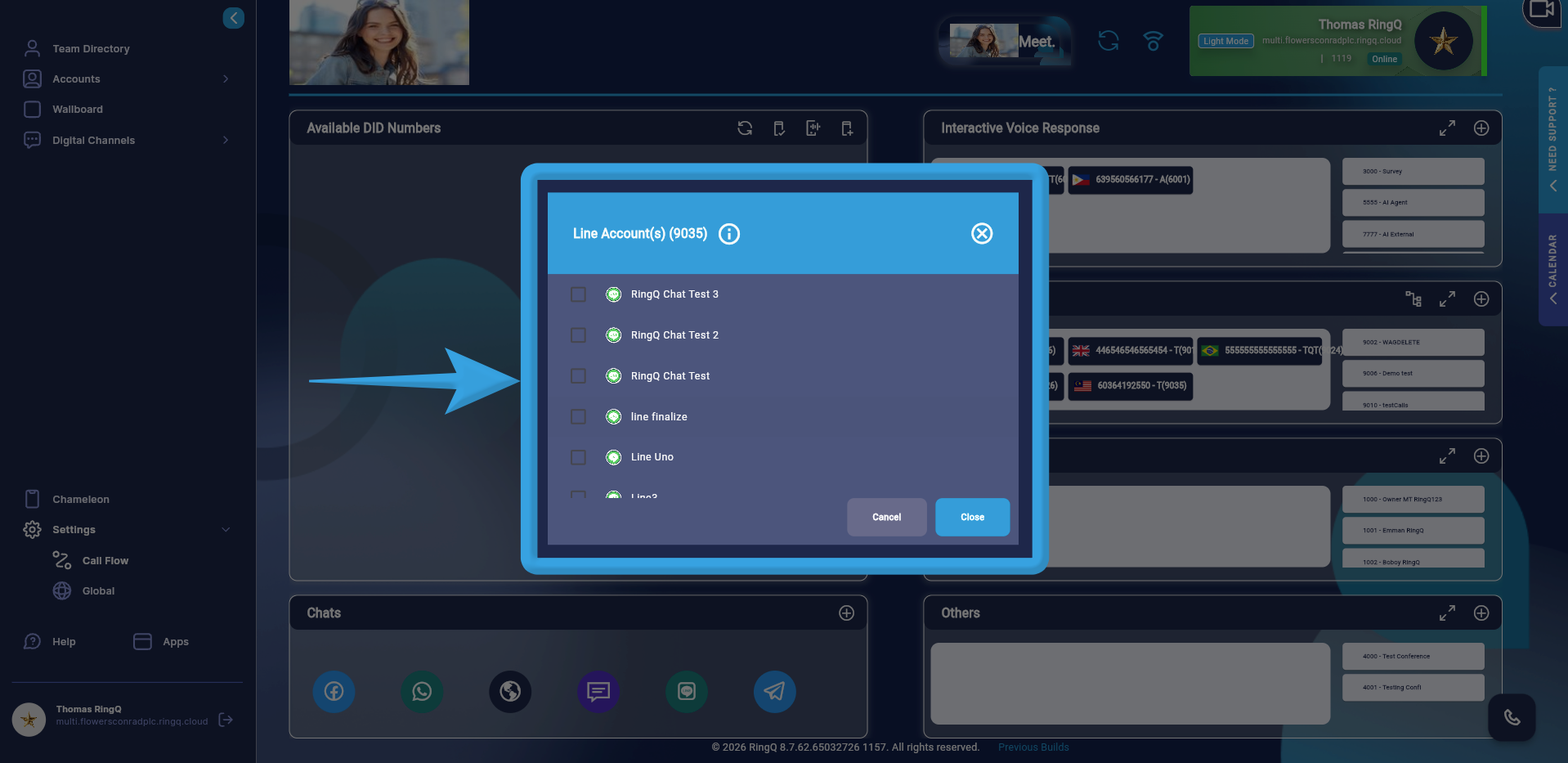
A pop-up window will display all LINE accounts configured in your Chat Settings. Select your desired LINE account by ticking the corresponding box.
Click Open.
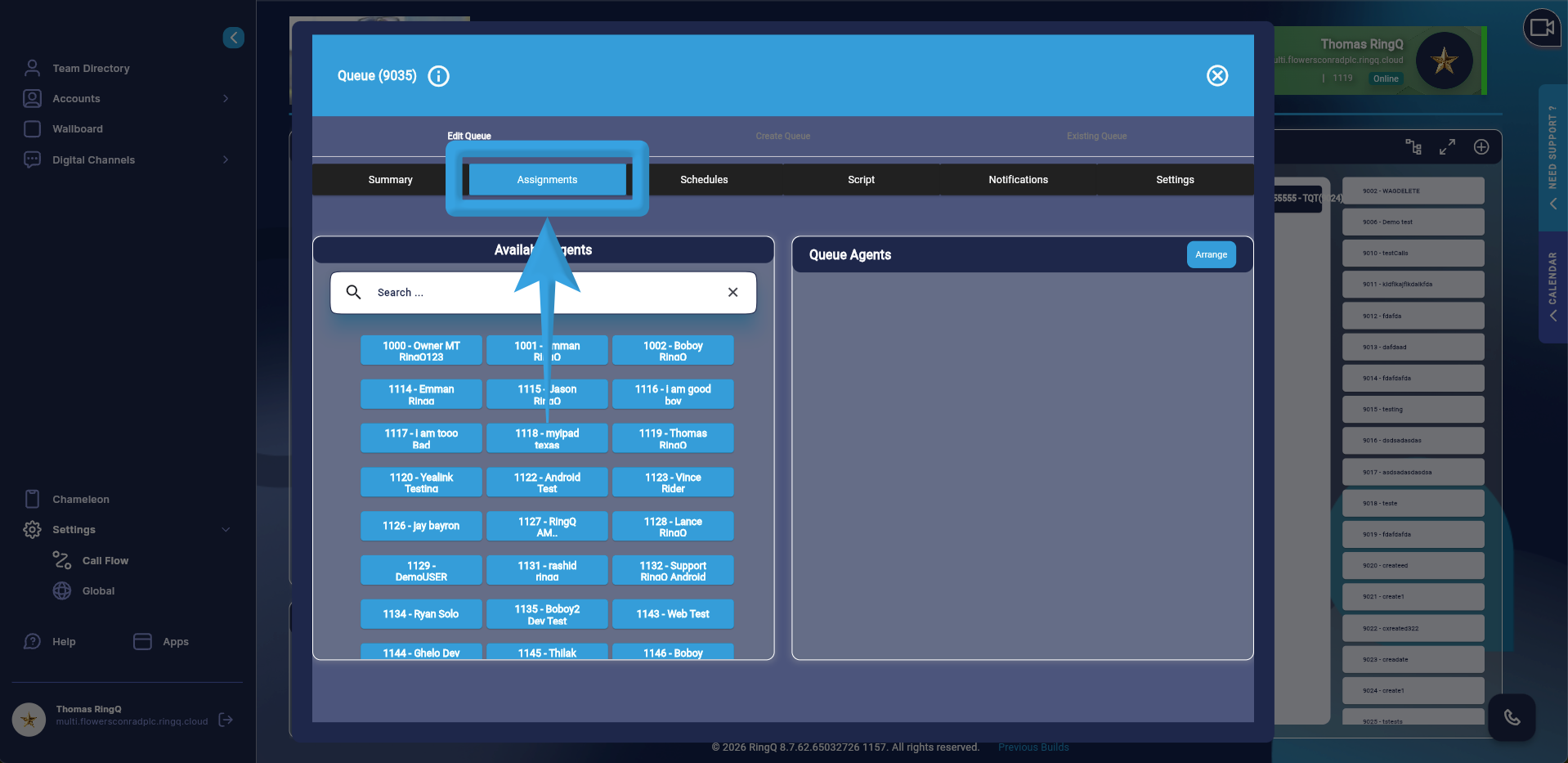
Go to the Assignments tab.
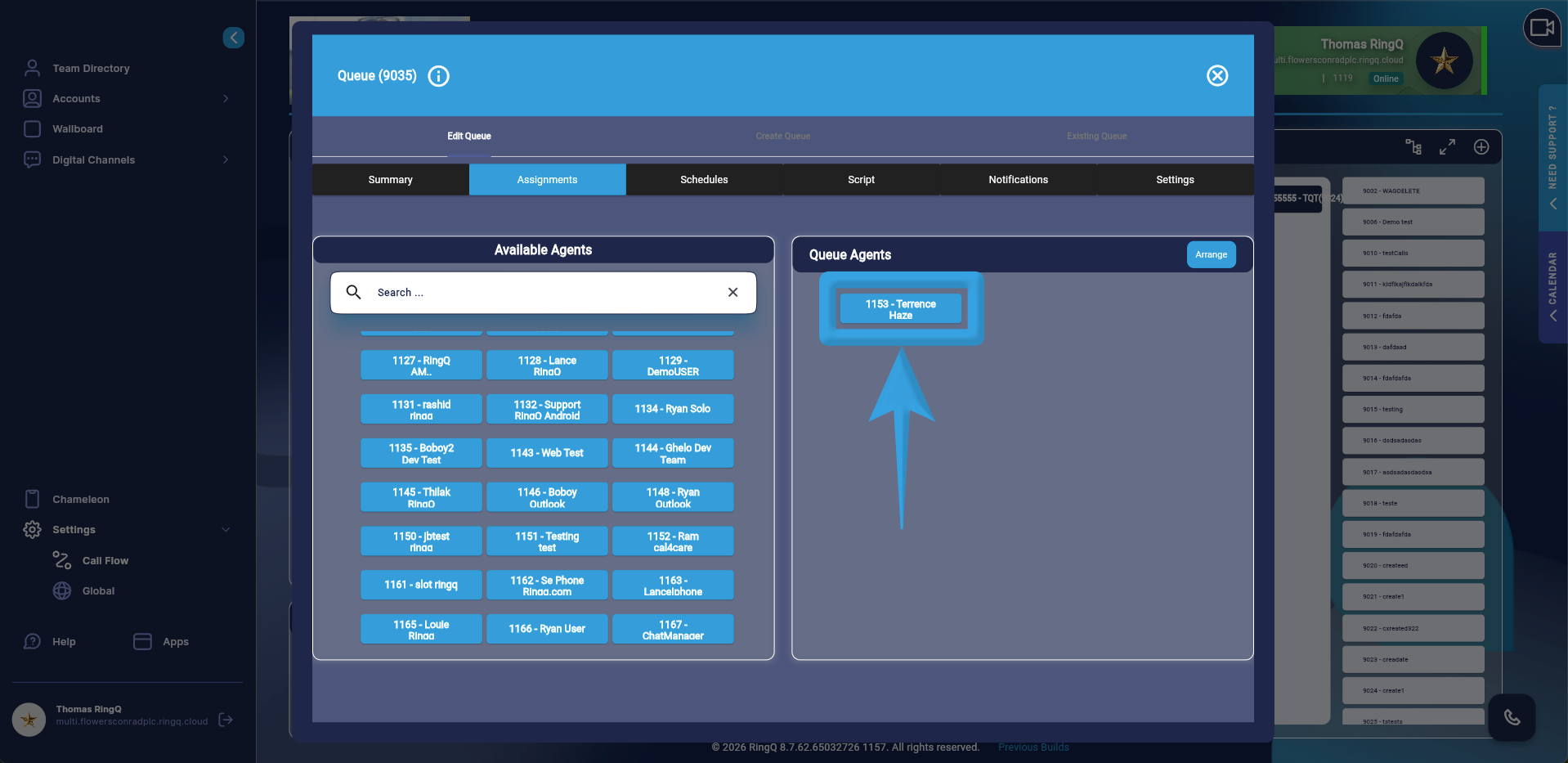
Assign agents to handle LINE chats.
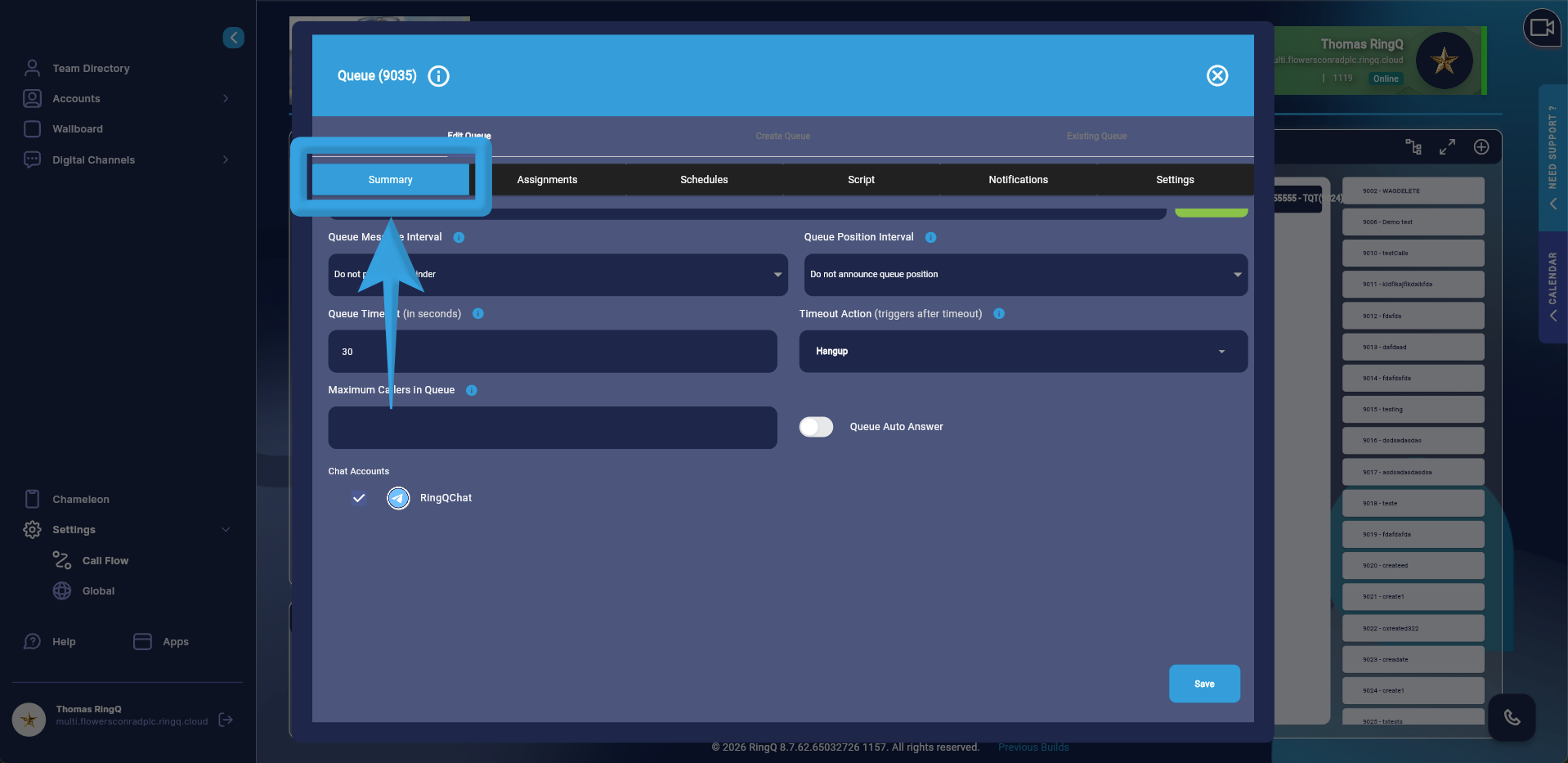
Go to the Summary page and click the Save button.
