The RingQ Advanced Wallboard provides a real-time dashboard showing key call queue metrics such as call volume, wait times, answered vs. missed calls, and agent availability. It helps supervisors quickly monitor performance, manage call traffic, and maintain high service levels. This guide explains how to set up and use the Wallboard.
The Advanced Wallboard is in the Contact Center section and can only be accessed by the Owner, Manager, and Supervisor.
1. Log in to RingQ and go to Settings.
2. Select Call Flow.
3. Drag and drop the available DID to the Queue container.
4. Assign an existing queue.
5. Click Save.
6. Select the assigned DID from the existing queue.
7. Go to Notifications.
8. Click the drop-down button.
9. Select your extension number.
10. Click Save to update the changes.
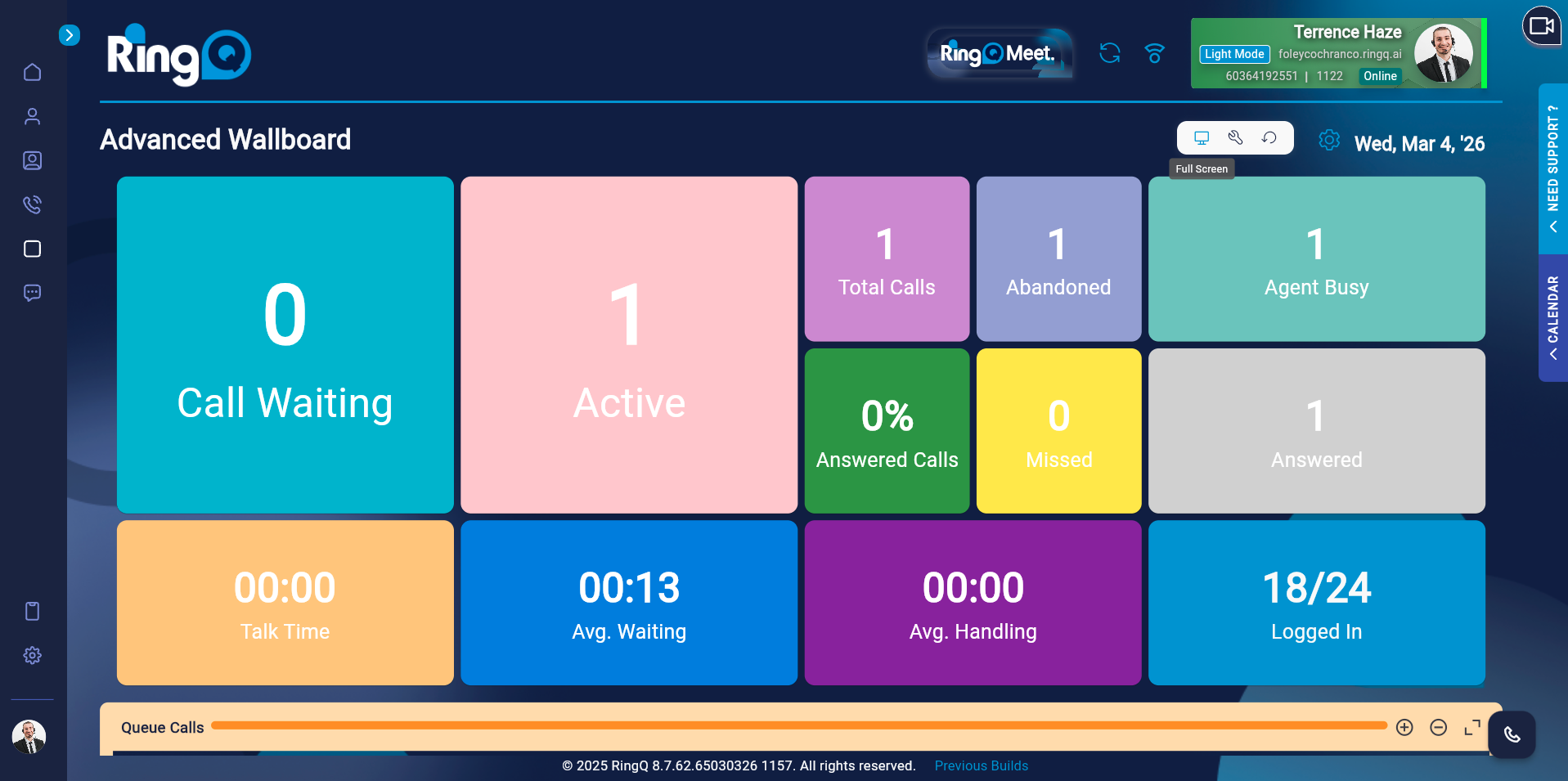
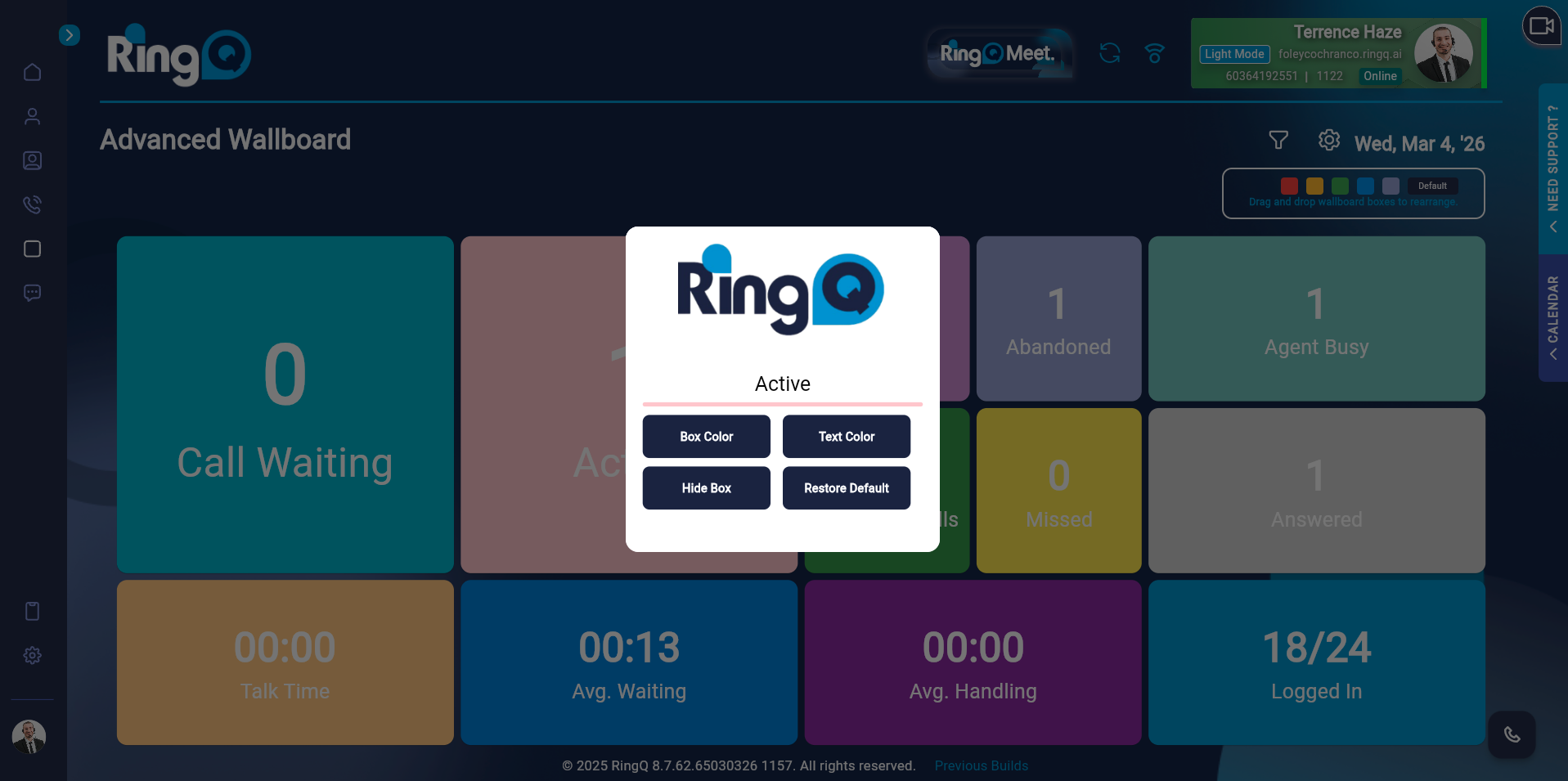
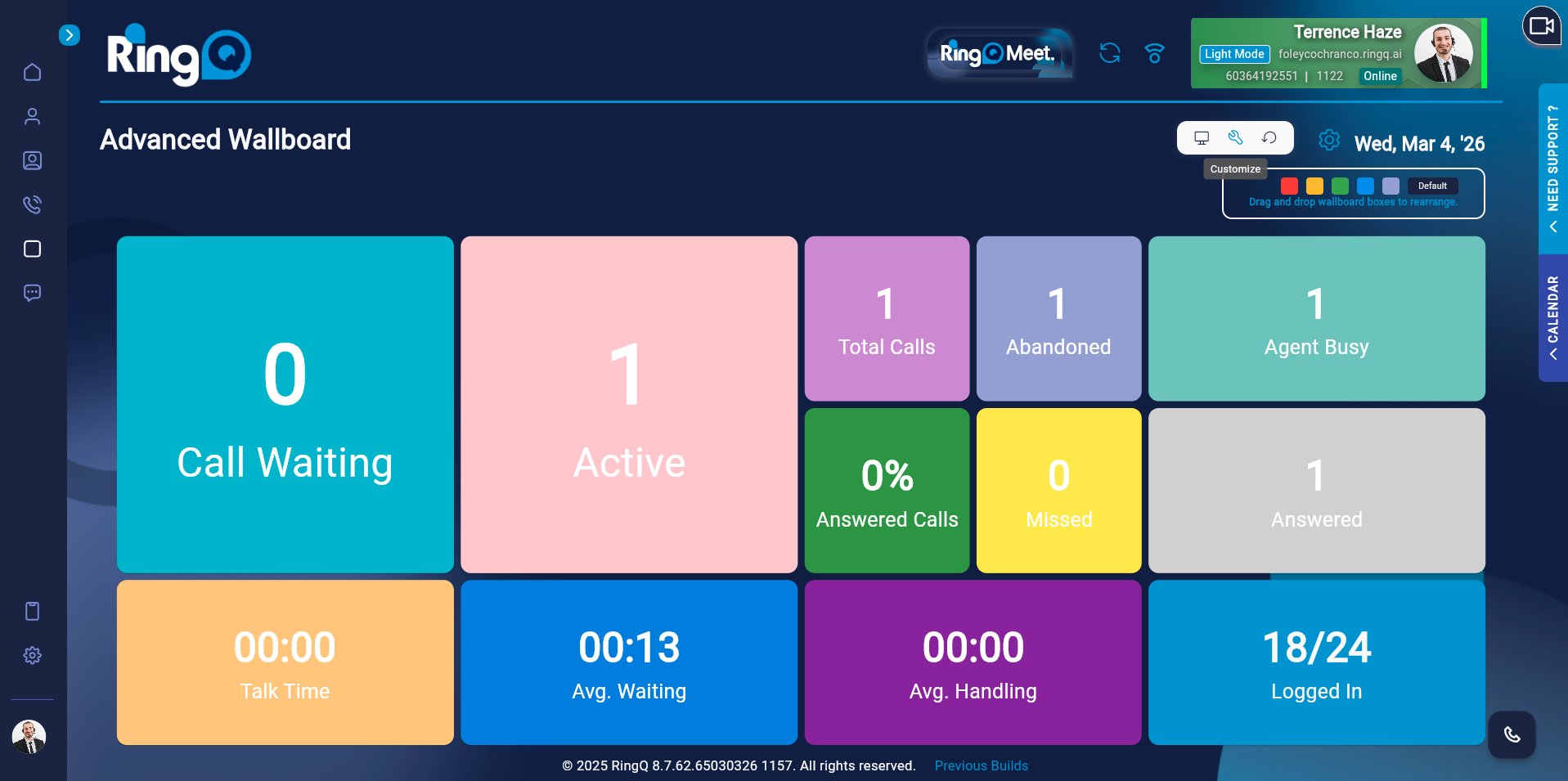
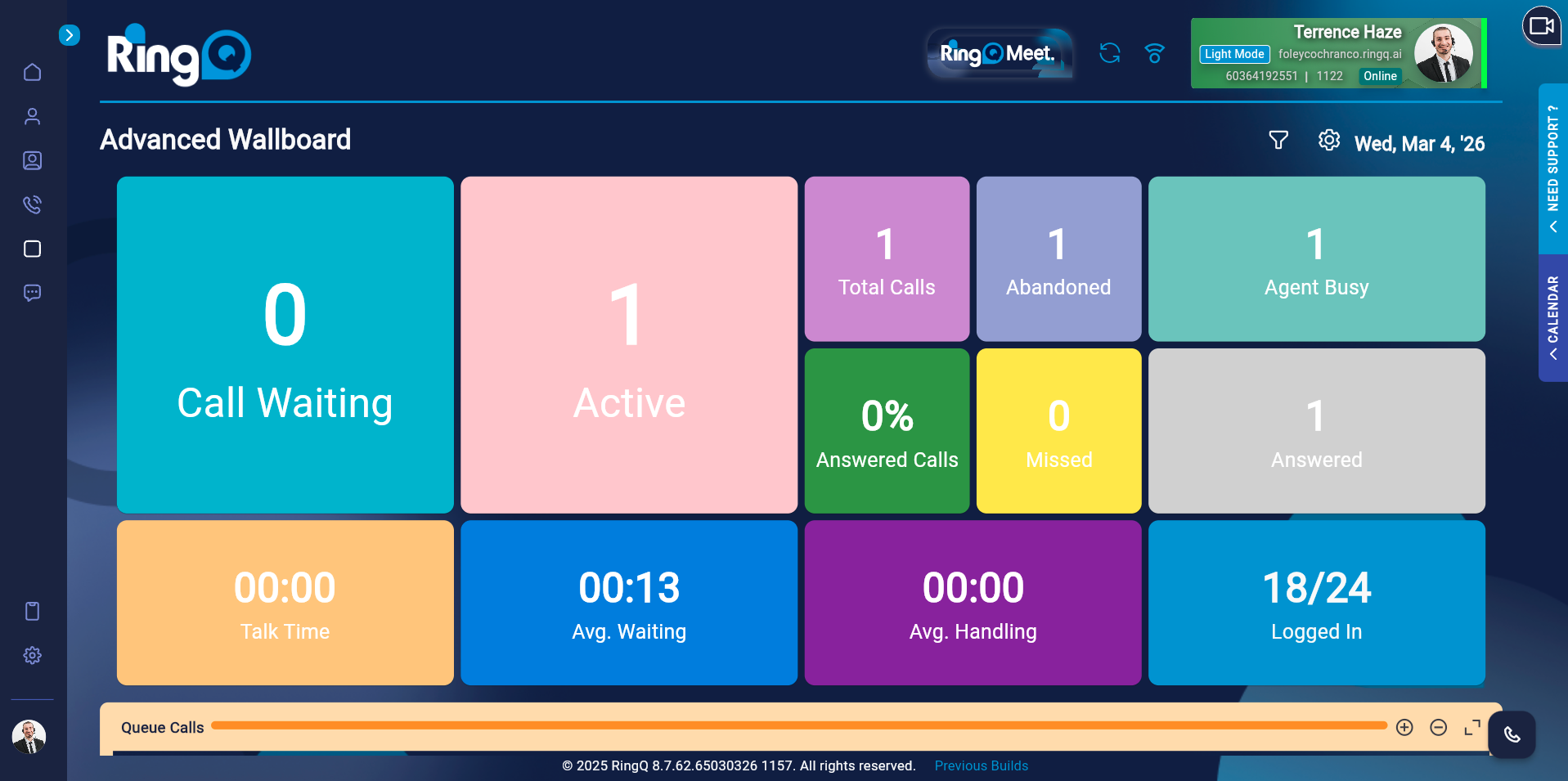
To improve visibility and focus, admins and supervisors can apply filters to the Wallboard and control which queues and agents are displayed.
Click the Filter icon located at the top-right corner of the Wallboard.
Use the toggle buttons to select specific queues and agents to display.
Click Okay to update the Wallboard view instantly.
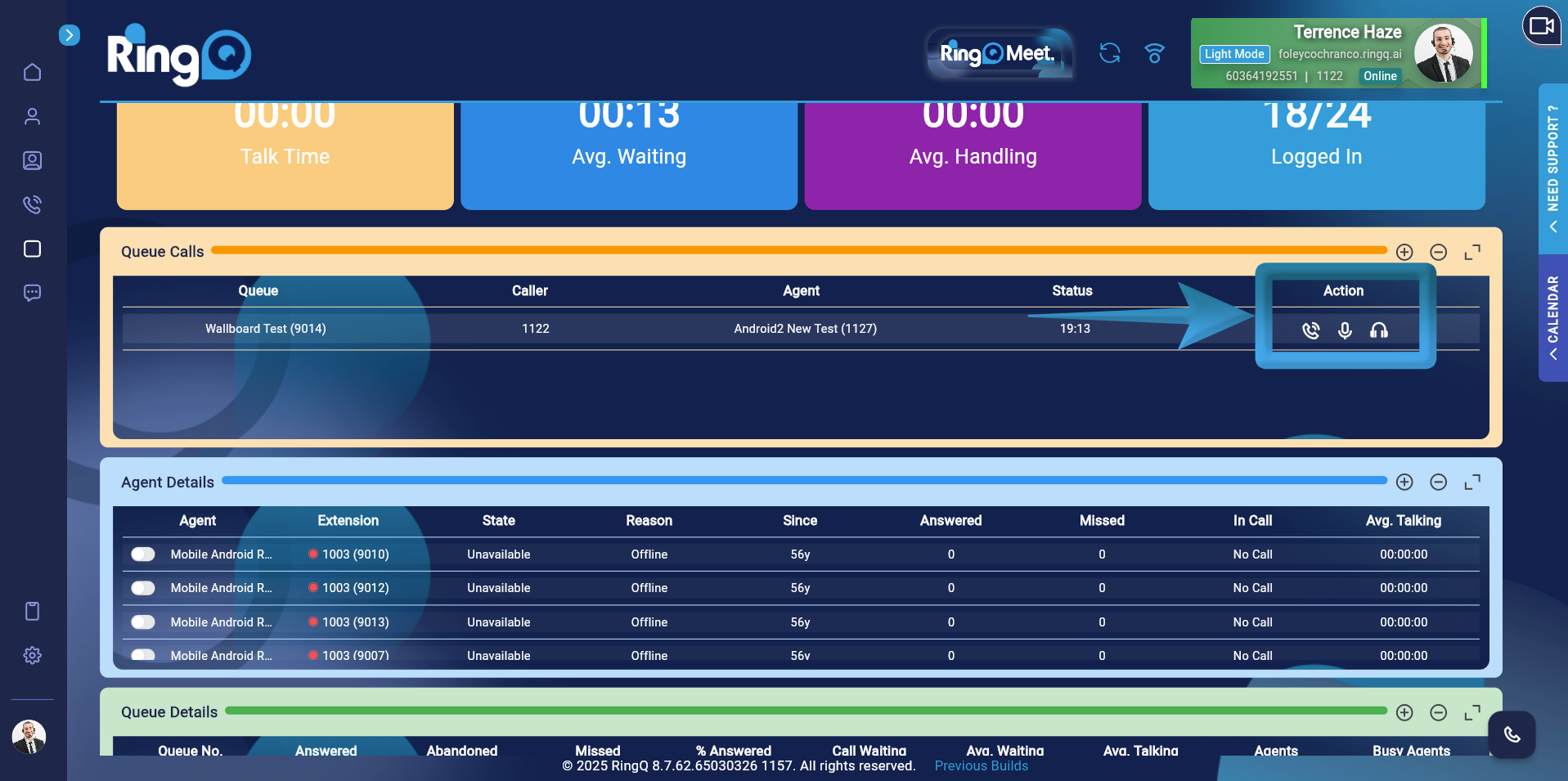
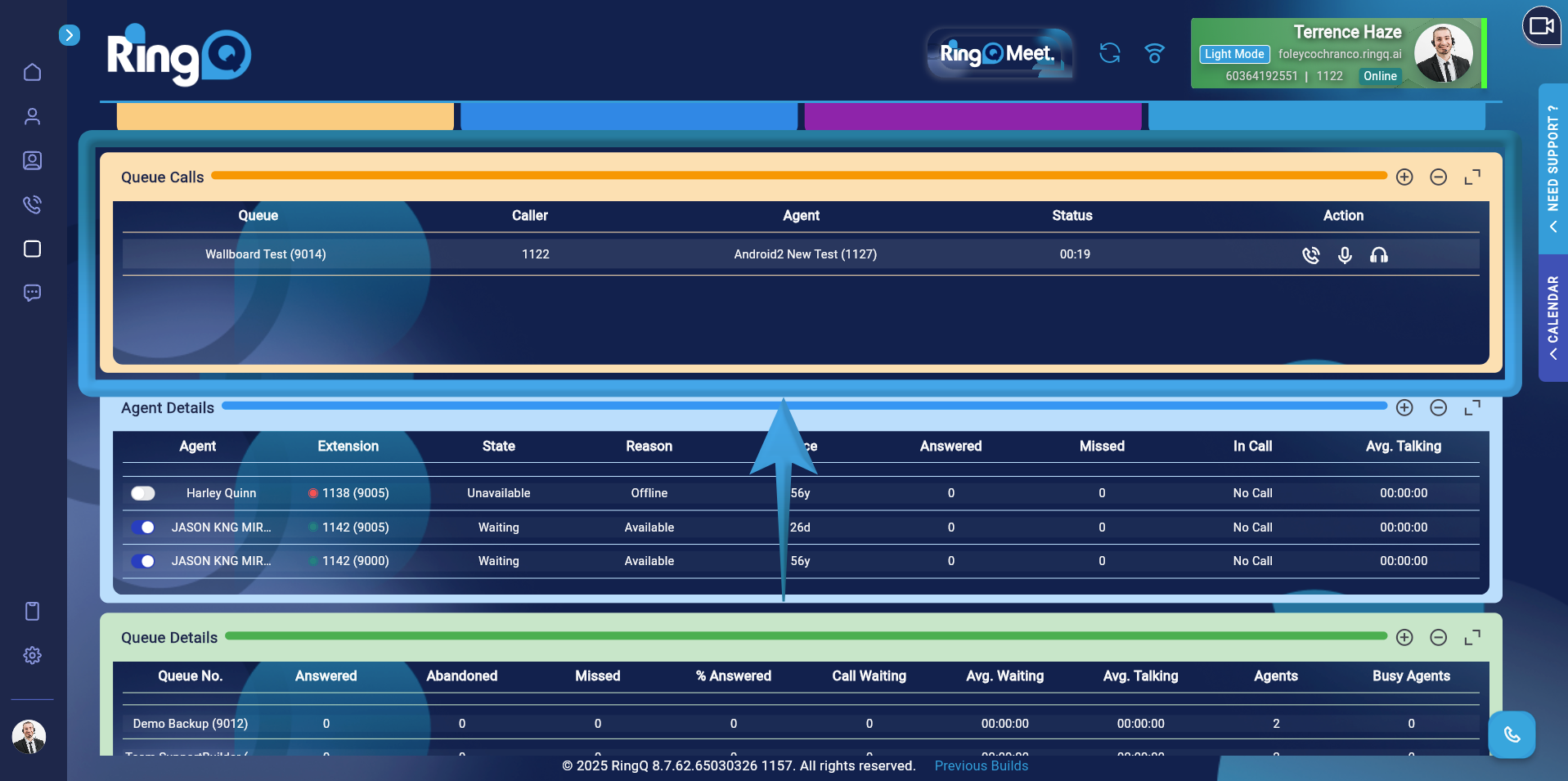
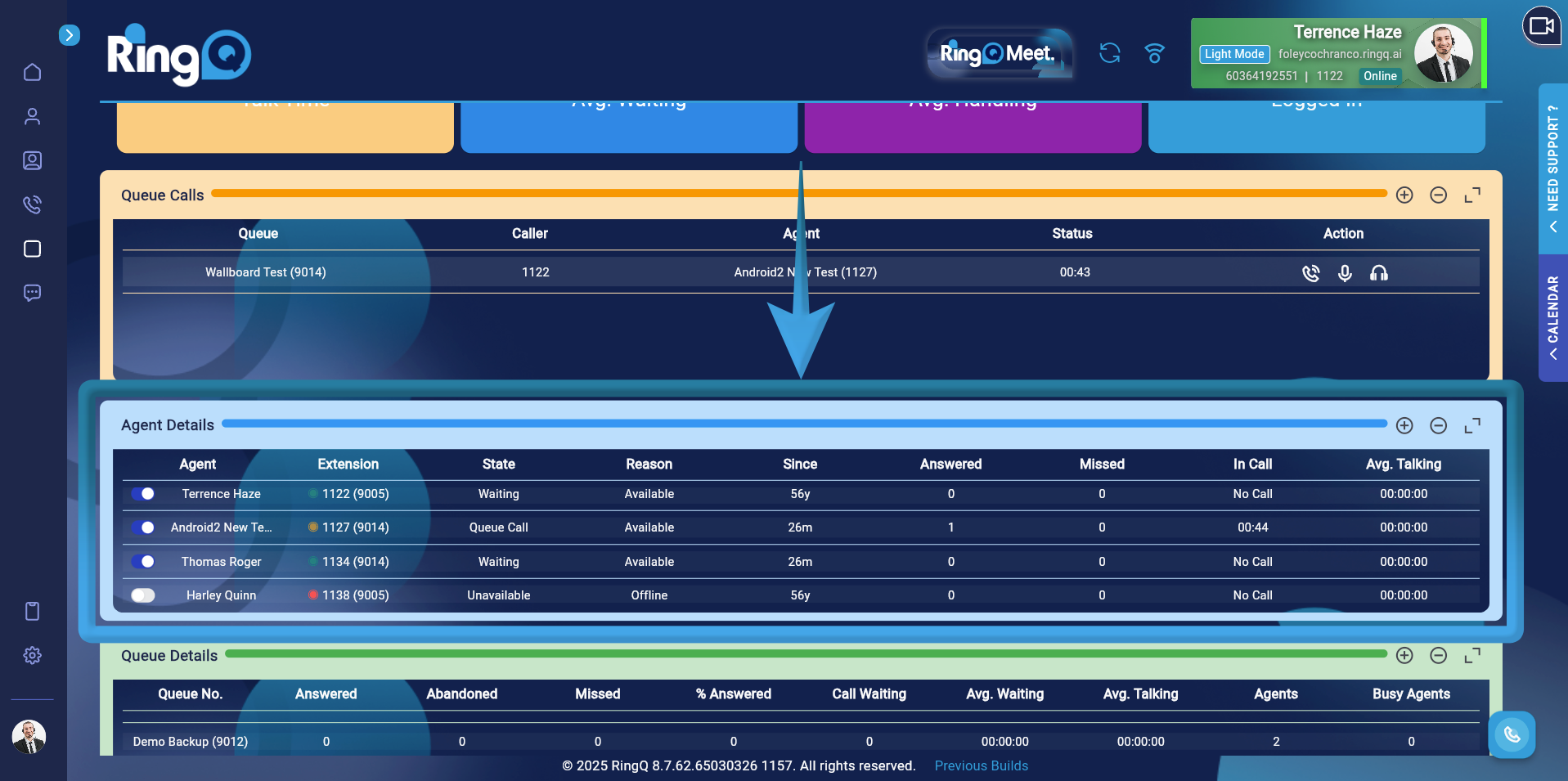
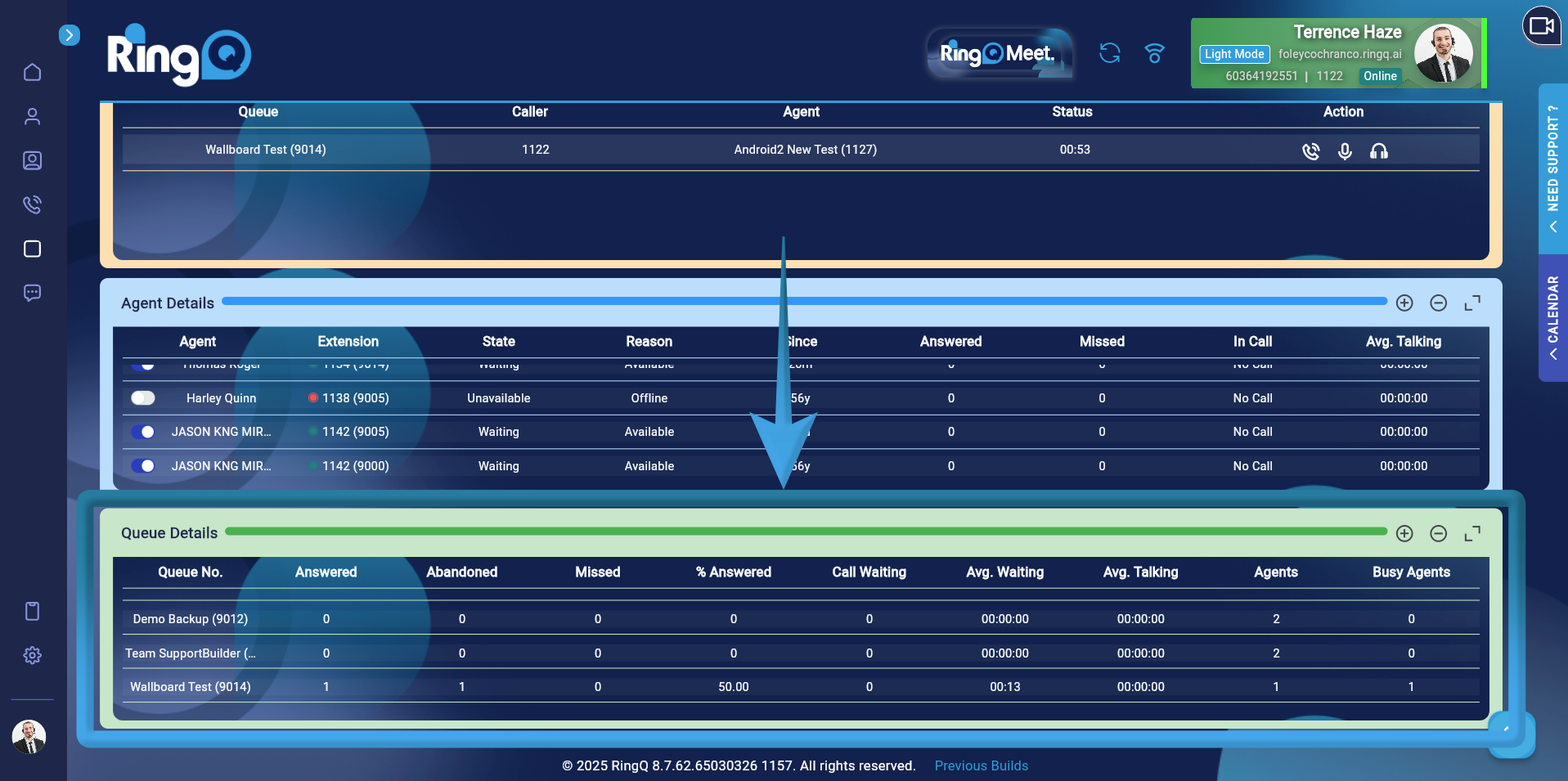
The Advanced Wallboard in RingQ provides real-time and aggregated statistics for call center monitoring. Each metric displayed on the wallboard is calculated using specific formulas derived from call activity data. This section explains how each metric is computed.
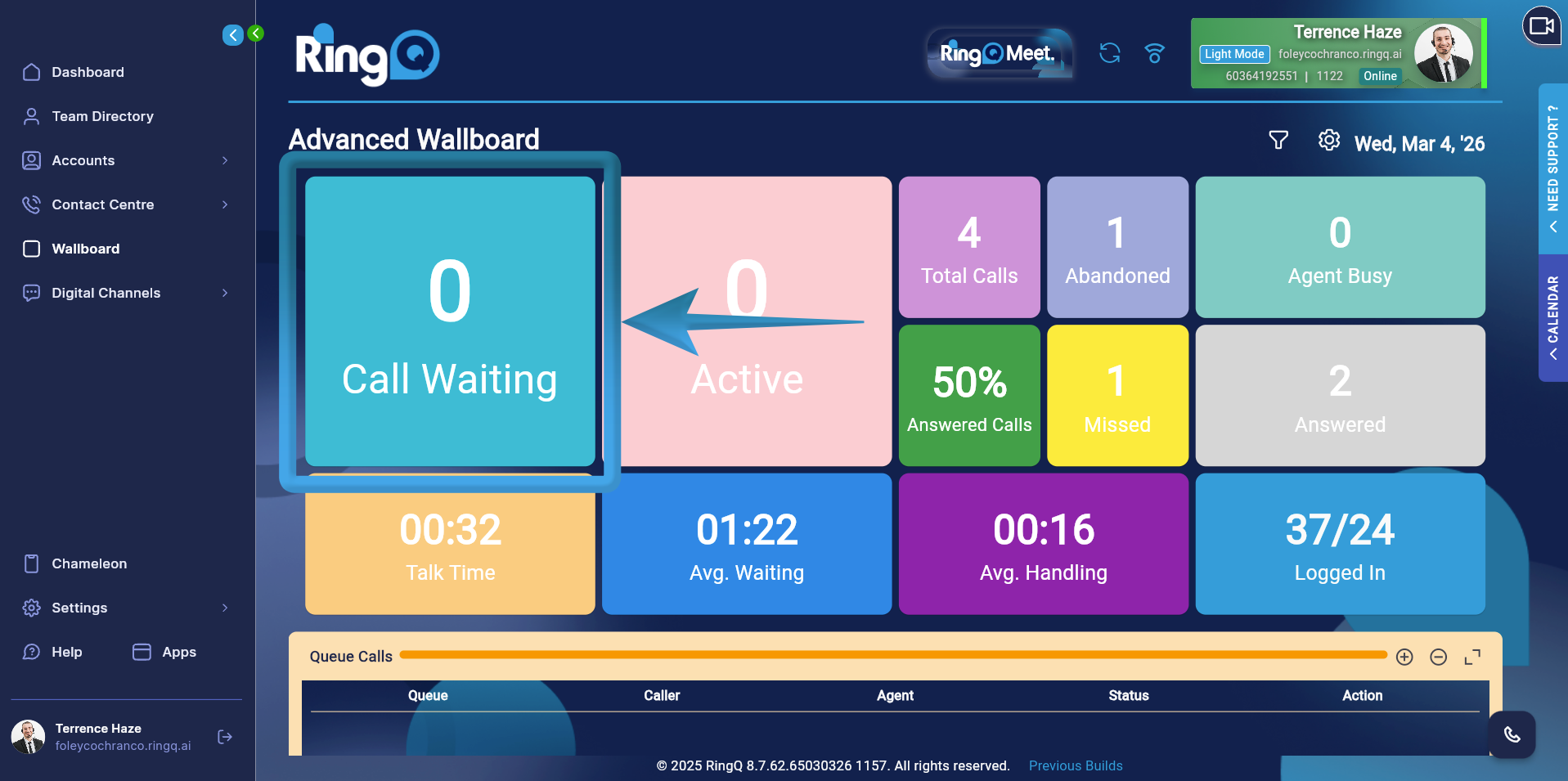
Displays the number of calls currently waiting in the queue that have not yet been answered by an agent.
Formula: CALL WAITING = SUM(waiting_wallboard)
The system aggregates all calls currently in the waiting state across the monitored queues.
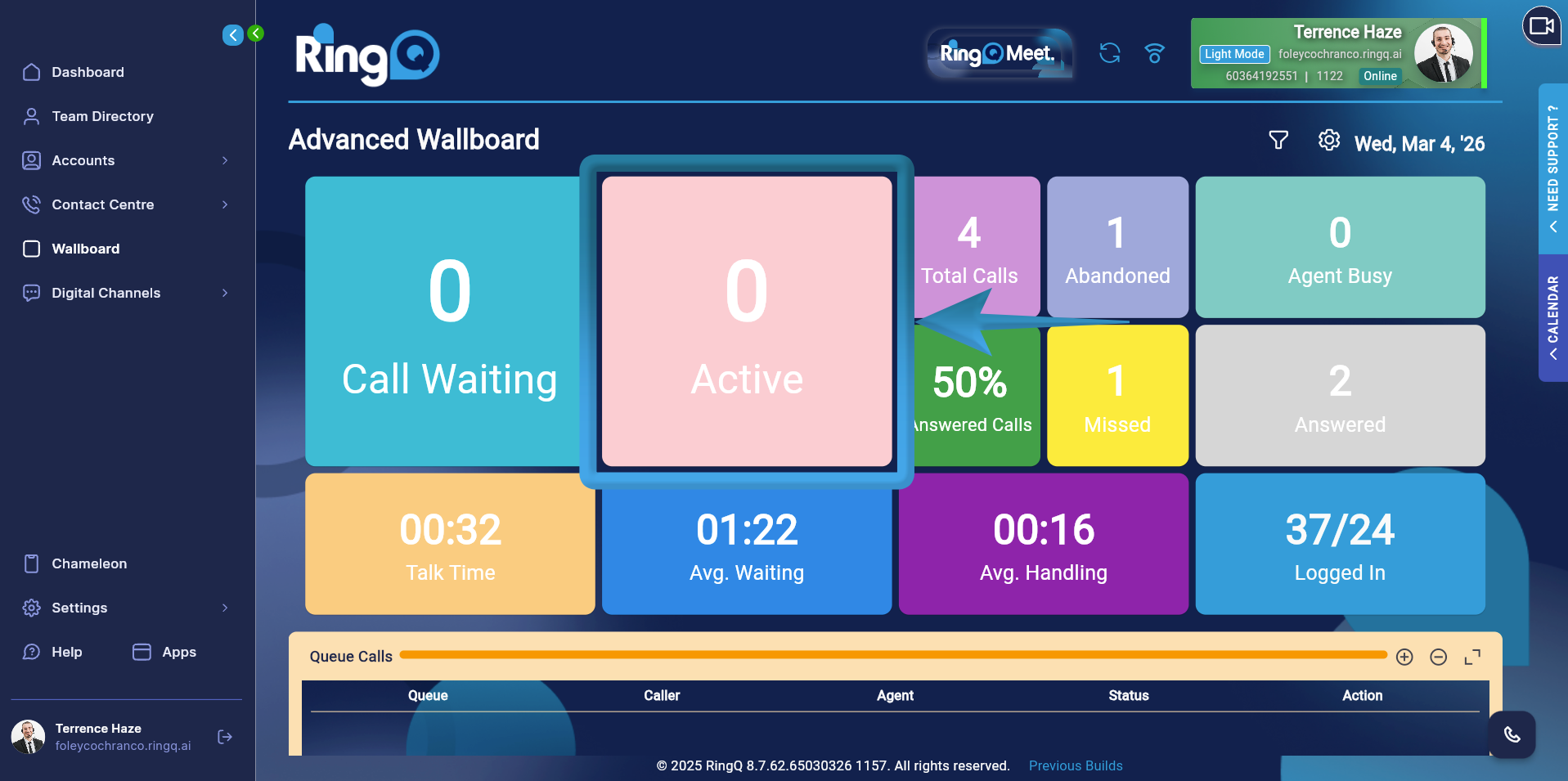
Shows the number of calls that are currently being handled by agents.
Formula: ACTIVE CALL = SUM(answered_wallboard)
This metric counts all calls that have already been answered and are currently active.
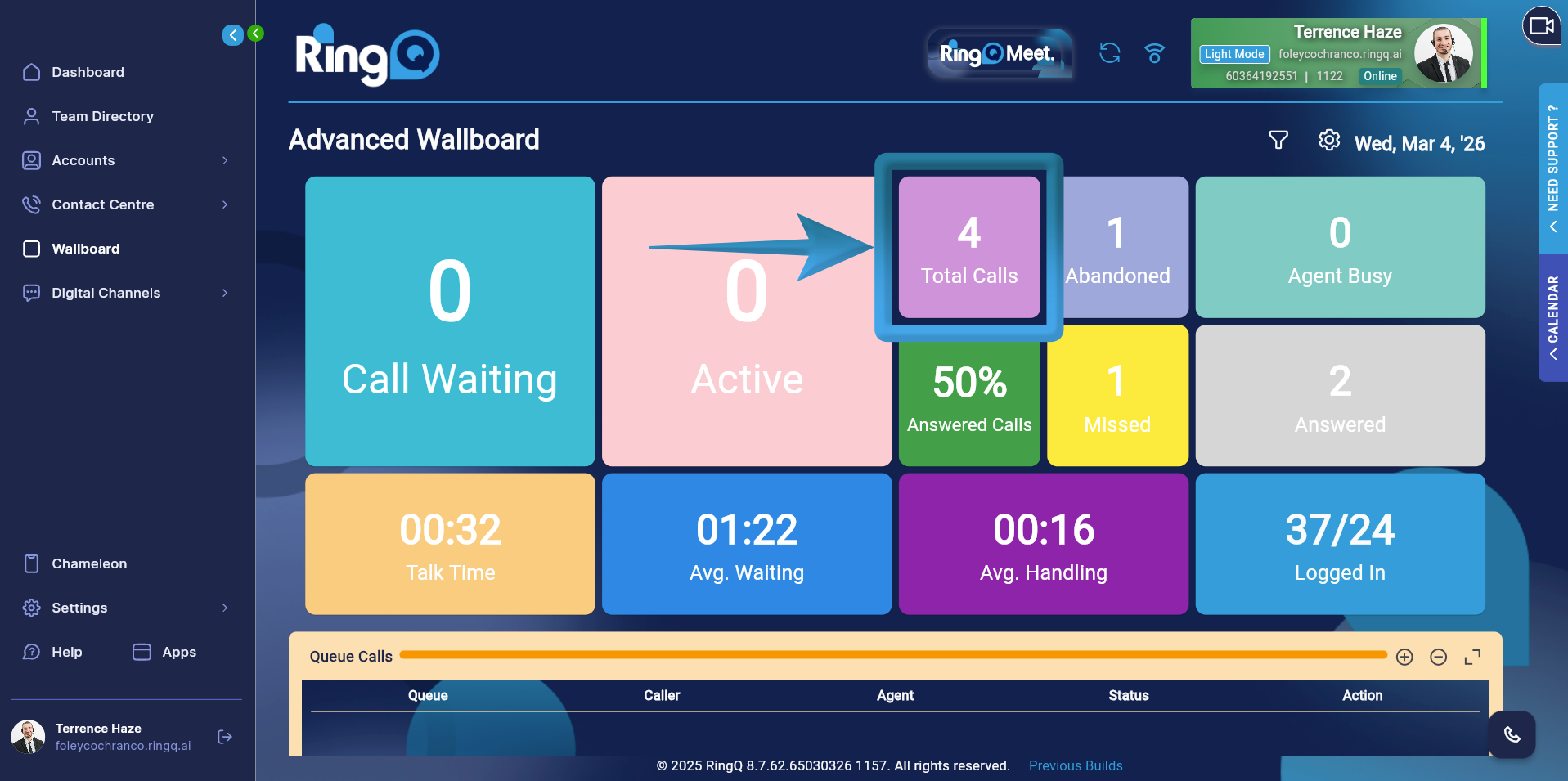
Displays the total number of calls received by the queue within the selected time range.
Formula: TOTAL CALLS = SUM(total_wallboard)
This value includes all incoming calls regardless of their final outcome (answered, abandoned, missed, etc.).
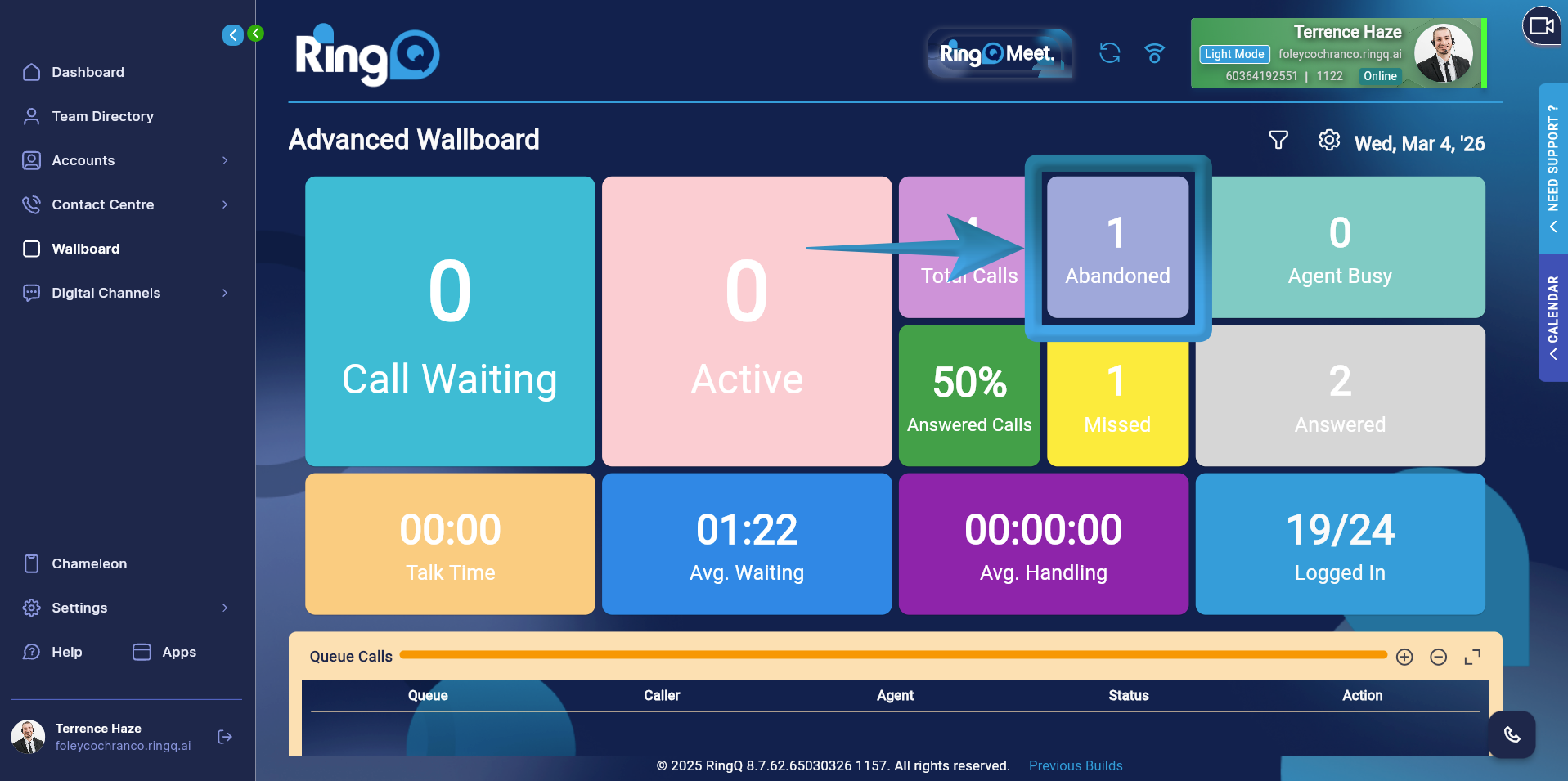
Shows the number of callers who disconnected before an agent answered the call.
Formula: ABANDONED = SUM(abandoned_wallboard)
Calls counted in this metric represent callers who left the queue before reaching an agent.
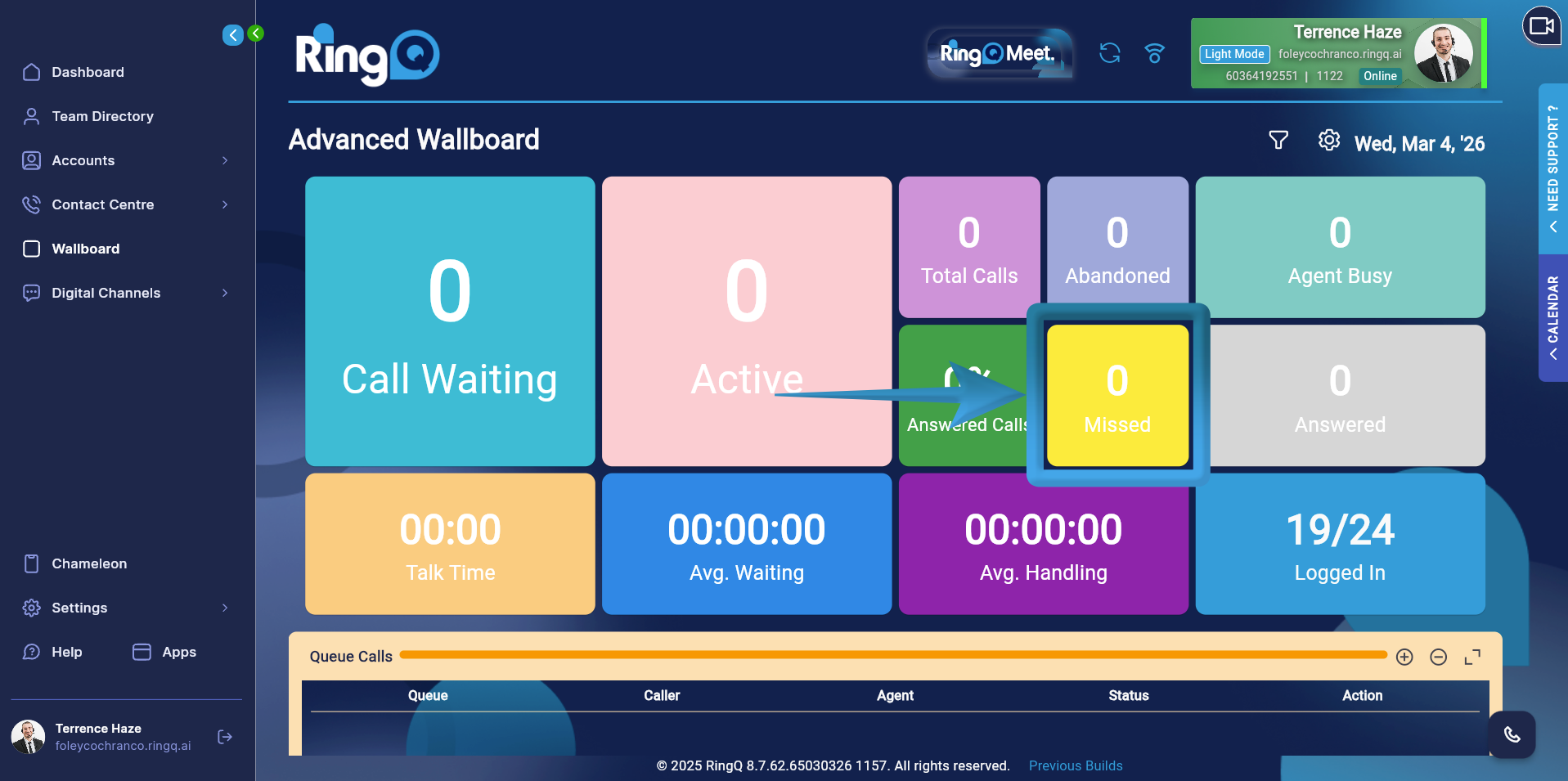
Displays the number of calls that were not successfully handled by agents.
Formula: MISSED = SUM(missed_calls)
Missed calls may include scenarios where no agent was available or the call was not answered within the expected timeframe.
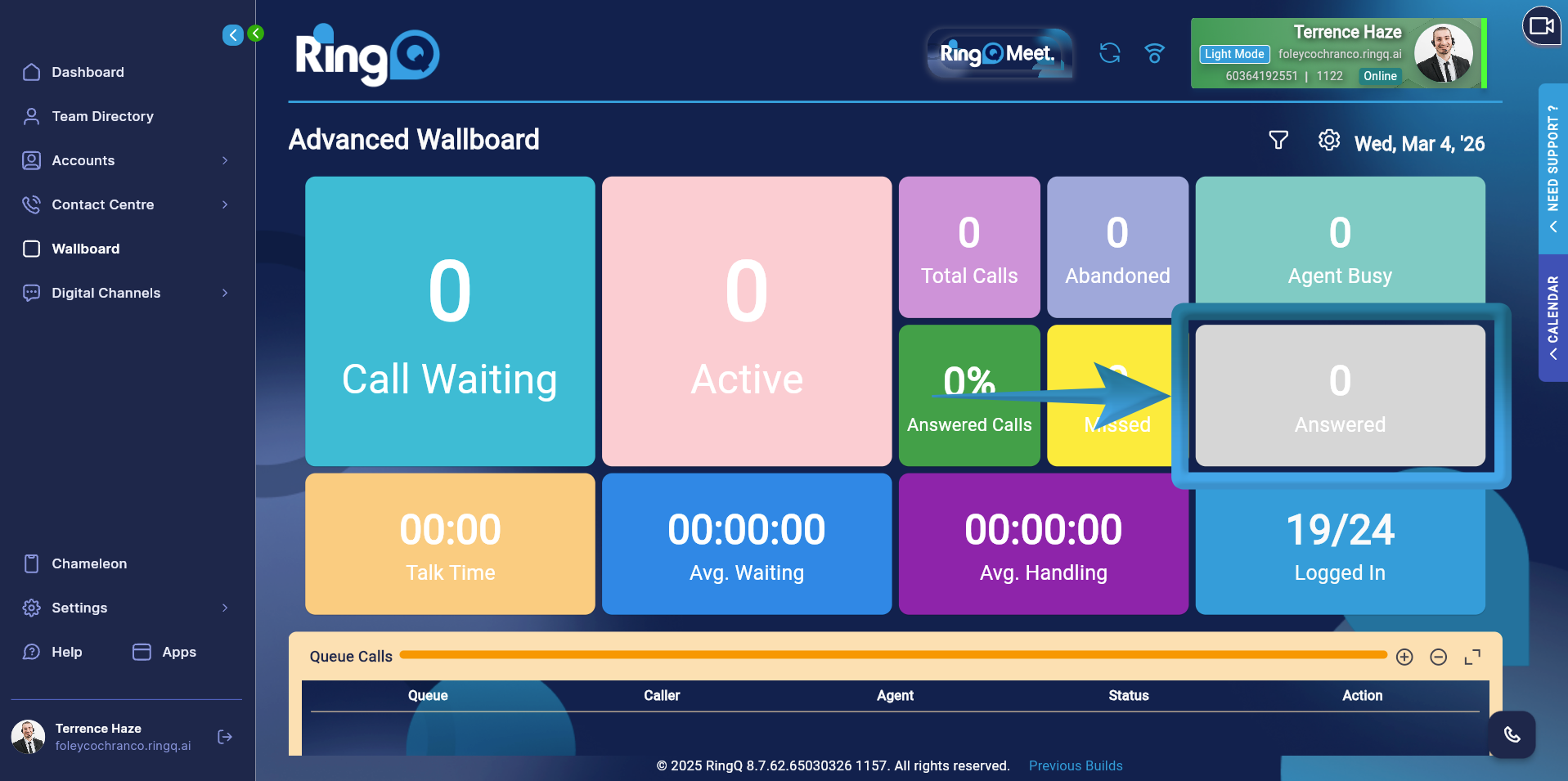
Shows the total number of calls successfully answered by agents.
Formula: ANSWERED = SUM(answered_calls)
This metric counts only the calls that were connected to an agent.
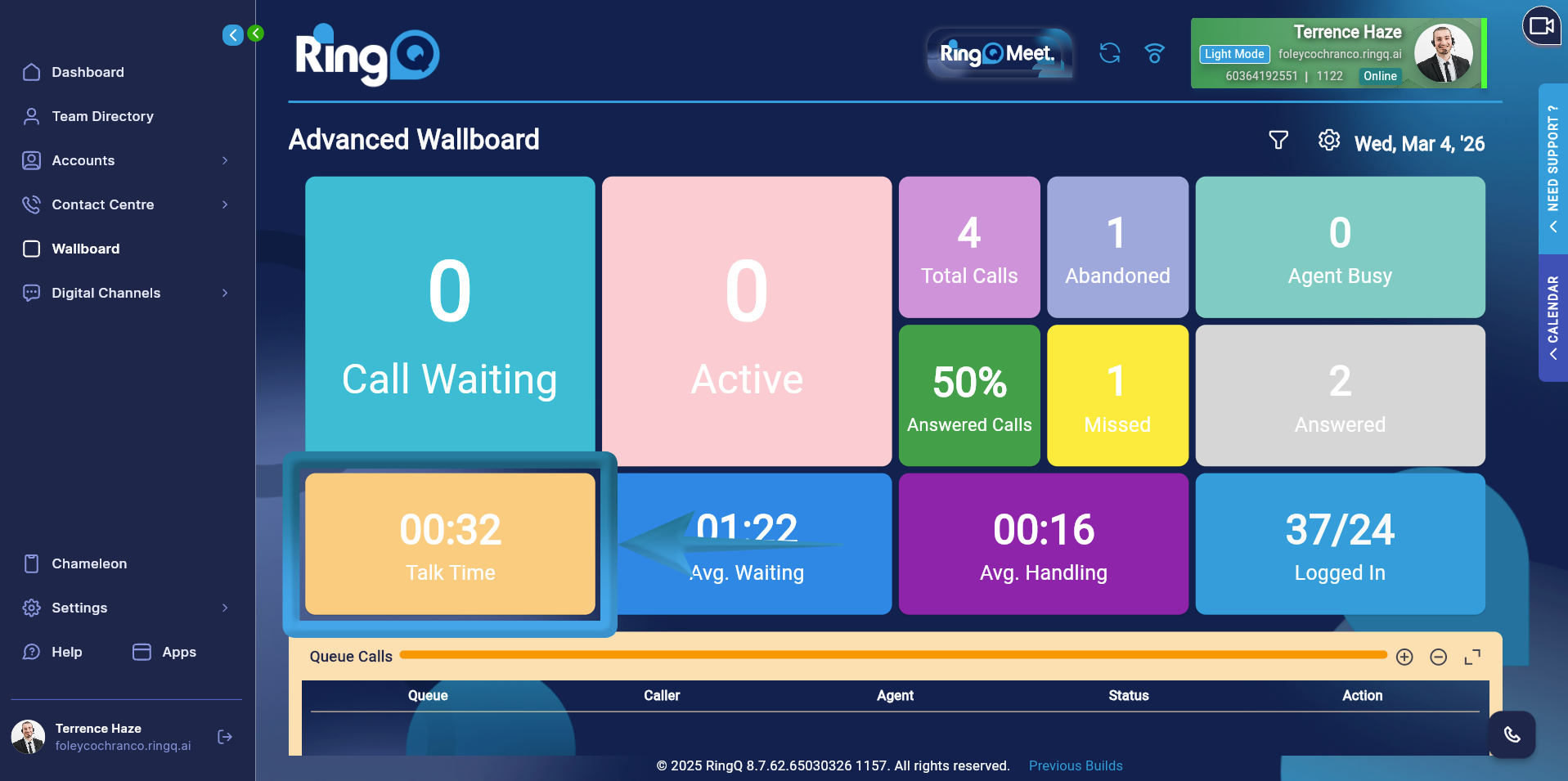
Represents the total time agents spent talking with callers.
Formula: TALK TIME = SUM(talk_time)
The system aggregates the duration of all completed conversations between agents and callers.
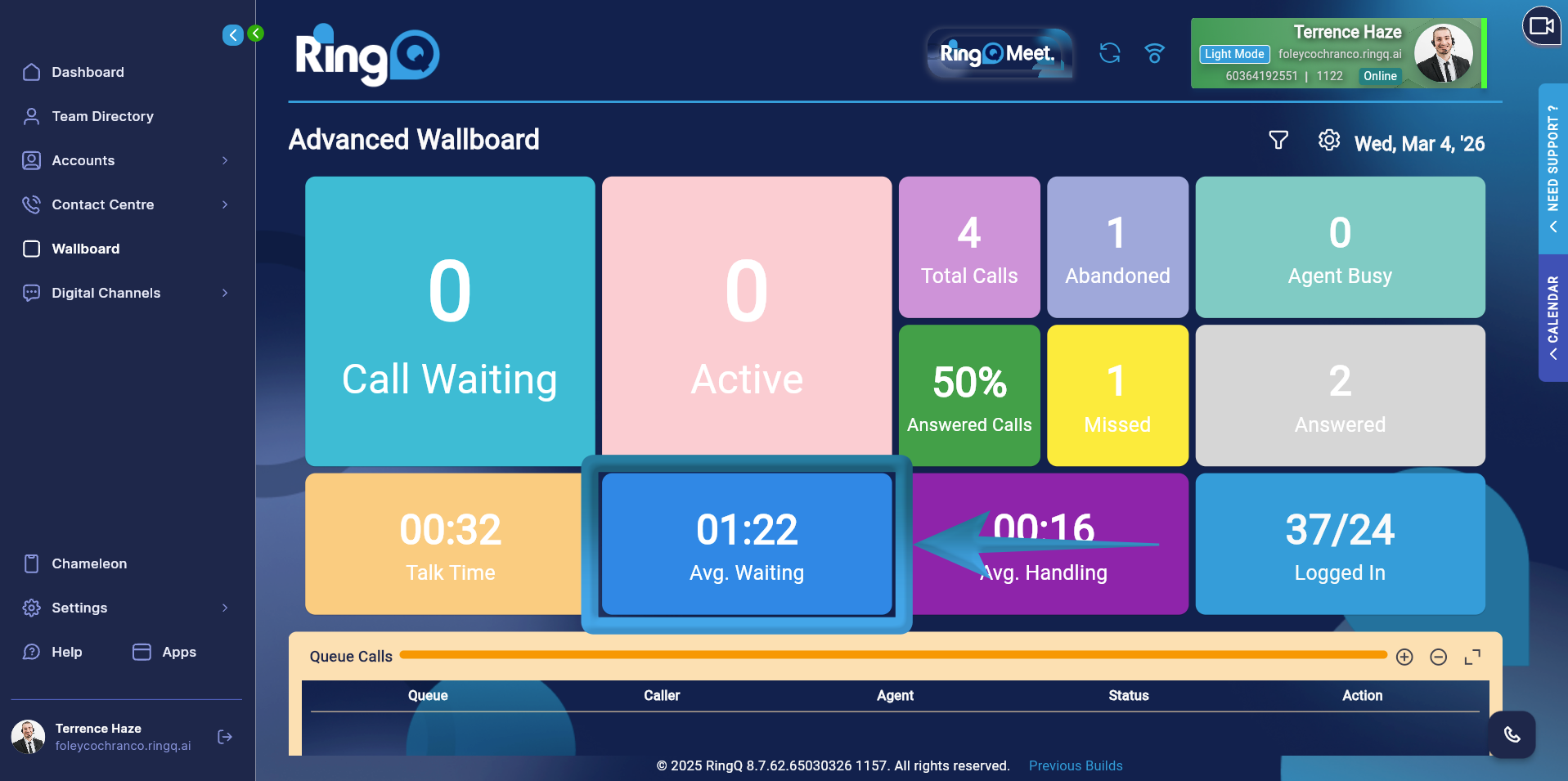
Shows the average time callers waited in the queue before being answered.
Formula: AVG WAITING = SUM(waiting_seconds) / SUM(total_wallboard)
This value is calculated by dividing the total waiting time of all calls by the total number of received calls.
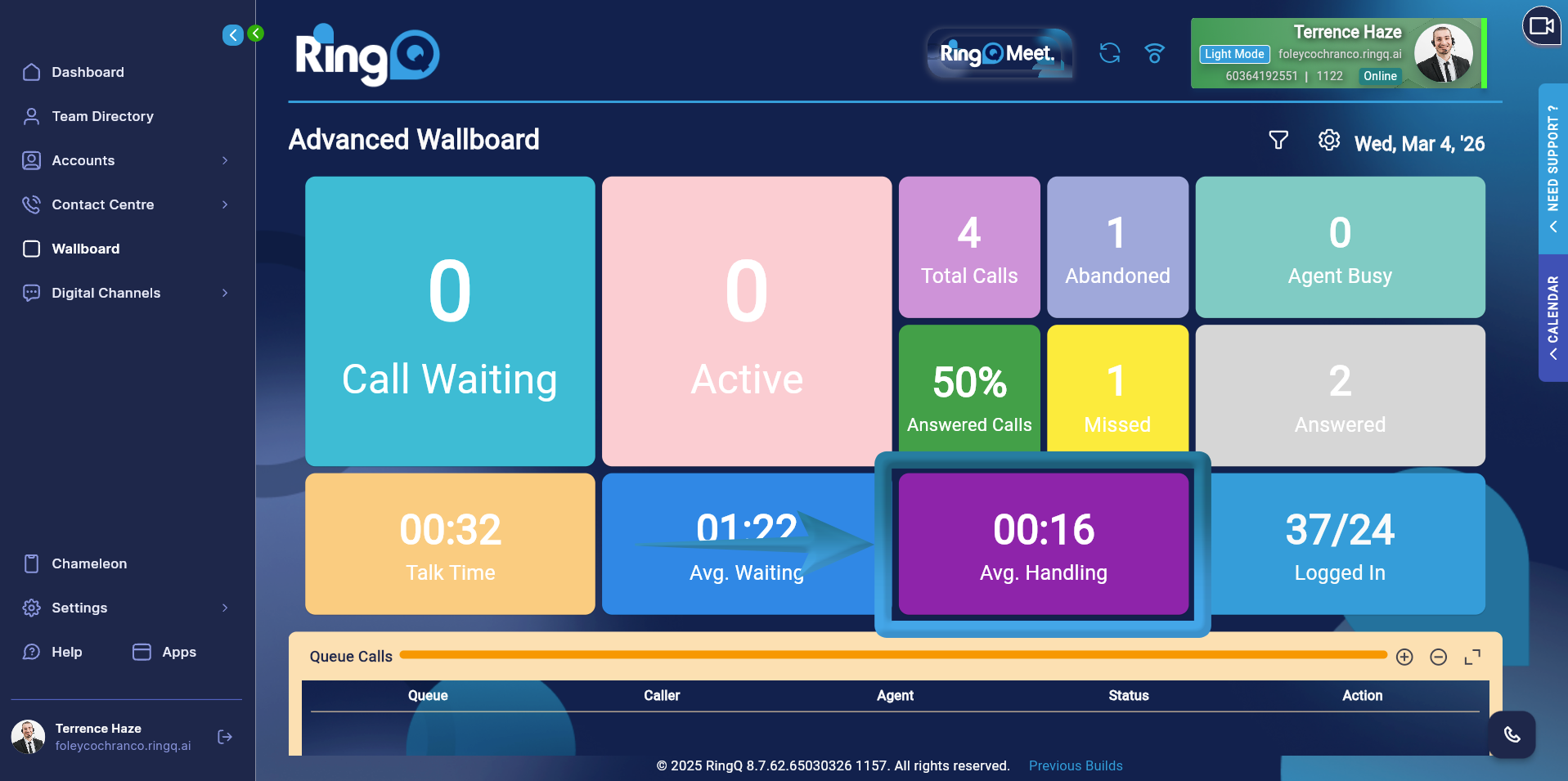
Represents the average time required to handle a call, including both waiting time and talk time.
Formula: AVG HANDLING = (SUM(talk_time) + SUM(waiting_seconds)) / SUM(total_wallboard)
This metric reflects the total time spent on calls from queue entry to call completion.
| Metric | Formula |
|---|---|
| Call Waiting | SUM(waiting_wallboard) |
| Active Call | SUM(answered_wallboard) |
| Total Calls | SUM(total_wallboard) |
| Abandoned | SUM(abandoned_wallboard) |
| Missed | SUM(missed_calls) |
| Answered | SUM(answered_calls) |
| Talk Time | SUM(talk_time) |
| Avg Waiting | SUM(waiting_seconds) / SUM(total_wallboard) |
| Avg Handling | (SUM(talk_time) + SUM(waiting_seconds)) / SUM(total_wallboard) |
