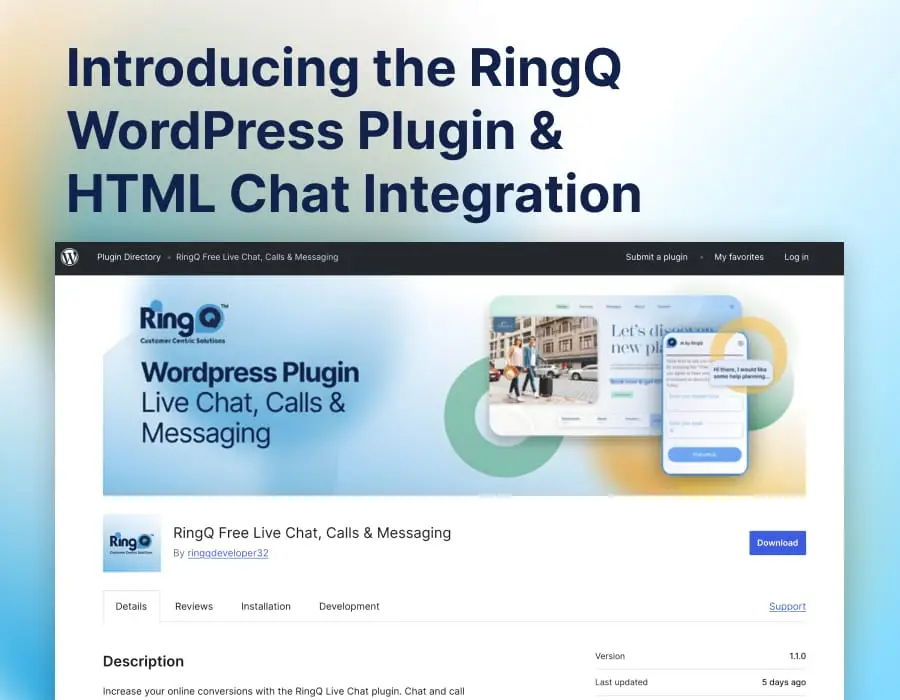

Customers don’t just call anymore — they message, chat, and reach out wherever it’s most convenient for them. The latest RingQ update brings smarter omnichannel communication, deeper integrations, and better real-time visibility, all designed to help teams respond faster and partners sell more confidently.
Here’s what stands out.
One Inbox, More Conversations: Expanded Chat Channels
RingQ now makes it easier to manage customer conversations across the platforms people actually use.
Enhanced Facebook, WhatsApp & Web Chat Messaging
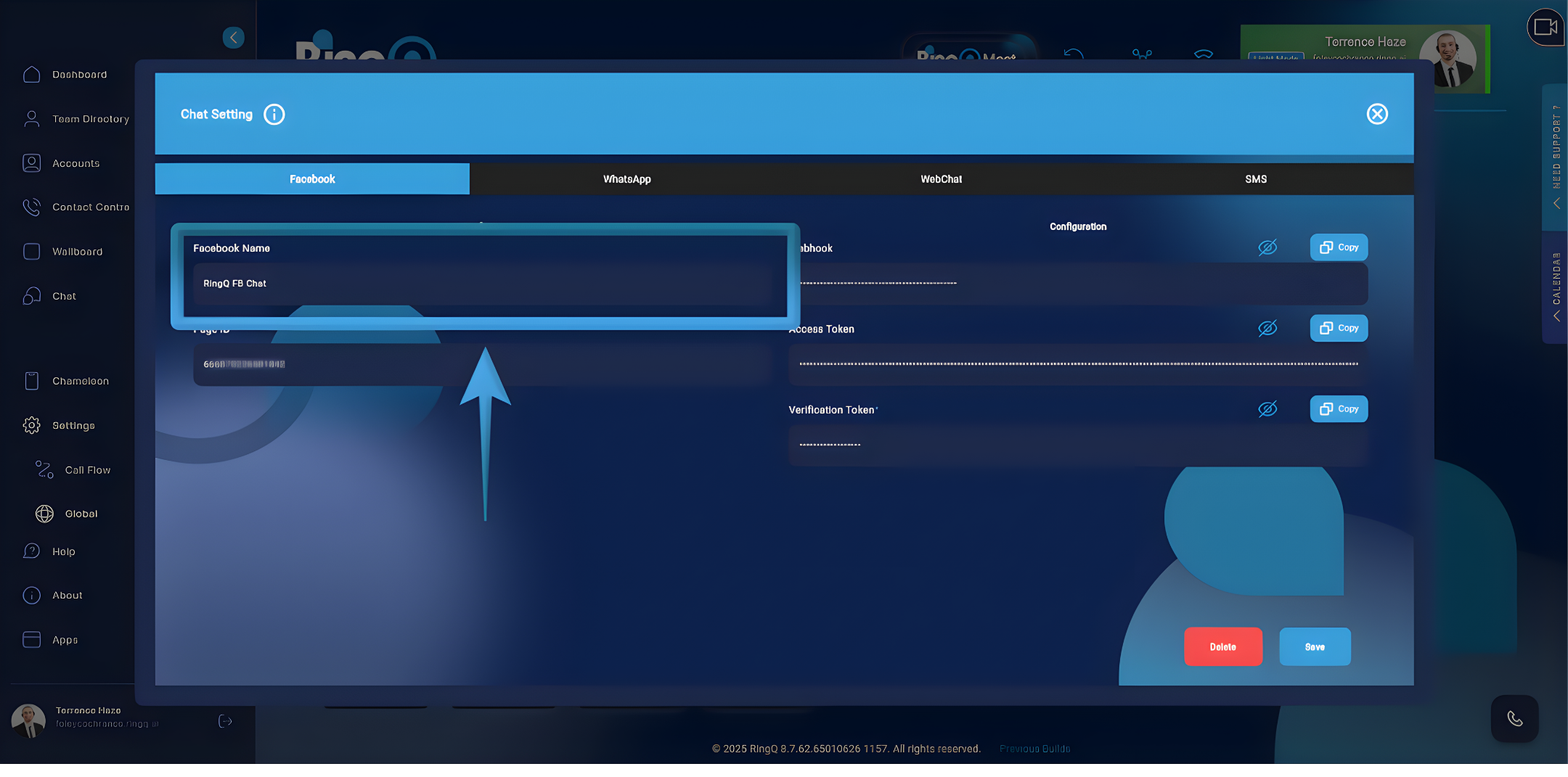
With improved chat capabilities, teams can handle Facebook Messenger, WhatsApp, and Website Chat conversations more efficiently within RingQ.
Why users care:
- No more switching between apps to respond to customers
- Faster response times and fewer missed messages
- A consistent experience across chat channels
Why partners care:
- Stronger omnichannel positioning without added complexity
- Ideal for customer support, sales teams, and service-driven businesses
- A clear upgrade story for customers moving beyond voice-only systems
SMS Without Lock-In: Built for Flexibility
Not every business — or region — works the same way. RingQ’s latest SMS enhancements reflect that.
Expanded SMS Options with Twilio, Telnyx & Generic APIs
Businesses can now send and receive SMS using their preferred providers or integrate SMS into existing systems.
Key benefits:
- Native SMS support for Twilio and Telnyx
- Generic Webhook and API options for single or bulk SMS
- Easier integration with CRMs, apps, and automation workflows
- For partners, this means fewer objections, easier deployments, and a platform that adapts to customer needs instead of forcing compromises.
LinkedIn Meets Business Communication
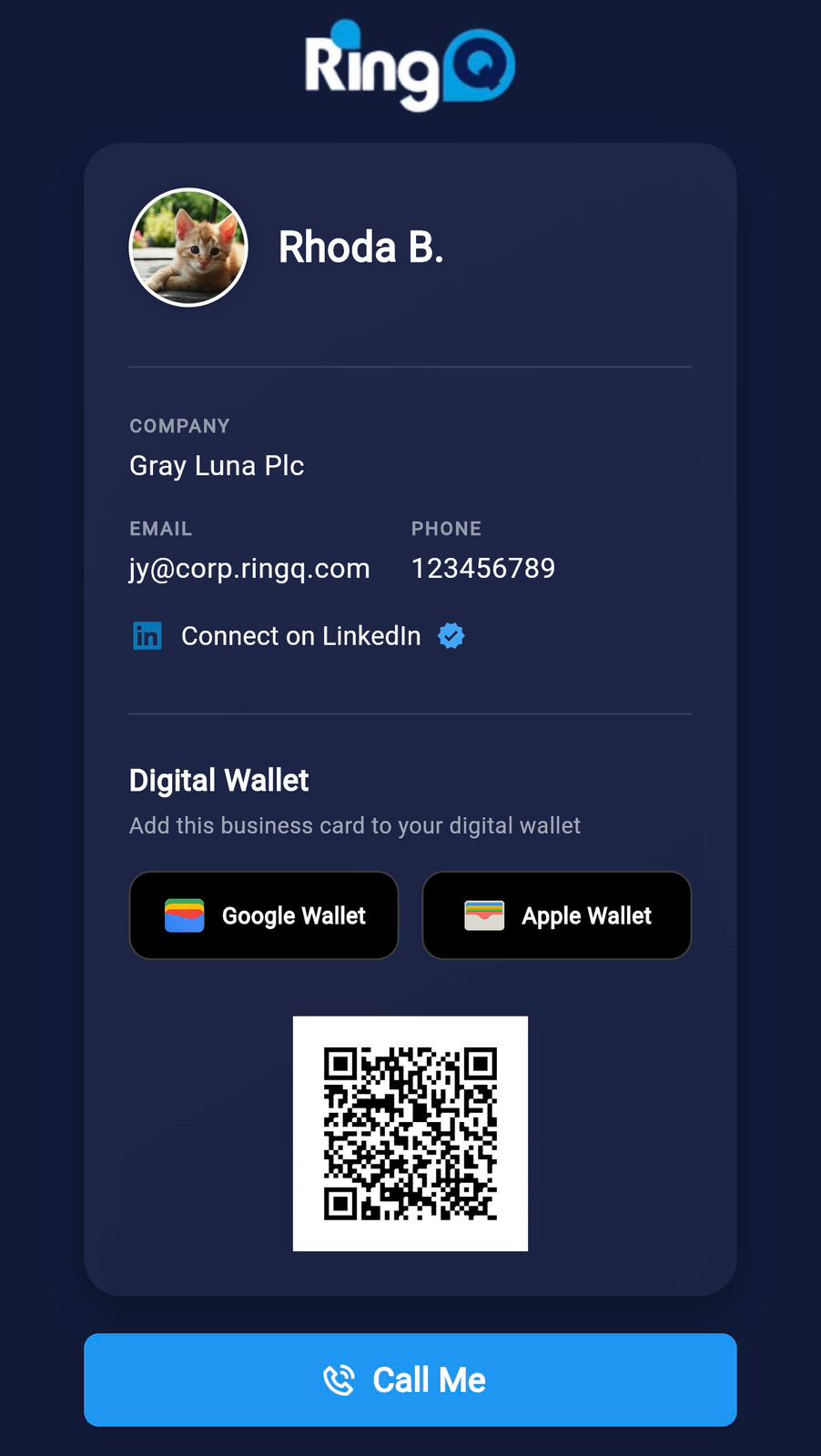
LinkedIn is where many B2B conversations begin — and RingQ now helps bridge the gap between networking and real communication.
What this enables:
- Simple LinkedIn connection setup
- Better alignment between sales outreach and call or messaging workflows
- Stronger support for sales-driven teams who live on LinkedIn
- This is a standout differentiator for partners targeting B2B, sales-led, and professional services customers.
Learn more about RingQ Digital Wallet.
See What’s Happening — As It Happens
Supervisors need clarity, not guesswork.
RingQ’s Wallboard and presence enhancements deliver clearer, more actionable real-time insights.
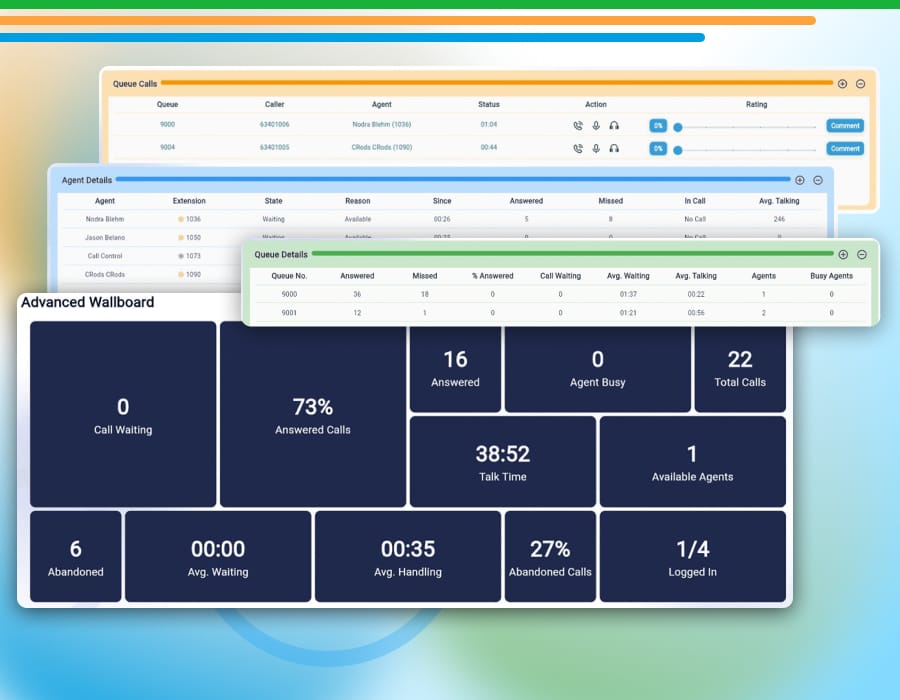
What’s new:
- Blinking status indicators for instant agent awareness
- In-call timers visible directly on Wallboard agent details
- More accurate agent status and presence reporting
The result: better call distribution, faster decisions, and smoother team coordination.
Faster, Cleaner, More Reliable Where It Counts
This release also includes meaningful UI refinements and performance optimizations that improve day-to-day usability — from cleaner call landing pages to a more responsive experience overall.
Nothing flashy. Just fewer friction points and a system that works the way teams expect it to.
Upgrade or Start your Trial
Whether you’re improving customer engagement or expanding your UCaaS portfolio, this update gives you more ways to connect — without adding complexity.
Updating Single-Tenant (ST) Products:
- Login to your RingQ Customer AccessPortal.
- A notification will appear at the top of the instance interface.
- Simply press the “Update” button to complete the process.
Updating Multi-Tenant (MT) Products:
For multi-tenant setups, the update process is managed entirely by the partners. End-users do not see the update prompts directly, as the partner handles all instance maintenance.
Try RingQ for free and experience the latest features firsthand.
Sign up for the RingQ Partner Program and unlock new opportunities with a flexible, omnichannel-ready platform.
How-to Guides
- RingQ ISO Installation
- System Updates
- Deploying RingQ in Amazon Lightsail
- Deploying RingQ on Microsoft Azure
- Deploying RingQ on AWS
- Deploying RingQ on DigitalOcean
- Creating Multi-Tenant Instances
- Configuring Facebook in the Web App
- Configuring WhatsApp in the Web App
View the complete change log.