Mac & Windows Apps
Keep Your Team Connected from Any Computer
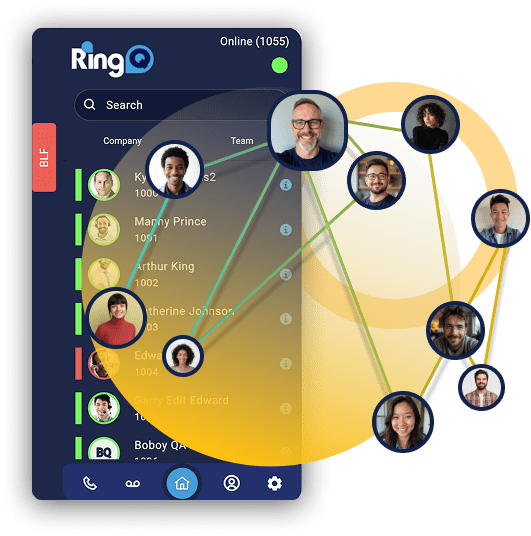
Your team shouldn’t be tied to a desk phone to do their best work. Whether they’re on a Mac or a Windows PC — in the office, at home, or working across locations — RingQ’s native desktop apps give them the full power of your Cloud CX, right on their computer.
Download directly from your RingQ Admin Dashboard, sign in with your extension credentials, and you’re ready to make and receive calls, manage queues, monitor performance, and collaborate with your team — all from a single, purpose-built application.
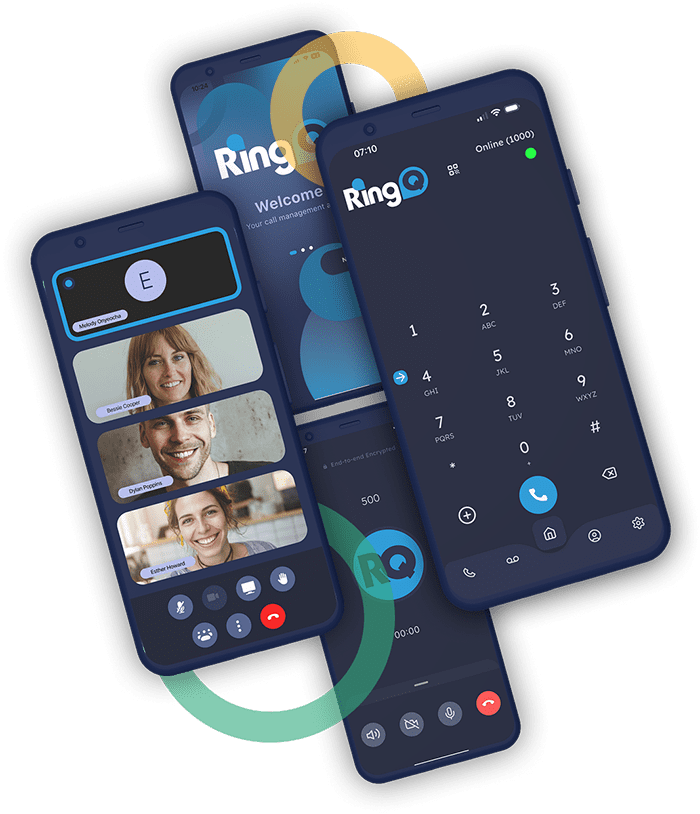
RingQ Native Desktop Apps for Mac & Windows
RingQ offers fully featured native desktop clients for both macOS and Windows. Unlike browser-based softphones, these apps are installed directly on your computer and optimized for each platform — delivering consistent performance, deeper system integration, and access to the complete RingQ feature set without the limitations of a web app.
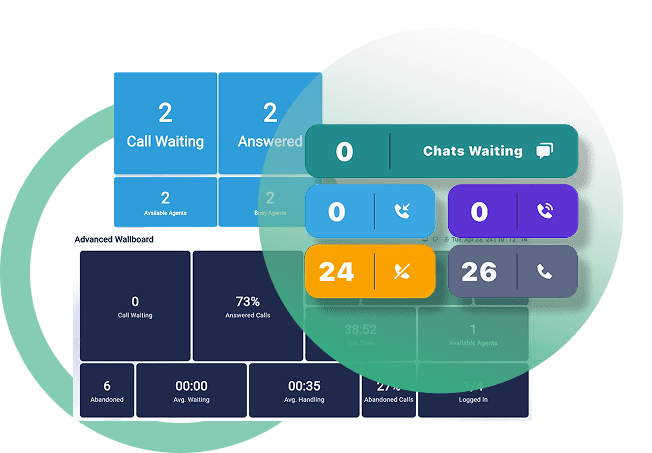
Agents can handle calls, manage their queue status, and access voicemail. Supervisors can monitor live activity, check the wallboard, and stay in control of their teams. Everything works from the same app, whether your team is in the same building or spread across the world.
Mac & Windows
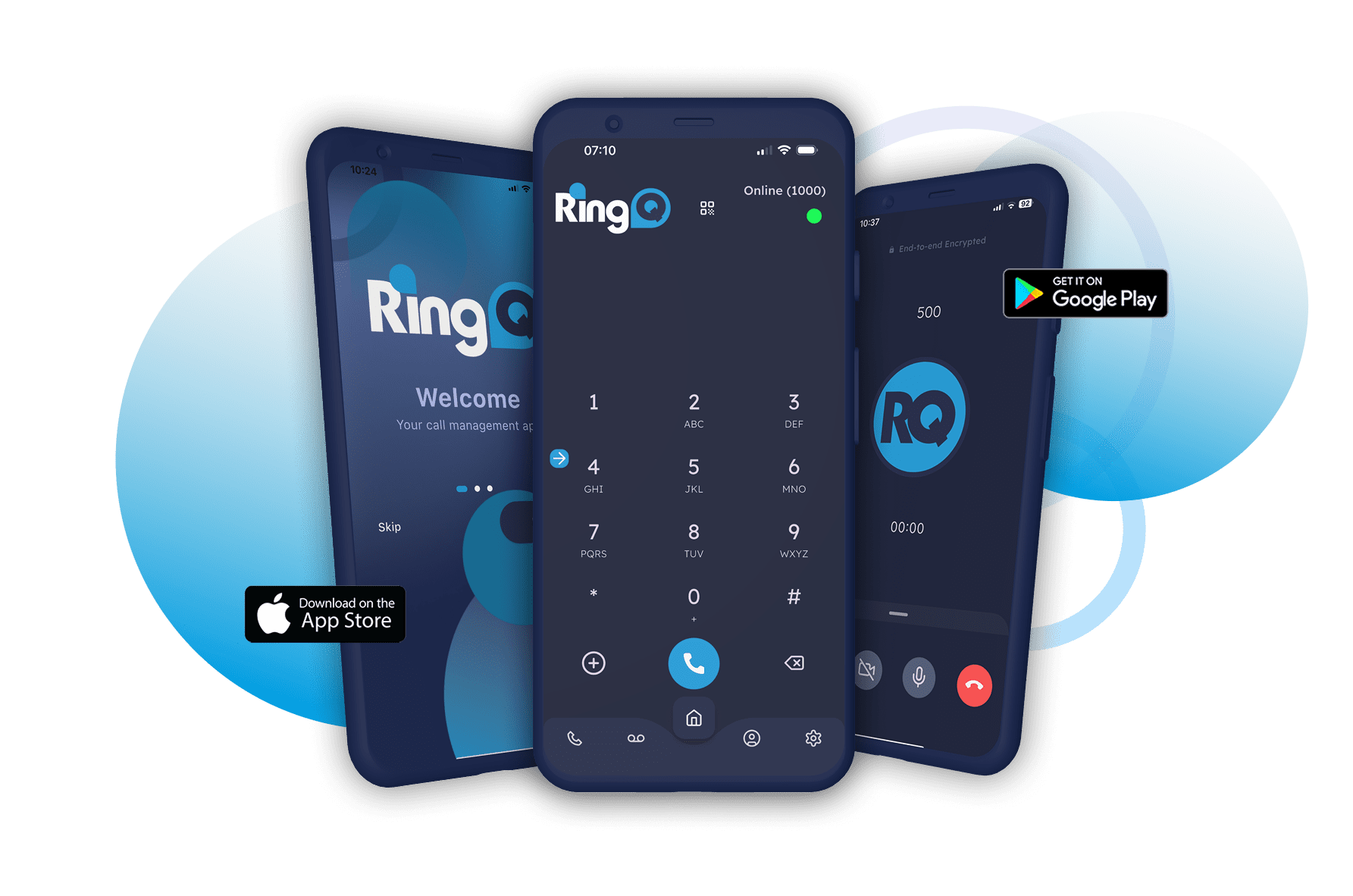
Download the client for your platform directly from your RingQ Dashboard — no app store required.
Simple Login
Sign in using your extension's email and password, from your RingQ URL.
Full Feature Access
All features available on the web iare accessible in the desktop app.
Queue Management
Log in and out of queues, update your status, and manage availability.
Live Presence & BLF
Monitor team availability in real time directly from the app.
No Extra Cost
Desktop app access is included with your RingQ subscription for all users.
Call Management
Full Call Control from Your Desktop
Monitoring Tools
Real-Time Visibility, Right on Your Screen
Easy Setup
Up and Running in Minutes