
Introduction
This guide walks you through configuring ChatGPT (OpenAI) with RingQ, enabling AI-powered conversations, smarter responses, and enhanced customer interactions within your RingQ environment.
Configuring OpenAI (ChatGPT)
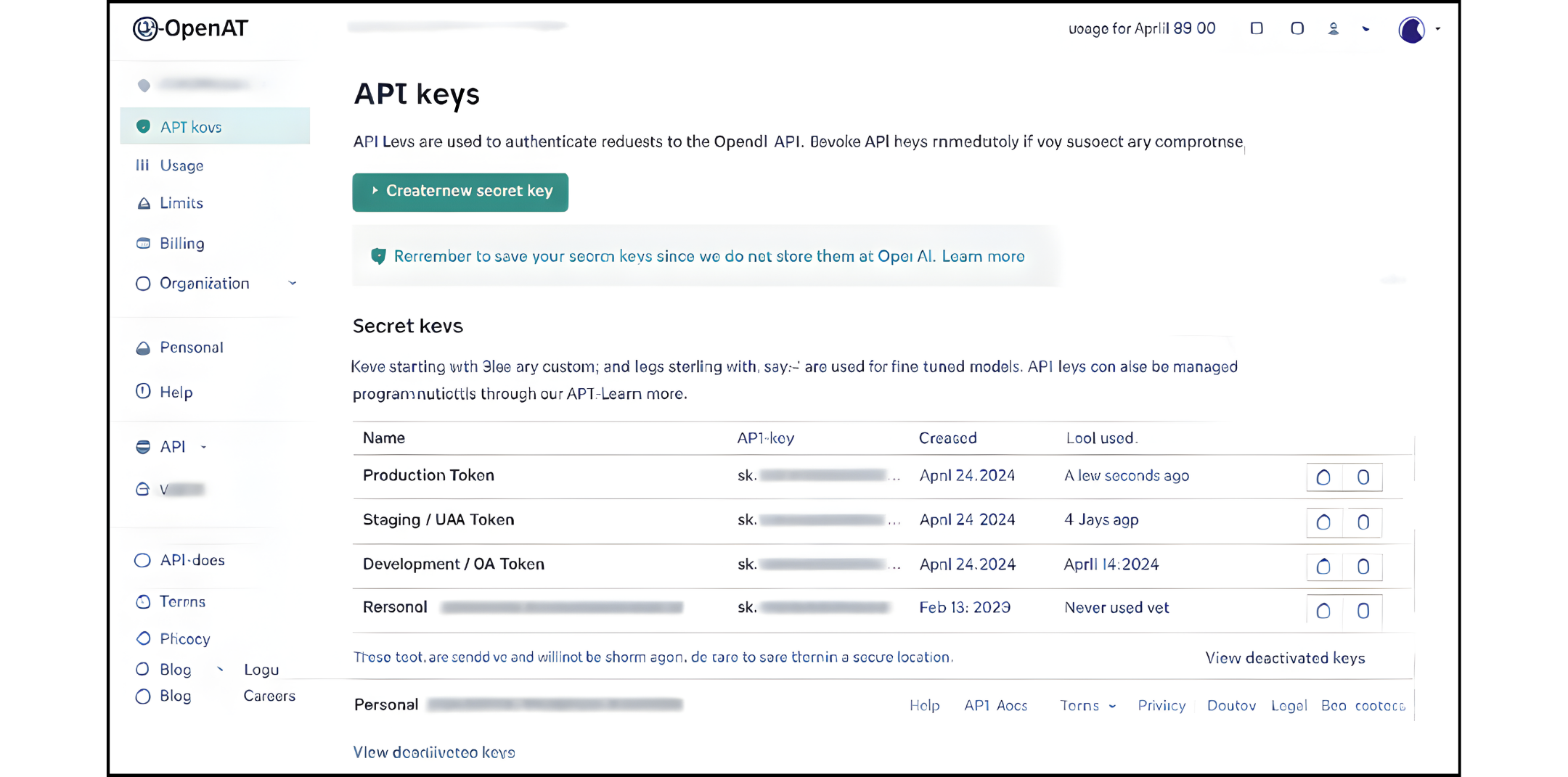
1. Select the AI Agent Environment. Before selecting a token, determine the environment:
- Production – Live customer chats and calls
- Staging / UAT – Pre-production testing
- Development / QA – Internal testing
Each environment should use a separate OpenAI API key to avoid billing conflicts and quota issues.
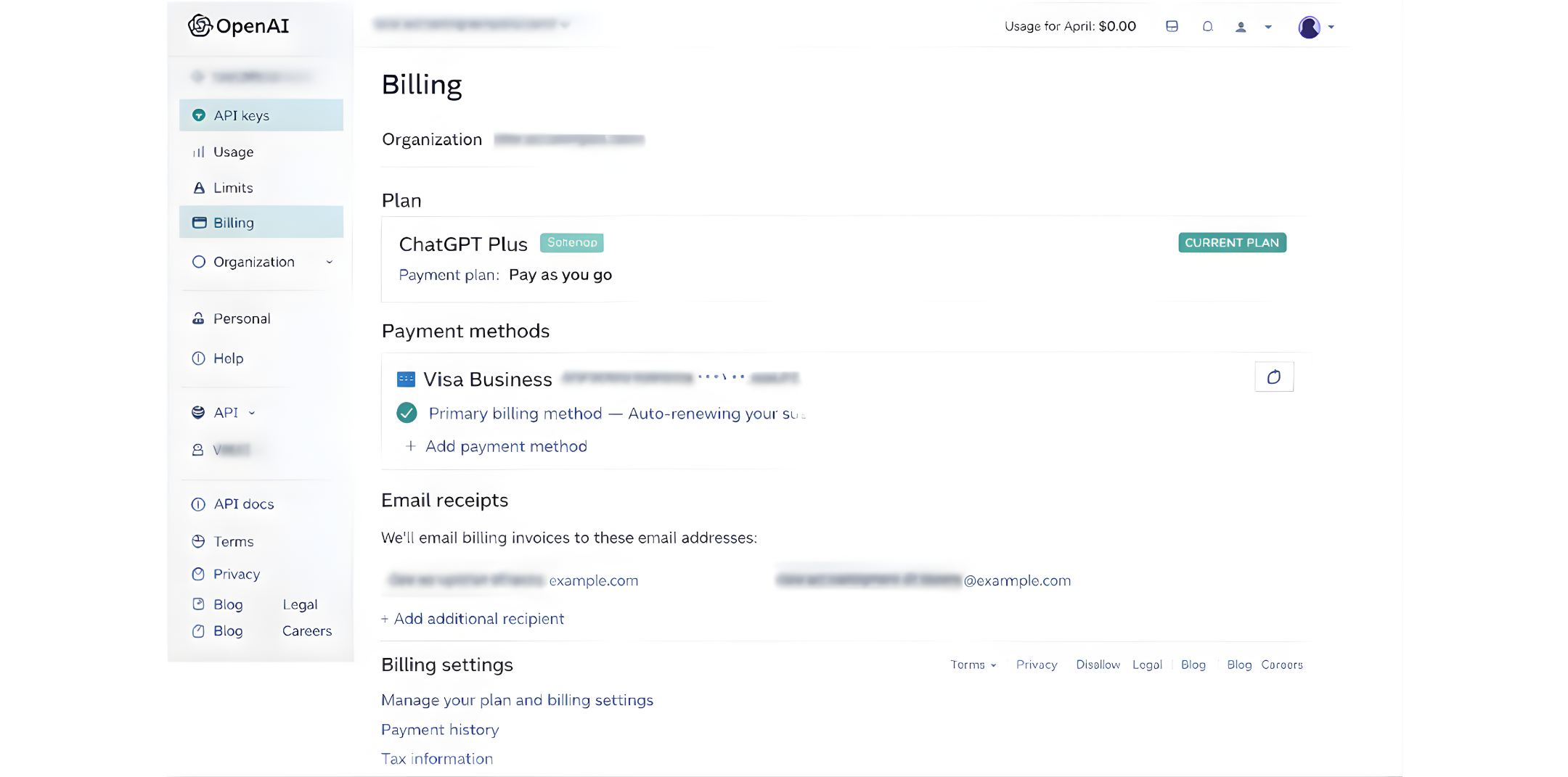
2. Choose the correct OpenAI account. Make sure to log in to the OpenAI account that should:
- Pay for the AI usage
- Own the data and usage history
- Control limits and security
For RingQ production, this should always be a company-owned OpenAI account, not a personal developer account.
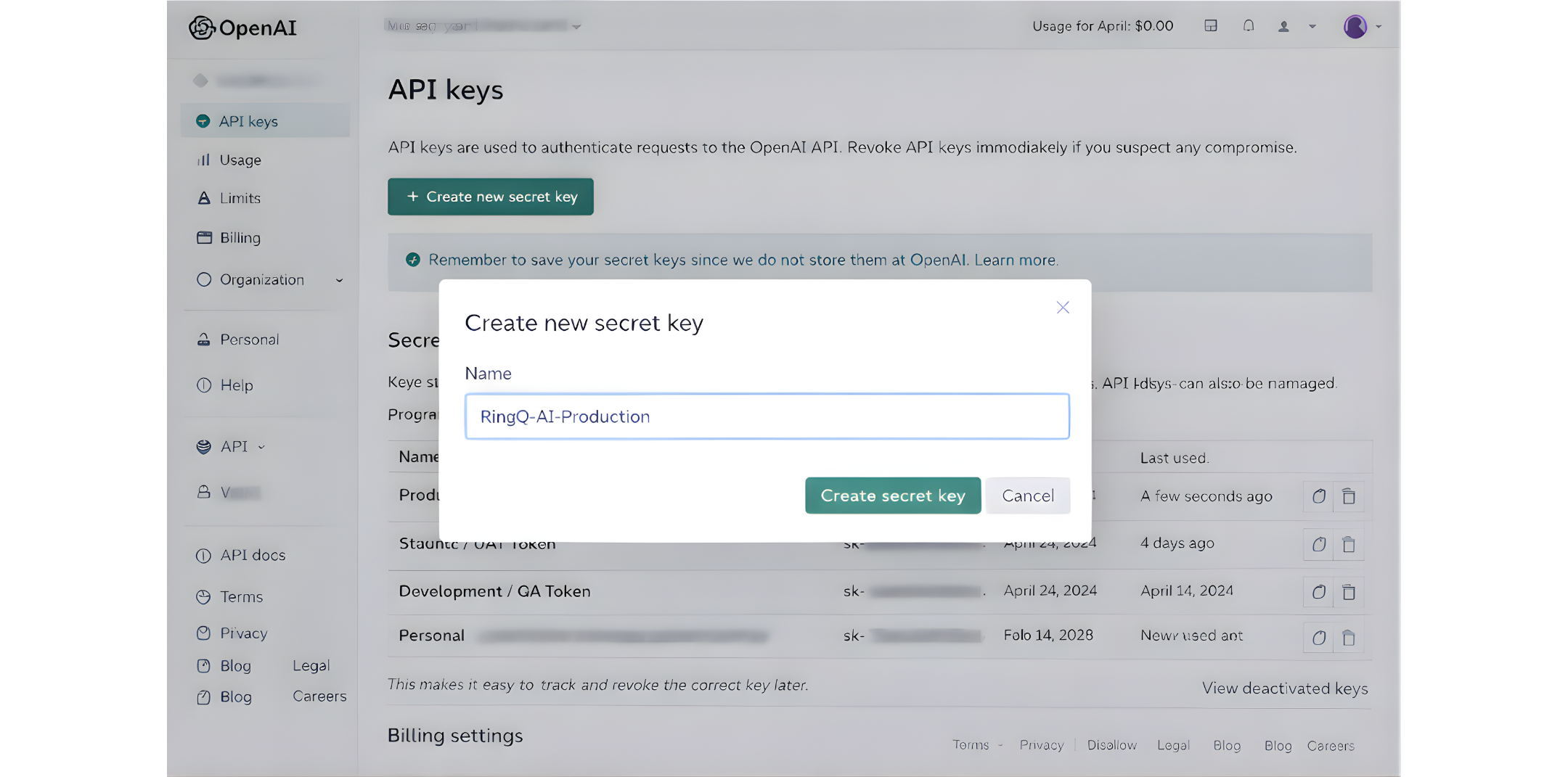
3. Create a dedicated API key. In OpenAI:
1.Go to API Keys
2.Click Create new secret key
3.Name it clearly, for example:
a. RingQ-AI-Production
b. RingQ-AI-Testing
This makes it easy to track and revoke the correct key later.
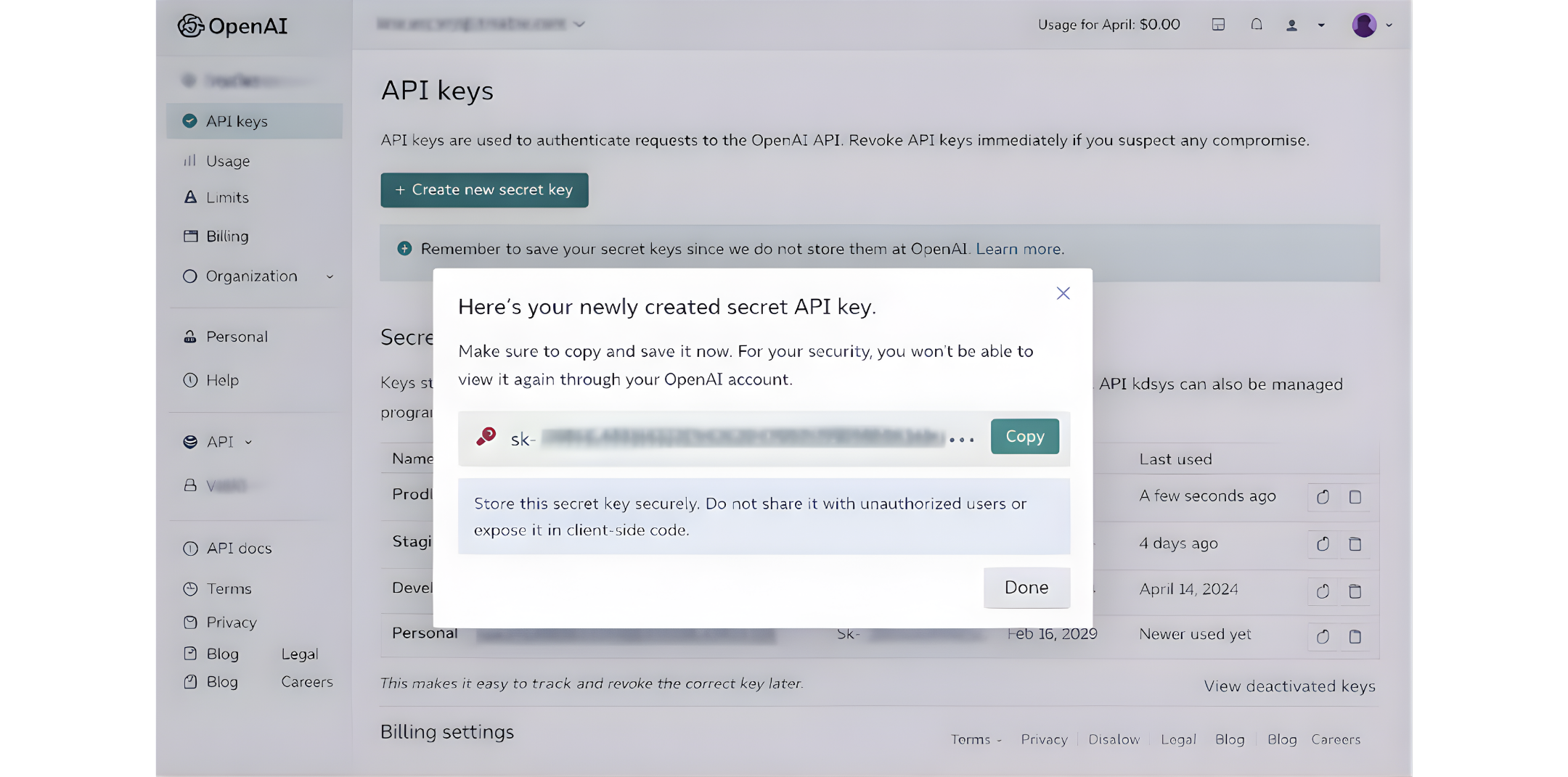
4. Secure the token. After the key is generated:
- Copy it immediately
- Store it in a password manager or secured internal vault
- Never send it via email, chat, or screenshots
This token gives full API access to the OpenAI account.
RingQ Configuration
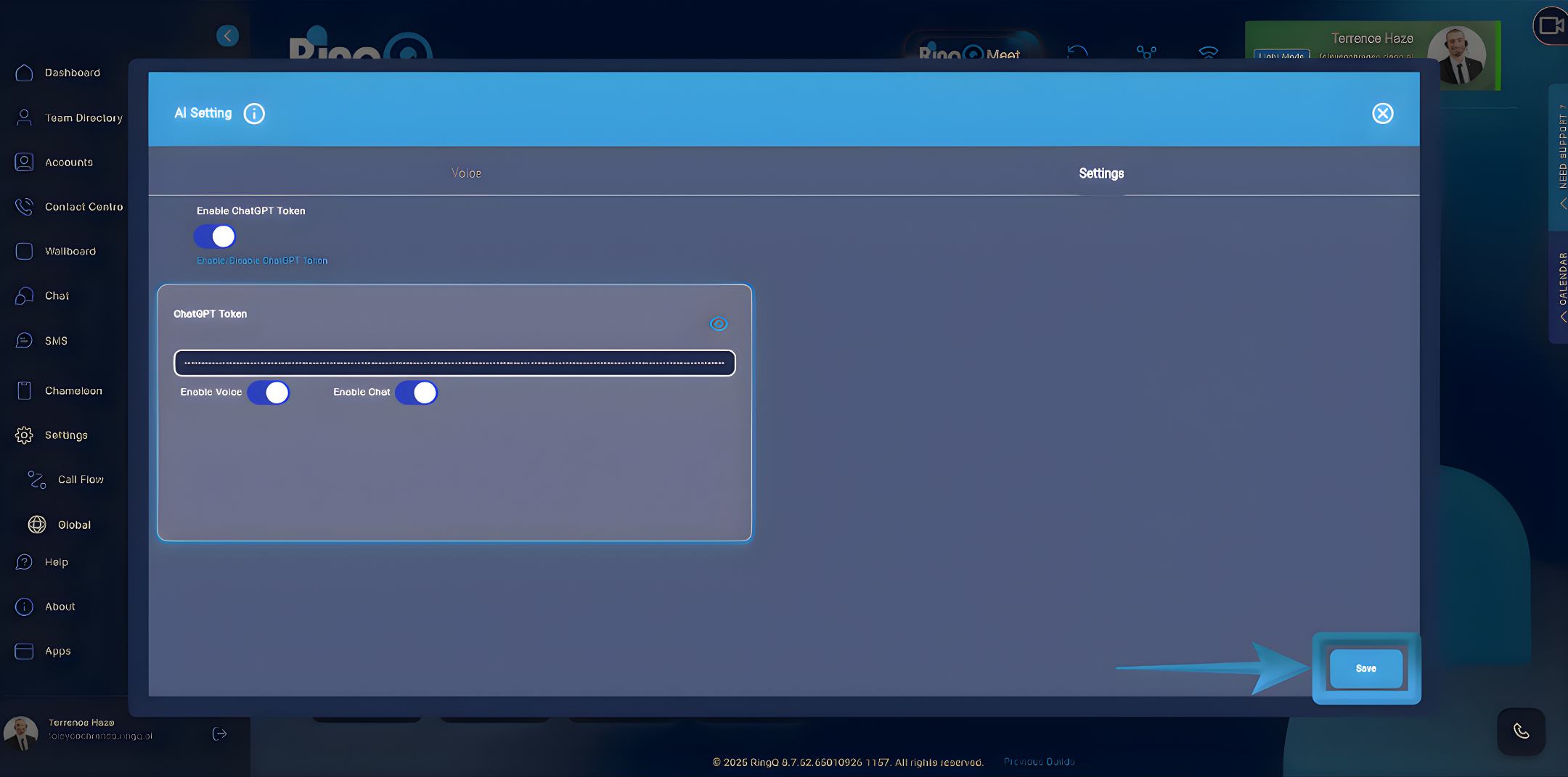
1. Enter the token into RingQ. In the RingQ Web App:
- Go to Settings → AI Agent → Configuration
- Locate ChatGPT API Token
- Paste the copied API key
- Click Save / Apply
RingQ will now authenticate OpenAI using this token.
2. Validate the connection. After saving:
- Send a test message or trigger the AI Agent
- Confirm that responses are generated
If it fails, recheck that the token is correct and active
3. Apply best practice token management. For stable operations:
- Use one token per RingQ environment
- Use one token per tenant if customers are isolated
- Revoke and replace keys if staff change or a token is exposed
This ensures secure, predictable, and auditable AI usage across RingQ.