Every day, potential customers land on your website, look around, and leave.
Not because they weren’t interested — but because nobody was there to answer their question, close the gap, or just say hey, we can help.
That window is tiny. And most businesses are missing it completely.
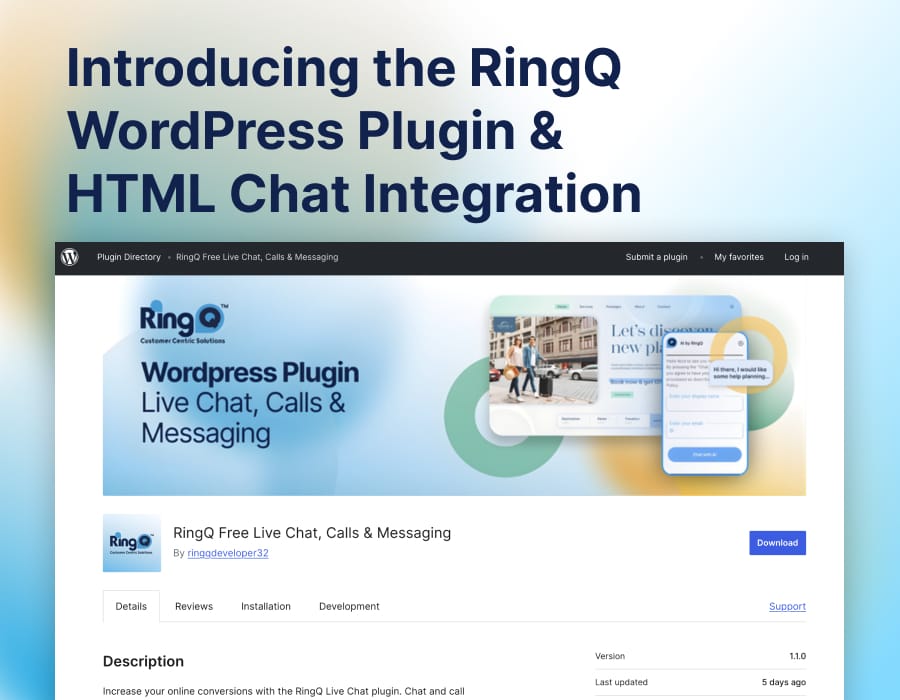
That’s exactly why we built the RingQ WordPress plugin — and why it’s one of the most impactful things you can deploy on your site this week.
What the Chat Plugin Actually Does
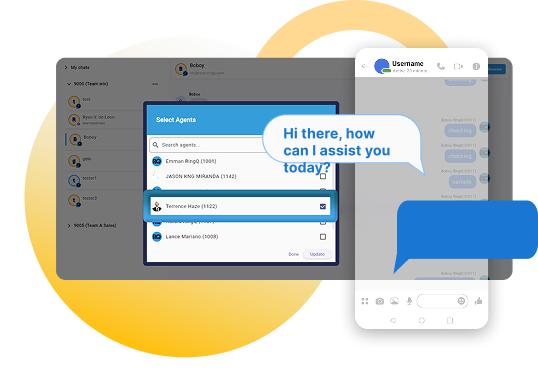
The RingQ plugin drops a live chat and voice widget onto your WordPress site and connects it directly into your RingQ Cloud CX platform. From the moment it’s live, your website stops being a brochure and starts being a sales channel.
Website visitors can chat or call your team in real time. Those conversations route straight into your contact center — with queue logic, agent assignment, and full omnichannel context — exactly like an inbound phone call would. The difference is these are warm leads who are already on your site, already interested, right now.
Not tomorrow. Right now.
Getting It Live (It’s Genuinely Quick)
On WordPress:
1. Go to Plugins → Add New and search for RingQ Chat App or follow this link: https://wordpress.org/plugins/ringq-chat-app/
2. Install and activate
3. Head to RingQ Settings and enter your credentials
Done — your widget is live
Connecting to your RingQ tenant:
1. Log into your RingQ Admin Portal
2. Navigate to Settings → Global → Chat Settings → WebChat
3. Hit Create WebChat, select WordPress Plugin, and enter your site URL
4. Generate your Access Token and paste it into the plugin settings
That token is what securely bridges your website and your RingQ platform. One token, and your site is part of your contact center infrastructure.
Not on WordPress? No Problem.
If you’re running a custom-built or enterprise site, just drop this script before your closing </body> tag:
<script src="https://your-ringq-domain/iframe/chat-embed.php?..."></script>
Same backend. Same routing. Same agent experience. Just HTML. It works on anything.
Routing Chats Like You Route Calls
This is where it gets genuinely powerful for your ops and IT teams. Web chats don’t just pop up randomly — they flow through proper queue logic, the same way voice calls do.
Go to Contact Center → Chat Queues, create a queue, assign your agents or teams, pick your routing method (Ring All, Round Robin, etc.), and link it to your WebChat.
Now you have SLA-driven, balanced chat handling with full visibility in your dashboard.
No chaos. No missed conversations. Just structured, measurable customer engagement.
What Your Agents Actually See
Agents handle everything — web chats, WhatsApp, Facebook, LINE , Telegram, SMS, and voice calls — from a single dashboard. Web app, desktop app, or mobile, wherever they are. They set themselves to Available, join their chat queue, and incoming conversations appear in real time.
From there they can reply, transfer, escalate to a voice call, or add wrap-up notes. It’s the same workflow they already know, just with web chat folded in.
Why This Matters for Your Business? Cause Sales Matter
The numbers are pretty clear: customers who chat with a business during their visit are significantly more likely to convert. Real-time engagement shortens the sales cycle, reduces drop-off, and builds the kind of trust that a contact form and a 48-hour response window simply can’t.
With the RingQ plugin you’re not adding a chat bubble — you’re adding a live sales touchpoint, backed by a real contact center, with the reporting and routing to manage it properly.
Deploy it once. Talk to your visitors. Convert more of them.
Ready to get started?
Install the RingQ Chat App from the WordPress plugin directory, or reach out to your RingQ account manager to get your WebChat configured today.