
Introduction
This guide explains how to configure LINE in a queue and assign agents, enabling them to receive and respond to LINE chats from within the RingQ platform.
Configuring LINE to a Queue
1. Login to your RingQ Admin dashboard.
2. Navigate to “Settings”> “Call Flow”.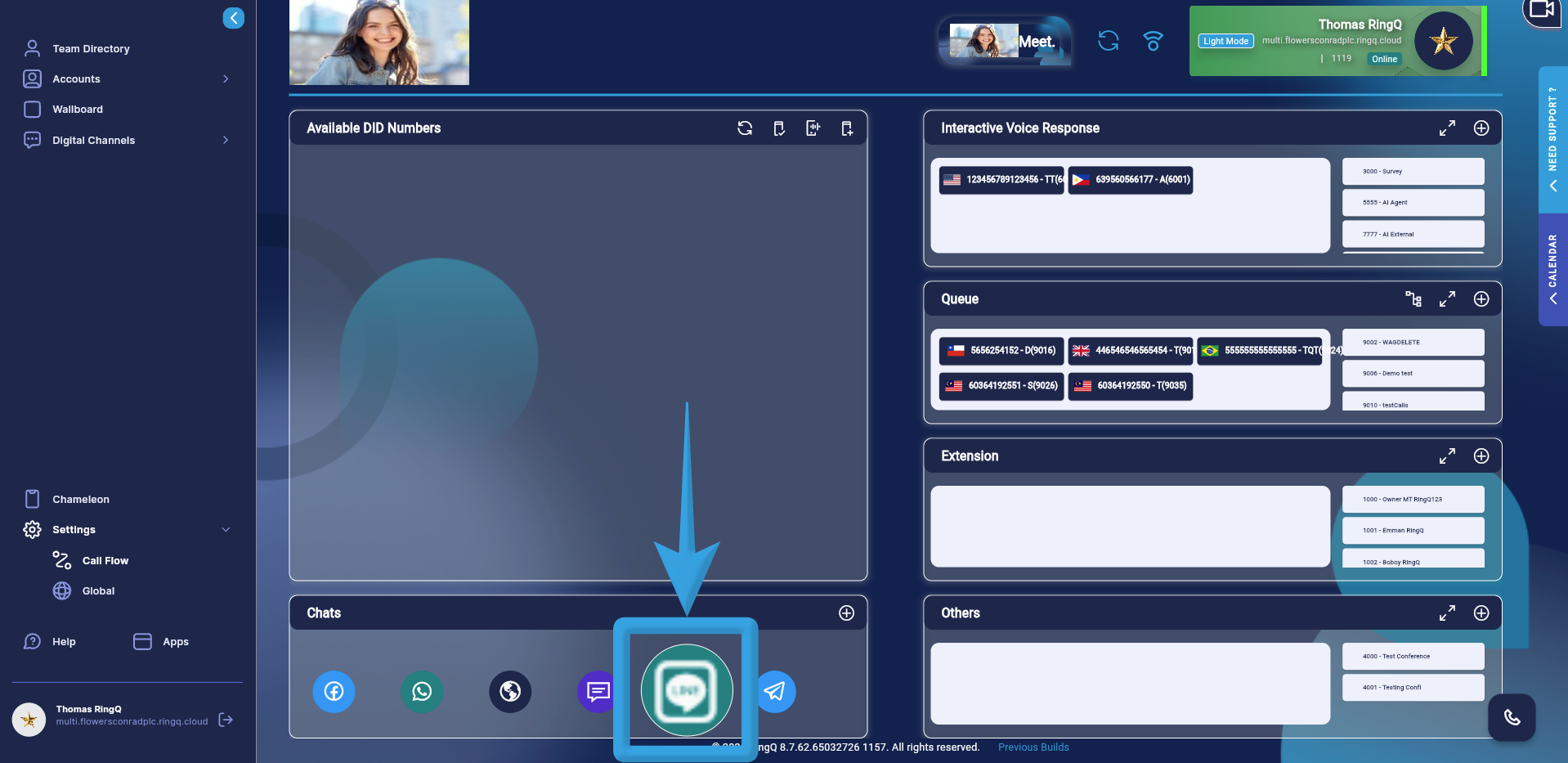
3. Navigate to the Chats section in the Call Flow and click and hold on the “LINE” icon.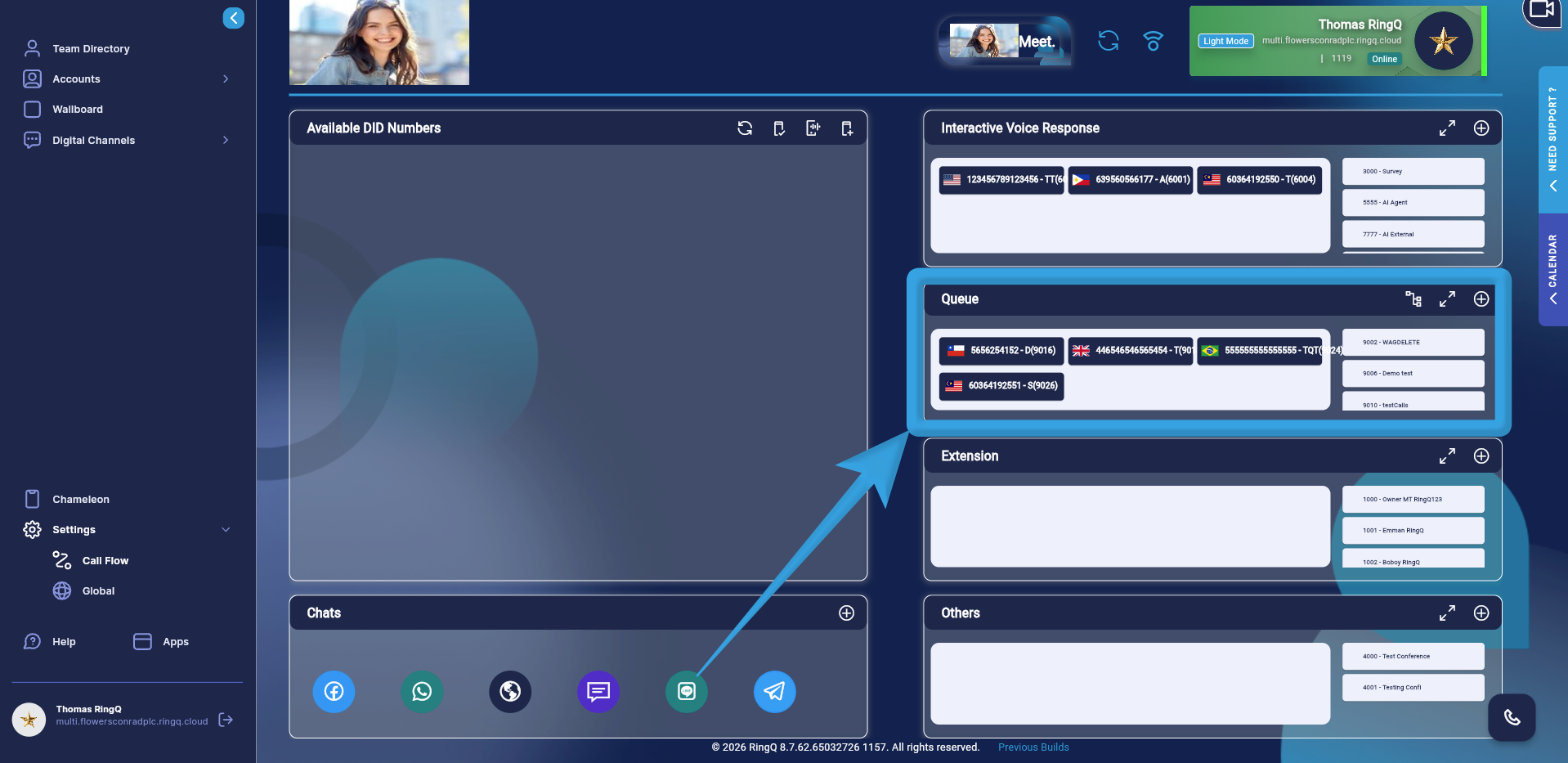
4. Drag and drop the icon into the “Queue” section.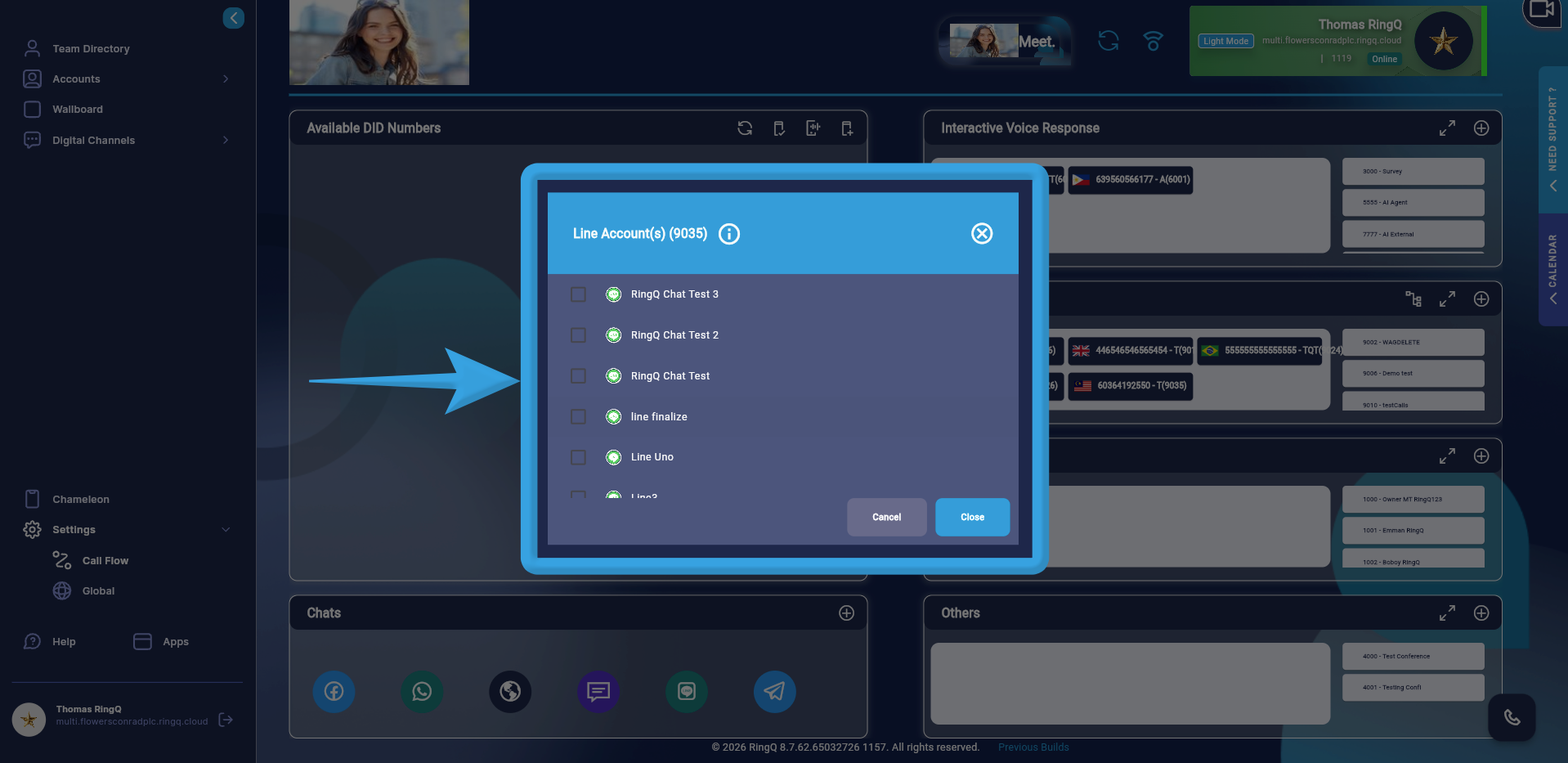
5. A pop-up window will display all Telegram accounts configured in your Chat Settings. Select your desired Telegram account by ticking the corresponding box.
6. Click “Open”.
Assigning Agents to the LINE Queue
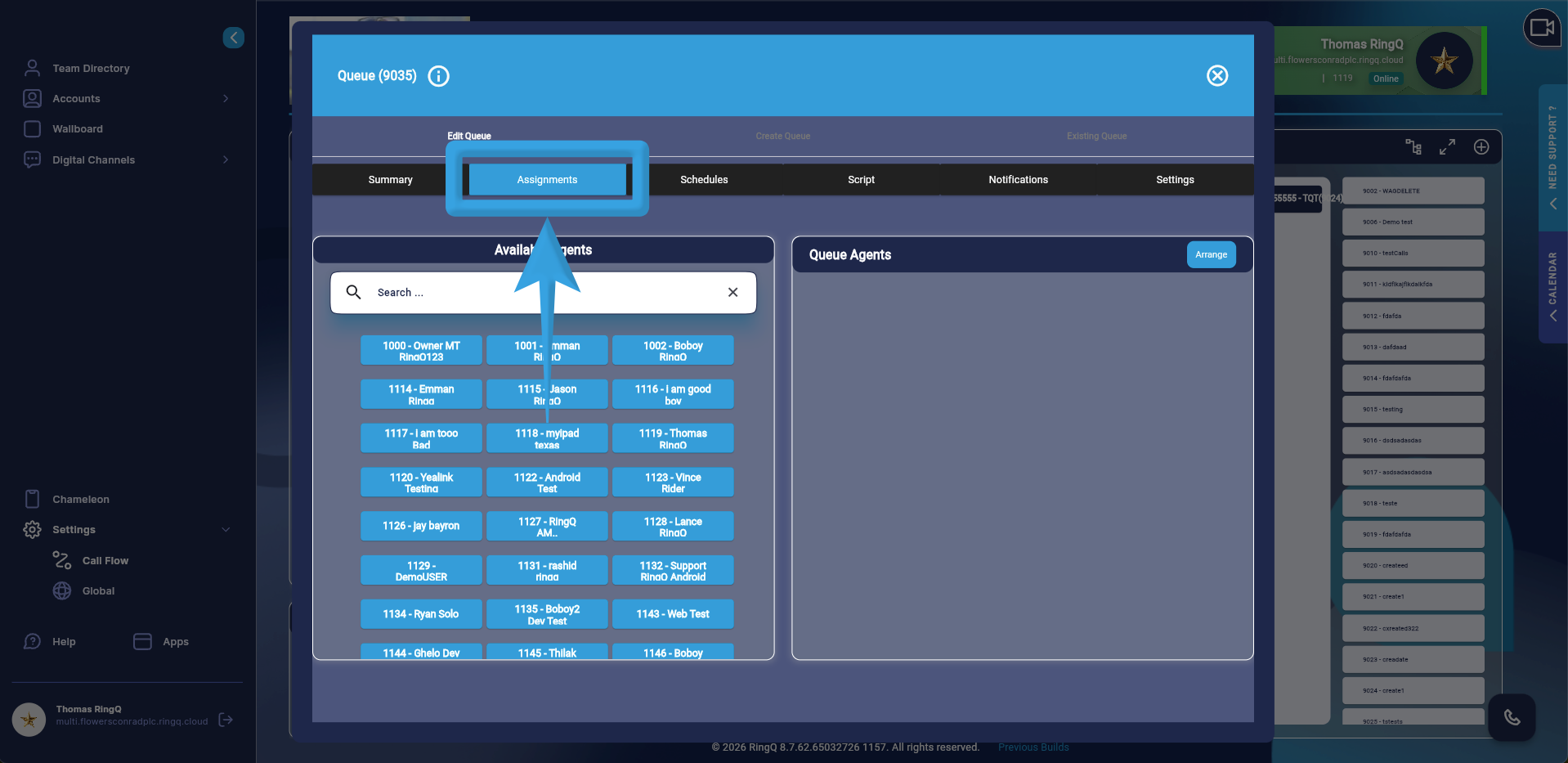
1. Go to the Assignments tab.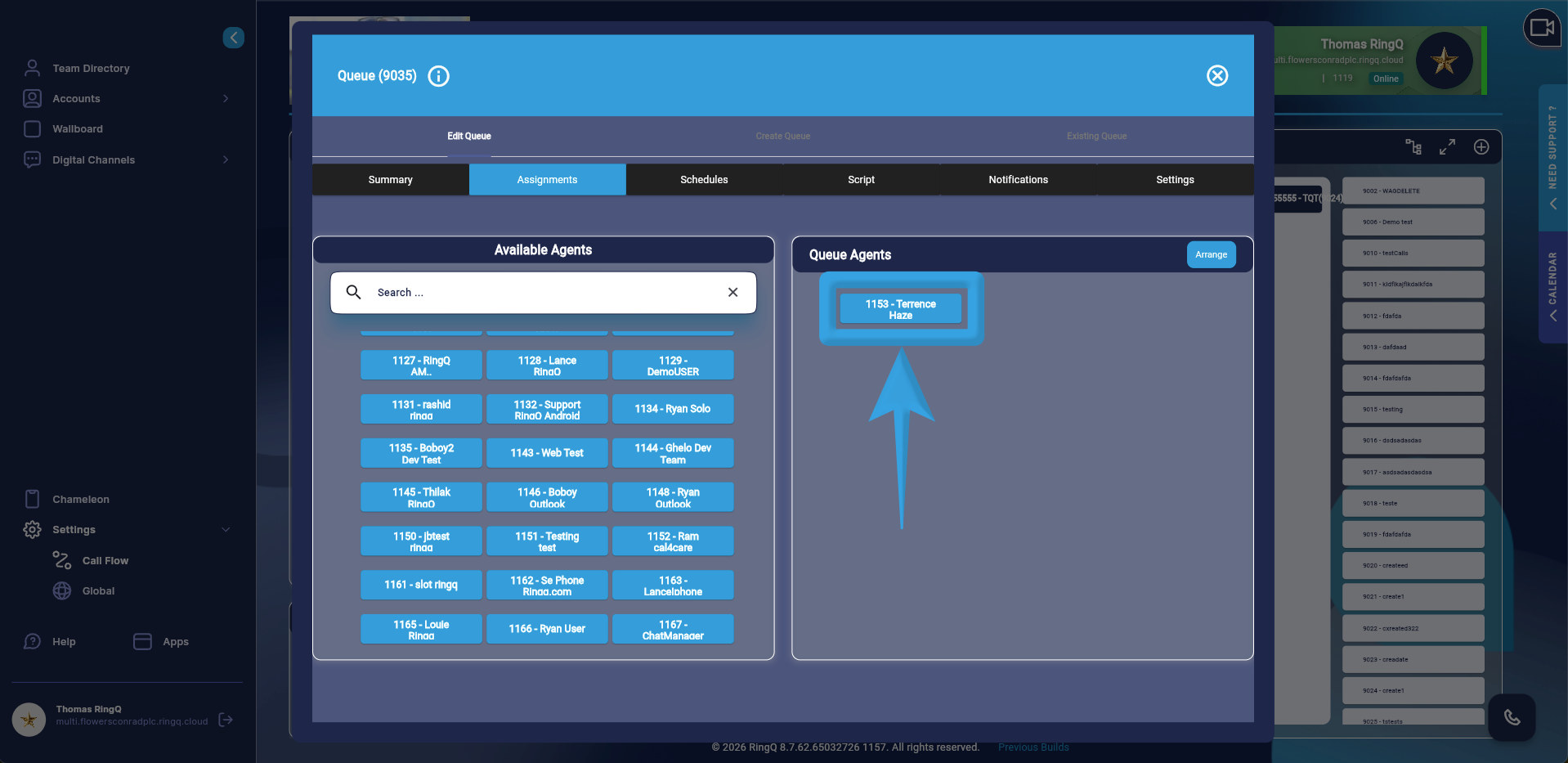
2. Assign agents to handle LINE chats.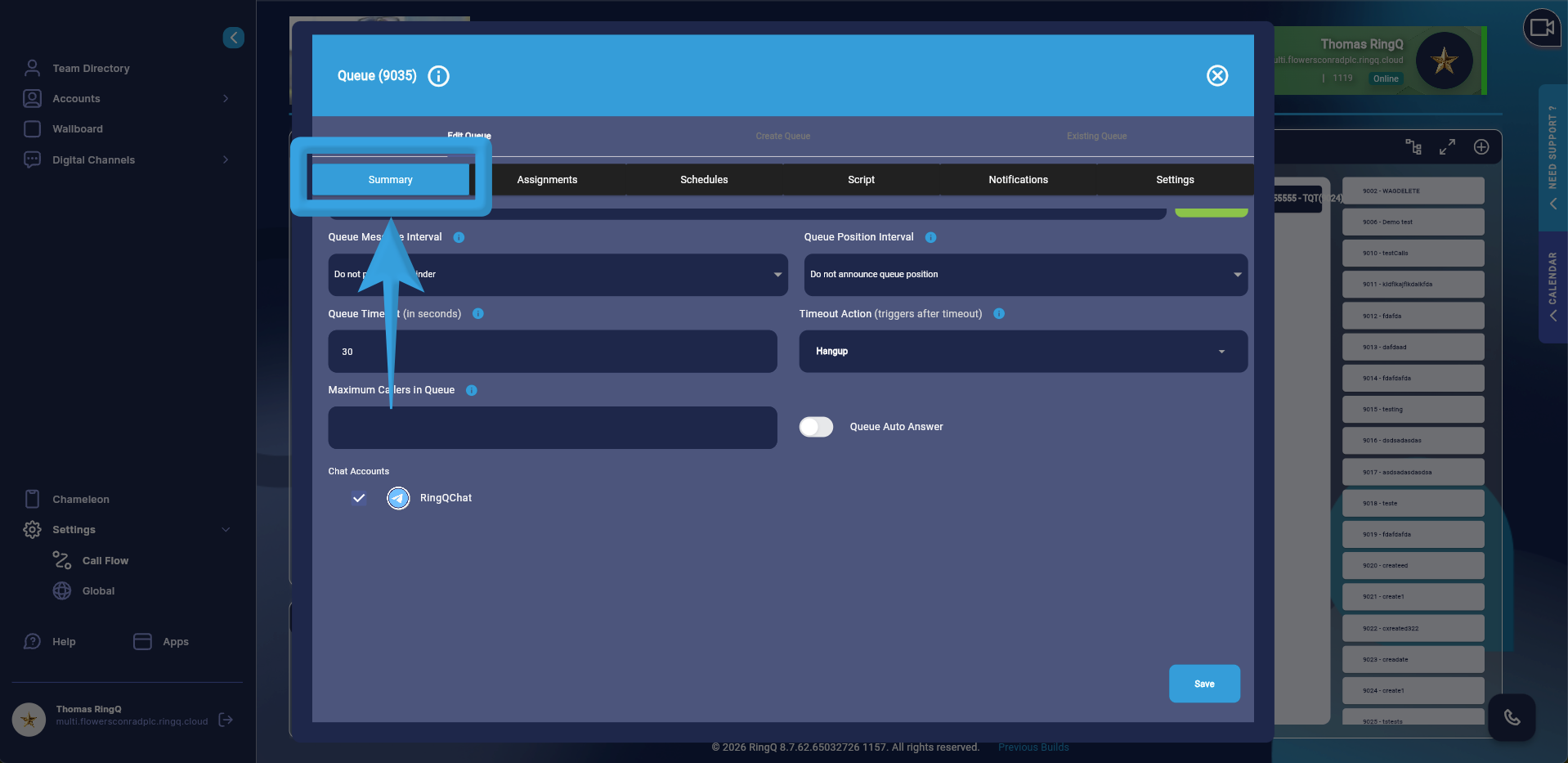
3. Go to the Summary page and click the “Save” button.